
Resource packs for Minecraft Java 1.21 — page 33
Resource packs: list


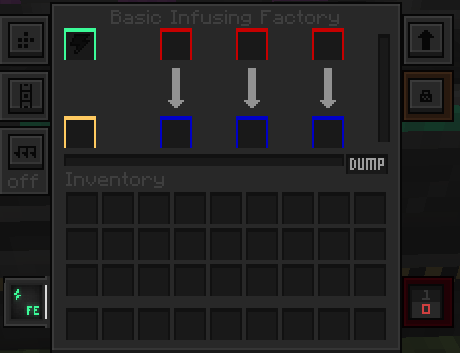

Unique Dark - Mekanism Support
Support for mekanism in Unique DarkInstall

Villagers Refreshed
Villagers & Illagers with a Refreshed Take!Install

Seraphic PBR
PBR Texture Pack with LabPBR Support, Including AO, POM, Entity PBR and Emissive Entities.Install

Villager Variety
Adds skin tone, eye color and eyebrow color variations to villagers.Install
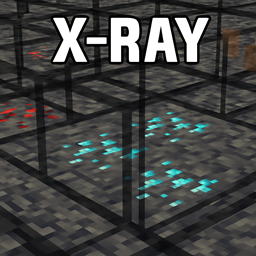
Spectra X Ray
With this resource pack you only see what really matters: ores and bedrock.Install

Immersive Interfaces - Farmer's Delight
This texture pack adds special compatibility with Farmer's Delight, integrating its grooves into the aesthetics of Immersive Interfaces.Install

Small Shield
Smaller Shield, like the one Marlowww, ItzRealMe, Camcal, Thebes, Awerial, Evantii and K1RBE uses.Install

Fantastik
Fantastik is a detailed resource pack for Minecraft that turns the standard graphics into a photorealistic picture. The pack uses 512x resolution and includes support for PBR (physically based rendering) and POM (parallax occlusion mapping) technologies. Thanks to thInstall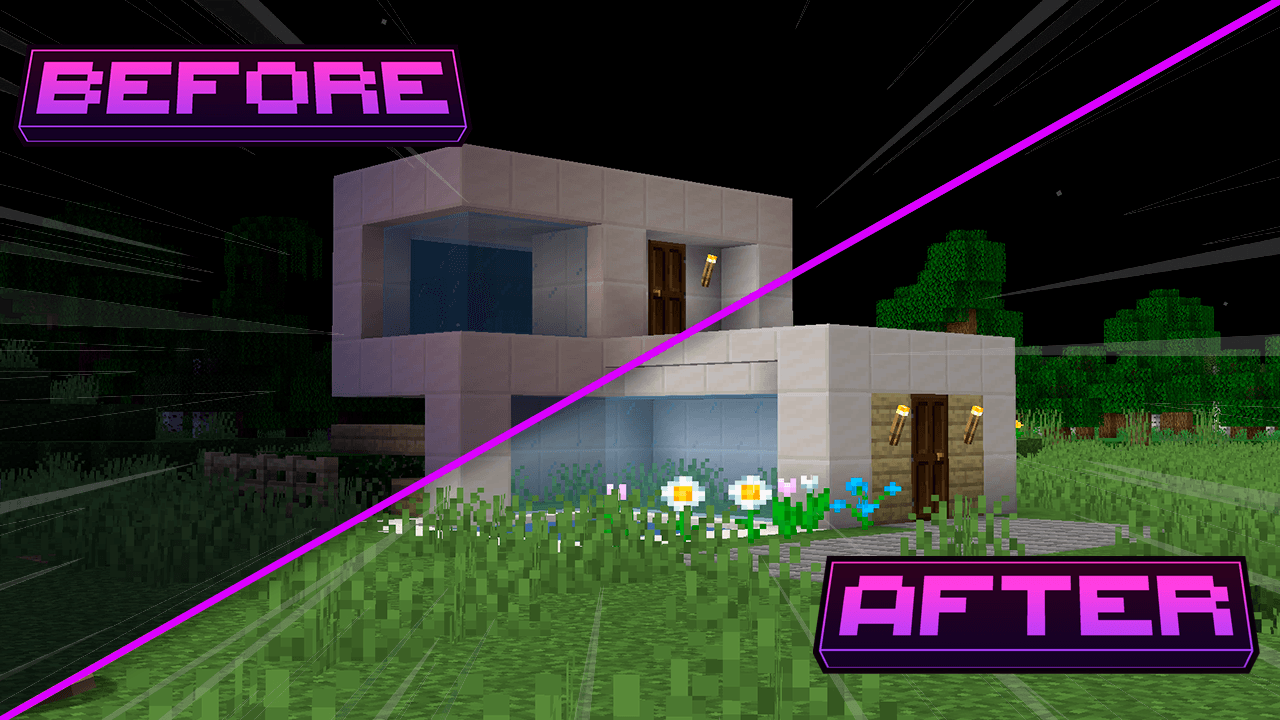
Full Brightness - Heycronus
This texture makes minecraft completely clear 💡Install
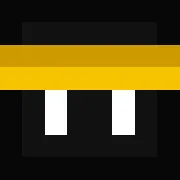
Zipp CPVP Pack
Zipp CPVP Pack brings a clean and clear PvP experience. It features short swords, a black UI, low fire, no particles, and a smaller totem pop-up, so nothing gets in your way during fights. Perfect for players who want maximum visibility and focus in everyInstall

Main Menu Panoramas
15+ different main menu panoramas with shadersInstall

Minecraft HD(64x) Fan Updated by mrdhobbs
Default Textures in 64x Resolution by a FanInstall

Night Vision Texture - Heycronus
This texture makes your minecraft clearerInstall
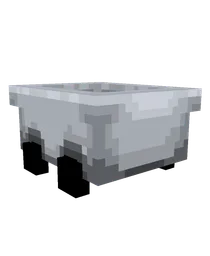
Better Minecarts
Bring a modern, animated touch to your minecart experience! Now back with brand new design!Install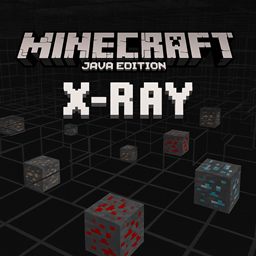
Xray Java
An X-Ray pack for Minecraft Java Edition that highlights ores like diamond, gold, and redstone while making most blocks transparent, allowing players to easily locate valuable resources underground.Install

Blue's Witches
Turn witches into dwarf witches with a cat on their shoulderInstall

Matralys 16x
A Gray Themed Minecraft PvP Texturepack for Mace PvPInstall

Mahi's Better Sky, Bedrock Support!
Mahi's Better Sky - Enhance your Minecraft experience with a better and more realistic sky while preserving the vanilla feel.Install
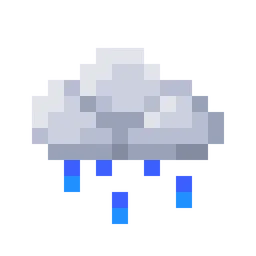
Fresh Environment
Subtle visual tweaks including better rain and snow, cloud variation and moreInstall

Os' Colorful Leaves
Add color and depth to your leaves! Pair with your favorite bushy leaves pack for more detail. Get the full versions on Patreon!Install

Gamma Utils 1.14+ Night Vision Icon
Replaces Gamma Utils’ outdated green Night Vision icon with the modern blue eye style introduced in Minecraft 1.14.Install

Whimscape x Sophisticated
Carry your inventory in Whimscape style!Install

improved spawners
the resource pack completely changes the spawner by replacing their models and textures, making them much more beautifulInstallFAQ
Do I need Forge or Fabric for a resource pack?
No. A resource pack works on the regular game with no loaders or mods. Click “Install” and Millida Launcher will put the pack into the right modpack — then just enable it in the settings.
What do 16×, 32×, 64× mean?
The resolution of a single texture in pixels. 16× matches the original game, 32× and 64× are more detailed and heavier, and 128× and up put a noticeable load on your graphics card.
Will a pack made for another version work?
Most likely partly: older packs don't have textures for newer blocks, so those will stay default. The game won't break, though.
How is a texture pack different from a resource pack?
Only by name and age. Before version 1.6 the sets were called texture packs and changed only textures; in 1.6 resource packs replaced them and also change sounds, fonts and the interface. Old texture packs for 1.5 and below do not work on new versions without conversion.
Which texture packs are best for PvP?
PvP packs: 16× resolution or lower, shortened swords, low fire, a clear sky and bright particles. They barely load the computer and make the opponent easier to see. These packs are collected in the PvP theme.
How do I install a resource pack?
Press Install and Millida Launcher puts the pack into the resourcepacks folder of the right instance. Then enable it in the game: Options, then Resource Packs. Manually, the archive goes into resourcepacks inside the game folder, no need to unpack it.
Resource packs for Minecraft Java 1.21
Resource packs for Minecraft 1.21: 1,675 items in the Resource packs section. Compatibility is checked against the files, not the description: only items with a build for exactly these conditions stay in the list.
The key thing about a pack is its resolution. The game's default textures are 16×16 pixels; 32× and 64× packs look more detailed, while 128× and up need a real graphics card and are usually paired with shaders. On a weak machine it makes sense to stay at 16× or go for packs that deliberately simplify graphics for more FPS. Every pack here lists its game version, author and license, and all released versions are gathered on one card. Put the downloaded archive in the resourcepacks folder and enable it in the game settings.