
Resource packs for Minecraft Java 1.21 — page 25
Resource packs: list
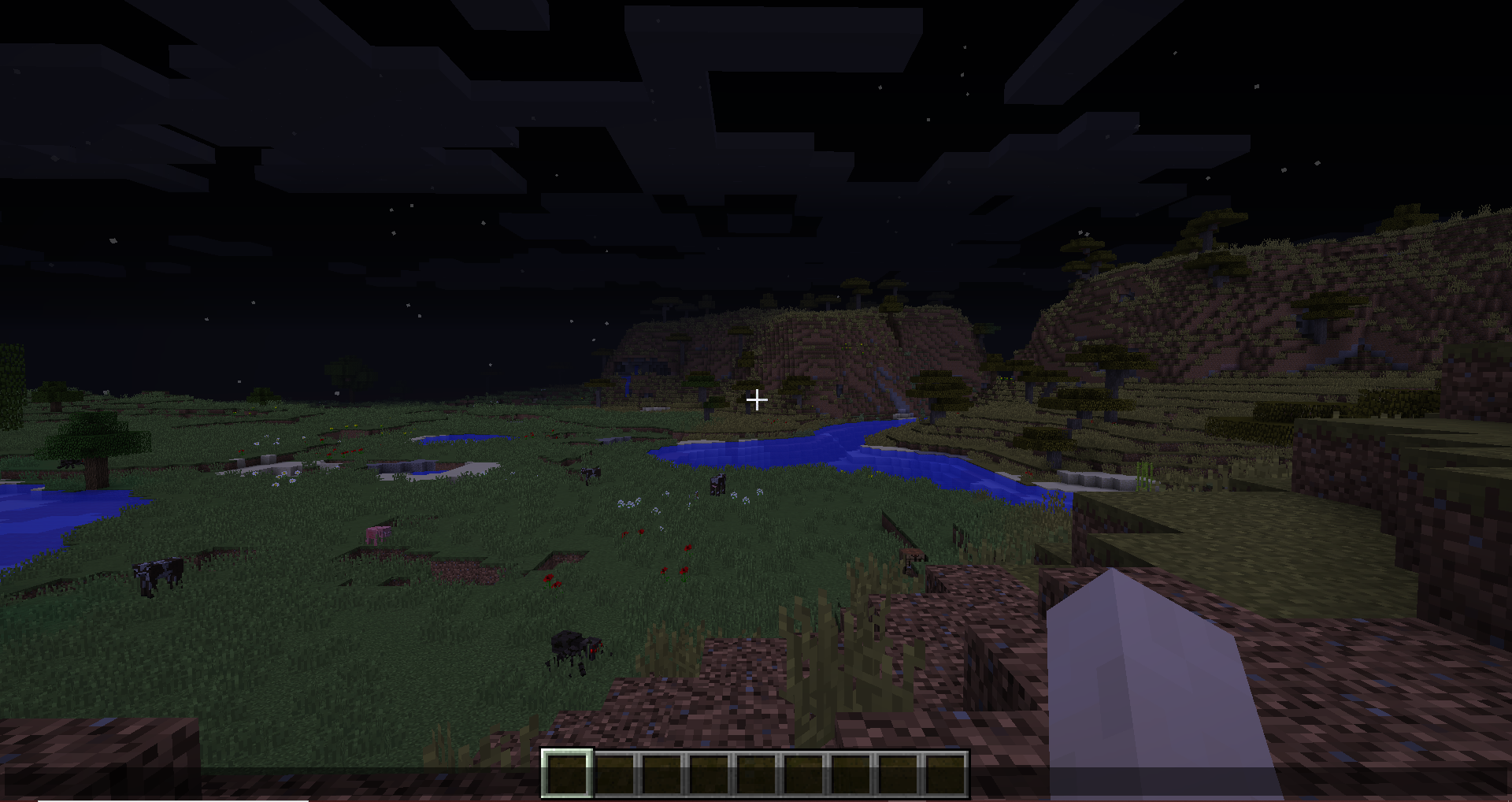


Excalibur | It Takes a Pillage
This resource pack redraws the It Takes a pillage continuation mod in the Excalibur styleInstall

Night Vision Plus
Do you want to see in the dark without potions? With this texture pack you can do it. FullBrightInstall

Xaero Maps Chinese Pack
一个xaero-map的汉化资源包,包括Xaero's Minimap Xaero's World Map模组的汉化Install

Pattern Texture Pack
Decorate your world with this bright and colorful texture pack filled with beautiful patterns and knitted animals! A port from Legacy Console Edition.Install

Atmospheric Skies & Fog
Custom skies and biome-based fog inspired by atmospheric designs for a more immersive Minecraft world.Install

3D Trial Chambers
Simple pack that adds 3D models for blocks and items found in Trial ChambersInstall

Better OneBlock - Splash
Replaces and adds new splashes! The yellow text under the Minecraft Title!Install

Soartex Grove
Soartex Grove is a high definition 64x graphics replacement for MinecraftInstall

Boss Bars Reforged
Freshly redesigned and more ambitious boss bar sprites!Install

Sun and Moon Circular
Add a special touch to your Minecraft sky with the Sun and Moon Circular texture pack, which transforms the sun and moon phases into rounded, smoother shapes, offering a unique and elegant look to the game’s horizon.Install

Pirates of the Caribbean Mash-up
Take what you can. Give nothing back! Join Jack and his crew in the Pirates of the Caribbean Mash-up. A port from Legacy Console Edition.Install
Date A Live Custom GUI Pack
Date A Live Custom GUI PackInstall

(Bee's) Blockier Goat Horn
My blocky model for the goat horn itemInstall
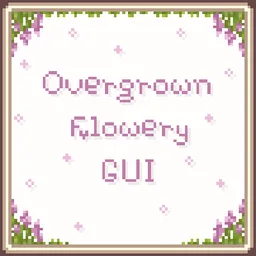
Overgrown Flowery GUI
Cute & Floral GUI overhaul resource packInstall

(Bee's) Banner Pattern Clarity
Retextures of banner pattern items, compatible with modsInstall

Flower Clusters
Flowers cover the ground better, being placed in clusters rather than individuallyInstall
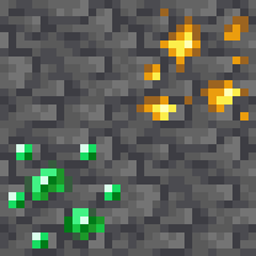
Deepslate Ore Fix
Makes deepslate ore top texture blend in betterInstall

Legacy Worlds
The Legacy Console Edition mash-up worlds ported to Java Edition, for use with the Legacy4J mod.Install

Mass Effect Mash-up
Shape the fate of your Minecraft galaxy with this amazing Mash-up! A port from Legacy Console Edition.Install

Detail Brush
Polishes and redesigns a few items in Minecraft!Install

Smooth Animated Doors
Fixes UV inconsistencies allowing a smooth animation. Companion RP for the Animated Doors Mod & DataPackInstall

Jujutsu Kaisen GUI Pack
Overhauled Minecraft GUI in the theme off Jujutsu Kaisen.Install

FerreMcDurabilityOverlay
This Pack shows the durability of armour.InstallFAQ
Do I need Forge or Fabric for a resource pack?
No. A resource pack works on the regular game with no loaders or mods. Click “Install” and Millida Launcher will put the pack into the right modpack — then just enable it in the settings.
What do 16×, 32×, 64× mean?
The resolution of a single texture in pixels. 16× matches the original game, 32× and 64× are more detailed and heavier, and 128× and up put a noticeable load on your graphics card.
Will a pack made for another version work?
Most likely partly: older packs don't have textures for newer blocks, so those will stay default. The game won't break, though.
How is a texture pack different from a resource pack?
Only by name and age. Before version 1.6 the sets were called texture packs and changed only textures; in 1.6 resource packs replaced them and also change sounds, fonts and the interface. Old texture packs for 1.5 and below do not work on new versions without conversion.
Which texture packs are best for PvP?
PvP packs: 16× resolution or lower, shortened swords, low fire, a clear sky and bright particles. They barely load the computer and make the opponent easier to see. These packs are collected in the PvP theme.
How do I install a resource pack?
Press Install and Millida Launcher puts the pack into the resourcepacks folder of the right instance. Then enable it in the game: Options, then Resource Packs. Manually, the archive goes into resourcepacks inside the game folder, no need to unpack it.
Resource packs for Minecraft Java 1.21
Resource packs for Minecraft 1.21: 1,675 items in the Resource packs section. Compatibility is checked against the files, not the description: only items with a build for exactly these conditions stay in the list.
The key thing about a pack is its resolution. The game's default textures are 16×16 pixels; 32× and 64× packs look more detailed, while 128× and up need a real graphics card and are usually paired with shaders. On a weak machine it makes sense to stay at 16× or go for packs that deliberately simplify graphics for more FPS. Every pack here lists its game version, author and license, and all released versions are gathered on one card. Put the downloaded archive in the resourcepacks folder and enable it in the game settings.