
Resource packs for Minecraft Java 1.21 — page 20
Resource packs: list


Better OneBlock - Title
Made for the Better One Block Modpack!Install

Sun & Moon Fusion
Sun & Moon Fusion gives Minecraft a cleaner, more cartoony sun-and-moon-themed lookInstall

GUI Revision Dark
Revamps the vanilla GUI with a darker and cleaner look! (Mod support)Install

Fresh Textures
Refresh your vanilla Minecraft gaming experience with new textures!Install

MB-3D Items Pack
Remodels every item in the game to use 3D models that still fit within the art style of Minecraft.Install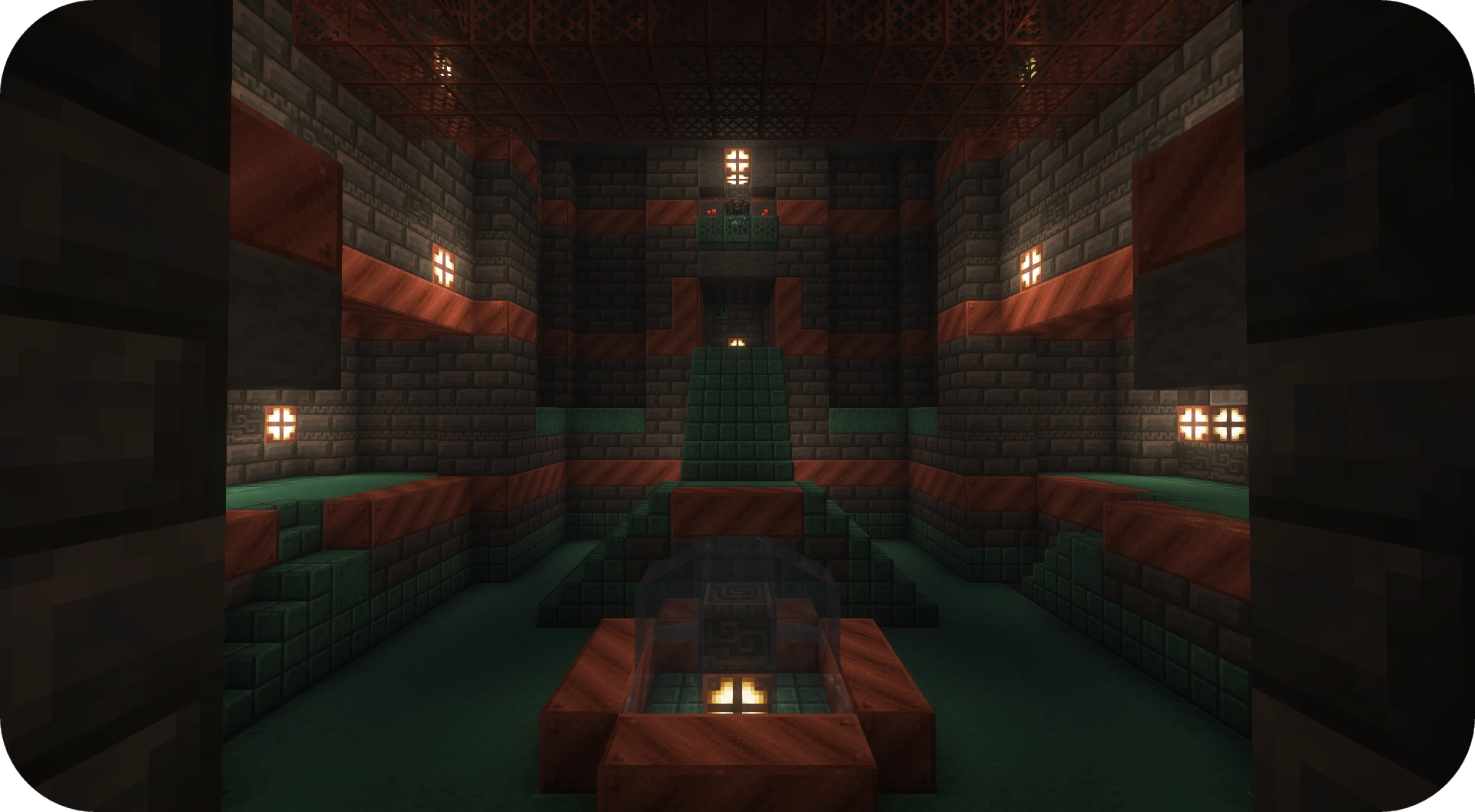
Fusion Connected Blocks
Makes textures from many blocks connectInstall

Better OneBlock - Game Menu
This Resource Pack was made for the Better One Block Modpack!Install

p1kl's 3D Items
Revamp Minecraft with original 3D item models, now compatible with Hold My Items (HMI), Punchy!, and available for every version 1.21+! Thanks for 300,000 downloads!Install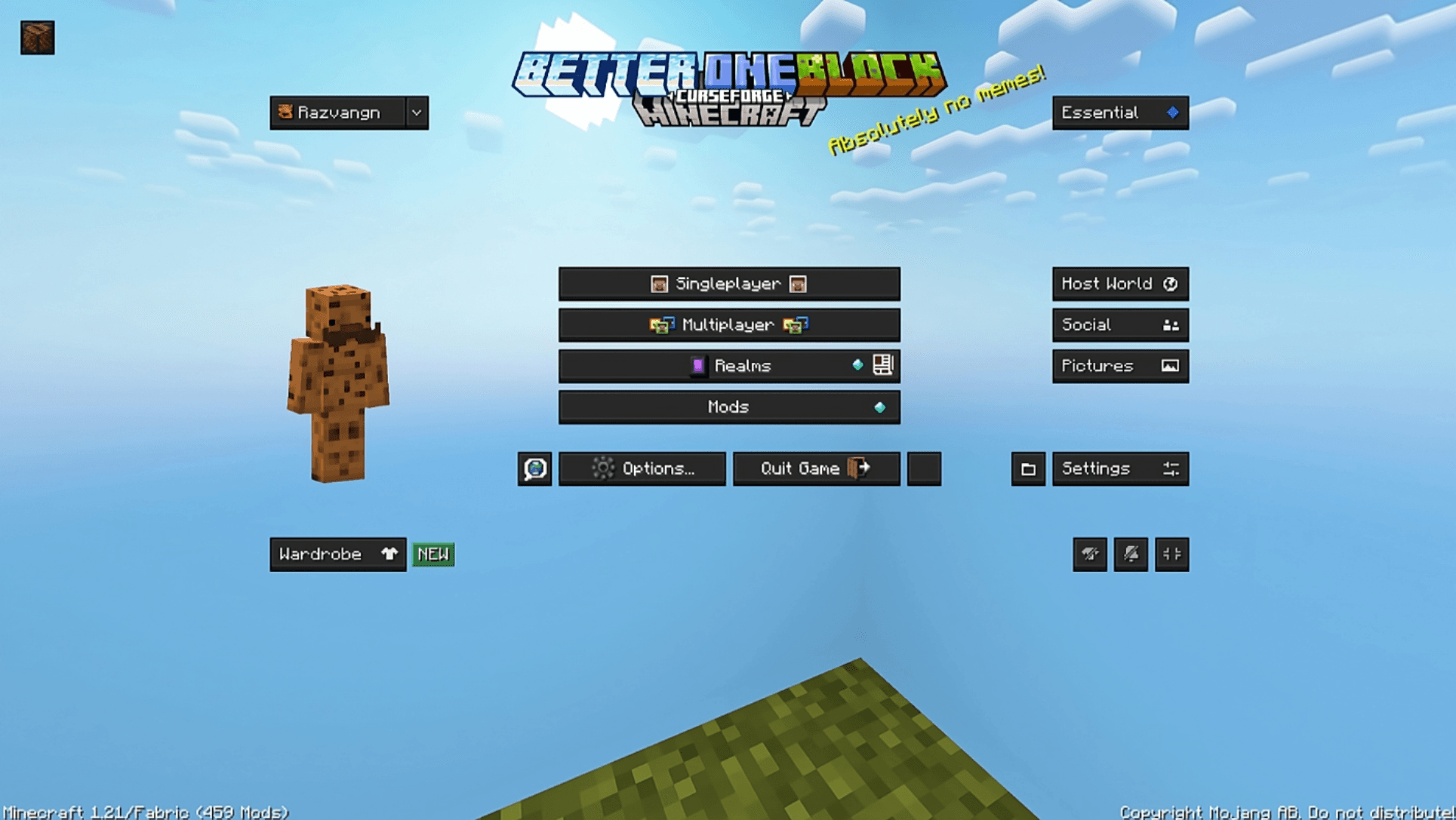
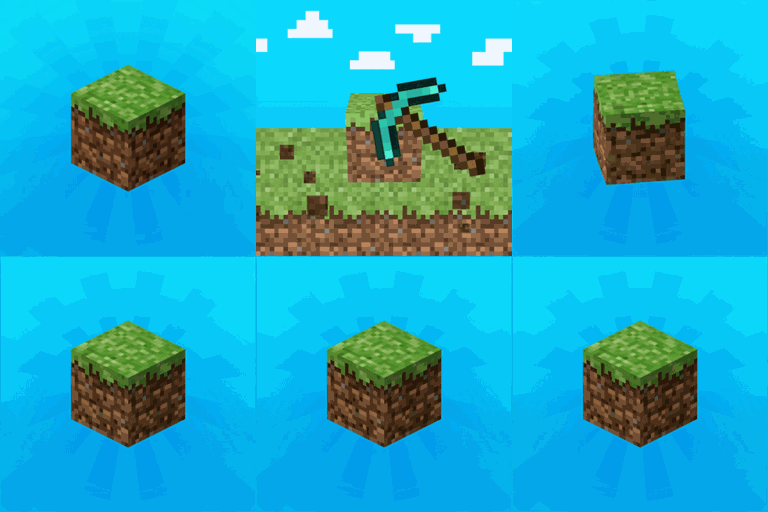
Better OneBlock - Panorama
Made for the Better One Block Modpack!Install

Quadral
A bright, crisp design with vibrant colours. When you need a refreshing change from vanilla, this will give you a whole new perspective!Install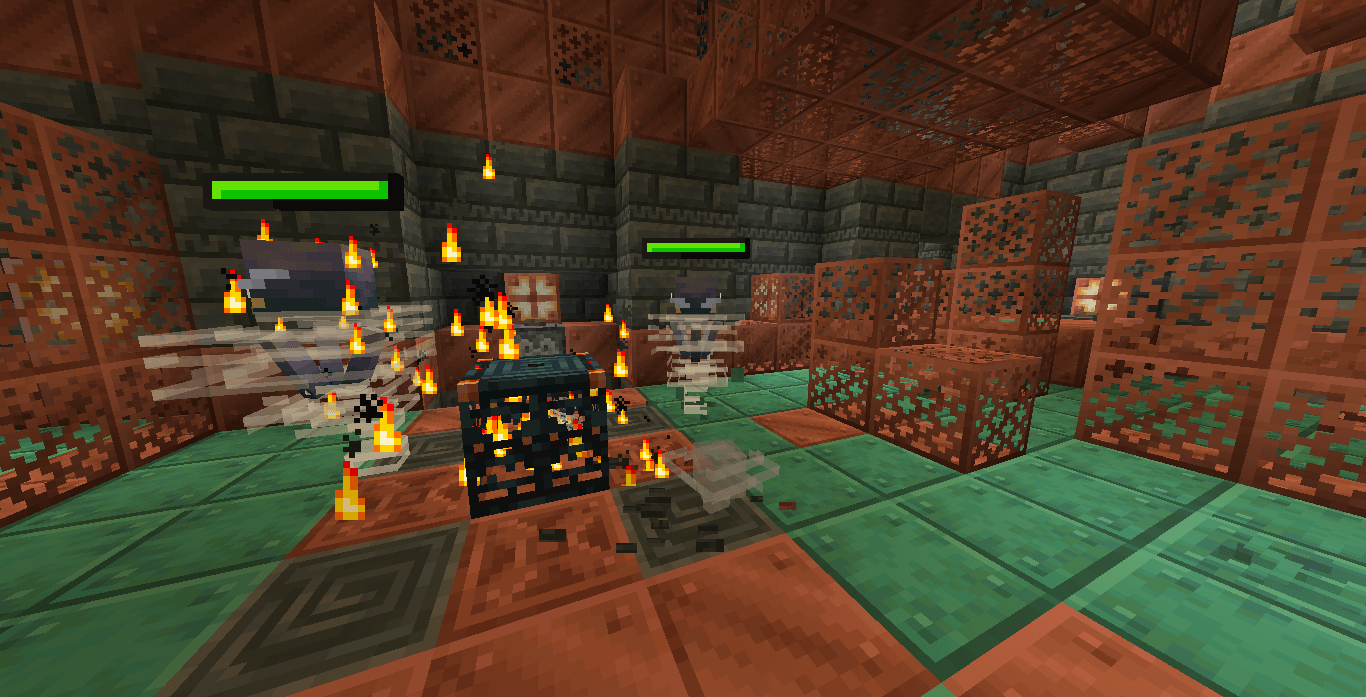
Spryzeen's Healthbars
Healthbars for minecraft mobs!!!Install

Default HD 256x
The classic Minecraft experience but in amazing 256x HD!Install

City Texture Pack
Free your inner architect and shape the world around you. A port from Legacy Console Edition.Install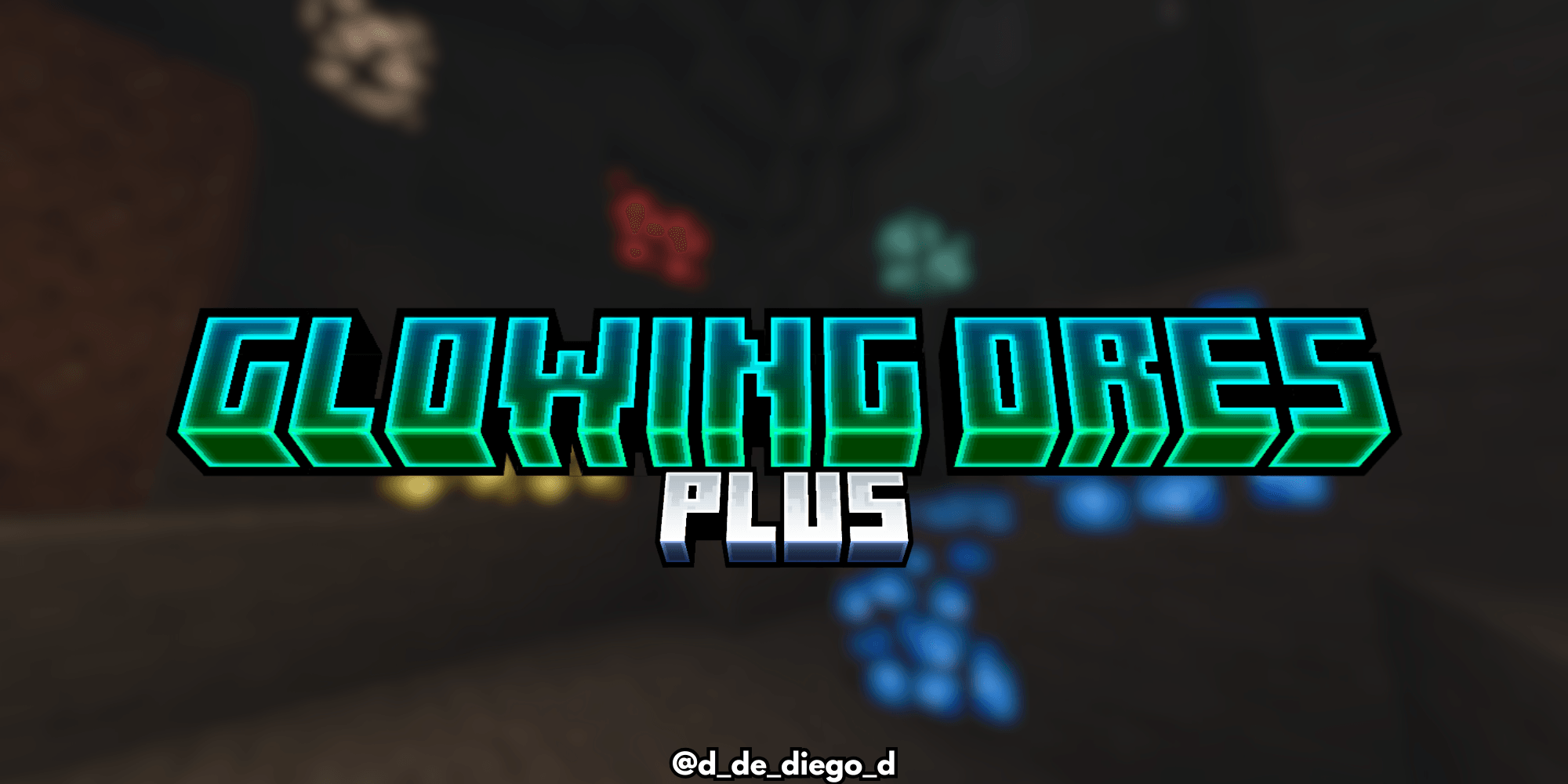
Glowing Ores Plus
Make your ores glow in Minecraft! 💎✨ Easily spot diamonds, emeralds, ancient debris, and more.Install
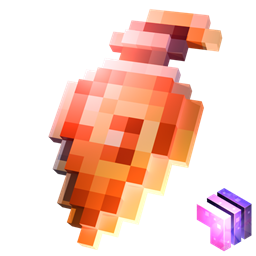
Stylized Potions
Unique potion textures!Install
Legacy Modpack Resources
The resources used in Lasting Legacy's modpacksInstall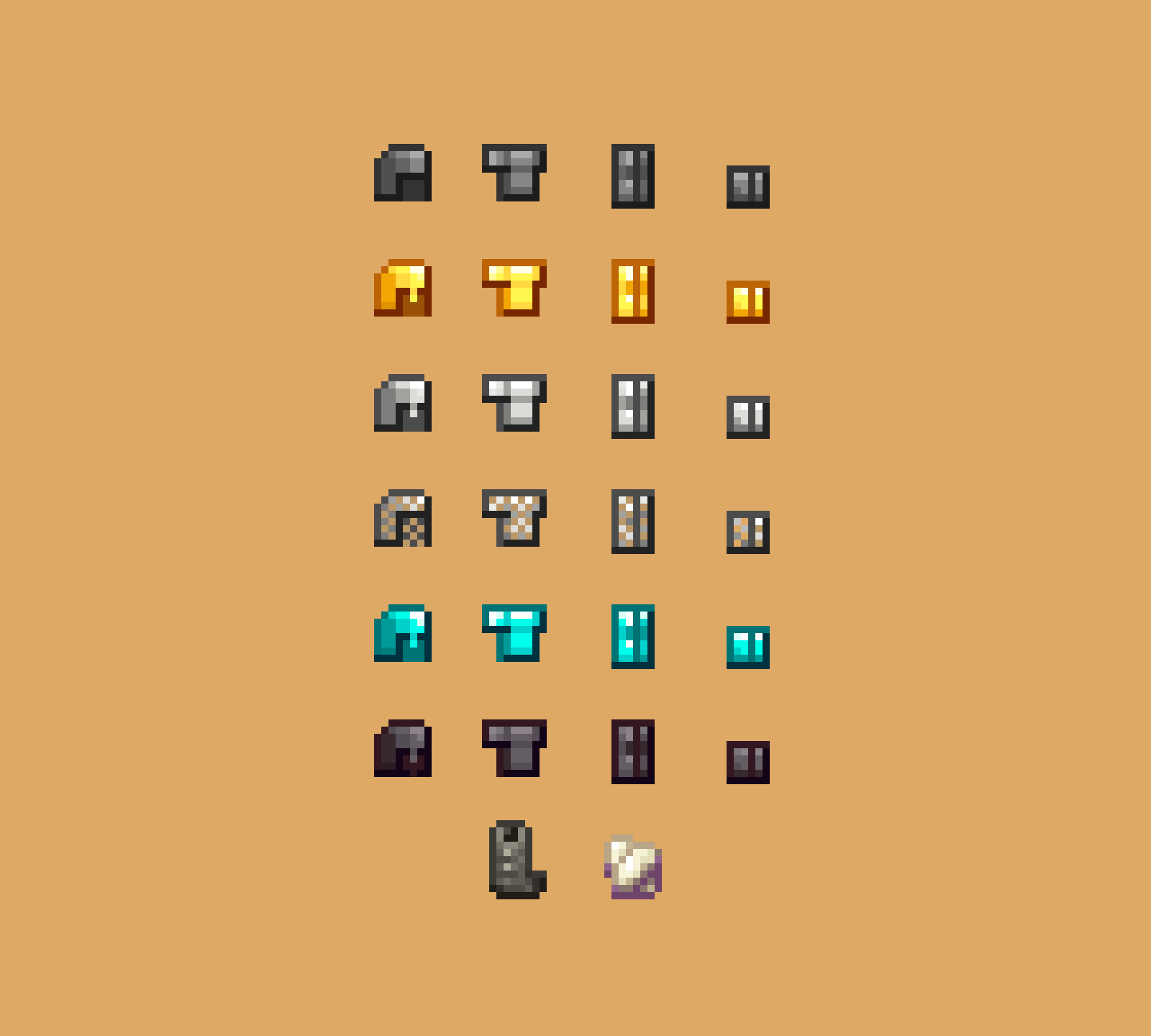
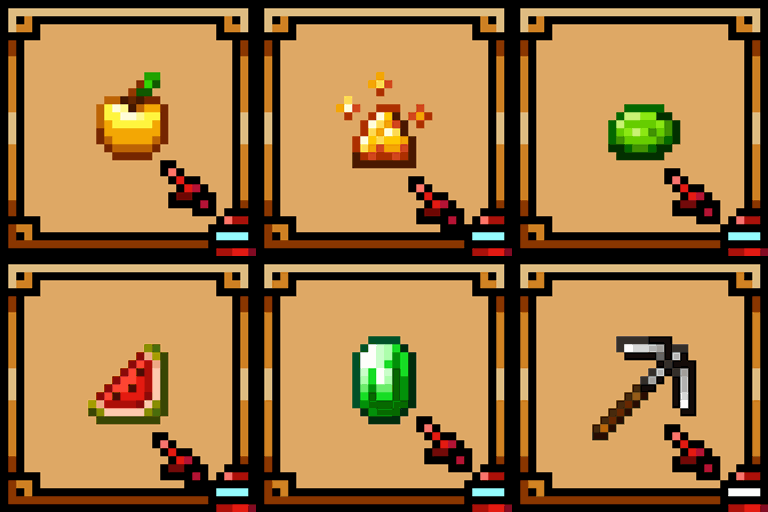
Theone's Items Pack
Vanilla-like textures. Supports Eating Animation Mod ඞInstall
New Default+ PvP Addon
The New Default+ PvP expansion pack for Minecraft: Java Edition & Bedrock Edition; made by SeaOfPixelsInstall

Clear Glass
Makes all types of glass connect smoothly without internal lines, creating a clean and seamless look.Install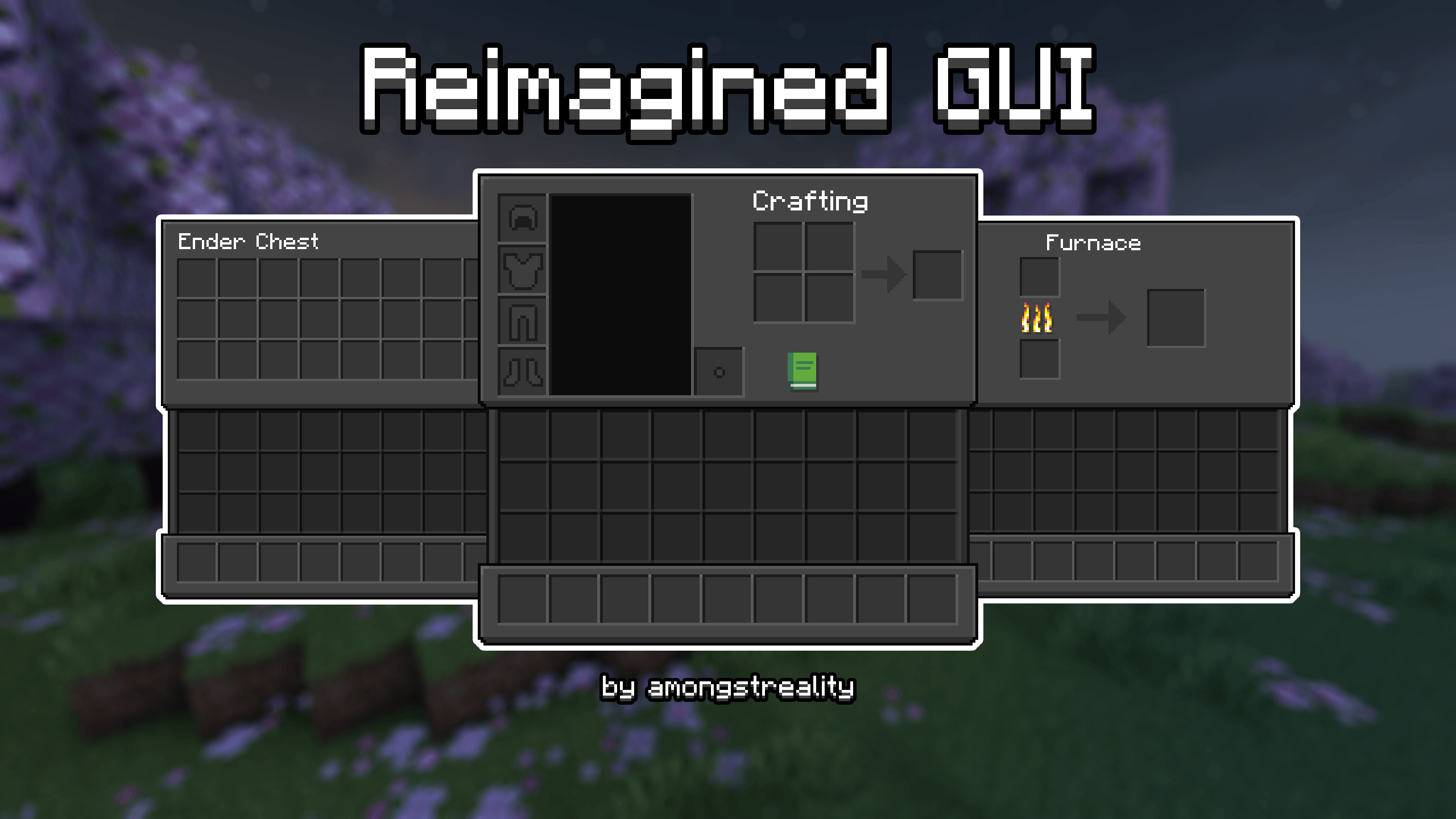

Reimagined Gui (Dark)
Reimagined Minecraft GUI | Dark ThemeInstall

Realistic Woods
The default wood textures are somewhat boring and repetitive. Do you think you need a change?Install

Enhanced Shulkers x Fresh Animations
Makes Enhanced Shulkers compatible with Fresh AnimationsInstall
Better Combat and Spell Engine - Free Legs
Free your legs in Better Combat and Spell Engine - For use with PlayerAnimator modsInstallFAQ
Do I need Forge or Fabric for a resource pack?
No. A resource pack works on the regular game with no loaders or mods. Click “Install” and Millida Launcher will put the pack into the right modpack — then just enable it in the settings.
What do 16×, 32×, 64× mean?
The resolution of a single texture in pixels. 16× matches the original game, 32× and 64× are more detailed and heavier, and 128× and up put a noticeable load on your graphics card.
Will a pack made for another version work?
Most likely partly: older packs don't have textures for newer blocks, so those will stay default. The game won't break, though.
How is a texture pack different from a resource pack?
Only by name and age. Before version 1.6 the sets were called texture packs and changed only textures; in 1.6 resource packs replaced them and also change sounds, fonts and the interface. Old texture packs for 1.5 and below do not work on new versions without conversion.
Which texture packs are best for PvP?
PvP packs: 16× resolution or lower, shortened swords, low fire, a clear sky and bright particles. They barely load the computer and make the opponent easier to see. These packs are collected in the PvP theme.
How do I install a resource pack?
Press Install and Millida Launcher puts the pack into the resourcepacks folder of the right instance. Then enable it in the game: Options, then Resource Packs. Manually, the archive goes into resourcepacks inside the game folder, no need to unpack it.
Resource packs for Minecraft Java 1.21
Resource packs for Minecraft 1.21: 1,675 items in the Resource packs section. Compatibility is checked against the files, not the description: only items with a build for exactly these conditions stay in the list.
The key thing about a pack is its resolution. The game's default textures are 16×16 pixels; 32× and 64× packs look more detailed, while 128× and up need a real graphics card and are usually paired with shaders. On a weak machine it makes sense to stay at 16× or go for packs that deliberately simplify graphics for more FPS. Every pack here lists its game version, author and license, and all released versions are gathered on one card. Put the downloaded archive in the resourcepacks folder and enable it in the game settings.