
Resource packs for Minecraft Java 1.13 — page 9
Resource packs: list


Localization Resource Pack
All my data packages require this resource package for localization.Install

FullBright - Heycronus
💡 FullBright is a Minecraft texture pack that makes your world brighter and clearer!Install

Simple Fullbright – See in the Dark
Lights caves and night to full brightness so you can see everywhere without torches or potions. Lightweight, client-side, works without OptiFine or Sodium.Install

Eating Animations More Mod Compatibility [FORGE/FABRIC]
Eat Animations More Mod Compatibility [Neo|Forge|Fabric|Vanilla] is a support resource pack designed to expand the compatibility of eat animations in Minecraft.Install

Troll Totem of Undying
The Troll Totem resource pack reimagines Minecraft's totem of undying with a troll theme, adding an element of whimsy and playful mischief to the game.Install

Zelda Totem of Undying
The Zelda Totem resource pack transforms Minecraft's totem of undying into Princess Zelda, introducing the enchanting and regal essence of Hyrule into the game.Install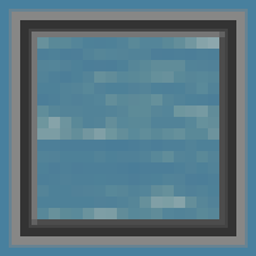
Clear Water
A less obtrusive and more clearer water texture to be used when looking for ocean monuments, ship wrecks, treasures or really anything that someone that can find in Minecraft's oceans!Install

Overgrown Flowery Hotbar
The sleek and adorably cottagecore Hotbar offshoot of Overgrown Flowery GUI!Install

Blue FPS [8x8] (PvP, NO LAG)
TEXTURE PACK PVP 1.8/1.14 Blue| 8x/16x | Blue EditInstall

Hide Armor - See Player Skins
Hides the armor model so they don't render on the playerInstall

low fire but better
this resource pack makes fire look better for pvpInstall
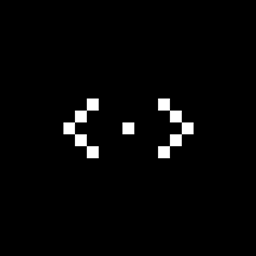
Crosshair Pack V1
Change your crosshair with a much cooler one!Install
Night Vision Craft
Night Vision Craft is a Minecraft texture pack designed to improve visibility during nighttime exploration. With enhanced lighting and clearer visuals, players can navigate caves, oceans, and dark areas with ease, making their adventures safer and moreInstall
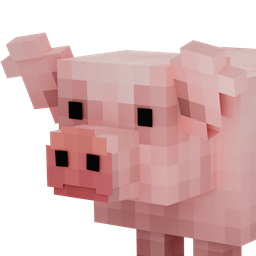
Better Pigs
Updates pig models to look more realisticInstall

Artisan's Armory | Equipment Overhaul
This pack changes Minecraft's boring equipment with a fresh spin on the classic textures.Install

Shield By Side
Hold your shield the same way as in 3rd person, and take up less screen space!Install

Fontolith
A blocky custom font with a slight hint of... fantasy?Install

shuriart Font
Smooth, rounder font, made to balance the letters and ease legibility, supporting a wide range of letters from Latin, Greek, Cyrillic, Arabic, Devanagari, Japanese, & more!Install

Amended SVC Icons
Refreshing every Simple Voice Chat icon with a cleaner and more polished look while still staying true to the recognizable original designs.Install

Quality Creeper
Change your creepers to a new and more vanilla friendly design!Install

Aures - Medieval Style Lootr
Turns Lootr's bright gold chests into more medieval chests.Install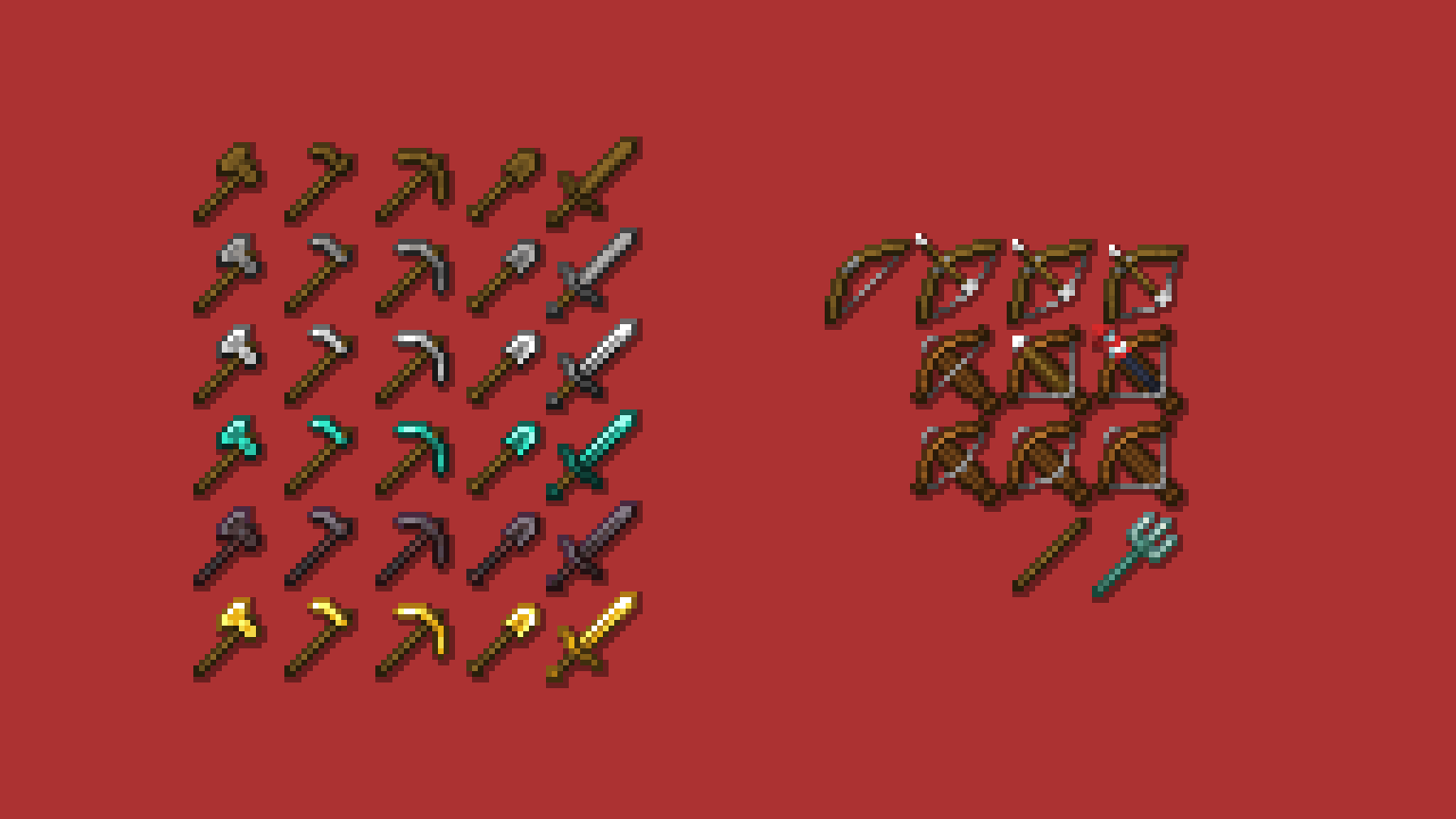
Hephaestus - Shinier Tools
Tools now live up to their respective swords' standards, while swords once again have the small details they lost in 1.14Install

Low Fire!
makes the Fire overlay look small on your screen in order to clean your Obstructed view!InstallFAQ
Do I need Forge or Fabric for a resource pack?
No. A resource pack works on the regular game with no loaders or mods. Click “Install” and Millida Launcher will put the pack into the right modpack — then just enable it in the settings.
What do 16×, 32×, 64× mean?
The resolution of a single texture in pixels. 16× matches the original game, 32× and 64× are more detailed and heavier, and 128× and up put a noticeable load on your graphics card.
Will a pack made for another version work?
Most likely partly: older packs don't have textures for newer blocks, so those will stay default. The game won't break, though.
How is a texture pack different from a resource pack?
Only by name and age. Before version 1.6 the sets were called texture packs and changed only textures; in 1.6 resource packs replaced them and also change sounds, fonts and the interface. Old texture packs for 1.5 and below do not work on new versions without conversion.
Which texture packs are best for PvP?
PvP packs: 16× resolution or lower, shortened swords, low fire, a clear sky and bright particles. They barely load the computer and make the opponent easier to see. These packs are collected in the PvP theme.
How do I install a resource pack?
Press Install and Millida Launcher puts the pack into the resourcepacks folder of the right instance. Then enable it in the game: Options, then Resource Packs. Manually, the archive goes into resourcepacks inside the game folder, no need to unpack it.
Resource packs for Minecraft Java 1.13
Resource packs for Minecraft 1.13: 389 items in the Resource packs section. Compatibility is checked against the files, not the description: only items with a build for exactly these conditions stay in the list.
The key thing about a pack is its resolution. The game's default textures are 16×16 pixels; 32× and 64× packs look more detailed, while 128× and up need a real graphics card and are usually paired with shaders. On a weak machine it makes sense to stay at 16× or go for packs that deliberately simplify graphics for more FPS. Every pack here lists its game version, author and license, and all released versions are gathered on one card. Put the downloaded archive in the resourcepacks folder and enable it in the game settings.