
Resource packs for Minecraft Java 1.13 — page 6
Resource packs: list


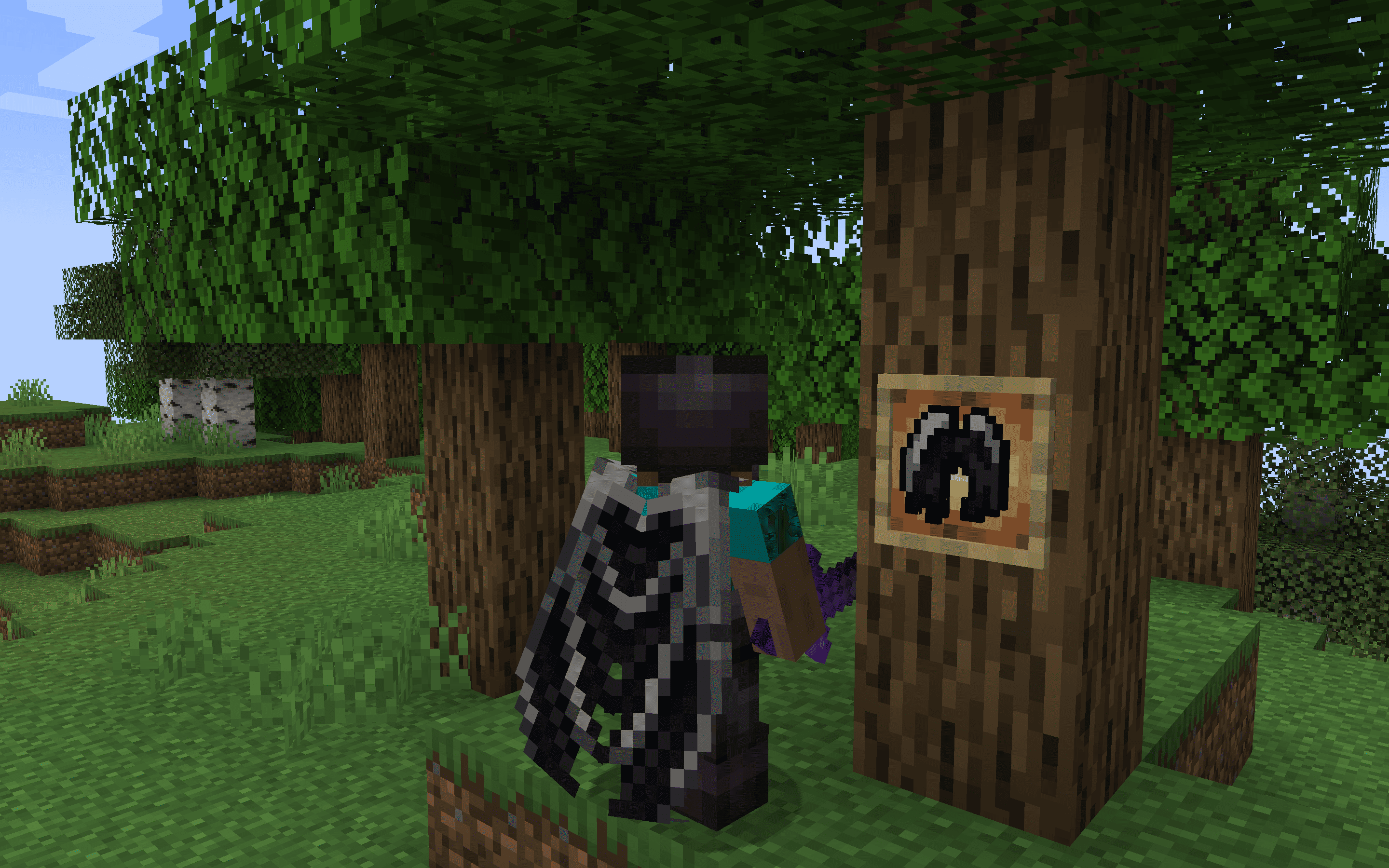
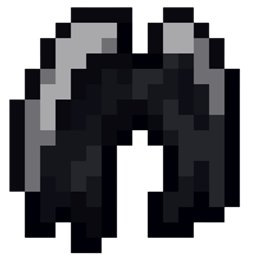
Ender Dragon Elytra - Better Wings
The Dragon Elytra resource pack reimagines Minecraft's Elytra wings as the majestic wings of a dragon, enhancing the visual experience of flight with detailed, dragon-inspired designs.Install

MT Created Applied Energistics
Retexturing the Applied Energistics modInstall

Blue's Better Chickens
Updates chicken models to look more realistic ━ Now compatible with Fabric!Install

Smaller Totem
Makes Totem smaller in size and low for better PvP.Install

Ethereal Sky Overlay
A sky overlay of a cloudy atmosphere near space.Install

Ore Visible
A resource pack that makes spotting ores in dark caves much easier.Install

Zombies Revamped
Improves your game by transforming zombies with a scary new appearance and spooky sounds, making each meeting more exciting and engaging!Install
Xaero地图汉化(MiniMap+WorldMap)
Xaero全家桶(小地图+世界地图),(持续更新)个人精翻汉化,100%覆盖设置与界面文案,纯客户端即用!Install
AmbientSounds Immersive Weather Thunder
Changes Thunder Weather Sounds To More Immersive Compatible with AmbientSounds ModInstall

Small Items+
low fire, small items, small totem, small totem pop, small shield, clear water, unobstructive rain and more.Install

Better Explosion Sounds
Changes the original explosion sounds to improved and more realistic ones.Install

Better Enchanting Table
A better model and texture for the enchanting tableInstall

Better Farm Animals
Updates farm animals to look more realisticInstall

Saturated Grass!
This resource pack changes the Grass foliage by giving it a better color tint so your game doesn't feel washed out!Install

Simple PvP Edit
This Minecraft Resource Pack enhances the aesthetics of PvPInstall

EnhancedVisual Pixelated
Pixelated textures for EnhancedVisuals. Feels more like vanilla.Install

HardTop Vanillaccurate Pack
Minecraft vanilla-style texture pack with POM & LabPBR compliant PBRInstall

Main Menu Panoramas
15+ different main menu panoramas with shadersInstall

Fabulous 3D
Clean redesigns of the vanilla Tools and Weapons.Install

X-Ray Pluss
This X-ray texture pack adds x-rays, so you can see through walls to easily locate minerals.Install

Small Shield
Smaller Shield, like the one Marlowww, ItzRealMe, Camcal, Thebes, Awerial, Evantii and K1RBE uses.Install

Carrot Farmer Totem of Undying
Carrot Farmer Totem infuses Minecraft's survival gameplay with a dash of agricultural charm by redesigning the totem of undying with a carrot farmer theme, adding both visual appeal and a lighthearted touch to the game.Install

Fantastik
Fantastik is a detailed resource pack for Minecraft that turns the standard graphics into a photorealistic picture. The pack uses 512x resolution and includes support for PBR (physically based rendering) and POM (parallax occlusion mapping) technologies. Thanks to thInstallFAQ
Do I need Forge or Fabric for a resource pack?
No. A resource pack works on the regular game with no loaders or mods. Click “Install” and Millida Launcher will put the pack into the right modpack — then just enable it in the settings.
What do 16×, 32×, 64× mean?
The resolution of a single texture in pixels. 16× matches the original game, 32× and 64× are more detailed and heavier, and 128× and up put a noticeable load on your graphics card.
Will a pack made for another version work?
Most likely partly: older packs don't have textures for newer blocks, so those will stay default. The game won't break, though.
How is a texture pack different from a resource pack?
Only by name and age. Before version 1.6 the sets were called texture packs and changed only textures; in 1.6 resource packs replaced them and also change sounds, fonts and the interface. Old texture packs for 1.5 and below do not work on new versions without conversion.
Which texture packs are best for PvP?
PvP packs: 16× resolution or lower, shortened swords, low fire, a clear sky and bright particles. They barely load the computer and make the opponent easier to see. These packs are collected in the PvP theme.
How do I install a resource pack?
Press Install and Millida Launcher puts the pack into the resourcepacks folder of the right instance. Then enable it in the game: Options, then Resource Packs. Manually, the archive goes into resourcepacks inside the game folder, no need to unpack it.
Resource packs for Minecraft Java 1.13
Resource packs for Minecraft 1.13: 389 items in the Resource packs section. Compatibility is checked against the files, not the description: only items with a build for exactly these conditions stay in the list.
The key thing about a pack is its resolution. The game's default textures are 16×16 pixels; 32× and 64× packs look more detailed, while 128× and up need a real graphics card and are usually paired with shaders. On a weak machine it makes sense to stay at 16× or go for packs that deliberately simplify graphics for more FPS. Every pack here lists its game version, author and license, and all released versions are gathered on one card. Put the downloaded archive in the resourcepacks folder and enable it in the game settings.