
Resource packs for Minecraft Java 1.13 — page 13
Resource packs: list


Particles Remastered!
Remasters all of the available particles in minecraft that can be customized! Such as Sword swings, campfire smokes, Souls floating away and much more!Install
xali's Enchanted Books - Fix
Fixes issue in original pack, where enchantment levels above maximum don't have texturesInstall

Netherite & Ancient Debris Lava Mining
A ressource pack that changes gravel, blackstone, magma block and nether ore textures to netherrack to mine easily netherite/ancient debris in lava.Install

JeridoMaster Pack +FPS
a pack that changes many textures of the game for all versionsInstall
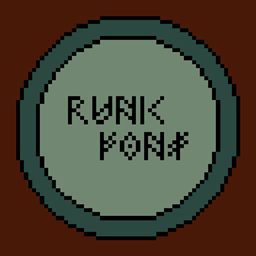
Runic Font
Changes English letters to a Viking style fontInstall

rotrBLOCKS: Dense Grass Addon
This is an Addon for the rotrBLOCKS resourcepack that will make very lush varied grass on each grass block!Install
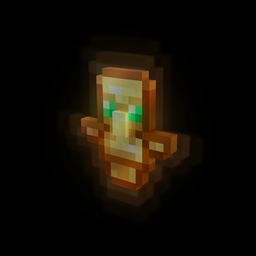
Smaller Totem
Makes the totem smaller.Install

Cubic Stars
This texture makes the moon and sun in your Minecraft in 3DInstall

Better PvP 1.7-1.16 (Default) 16x
Fire, Bow, Iron, Gold, Diamond, Lapis, Coal, Emerald, Redstone, Melon, Health, Potion particleInstall
CRIF Custom Gui (GUI Retextures add-on)
A Custom Gui made for all CRIF Studios modpacksInstall

Lantern 3D - Better Lantern
3D Lantern transforms Minecraft’s classic lantern into a beautiful 3D model, adding depth, detail, and realism to your builds!Install

Sugar Cane 3D
This texture makes the sugar cane 3DInstall
TransMobifier
Customize your mob skins with nametags! (Requires Optifine)Install

Taco's Rainbow XP Bar
A simple resource pack to make your XP bar rainbow.Install
ShiNeaL's Simplacity
16x Simplistic / Plastic PackInstall

Pride Pack
A LGBTQ+ pride themed resource pack for Minecraft.Install
Dyes Textures Backport
Ports dye textures from new versionsInstall
xali's Enhanced Jungle Wood
Immerse yourself in the vibrant world of Minecraft's jungle with Xali's Enhanced Jungle Wood. Experience a complete transformation of textures, bringing the true essence of the wilderness to life.Install
Windbell
Smooth, and support for more than 40 mods!Install

Bedrock Water
A way for java players to have the same water as bedrock which includes the colors and animationInstall
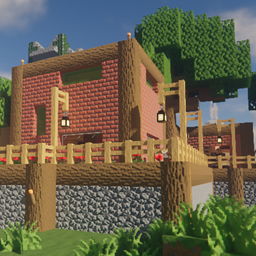
Textureless [32x PBR]
Based on the original vanilla textures, this RP removes ALL baked lighting and uses a PURELY PBR approach to shading. For best results use a PT shader.Install

No Armor / Invisible Armor
Invisible Armor for most mods i know (and vanilla)Install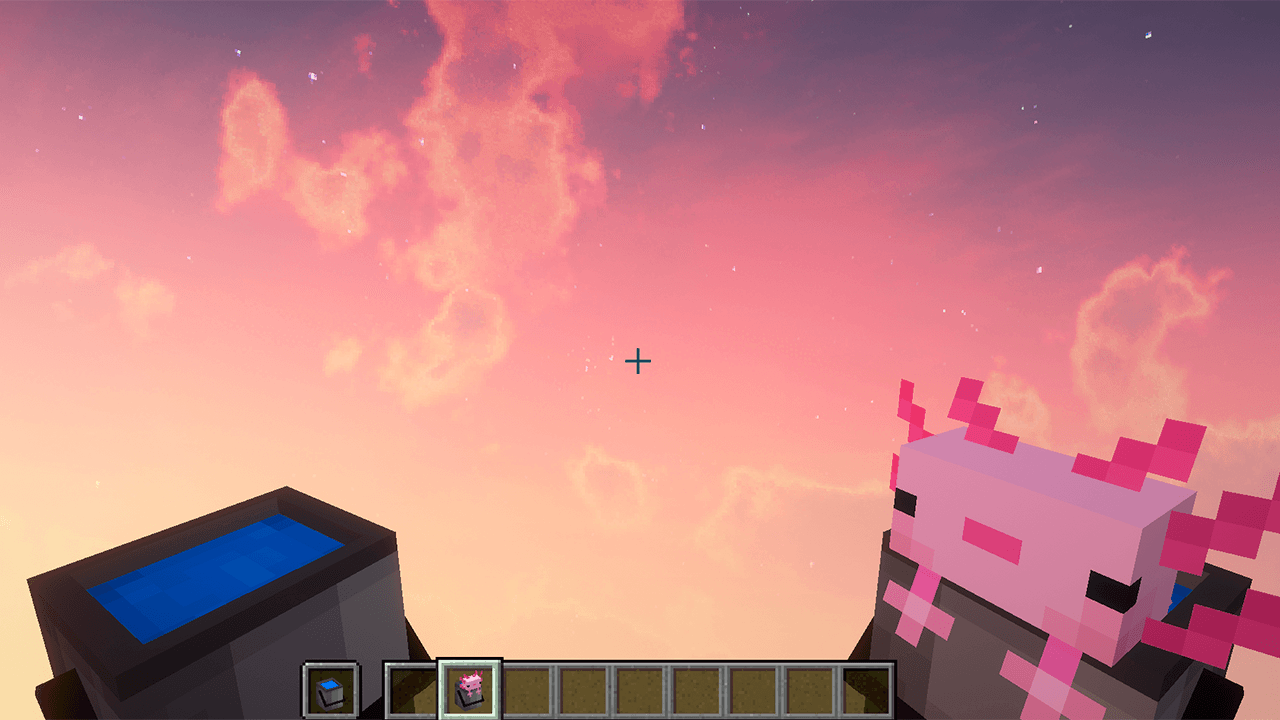
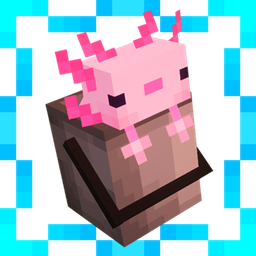
Immersive Bucket
This texture makes Minecraft buckets look 3DInstallFAQ
Do I need Forge or Fabric for a resource pack?
No. A resource pack works on the regular game with no loaders or mods. Click “Install” and Millida Launcher will put the pack into the right modpack — then just enable it in the settings.
What do 16×, 32×, 64× mean?
The resolution of a single texture in pixels. 16× matches the original game, 32× and 64× are more detailed and heavier, and 128× and up put a noticeable load on your graphics card.
Will a pack made for another version work?
Most likely partly: older packs don't have textures for newer blocks, so those will stay default. The game won't break, though.
How is a texture pack different from a resource pack?
Only by name and age. Before version 1.6 the sets were called texture packs and changed only textures; in 1.6 resource packs replaced them and also change sounds, fonts and the interface. Old texture packs for 1.5 and below do not work on new versions without conversion.
Which texture packs are best for PvP?
PvP packs: 16× resolution or lower, shortened swords, low fire, a clear sky and bright particles. They barely load the computer and make the opponent easier to see. These packs are collected in the PvP theme.
How do I install a resource pack?
Press Install and Millida Launcher puts the pack into the resourcepacks folder of the right instance. Then enable it in the game: Options, then Resource Packs. Manually, the archive goes into resourcepacks inside the game folder, no need to unpack it.
Resource packs for Minecraft Java 1.13
Resource packs for Minecraft 1.13: 389 items in the Resource packs section. Compatibility is checked against the files, not the description: only items with a build for exactly these conditions stay in the list.
The key thing about a pack is its resolution. The game's default textures are 16×16 pixels; 32× and 64× packs look more detailed, while 128× and up need a real graphics card and are usually paired with shaders. On a weak machine it makes sense to stay at 16× or go for packs that deliberately simplify graphics for more FPS. Every pack here lists its game version, author and license, and all released versions are gathered on one card. Put the downloaded archive in the resourcepacks folder and enable it in the game settings.