
Resource packs for Minecraft Java 1.13 — page 14
Resource packs: list
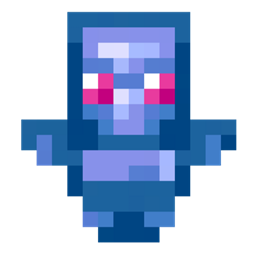


Transparent UI + Mod Support
Semi-transparent UI for more modern and minimalistic look of MinecraftInstall
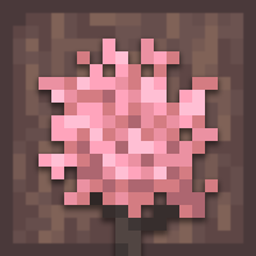
Simple Sakura Trees
Replaces birch wood and trees with cherry blossoms.Install
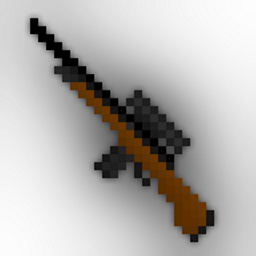
DSWG Weapons
Adds a lot of weaponsInstall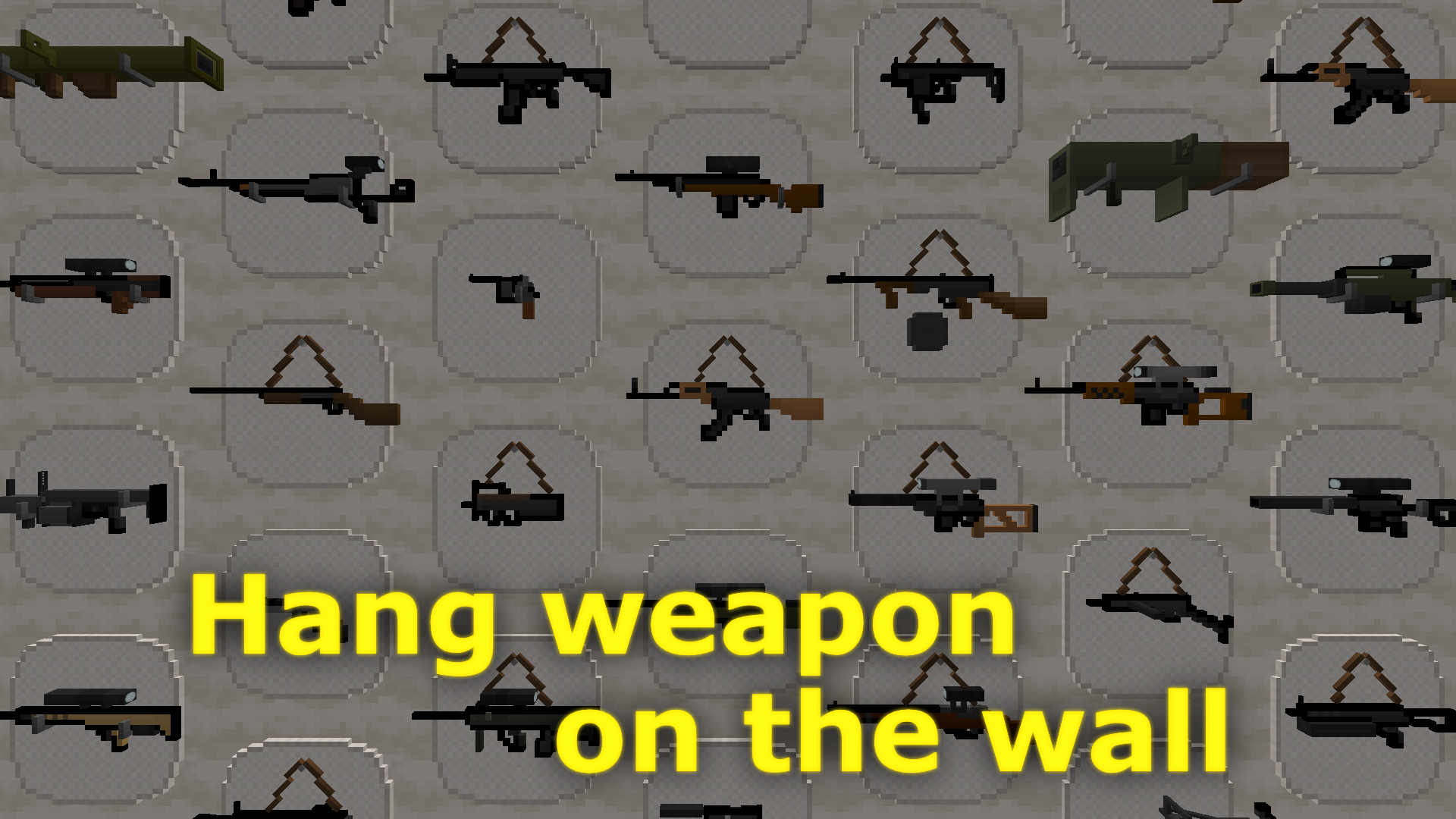
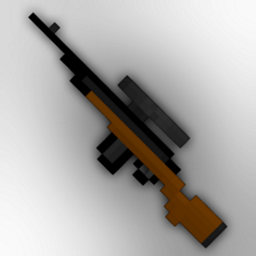
DSWG Weapons Plus
Adds a lot of 3D weaponsInstall

ToonCraft JE: A wonderfully adorable texture pack
A cartoon-themed texture pack for Minecraft featuring vibrant colors, smooth textures, and playful visual effects. Perfect for players who enjoy a fun, imaginative, and lighthearted Minecraft experience.Install

Misans平滑字体包FontPack(Bye Pixel Font~)
无需Caxton或ModernUI模组,即可展示平滑字体,获得绝佳的清晰的阅读体验!Display smooth fonts for an excellent, crisp reading experience, no Caxton or ModernUI modules required!Install

Vader's CTM Programmer Art Bricks Pack — Modded Programmer Art CTM Bricks Add-on [Optifine]
(1.7.2—1.20.6+) Adds 8 CTM brick variants with Optifine for Programmer Art. 'V1.0.0'Install

CPVP PACK
This is a texture pack that has everything for cpvp like No smoke , Small fire , No explosion particle, Small totem pop.Install
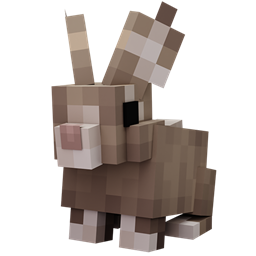
Better Rabbits
Updates rabbits to look more realisticInstall

Redstone Tweaks Overlaid
Add Redstone Tweaks to your favorite resource packsInstall

Unobtrusive Armor
Inspired by the Life Series, Unobtrusive Armour removes parts of the armor textures so you can see your friends' skins!Install
Spooky Pumpkin from Actions and Stuff
Spooky Pumpkin from Actions and Stuff (bedrock addon)Install

Notch Totem of Undying
The Notch Totem resource pack reinvents the Minecraft totem of undying with the likeness of Notch, the original creator of Minecraft.Install

No Smoke
Removes the obtrusive smoke from fire and campfires.Install

Old Minecraft Musics
Minecraft Classic Music Pack - Replaces modern music with nostalgic C418 tracks.Install

Super Xray
Want more resources? Find them INSTANTLY!Install
BetterTables
Minimalist 3D table models with slight texture differencesInstall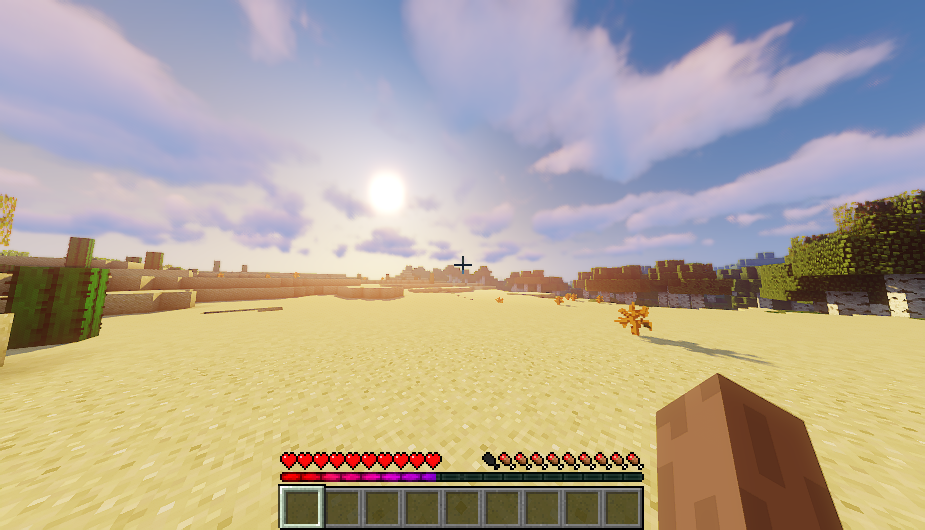
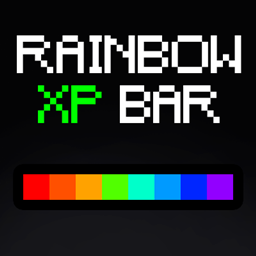
Rainbow XP Progress Bar
Rainbow XP Progress Bar is a vibrant texture pack designed to make your Minecraft XP bar more visually appealing with a stunning RGB (rainbow) effectInstall
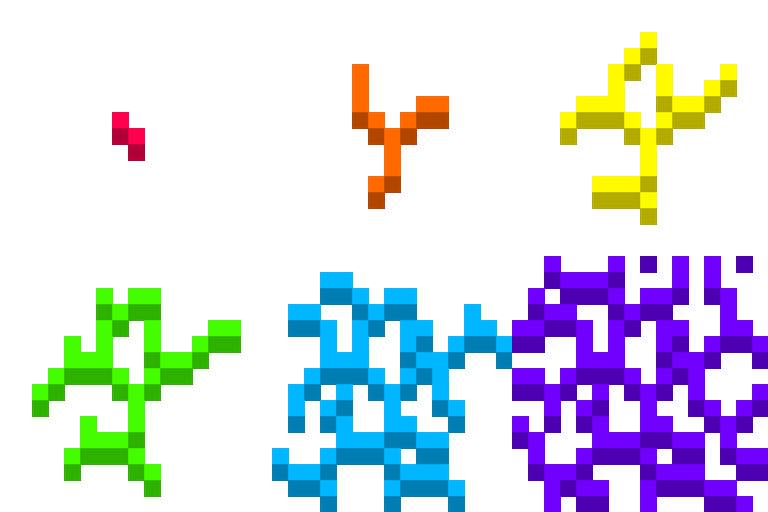
Rainbow breaking animation
Breaking animation looks colorful!Install

Clouds Pack - Relaunched
A texture pack that brings the sky to life with realistic clouds and a 3D sun and moon.Install

3D Pack
3D Pack – Transform Minecraft with 3D Blocks and Mobs!Install

MiniWorld
This resource pack revives the classic textures of old Mini World, evoking nostalgia for fans of retro block-style gaming. Version focuses on recreating the charm of old-school block textures, with item textures still in progress and creature texturesInstall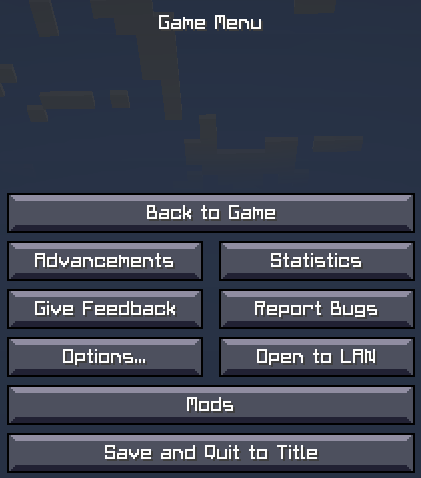
CRIF Custom Font
Custom font used in all version of CRIF modpacksInstallFAQ
Do I need Forge or Fabric for a resource pack?
No. A resource pack works on the regular game with no loaders or mods. Click “Install” and Millida Launcher will put the pack into the right modpack — then just enable it in the settings.
What do 16×, 32×, 64× mean?
The resolution of a single texture in pixels. 16× matches the original game, 32× and 64× are more detailed and heavier, and 128× and up put a noticeable load on your graphics card.
Will a pack made for another version work?
Most likely partly: older packs don't have textures for newer blocks, so those will stay default. The game won't break, though.
How is a texture pack different from a resource pack?
Only by name and age. Before version 1.6 the sets were called texture packs and changed only textures; in 1.6 resource packs replaced them and also change sounds, fonts and the interface. Old texture packs for 1.5 and below do not work on new versions without conversion.
Which texture packs are best for PvP?
PvP packs: 16× resolution or lower, shortened swords, low fire, a clear sky and bright particles. They barely load the computer and make the opponent easier to see. These packs are collected in the PvP theme.
How do I install a resource pack?
Press Install and Millida Launcher puts the pack into the resourcepacks folder of the right instance. Then enable it in the game: Options, then Resource Packs. Manually, the archive goes into resourcepacks inside the game folder, no need to unpack it.
Resource packs for Minecraft Java 1.13
Resource packs for Minecraft 1.13: 389 items in the Resource packs section. Compatibility is checked against the files, not the description: only items with a build for exactly these conditions stay in the list.
The key thing about a pack is its resolution. The game's default textures are 16×16 pixels; 32× and 64× packs look more detailed, while 128× and up need a real graphics card and are usually paired with shaders. On a weak machine it makes sense to stay at 16× or go for packs that deliberately simplify graphics for more FPS. Every pack here lists its game version, author and license, and all released versions are gathered on one card. Put the downloaded archive in the resourcepacks folder and enable it in the game settings.