
Windbell Resource pack for Minecraft 1.13
Smooth, and support for more than 40 mods!
About the Windbell resource pack
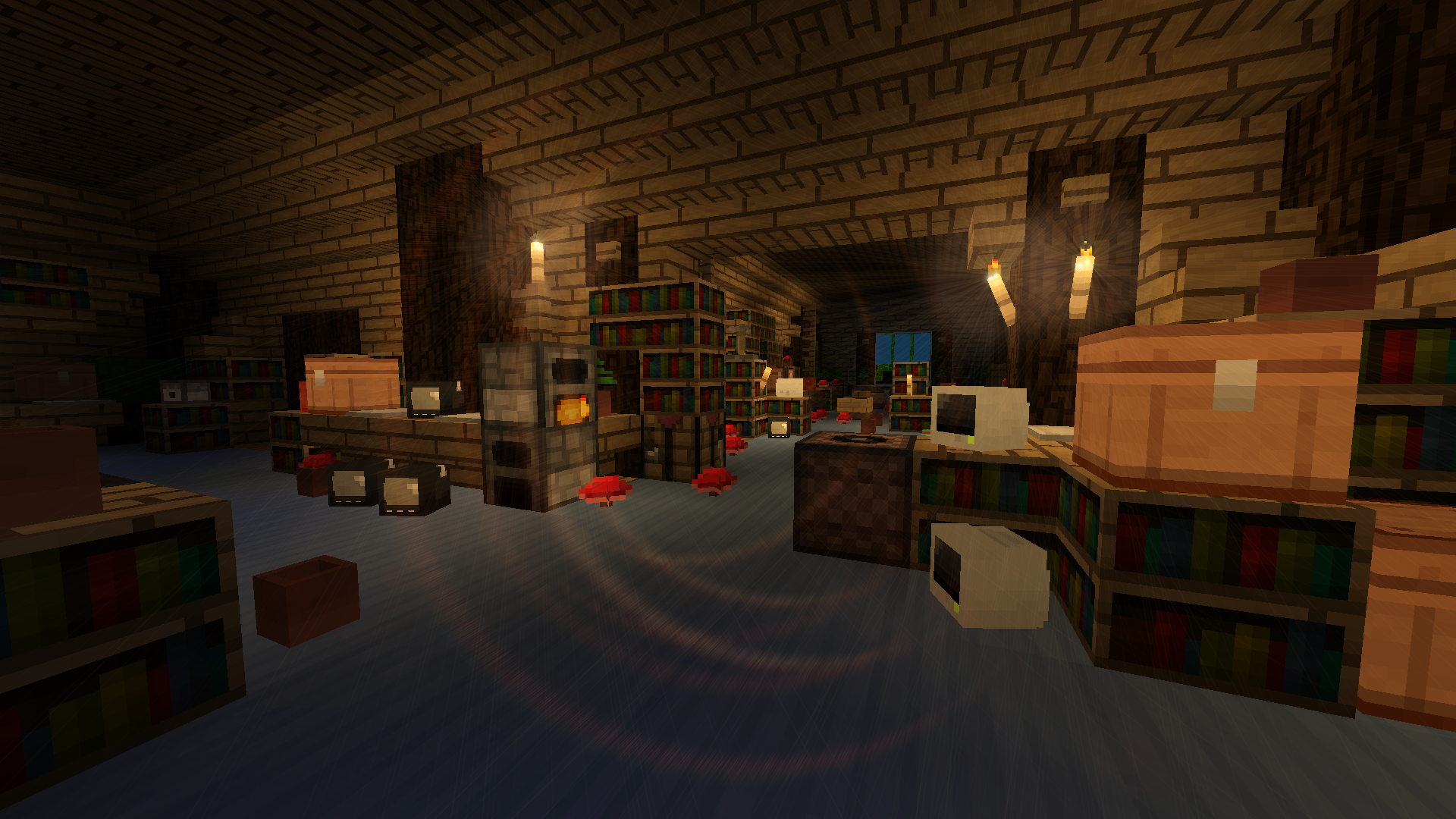
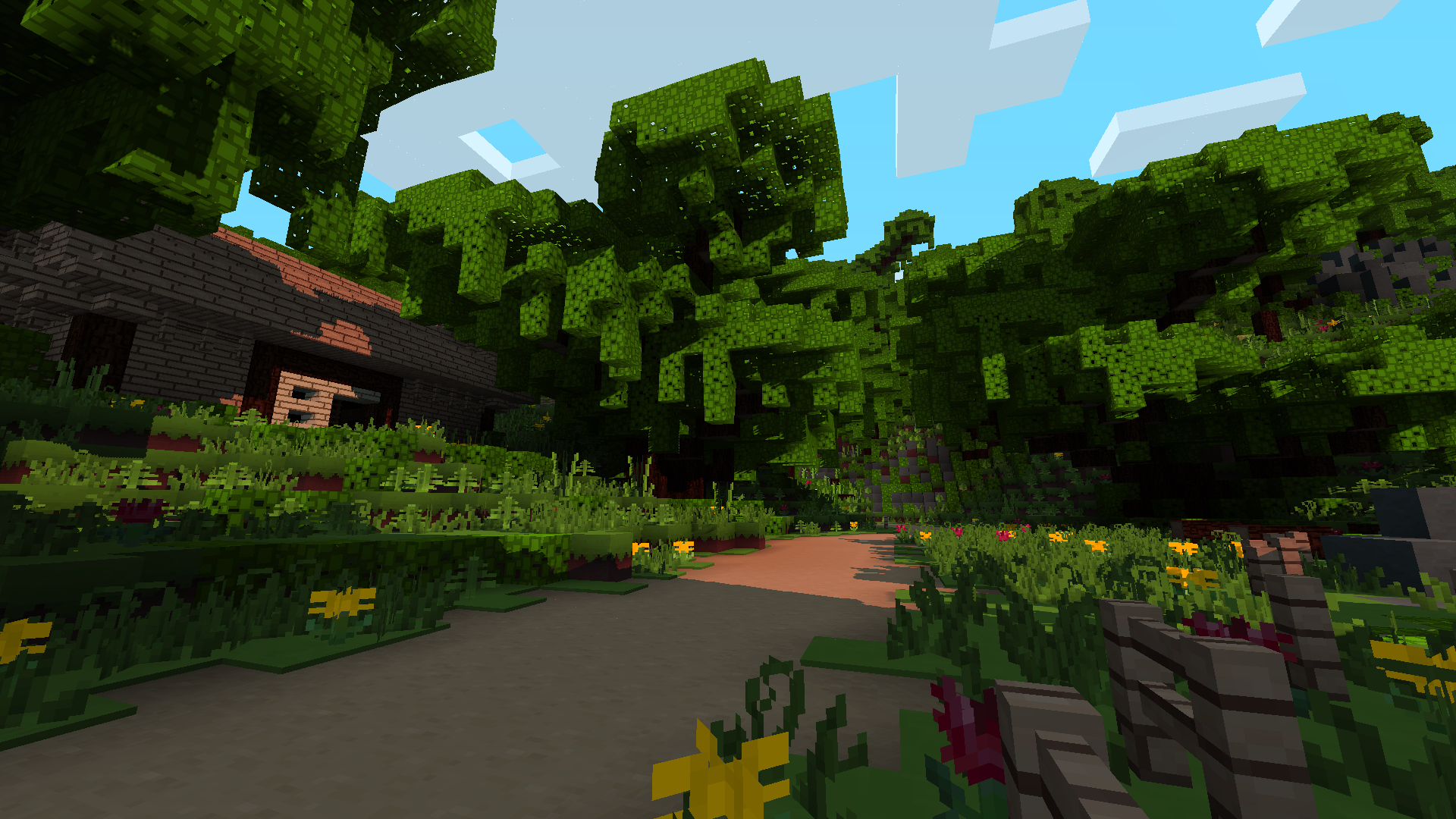
Windbell is a smooth pack .If you have used Papercut Out before and you like the style of that pack.You may like this,too. It's simple,but it's not design with solid color. It also has the edit of sounds,random blocks,and so on. This pack can also use for modded Minecraft.It's able to use for more than 40 mods.And I'll update with the support for more mods in the future.
I hope you enjoy!
IF YOU CAN'T USE THIS PACK, PLEASE UNZIP IT.
New features will be update soon.
How to install Windbell
With Millida Launcher
Install Millida Launcher
The launcher is free: download it at millida.net/launcher and sign in with any nickname.
Click “Install” on this page
The launcher opens and installs the resource pack for Minecraft 1.13 automatically.
Launch the game
A profile with it appears in the launcher: click “Play”.
Manually
Download the archive
Pick the file Windbell_1.13.x_5.1.zip (8.8 MB) for your game version. No need to unpack it.
Put it in the resourcepacks folder
The easiest way: “Options”, then “Resource Packs”, then “Open Pack Folder”, and drag the archive there.
Enable the pack
In the same window, move the pack to the right-hand “Selected” column and click “Done”.
Versions
With dependencies
| Minecraft | Loader | File | Date | Actions |
|---|---|---|---|---|
| 1.13 | — | Windbell_1.13.x_5.1.zip8.8 MB | ||
| — | — | Windbell_Vanilla_1.13.x_Alpha.zip6.9 MB |
FAQ
Which Minecraft versions does Windbell work on?
Only Minecraft 1.13: there are no files for other versions.
Where can I download Windbell safely?
On this page: the file Windbell_1.13.x_5.1.zip (8.8 MB) is stored on Millida’s server, with no link shorteners. SHA-1 checksum: 61e204ae864b4899660eab5c605373025516db83.
Reviews
Be the first to rate Windbell



