
Resource packs for Minecraft Java — page 96
Resource packs: list


ModsTranslationPack
繁體中文翻譯資源包,適用於高版本(1.18 - 1.21)模組。 A Chinese(traditional) locale pack for translating modded gameplay.Install

The Angel Next Door Spoils Me Rotten GUI Pack
Overhauled Minecraft GUI in the theme off The Angel Next Door Spoils Me Rotten.Install

Totem & Stuff
Action & Stuff Inspired Transparent Totem Model.Install

TBS Main Menu Override [DISCONTINUED]
DISCONTINUEDInstall
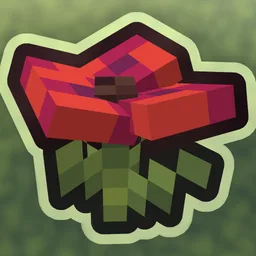
Allure 3D Plants
Remodels Flowers and other Plants into cute 3D models in the style of Allure!Install
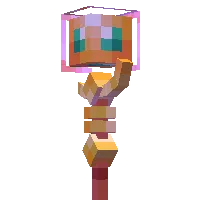
Altar SMP Texture Pack
Adds the Legendary weapons from Altar SMPInstall

Smaller Swords
1.20 OUT NOW!!!Install

Nether's Delight crops 3D
3D Nether's Delight cropsInstall

FantasyPvP PvP Packs
a clean 512x pvp pack for minecraftInstall

Isle of Berk Nova Dragon Variants
A collection of Isle of Berk Nova Dragon Variants!Install
Small Shield & Totem
Best shield and totem resource pack on the internetsInstall
xali's Enhanced Biome River & Pond
This pack aim to enhance water biome and environment with custom textures. Most of the change are small with huge impact on the appearance on the bodies of water. Currently you can find, koi, frog, seagrass, cattails, algae with some more small additionInstall
actually correct new default texture backport
there are many packs that port 1.14 textures back but i'm the one who gets all of themInstall
Dragoncraft: GUI
The Official Texturepack for DragoncraftInstall

HDTEXT
Replaces the old Minecraft font with a new HD font that stays faithful to the original.Install

Chubby Cheeks
An optifine relient resource pack that changes outdated mob modelsInstall
Drown's Tool Tweaks [Abandoned]
A resource pack designed to make vanilla and modded tools look more consistent and to add variation.Install
Maestro: Overture
Adds thematic music to structures and key events, powered by Maestro!Install

Kal's Grimdark Samurai Pack
Epic Samurai Weapons, Tools & Armor by KalamonInstall

Refined Tools
This resourcepack enhances the tools and weapons by giving them refined 3D models.Install

[Deprecated]CTOV - Immersive Engineering add-on
Compatibility add-on for Immersive engineering and CTOVInstall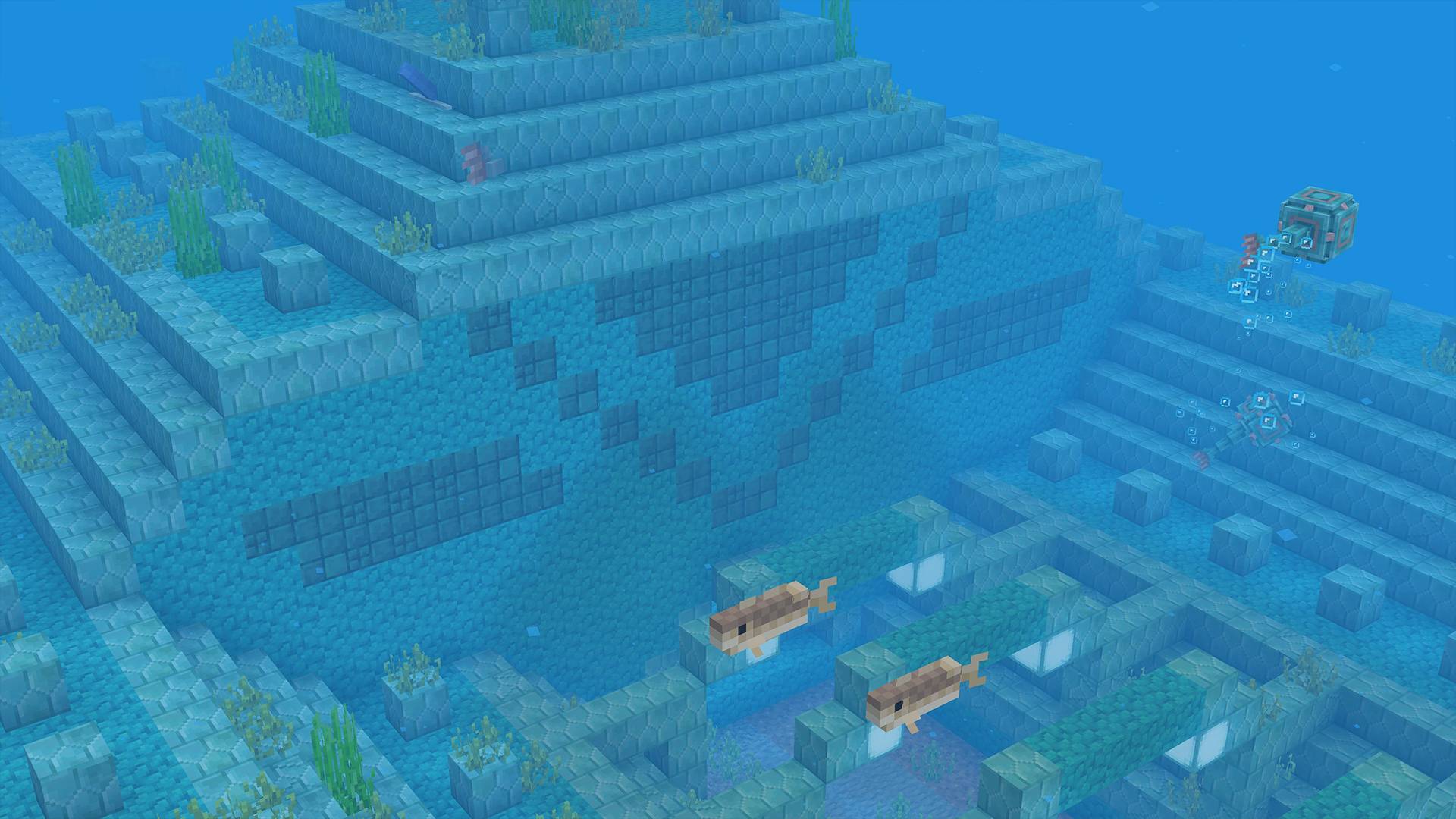
BetterDefault 2.0.1 Textures
It's like the default, but better!Install
Boosted Brightness
Multiples the brightness setting by 10x which allows for fullbright. Uses the new 1.21.2 lightmap core shader meaning it works with Sodium. Like night visionInstallFAQ
Do I need Forge or Fabric for a resource pack?
No. A resource pack works on the regular game with no loaders or mods. Click “Install” and Millida Launcher will put the pack into the right modpack — then just enable it in the settings.
What do 16×, 32×, 64× mean?
The resolution of a single texture in pixels. 16× matches the original game, 32× and 64× are more detailed and heavier, and 128× and up put a noticeable load on your graphics card.
Will a pack made for another version work?
Most likely partly: older packs don't have textures for newer blocks, so those will stay default. The game won't break, though.
How is a texture pack different from a resource pack?
Only by name and age. Before version 1.6 the sets were called texture packs and changed only textures; in 1.6 resource packs replaced them and also change sounds, fonts and the interface. Old texture packs for 1.5 and below do not work on new versions without conversion.
Which texture packs are best for PvP?
PvP packs: 16× resolution or lower, shortened swords, low fire, a clear sky and bright particles. They barely load the computer and make the opponent easier to see. These packs are collected in the PvP theme.
How do I install a resource pack?
Press Install and Millida Launcher puts the pack into the resourcepacks folder of the right instance. Then enable it in the game: Options, then Resource Packs. Manually, the archive goes into resourcepacks inside the game folder, no need to unpack it.
Resource packs for Minecraft Java
A resource pack changes how the game looks and sounds: block and item textures, fonts, the interface, sounds. It doesn't touch the game's code, so it needs no mod loader and breaks nothing on a server — the pack only works on your screen. That's exactly why a resource pack is safer than any mod: the worst that happens on a version mismatch is that some textures stay default.
Textures, texture packs and resource packs are essentially the same thing: since version 1.6 Mojang calls these sets resource packs, but the old name is still searched more often. PvP packs are a big genre of their own: shortened swords, low fire, bright particles and 16× resolution or lower, so the opponent stands out and the frame rate does not drop. Such packs are most often made for 1.8.9 and 1.16.5, the versions many PvP servers run on.
The key thing about a pack is its resolution. The game's default textures are 16×16 pixels; 32× and 64× packs look more detailed, while 128× and up need a real graphics card and are usually paired with shaders. On a weak machine it makes sense to stay at 16× or go for packs that deliberately simplify graphics for more FPS. Every pack here lists its game version, author and license, and all released versions are gathered on one card. Put the downloaded archive in the resourcepacks folder and enable it in the game settings.