
Resource packs for Minecraft Java — page 86
Resource packs: list


Apocalypse Gui
Very cool gui in apocalypse styleInstall

Matralys 16x
A Gray Themed Minecraft PvP Texturepack for Mace PvPInstall
Medieval Fantasy RPG Songpack for Reactive Music (RP ver)
Medieval Fantasy RPG Soundtrack!Install
oCd Pack
Stylized, Smooth and Minamalistic by FVDiscoInstall

Animated items (emissive)
Replaces default items' textures with animated and emissive ones.Install

Haven
A pixel art pack that feels like home.Install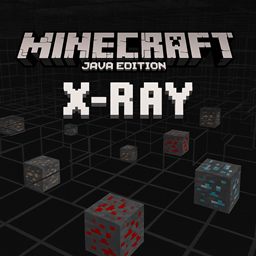
Xray Java
An X-Ray pack for Minecraft Java Edition that highlights ores like diamond, gold, and redstone while making most blocks transparent, allowing players to easily locate valuable resources underground.Install

Hoffen's Minimal Armor
My own take on Minimal Armor based on things I needed in my worlds: Minimal Trim, Visible Leather Armor, Unobstructed Player Faces :DInstall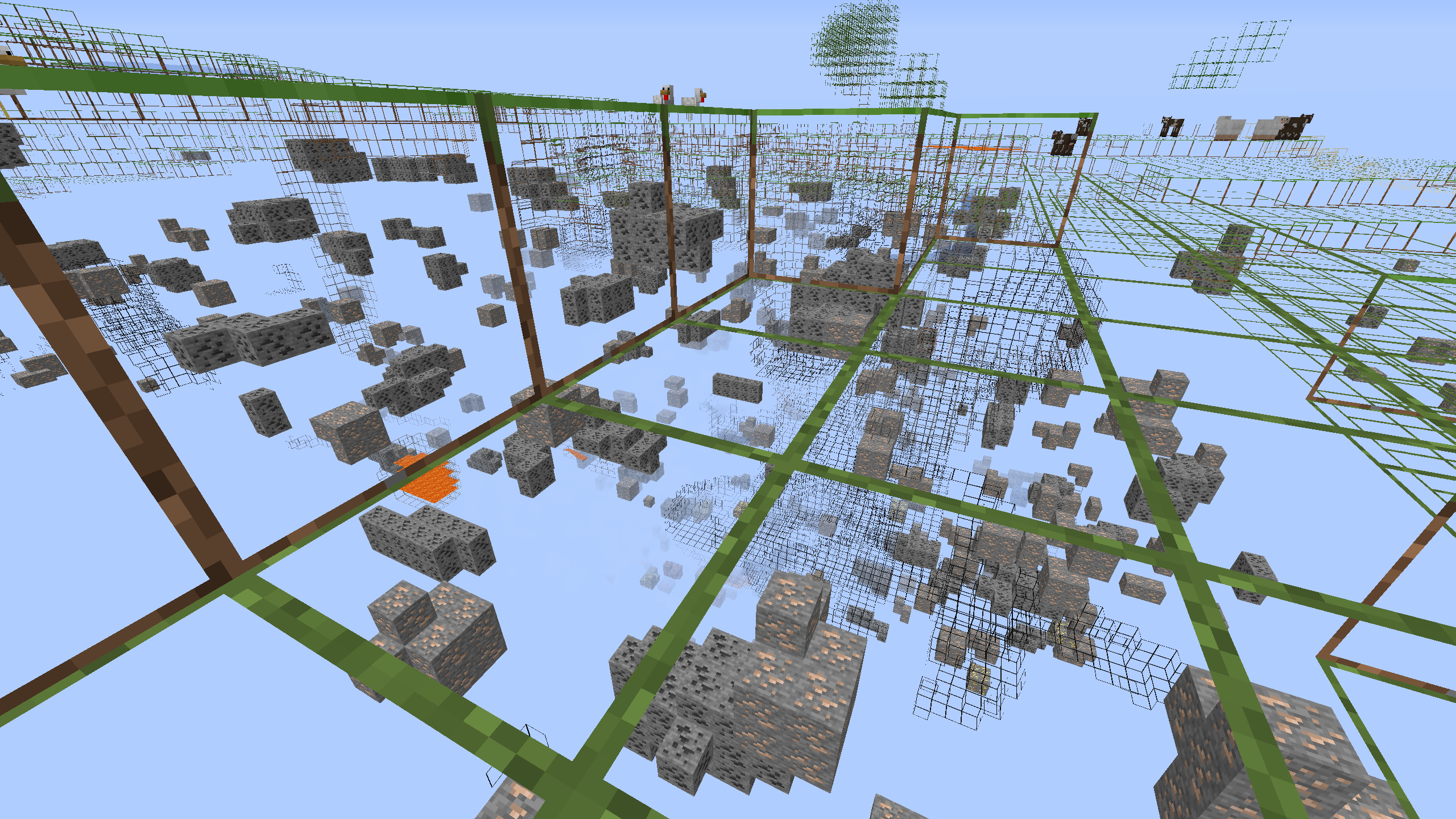
Better X-Ray Lite ( xray )
[1.13-1.19] A very light and small xray resourcepackInstall
Zero's Modern Crosshair
A more modern crosshair.Install
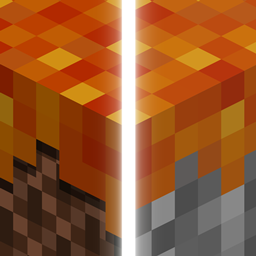
Dungeons GUI & Music
Texture pack that changes the whole GUI to Minecraft Dungeons style/themeInstall

Reimagined Salt Lamps
Remodels and retextures the lamps from the mod Salt LampsInstall

Lootr Retextured
Changes the textures for LootrInstall

Better Zombies x Fresh Animations
Makes Better Zombies(my zombie pack) compatible with Fresh AnimationsInstall

Clear Water!
Turns down the transparency of the water so you can actually see!Install
Ashen Compatability
Mod Compatibility for the Asphen Resource PackInstall

Cobblemon Loading Backgrounds
New Loading backgrounds from the Cobblemon Mod!Install

Cobweb Outlines
Makes webs have a block outline for better visibility.Install

Os' 3D Iron Bars
This pack changes iron bars to be darker to match the chain, and cleans up the textures. Also, there won't be any Z-fighting since it's 3D. 2D version is available, but doesn't remove the Z-fighting.Install

Bare Bones PBR x128
Bare Bones PBR with x128 textures | Trailer style !Install

Iron's Spells 'n Spellbooks: Soul Fire Spells
Turns Fire Spells from Iron's Spells 'n Spellbooks into Soul FireInstall

BEST PACK PVP
This pack contains everything you need to play PVP professionally. +FPS -LAGInstall

Catppuccin UI
A soothing pastel UI-Pack for Minecraft based on the Catppuccin colour scheme. ⛏️InstallFAQ
Do I need Forge or Fabric for a resource pack?
No. A resource pack works on the regular game with no loaders or mods. Click “Install” and Millida Launcher will put the pack into the right modpack — then just enable it in the settings.
What do 16×, 32×, 64× mean?
The resolution of a single texture in pixels. 16× matches the original game, 32× and 64× are more detailed and heavier, and 128× and up put a noticeable load on your graphics card.
Will a pack made for another version work?
Most likely partly: older packs don't have textures for newer blocks, so those will stay default. The game won't break, though.
How is a texture pack different from a resource pack?
Only by name and age. Before version 1.6 the sets were called texture packs and changed only textures; in 1.6 resource packs replaced them and also change sounds, fonts and the interface. Old texture packs for 1.5 and below do not work on new versions without conversion.
Which texture packs are best for PvP?
PvP packs: 16× resolution or lower, shortened swords, low fire, a clear sky and bright particles. They barely load the computer and make the opponent easier to see. These packs are collected in the PvP theme.
How do I install a resource pack?
Press Install and Millida Launcher puts the pack into the resourcepacks folder of the right instance. Then enable it in the game: Options, then Resource Packs. Manually, the archive goes into resourcepacks inside the game folder, no need to unpack it.
Resource packs for Minecraft Java
A resource pack changes how the game looks and sounds: block and item textures, fonts, the interface, sounds. It doesn't touch the game's code, so it needs no mod loader and breaks nothing on a server — the pack only works on your screen. That's exactly why a resource pack is safer than any mod: the worst that happens on a version mismatch is that some textures stay default.
Textures, texture packs and resource packs are essentially the same thing: since version 1.6 Mojang calls these sets resource packs, but the old name is still searched more often. PvP packs are a big genre of their own: shortened swords, low fire, bright particles and 16× resolution or lower, so the opponent stands out and the frame rate does not drop. Such packs are most often made for 1.8.9 and 1.16.5, the versions many PvP servers run on.
The key thing about a pack is its resolution. The game's default textures are 16×16 pixels; 32× and 64× packs look more detailed, while 128× and up need a real graphics card and are usually paired with shaders. On a weak machine it makes sense to stay at 16× or go for packs that deliberately simplify graphics for more FPS. Every pack here lists its game version, author and license, and all released versions are gathered on one card. Put the downloaded archive in the resourcepacks folder and enable it in the game settings.