
Resource packs for Minecraft Java — page 85
Resource packs: list
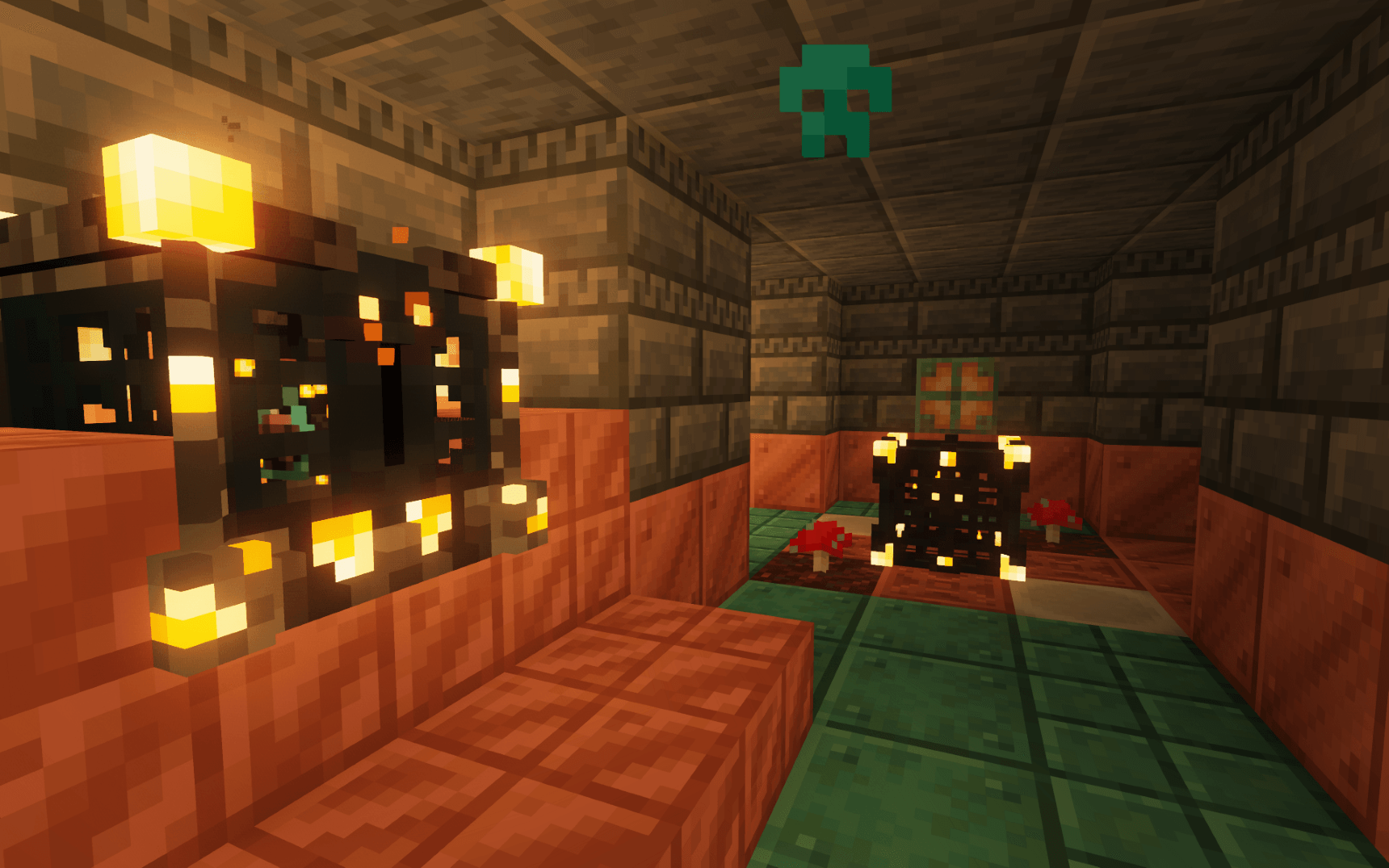

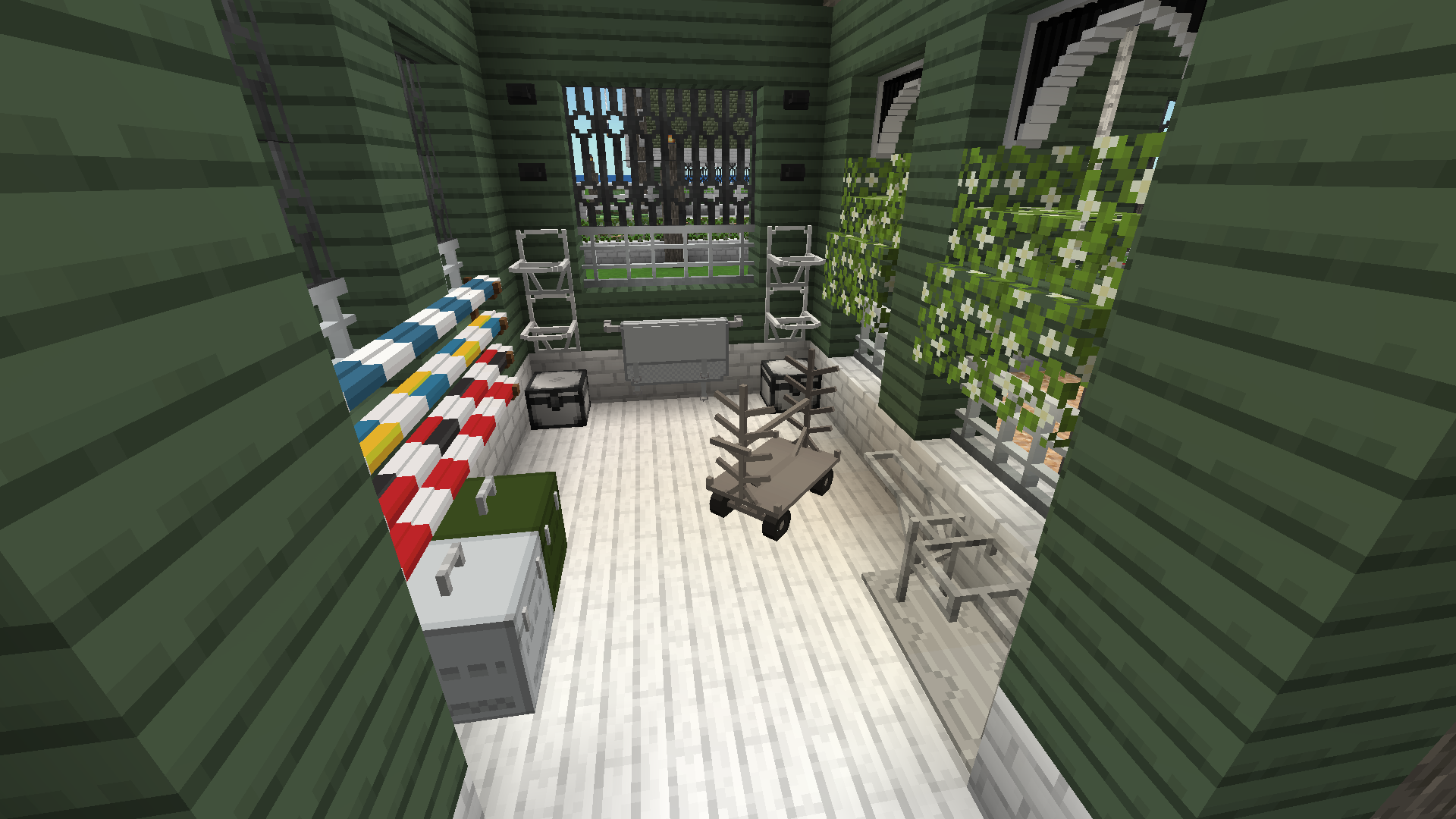

Equestrian CIT (EQCIT)
A horsie CIT Pack!Install

Zipp CPVP Pack
Zipp CPVP Pack brings a clean and clear PvP experience. It features short swords, a black UI, low fire, no particles, and a smaller totem pop-up, so nothing gets in your way during fights. Perfect for players who want maximum visibility and focus in everyInstall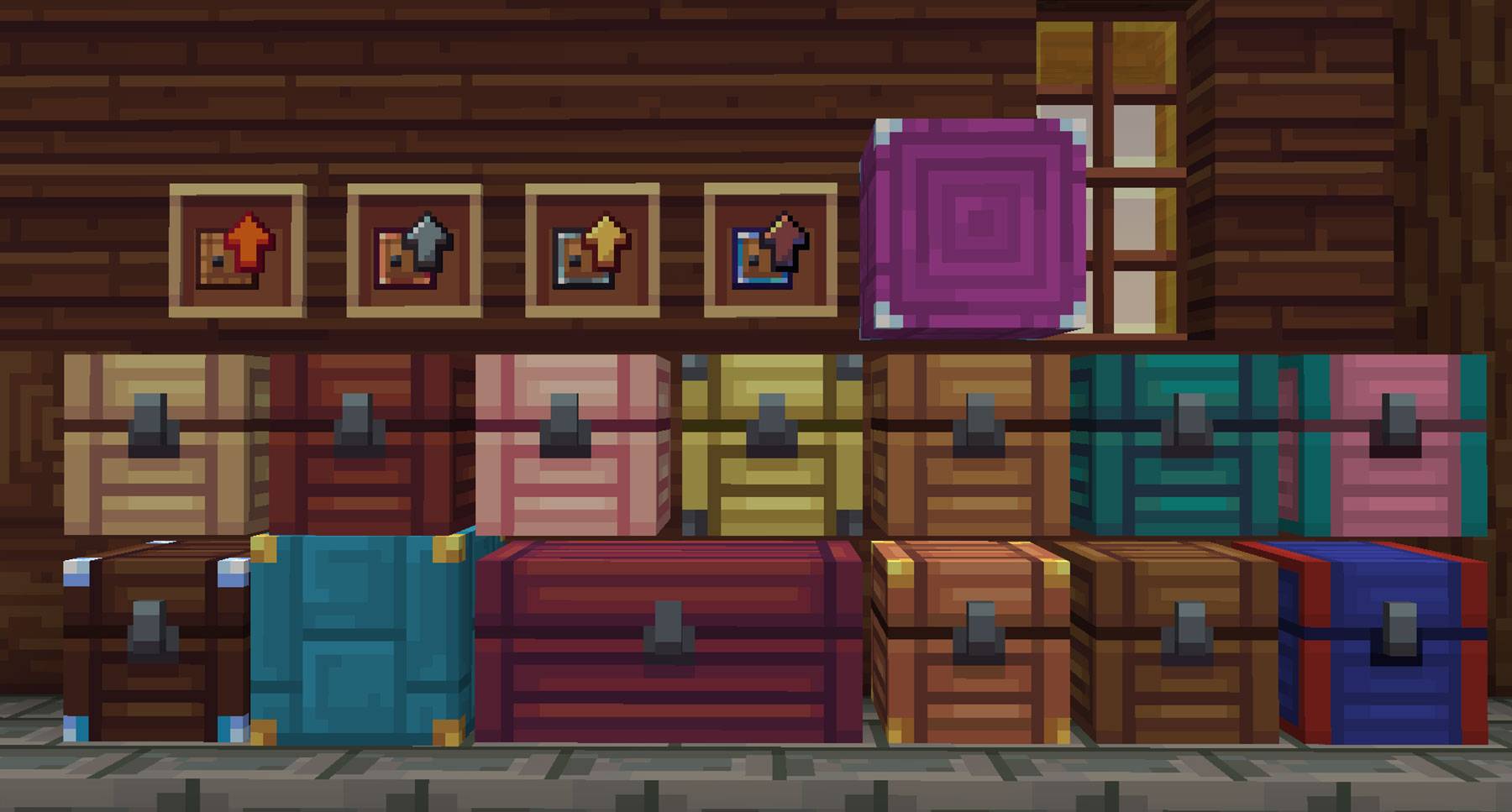
Whimscape x Sophisticated
Carry your inventory in Whimscape style!Install
Jade Better Dark Theme
A better version of Jade's dark theme made to match with Status Effect Timer or Status Effect Bars.Install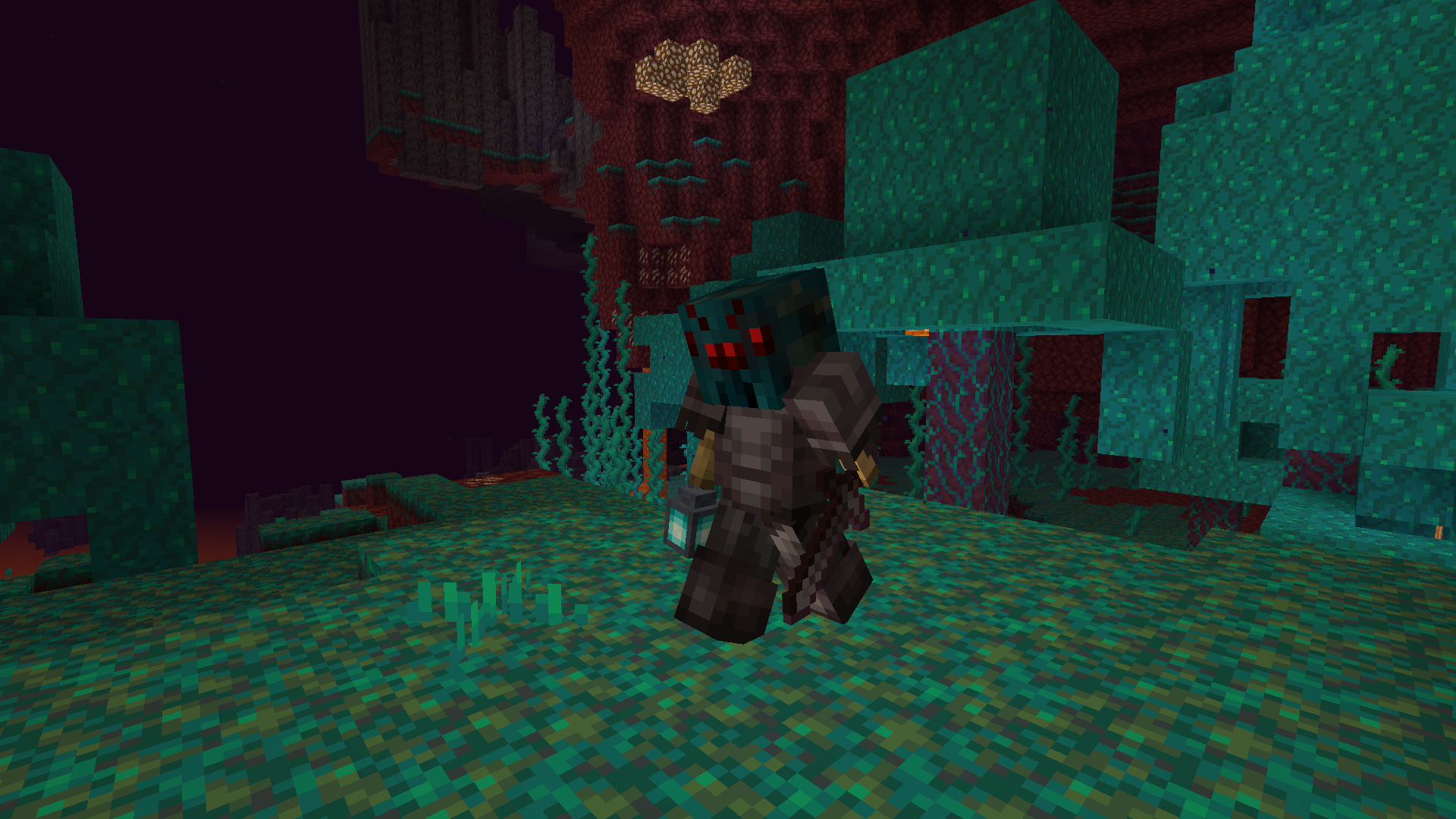
Gosha's RPG First Person Pack
RPG like first personInstall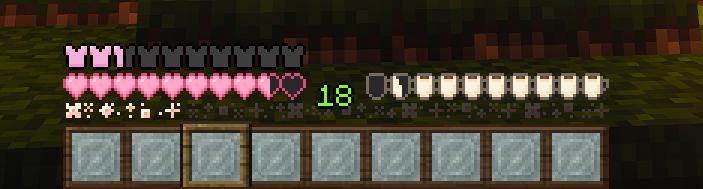
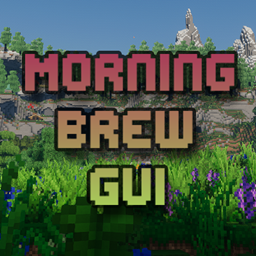
Morning Brew GUI
Enjoy Minecraft with these cozy coffee colors to start your day~Install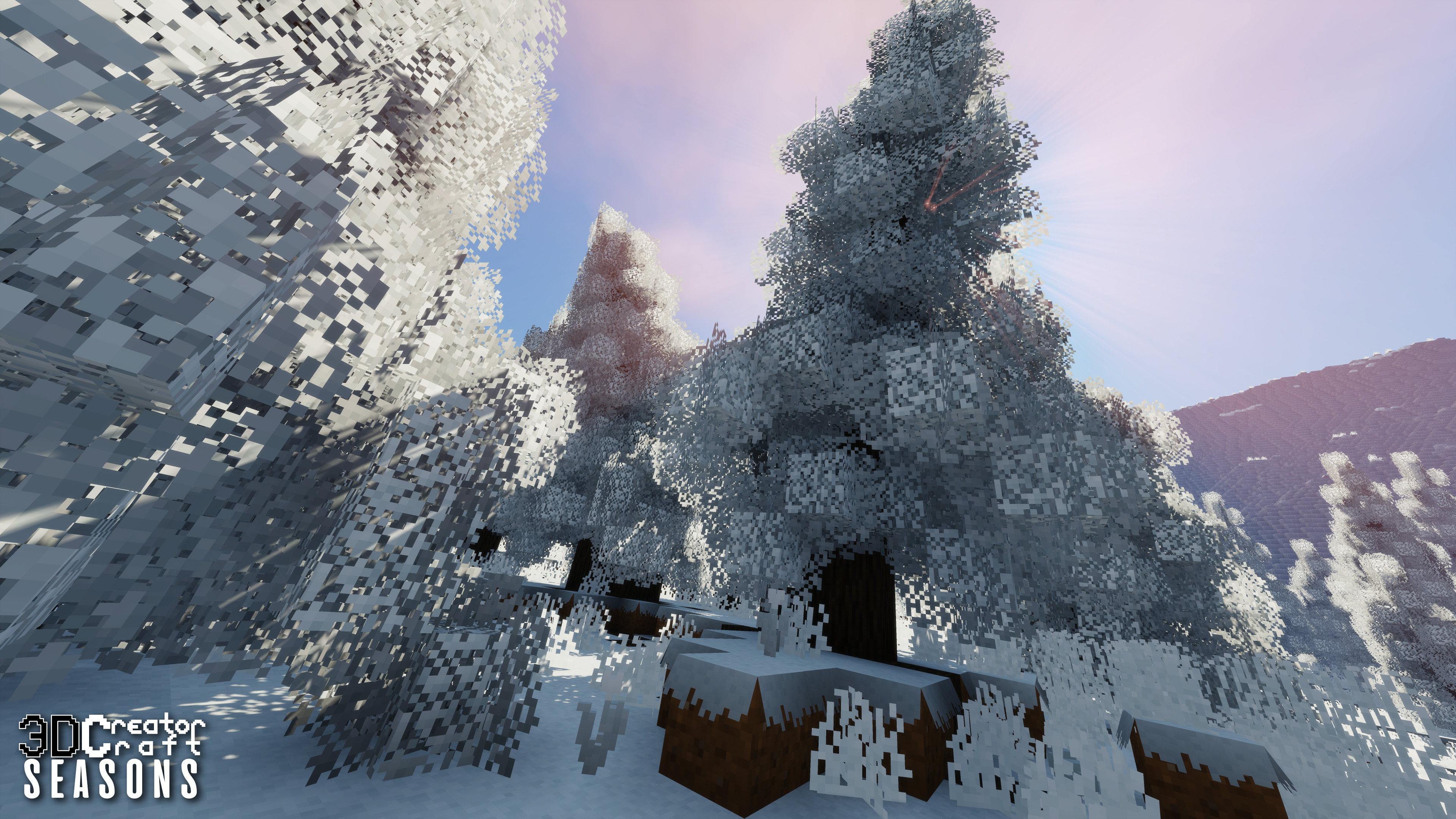
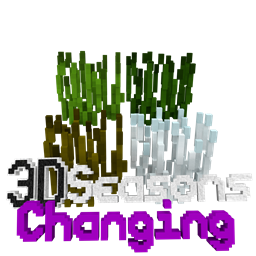
Seasons 3D
3D Seasons adds Seasons to your Minecraft World, which will automatically change...Install
Fresh Environment
Subtle visual tweaks including better rain and snow, cloud variation and moreInstall
OhPvP Texture Pack
PvP Texture Pack for 1.8.9 - KaidenInstall
Conquest Reforged Resourcepack Fix
REMOVE Optifine for 1.18.2; Fix textures for 1.19.2&1.20.1Install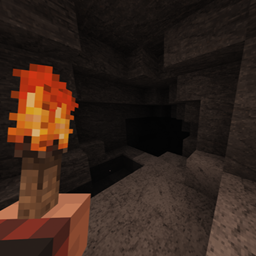
Horror Cave Sounds
Pack changes all vanilla cave sounds into something actually scaryInstall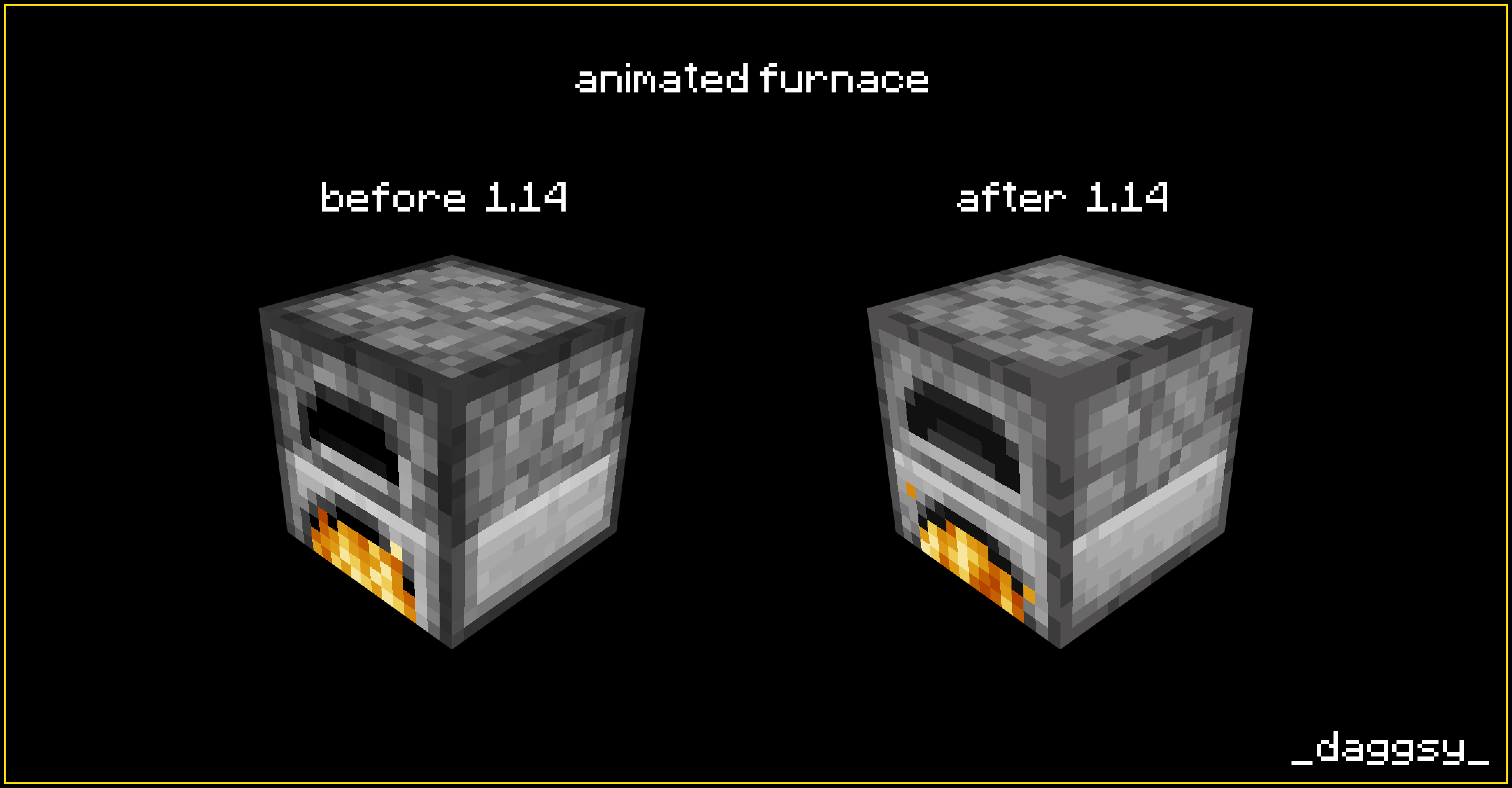
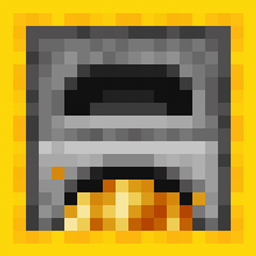
Animated Furnaces
Adds animation to the furnace, fixes smoker and blast furnace.Install

Semos Animations Lib
Entity animations library pack for ressources packs.Install

Elder Scrolls Reactive Music
Music packs for Elder Scrolls games that use Reactive Music.Install

Refined Storage - ReCreated
Makes Refined Storage better fit with Create ModInstall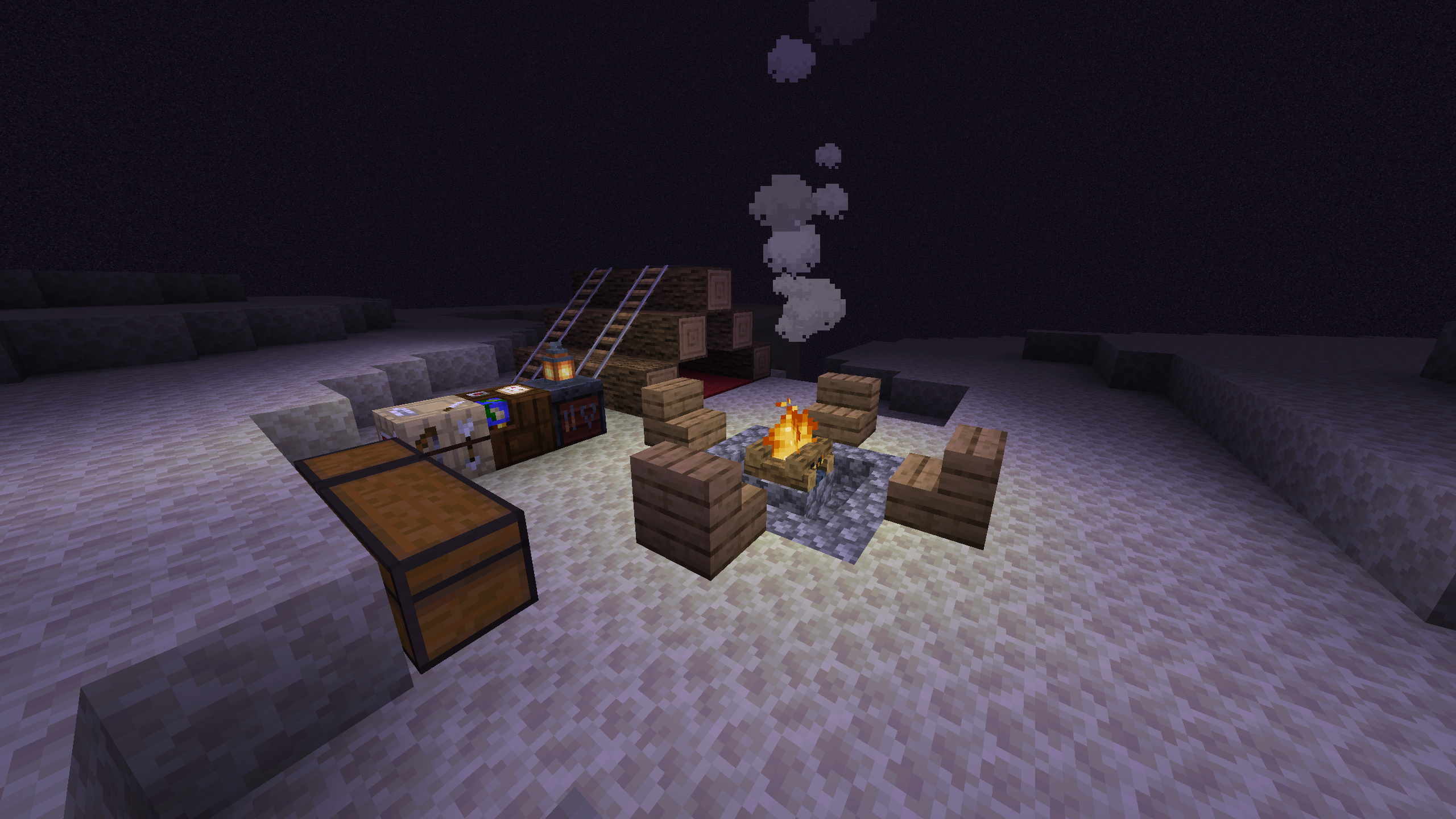
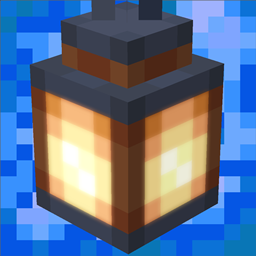
Send's Realistic Lighting
Better lighting without the hassle of shaderpacks.Install

Enchantment Enhancements
Gives enchanted books a new unique look!Install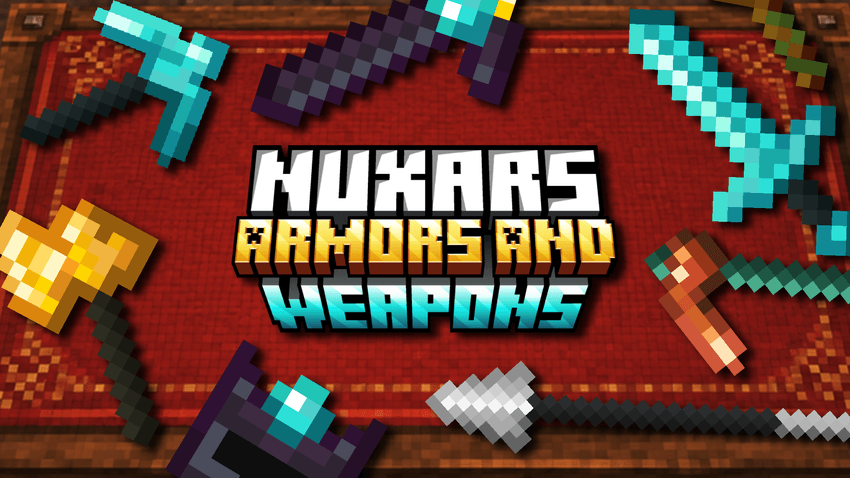

Nuxar´s Armors And Weapons
This texture pack completely redesigns your weapons and armors with a captivating medieval and Vanilla style. Inspired directly by the streamer Farfadox.Install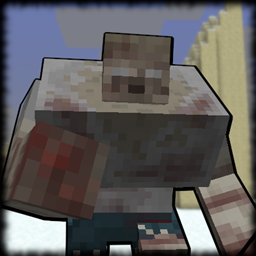
Mutant Zombie - Osud Retexture
Retextures the Mutant Zombie from Mutant Beasts.Install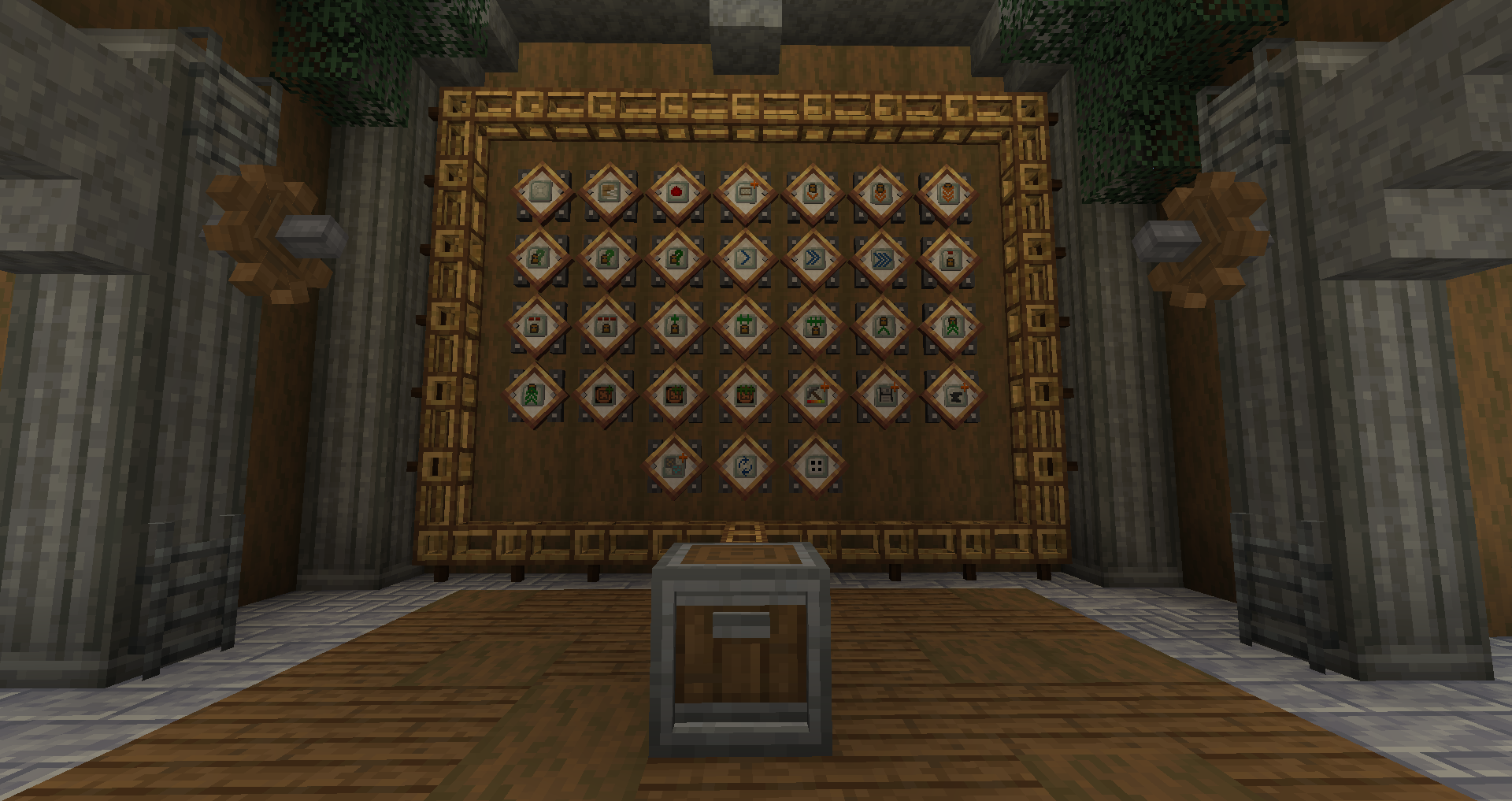
Created Pretty Pipes
Create Like textures for Pretty Pipes mod!Install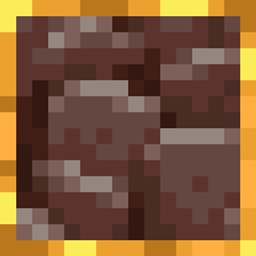
Visible Ancient Debris
Adds a golden outline to the regular ancient debris texture to improve visibility.Install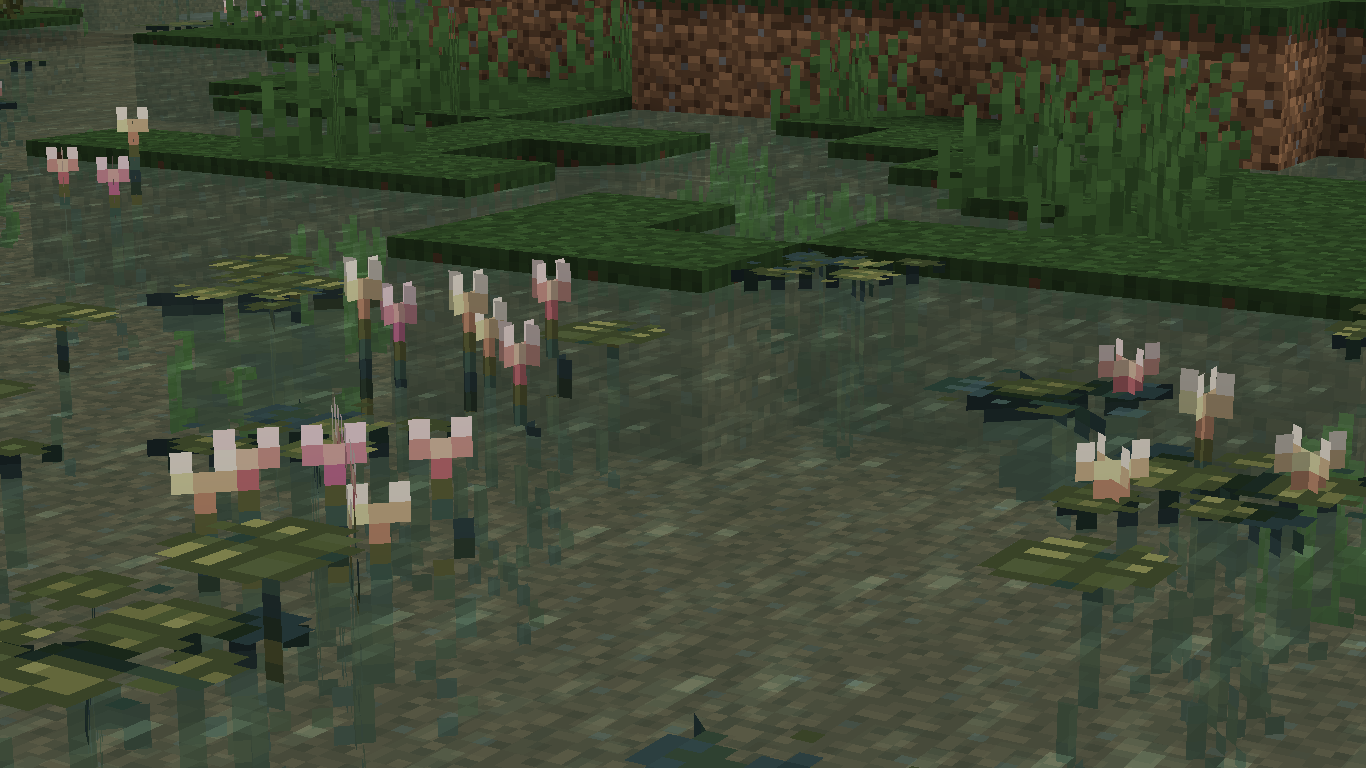
Supa Lilies
A texturepack that only affects lilypads with 13 custom modelsInstall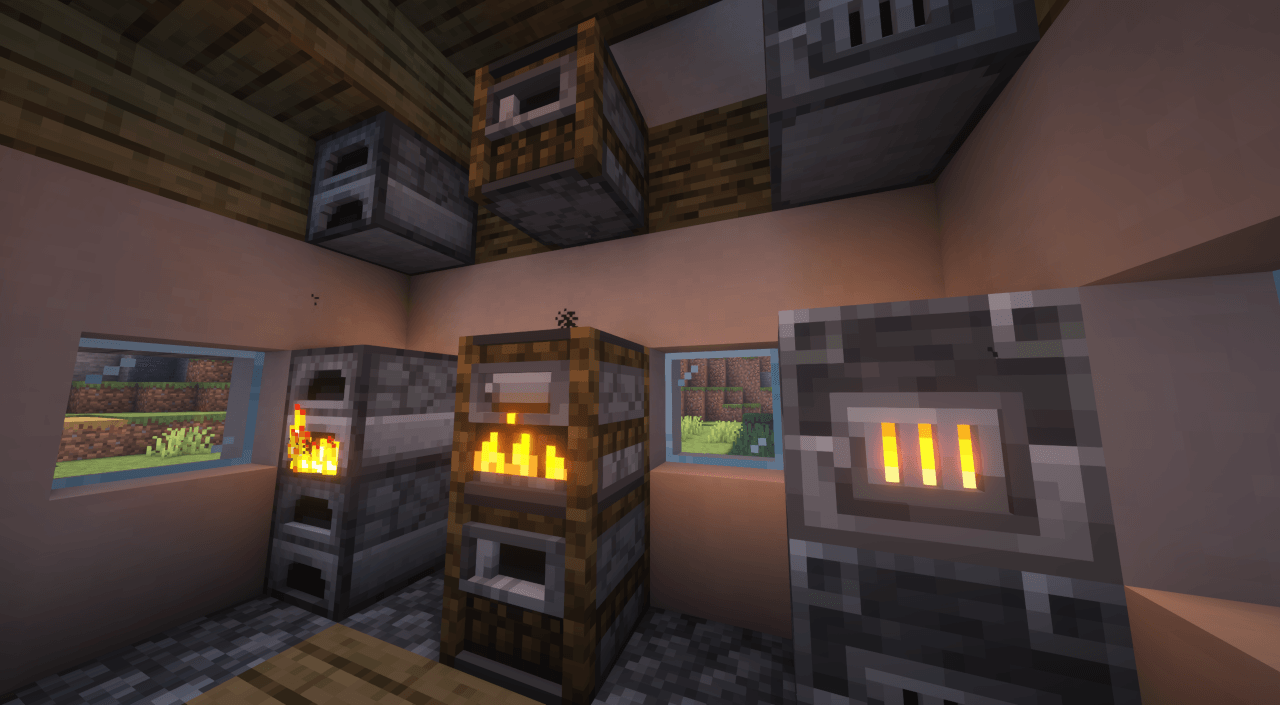
Undopia 3D Furnaces
Gives the Furnace, Blast Furnace & Smoker a 3 dimensional modelInstallFAQ
Do I need Forge or Fabric for a resource pack?
No. A resource pack works on the regular game with no loaders or mods. Click “Install” and Millida Launcher will put the pack into the right modpack — then just enable it in the settings.
What do 16×, 32×, 64× mean?
The resolution of a single texture in pixels. 16× matches the original game, 32× and 64× are more detailed and heavier, and 128× and up put a noticeable load on your graphics card.
Will a pack made for another version work?
Most likely partly: older packs don't have textures for newer blocks, so those will stay default. The game won't break, though.
How is a texture pack different from a resource pack?
Only by name and age. Before version 1.6 the sets were called texture packs and changed only textures; in 1.6 resource packs replaced them and also change sounds, fonts and the interface. Old texture packs for 1.5 and below do not work on new versions without conversion.
Which texture packs are best for PvP?
PvP packs: 16× resolution or lower, shortened swords, low fire, a clear sky and bright particles. They barely load the computer and make the opponent easier to see. These packs are collected in the PvP theme.
How do I install a resource pack?
Press Install and Millida Launcher puts the pack into the resourcepacks folder of the right instance. Then enable it in the game: Options, then Resource Packs. Manually, the archive goes into resourcepacks inside the game folder, no need to unpack it.
Resource packs for Minecraft Java
A resource pack changes how the game looks and sounds: block and item textures, fonts, the interface, sounds. It doesn't touch the game's code, so it needs no mod loader and breaks nothing on a server — the pack only works on your screen. That's exactly why a resource pack is safer than any mod: the worst that happens on a version mismatch is that some textures stay default.
Textures, texture packs and resource packs are essentially the same thing: since version 1.6 Mojang calls these sets resource packs, but the old name is still searched more often. PvP packs are a big genre of their own: shortened swords, low fire, bright particles and 16× resolution or lower, so the opponent stands out and the frame rate does not drop. Such packs are most often made for 1.8.9 and 1.16.5, the versions many PvP servers run on.
The key thing about a pack is its resolution. The game's default textures are 16×16 pixels; 32× and 64× packs look more detailed, while 128× and up need a real graphics card and are usually paired with shaders. On a weak machine it makes sense to stay at 16× or go for packs that deliberately simplify graphics for more FPS. Every pack here lists its game version, author and license, and all released versions are gathered on one card. Put the downloaded archive in the resourcepacks folder and enable it in the game settings.