
Resource packs for Minecraft Java — page 62
Resource packs: list


xali's Enchanted Books - Fix
Fixes issue in original pack, where enchantment levels above maximum don't have texturesInstall

Bagel's Animal Tweaks
Tweaks the Textures and Models of some of the classic animals.Install

Creatures+
Over 50 More Creature Textures (Needs Optifine)Install

Smooth Animated Doors
Fixes UV inconsistencies allowing a smooth animation. Companion RP for the Animated Doors Mod & DataPackInstall

Dark Loading Screen
Makes the loading screen darker (requires OptiFine)Install

Isle of Berk Advancement Plaques
New Advancement Plaques for the Isle of Berk Mod!Install

Jujutsu Kaisen GUI Pack
Overhauled Minecraft GUI in the theme off Jujutsu Kaisen.Install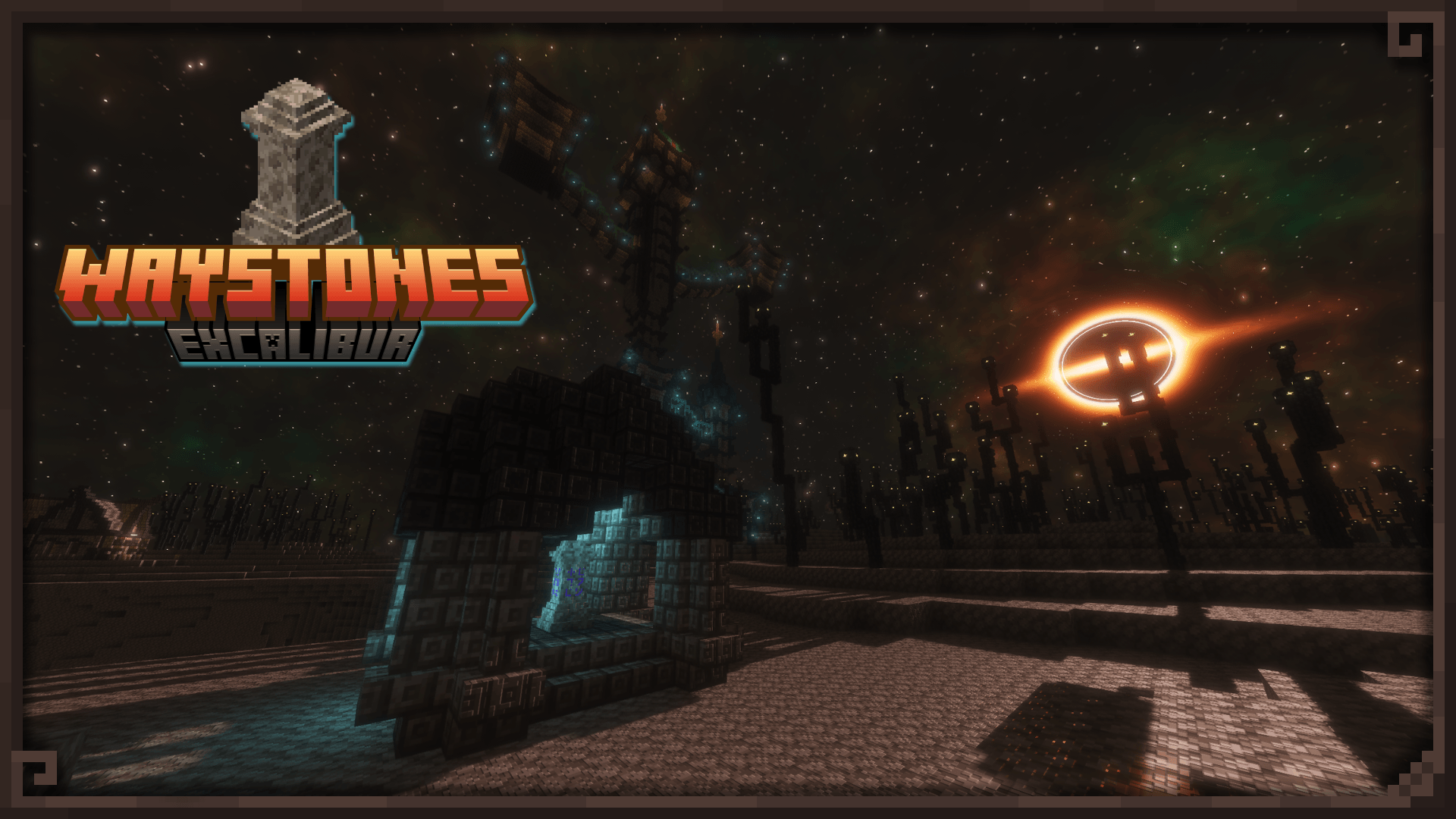

Excalibur | Waystones Support
Teleport altars forged in a more realistic, medieval styleInstall

Extended illumina (3D lantern and torch)
This resource pack adds a 3D lantern and torch to your hand!Install
Mars's Enchanted Book Textures
Changes textures of enchanted books for better clarityInstall

FerreMcDurabilityOverlay
This Pack shows the durability of armour.Install

Default-Style Winter Pack
A Wintery overhaul to the Default Experience!Install
Rainy Day
Makes rain and thunder more realistic and atmosphericInstall

BushyBiomes
This addon addds bushy leaves for the BetterVanillaBuilding texturepackInstall

Zoni's Apotheosis Curios Lang
A resource pack to fix the naming when using the Zoni's Apotheosis Curios data packInstall

SenseCraft
Minecraft Made VibrantInstall
Circular Sun and Moon
makes sun and moon circular and eye pleasing ☀️🌙Install
Pixalette
A vibrant, pixel art resource pack for Minecraft.Install

Radiant Redstone
Various tweaks all around redstoneInstall

VanillaExpansion Collection
Vanilla-like but expandedInstall

Visible Shield Cooldown
Shows you the status of your shield on cooldown (when it is disabled). Like the shield status mod but a resourcepackInstall

Link's 3D Rails
This is some 3D rails I made in Blockbench designed to fit within the Vanilla world!Install
Elden Ring GUI Pack
Elden Ring themed GUI pack for all those who are maidenlessInstallFAQ
Do I need Forge or Fabric for a resource pack?
No. A resource pack works on the regular game with no loaders or mods. Click “Install” and Millida Launcher will put the pack into the right modpack — then just enable it in the settings.
What do 16×, 32×, 64× mean?
The resolution of a single texture in pixels. 16× matches the original game, 32× and 64× are more detailed and heavier, and 128× and up put a noticeable load on your graphics card.
Will a pack made for another version work?
Most likely partly: older packs don't have textures for newer blocks, so those will stay default. The game won't break, though.
How is a texture pack different from a resource pack?
Only by name and age. Before version 1.6 the sets were called texture packs and changed only textures; in 1.6 resource packs replaced them and also change sounds, fonts and the interface. Old texture packs for 1.5 and below do not work on new versions without conversion.
Which texture packs are best for PvP?
PvP packs: 16× resolution or lower, shortened swords, low fire, a clear sky and bright particles. They barely load the computer and make the opponent easier to see. These packs are collected in the PvP theme.
How do I install a resource pack?
Press Install and Millida Launcher puts the pack into the resourcepacks folder of the right instance. Then enable it in the game: Options, then Resource Packs. Manually, the archive goes into resourcepacks inside the game folder, no need to unpack it.
Resource packs for Minecraft Java
A resource pack changes how the game looks and sounds: block and item textures, fonts, the interface, sounds. It doesn't touch the game's code, so it needs no mod loader and breaks nothing on a server — the pack only works on your screen. That's exactly why a resource pack is safer than any mod: the worst that happens on a version mismatch is that some textures stay default.
Textures, texture packs and resource packs are essentially the same thing: since version 1.6 Mojang calls these sets resource packs, but the old name is still searched more often. PvP packs are a big genre of their own: shortened swords, low fire, bright particles and 16× resolution or lower, so the opponent stands out and the frame rate does not drop. Such packs are most often made for 1.8.9 and 1.16.5, the versions many PvP servers run on.
The key thing about a pack is its resolution. The game's default textures are 16×16 pixels; 32× and 64× packs look more detailed, while 128× and up need a real graphics card and are usually paired with shaders. On a weak machine it makes sense to stay at 16× or go for packs that deliberately simplify graphics for more FPS. Every pack here lists its game version, author and license, and all released versions are gathered on one card. Put the downloaded archive in the resourcepacks folder and enable it in the game settings.