
Resource packs for Minecraft Java — page 61
Resource packs: list


Apostles T
A simple resource package can make Goety's apostles less scary.Install

DD&SS Resourcepack 64x64
Official DD&SS Texturepack 64x64Install

Simple Glowing Ores
This ressource pack make precious raw ore glow in the darkInstall

(Bee's) Blockier Goat Horn
My blocky model for the goat horn itemInstall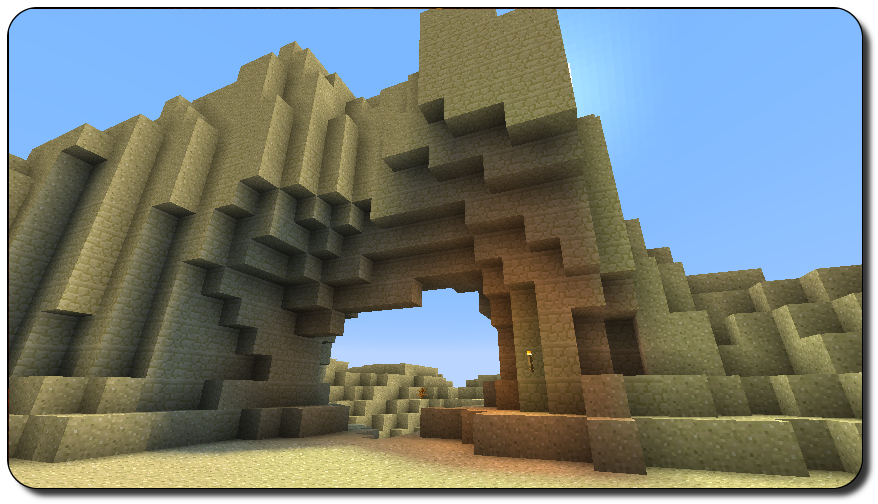
Pixel Reality - Luminance
Realistic(ish) light effects without shaders! Use it on top of vanilla or your chosen pack! Needs Optifine.Install

Pato's 3D Brews
A Minecraft resource pack that adds 3D bottle models and drinking animations for potions, honey, and all other bottles!Install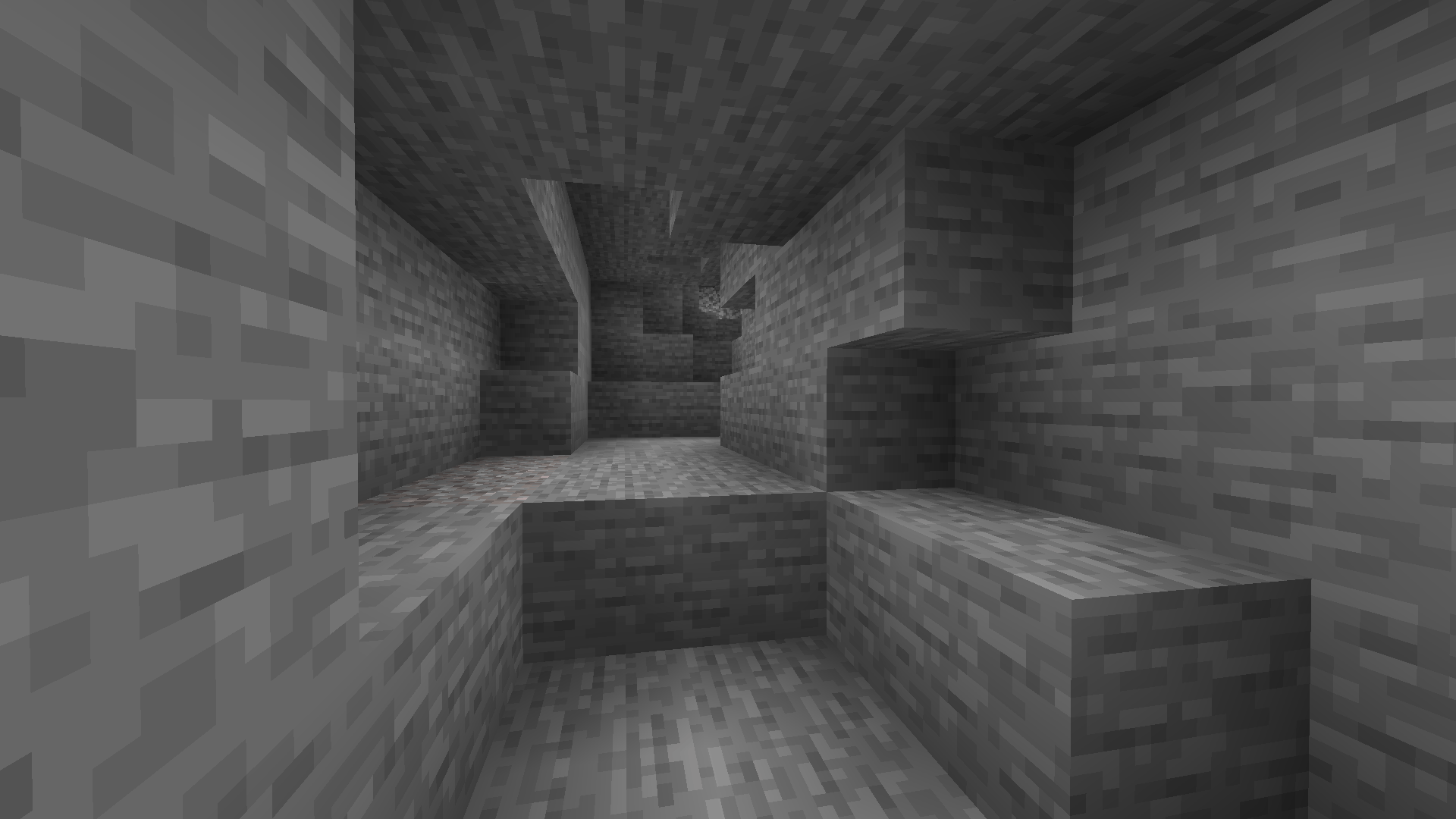

Gama Vision (NIGHT VISION)
Full-brightness Night Vision resource pack using OptiFine custom lightmaps. Simple, lightweightInstall

Isle of Berk Xaero's Minimap Icons
New Minimap Icons for the Isle of Berk Mod!Install

Foliage+
Makes Foliage BetterInstall

Dark Pixels | PVP Pack [8x]
8x8 PvP Pack that looks pretty and can boost FPS for low-powered PCsInstall

HTTYD Franchise Paintings
New paintings in Minecraft from the HTTYD Franchise!Install

(Bee's) Banner Pattern Clarity
Retextures of banner pattern items, compatible with modsInstall
Overgrown Flowery GUI
Cute & Floral GUI overhaul resource packInstall

SMP Basics
The basics for SMP PvP! jump into your next pvp battle with SMP Basics for Survival Multiplayer or SMP but can be used for other combat modesInstall
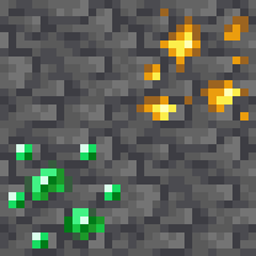
Deepslate Ore Fix
Makes deepslate ore top texture blend in betterInstall

Flower Clusters
Flowers cover the ground better, being placed in clusters rather than individuallyInstall
Legacy Worlds
The Legacy Console Edition mash-up worlds ported to Java Edition, for use with the Legacy4J mod.Install
Up To Scratch
Makes older textures more in line with the texture updateInstall
Bakemonogatari Custom GUI Pack
Bakemonogatari Custom GUI PackInstall

Bagel's Texture Tweaks
Personal tweaks of a bunch of textures.Install
Essential UI
A small texturepack, that changes all buttons and the hotbar to fit the style of the Essential mod. With This texturepack your Minecraft will look much cleaner when using the Essential modInstall

Mass Effect Mash-up
Shape the fate of your Minecraft galaxy with this amazing Mash-up! A port from Legacy Console Edition.Install
Kill la Kill Custom GUI Pack
Kill la Kill Custom GUI PackInstallFAQ
Do I need Forge or Fabric for a resource pack?
No. A resource pack works on the regular game with no loaders or mods. Click “Install” and Millida Launcher will put the pack into the right modpack — then just enable it in the settings.
What do 16×, 32×, 64× mean?
The resolution of a single texture in pixels. 16× matches the original game, 32× and 64× are more detailed and heavier, and 128× and up put a noticeable load on your graphics card.
Will a pack made for another version work?
Most likely partly: older packs don't have textures for newer blocks, so those will stay default. The game won't break, though.
How is a texture pack different from a resource pack?
Only by name and age. Before version 1.6 the sets were called texture packs and changed only textures; in 1.6 resource packs replaced them and also change sounds, fonts and the interface. Old texture packs for 1.5 and below do not work on new versions without conversion.
Which texture packs are best for PvP?
PvP packs: 16× resolution or lower, shortened swords, low fire, a clear sky and bright particles. They barely load the computer and make the opponent easier to see. These packs are collected in the PvP theme.
How do I install a resource pack?
Press Install and Millida Launcher puts the pack into the resourcepacks folder of the right instance. Then enable it in the game: Options, then Resource Packs. Manually, the archive goes into resourcepacks inside the game folder, no need to unpack it.
Resource packs for Minecraft Java
A resource pack changes how the game looks and sounds: block and item textures, fonts, the interface, sounds. It doesn't touch the game's code, so it needs no mod loader and breaks nothing on a server — the pack only works on your screen. That's exactly why a resource pack is safer than any mod: the worst that happens on a version mismatch is that some textures stay default.
Textures, texture packs and resource packs are essentially the same thing: since version 1.6 Mojang calls these sets resource packs, but the old name is still searched more often. PvP packs are a big genre of their own: shortened swords, low fire, bright particles and 16× resolution or lower, so the opponent stands out and the frame rate does not drop. Such packs are most often made for 1.8.9 and 1.16.5, the versions many PvP servers run on.
The key thing about a pack is its resolution. The game's default textures are 16×16 pixels; 32× and 64× packs look more detailed, while 128× and up need a real graphics card and are usually paired with shaders. On a weak machine it makes sense to stay at 16× or go for packs that deliberately simplify graphics for more FPS. Every pack here lists its game version, author and license, and all released versions are gathered on one card. Put the downloaded archive in the resourcepacks folder and enable it in the game settings.