
Resource packs for Minecraft Java — page 26
Resource packs: list


EpicFight-Extra's Sword Trail Optimization Pack
Modified the action data of EpicFight-Extra to make your action blade light cooler and more advancedInstall
Tool Belt Retextured
The retextured Tool Belt used in Slightly Vanilla Flavoured!Install

Pixel Perfect [Let's Do Addon]
A pack that remodels some of the Let's Do item models to look more like their sprites.Install

Stay True Modded Compats
Biomes O'Plenty, Quark, Create and other mods compatibility with Stay True resource pack.Install

Fyoncle's 3D Trims
Adds 3D Trim Templates for first person!Install

Faithful HD [x512]
Faithful x512 - High Definition textures that stay faithful to the default textures! [1.18 & 1.12]Install

Excalibur | Farmer's Delight Support
A retexture of the mod, Farmer's Delight. Adapted and made to run alongside the Excalibur resource pack by Maffhew.Install

JujutsuCraft improved Master Icons
Created to Replace the old unrecognizable Mastery Icons for new more recognizable ones.Install
Dehydration Expanded Drinks
Adds a few modded items to Dehydration's thirst systemInstall

Excalibur | Modded Enchantments Support
Excalibur support for popular Mods that add new EnchantmentsInstall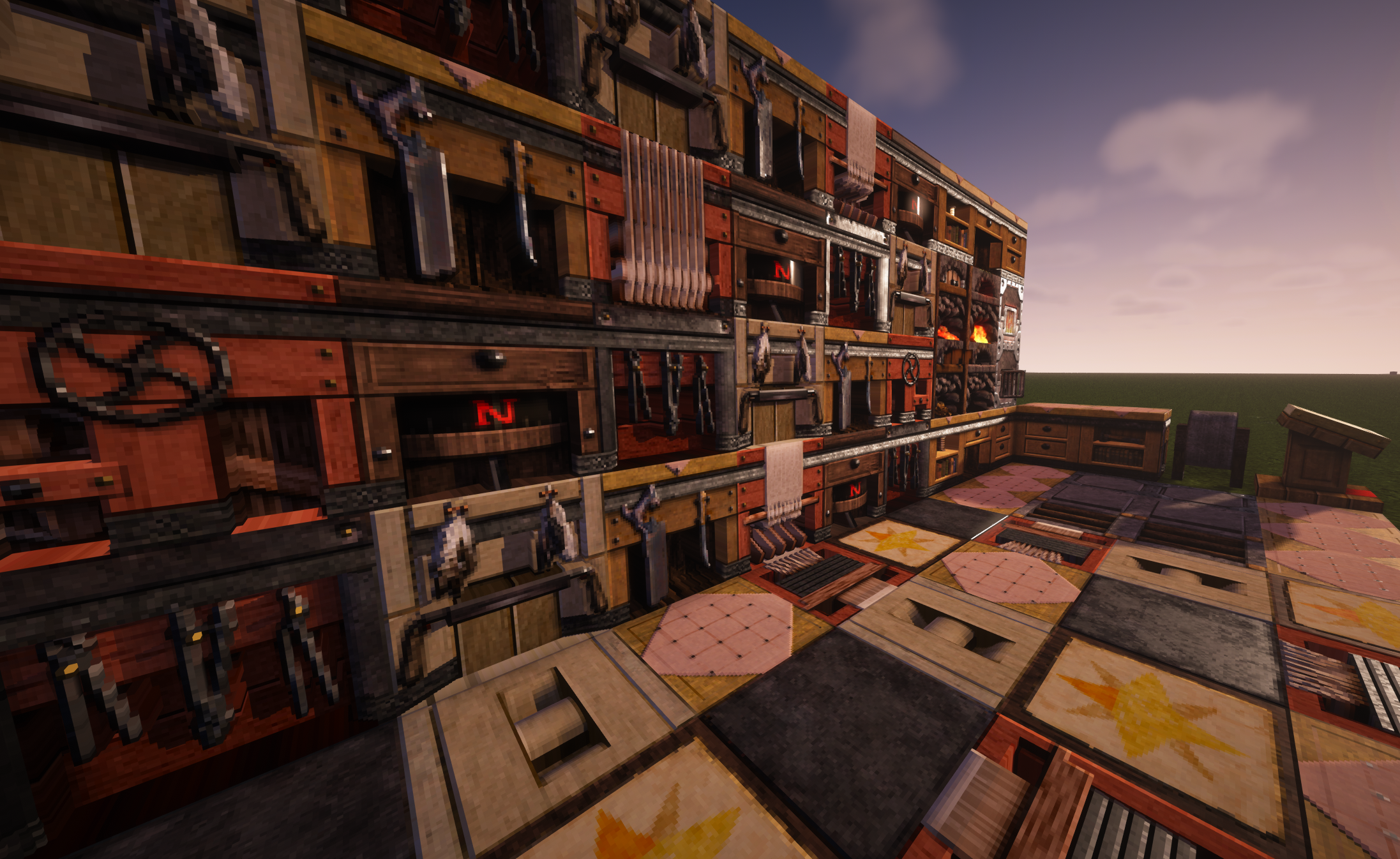

Misa's Realistic
The Original 64x64 Texture PackInstall
Darker Pipez
Replaces the bright Pipez textures with darker, more subtle tones. Say goodbye to visual clutter and hello to sleek, streamlined pipes that won't overpower your project.Install

The Official Enigmatica Resource Pack
Modded Ingots, Blocks, Dusts, a complete Occultism 16x16 rework, and many more in the latest Minecraft Art StyleInstall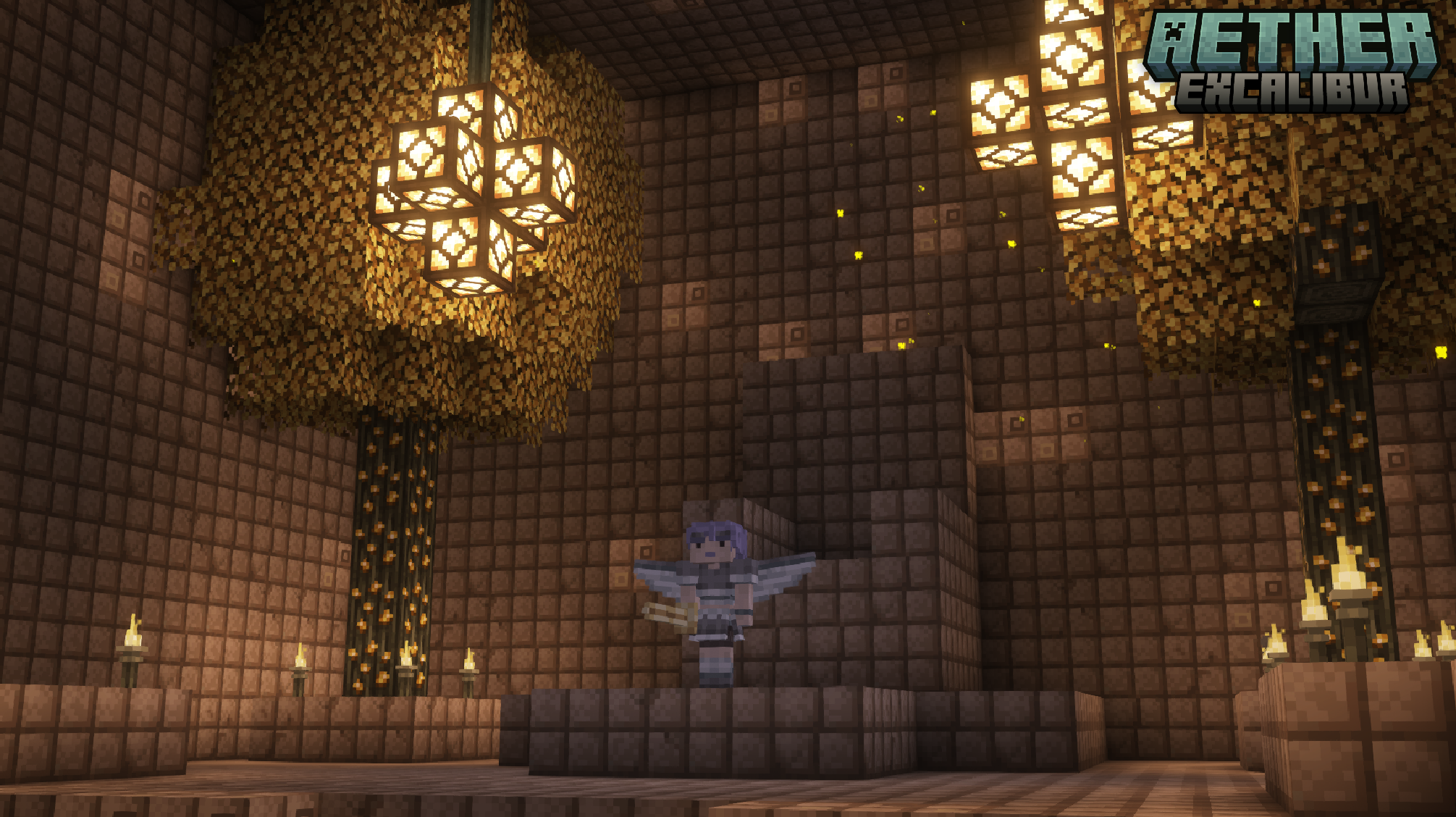

Excalibur | Aether Support
A retexture of the mod, The Aether. Adapted and made to run alongside the Excalibur resource pack by Maffhew.Install

PvP Haimiya Pack + Anime sky
The PvP/CPvP resource pack "Haimiya" adds a variety of textures, from the sky overlay to the GUI and sounds.Install
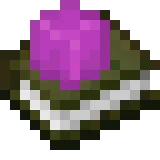
Sophie's Hypixel Skyblock Enchants
A resource pack that grants Enchant Books custom textures for Hypixel Skyblock.Install

Redcap's Currency Retexture
Lightman's Currency Mod Texture Medieval ReworkInstall
Subtly Glowing Ores
Adds an emissive colored outline to the ores! Works with most resource packs!Install

Classic 3D
Classic Minecraft look & feel with revamped 3D models.Install

Bloom & Serenity UI
Modify the original UI interface resource package of VanillaInstall

Traben's 3D Arrow models
Makes shot arrows look just like their item sprites. Works with all 16x resourcepacks. Requires EMF or OptiFine.Install

Visible Ores Plus
This texture pack will help you see the minerals more easily.Install
Better Gravestones
Better gravestones for the gravestones modInstallFAQ
Do I need Forge or Fabric for a resource pack?
No. A resource pack works on the regular game with no loaders or mods. Click “Install” and Millida Launcher will put the pack into the right modpack — then just enable it in the settings.
What do 16×, 32×, 64× mean?
The resolution of a single texture in pixels. 16× matches the original game, 32× and 64× are more detailed and heavier, and 128× and up put a noticeable load on your graphics card.
Will a pack made for another version work?
Most likely partly: older packs don't have textures for newer blocks, so those will stay default. The game won't break, though.
How is a texture pack different from a resource pack?
Only by name and age. Before version 1.6 the sets were called texture packs and changed only textures; in 1.6 resource packs replaced them and also change sounds, fonts and the interface. Old texture packs for 1.5 and below do not work on new versions without conversion.
Which texture packs are best for PvP?
PvP packs: 16× resolution or lower, shortened swords, low fire, a clear sky and bright particles. They barely load the computer and make the opponent easier to see. These packs are collected in the PvP theme.
How do I install a resource pack?
Press Install and Millida Launcher puts the pack into the resourcepacks folder of the right instance. Then enable it in the game: Options, then Resource Packs. Manually, the archive goes into resourcepacks inside the game folder, no need to unpack it.
Resource packs for Minecraft Java
A resource pack changes how the game looks and sounds: block and item textures, fonts, the interface, sounds. It doesn't touch the game's code, so it needs no mod loader and breaks nothing on a server — the pack only works on your screen. That's exactly why a resource pack is safer than any mod: the worst that happens on a version mismatch is that some textures stay default.
Textures, texture packs and resource packs are essentially the same thing: since version 1.6 Mojang calls these sets resource packs, but the old name is still searched more often. PvP packs are a big genre of their own: shortened swords, low fire, bright particles and 16× resolution or lower, so the opponent stands out and the frame rate does not drop. Such packs are most often made for 1.8.9 and 1.16.5, the versions many PvP servers run on.
The key thing about a pack is its resolution. The game's default textures are 16×16 pixels; 32× and 64× packs look more detailed, while 128× and up need a real graphics card and are usually paired with shaders. On a weak machine it makes sense to stay at 16× or go for packs that deliberately simplify graphics for more FPS. Every pack here lists its game version, author and license, and all released versions are gathered on one card. Put the downloaded archive in the resourcepacks folder and enable it in the game settings.