
Resource packs for Minecraft Java — page 153
Resource packs: list


Souls Font
A Gothic Medieval Font based on Dark SoulsInstall

Glow Ores Vanilla (Without Optifine)
This resource pack will glow the ores and some Minecraft blocks WITHOUT Optifine/Sodium/Embeddium, etc. totally vanillaInstall
Fresh EndRem Textures
Updated textures from the "End Remastered" modInstall

Boss Crosshair
Crosshair with another Shape and with ShadingInstall

ToonCraft JE: A wonderfully adorable texture pack
A cartoon-themed texture pack for Minecraft featuring vibrant colors, smooth textures, and playful visual effects. Perfect for players who enjoy a fun, imaginative, and lighthearted Minecraft experience.Install

Amazing Axolotls x Fresh Animations
Makes Amazing Axolotls(mine and scrib's axolotl pack) compatible with Fresh AnimationsInstall

Mizuno's x Letsdo Farm and Charm
A Recource pack that makes Mizuno's Craft compatible with [Let's Do] Farm & CharmInstall

Epic Fight - Born in Chaos compat
Epic fight + Born in chaos compat for 1.16.5Install

[Deprecated]CTOV - Monobank compatibility pack
Compatibility datapack between ChoiceTheorem's overhauled village and Monobanks modInstall
Dark Souls Legacy
A Texture Pack based on John Smith Legacy and textures from the game Dark SoulsInstall

medial
A pretty texture for a new world !Install
Dampen/Reduce/Less Menu Click Sound
Dampens/Reduces/Lessens Menu Click SoundInstall

Small Utills
A small and clean utility pack that improves gameplay without covering or cluttering your screen.Install
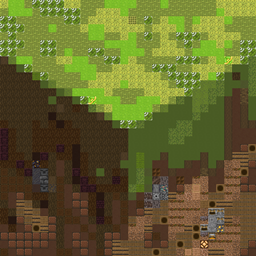
pixelBlocks
The pack where every pixel is a block texture!Install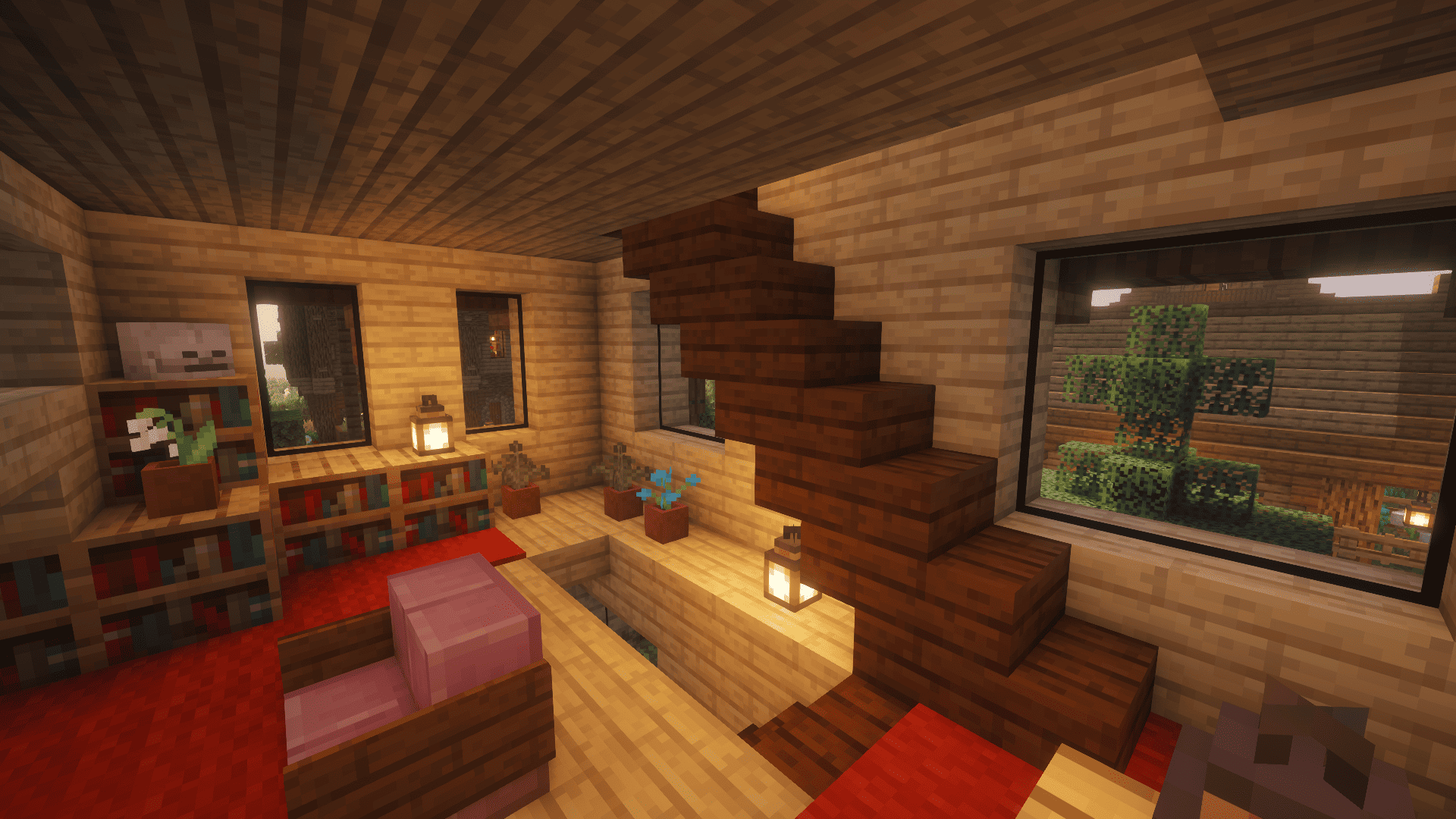
Clearest Glass
No more annoying texture lines on the glass that obstruct the view - only a clean and clear look.Install

AWP & Desert Eagle Overlay
Changes the bow and crossbow model to 3D guns for 1.8 & 1.20/1.21Install

Misans平滑字体包FontPack(Bye Pixel Font~)
无需Caxton或ModernUI模组,即可展示平滑字体,获得绝佳的清晰的阅读体验!Display smooth fonts for an excellent, crisp reading experience, no Caxton or ModernUI modules required!Install

[MTR/NTE] World Tram pack
Install

Rainbow Enchant Glint (Universal)
All enchanted items are Rainbow color! Supports 1.15+ all the way to the latest Minecraft versionInstall

KS Ultimate FPS Boost Bedwars Pack
Best FPS Boost Bedwars Resource pack For 2026 + Animated itemsInstall
LoT - Korean Mod Translations
Add/Improve Korean translations for many mods.Install

Vader's CTM Programmer Art Bricks Pack — Modded Programmer Art CTM Bricks Add-on [Optifine]
(1.7.2—1.20.6+) Adds 8 CTM brick variants with Optifine for Programmer Art. 'V1.0.0'Install
SMART BOOST
SMART BOOST is a minimalist texture pack, which is inspired by Minecraft trailer graphics. very minimal and smooth graphics with cool and beautiful looks. SMART BOOST is a 16 pixel texture pack. version from 1.16 to latestInstallFAQ
Do I need Forge or Fabric for a resource pack?
No. A resource pack works on the regular game with no loaders or mods. Click “Install” and Millida Launcher will put the pack into the right modpack — then just enable it in the settings.
What do 16×, 32×, 64× mean?
The resolution of a single texture in pixels. 16× matches the original game, 32× and 64× are more detailed and heavier, and 128× and up put a noticeable load on your graphics card.
Will a pack made for another version work?
Most likely partly: older packs don't have textures for newer blocks, so those will stay default. The game won't break, though.
How is a texture pack different from a resource pack?
Only by name and age. Before version 1.6 the sets were called texture packs and changed only textures; in 1.6 resource packs replaced them and also change sounds, fonts and the interface. Old texture packs for 1.5 and below do not work on new versions without conversion.
Which texture packs are best for PvP?
PvP packs: 16× resolution or lower, shortened swords, low fire, a clear sky and bright particles. They barely load the computer and make the opponent easier to see. These packs are collected in the PvP theme.
How do I install a resource pack?
Press Install and Millida Launcher puts the pack into the resourcepacks folder of the right instance. Then enable it in the game: Options, then Resource Packs. Manually, the archive goes into resourcepacks inside the game folder, no need to unpack it.
Resource packs for Minecraft Java
A resource pack changes how the game looks and sounds: block and item textures, fonts, the interface, sounds. It doesn't touch the game's code, so it needs no mod loader and breaks nothing on a server — the pack only works on your screen. That's exactly why a resource pack is safer than any mod: the worst that happens on a version mismatch is that some textures stay default.
Textures, texture packs and resource packs are essentially the same thing: since version 1.6 Mojang calls these sets resource packs, but the old name is still searched more often. PvP packs are a big genre of their own: shortened swords, low fire, bright particles and 16× resolution or lower, so the opponent stands out and the frame rate does not drop. Such packs are most often made for 1.8.9 and 1.16.5, the versions many PvP servers run on.
The key thing about a pack is its resolution. The game's default textures are 16×16 pixels; 32× and 64× packs look more detailed, while 128× and up need a real graphics card and are usually paired with shaders. On a weak machine it makes sense to stay at 16× or go for packs that deliberately simplify graphics for more FPS. Every pack here lists its game version, author and license, and all released versions are gathered on one card. Put the downloaded archive in the resourcepacks folder and enable it in the game settings.