

medial Resource pack for Minecraft 1.21.1, 1.21
A pretty texture for a new world !
About the medial resource pack
Medial is a 16x resource pack with smooth textures and bright colors.
Recommended Add-on : Optifine for connected textures
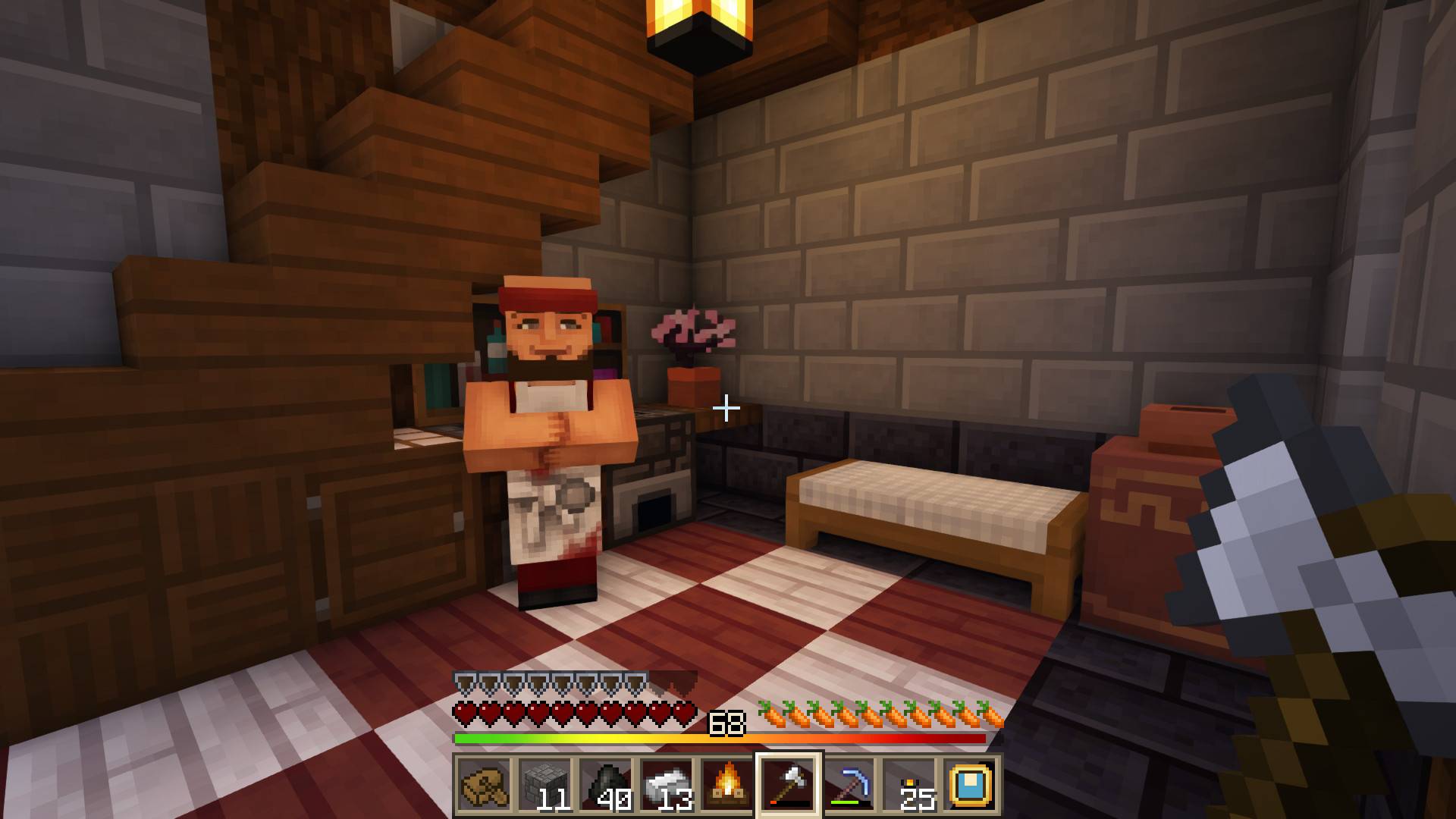
Please, report if you see bugs 😉
And contact or follow me on https://www.instagram.com/merin_mine_/
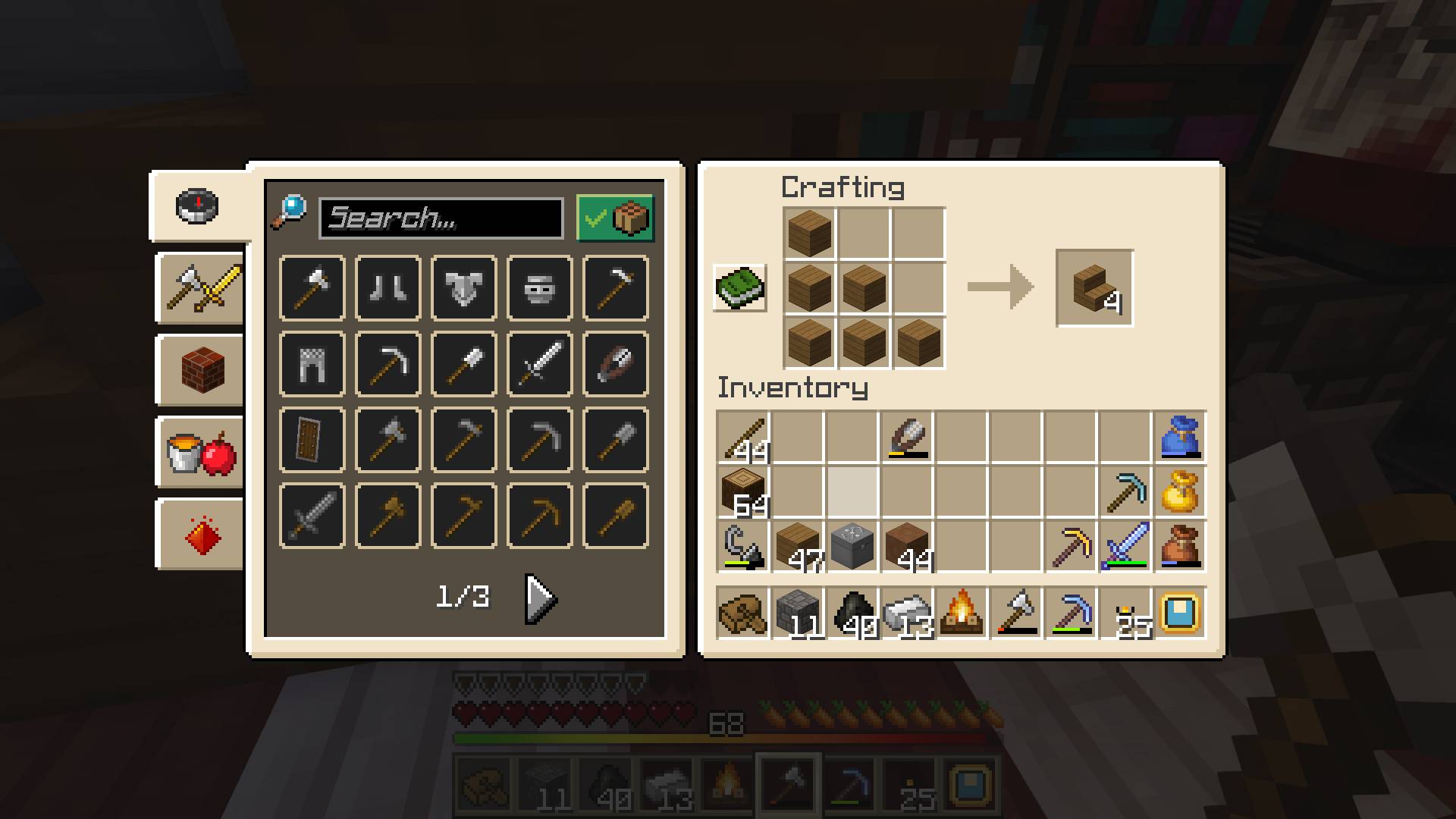
Texture pack
New update :
- better walls and fences
- 3D chiseled bookshelf
- flowers
- adjustment of deepslate bricks and tuff
Update for the 1.21.5 version of Minecraft
- others double slabs
- adjustment of some concrete colors
- new light gray bed
- new paintings
- bugs and file size optimization
- grass and desert bush
- pressure plates
- new image for the pack
- eggs for villagers
- sapplings
- 3D ladder
- shroomlight and froglights
- special texture for the empty flowerpot
- With Optifine only : columns, default colors for banners
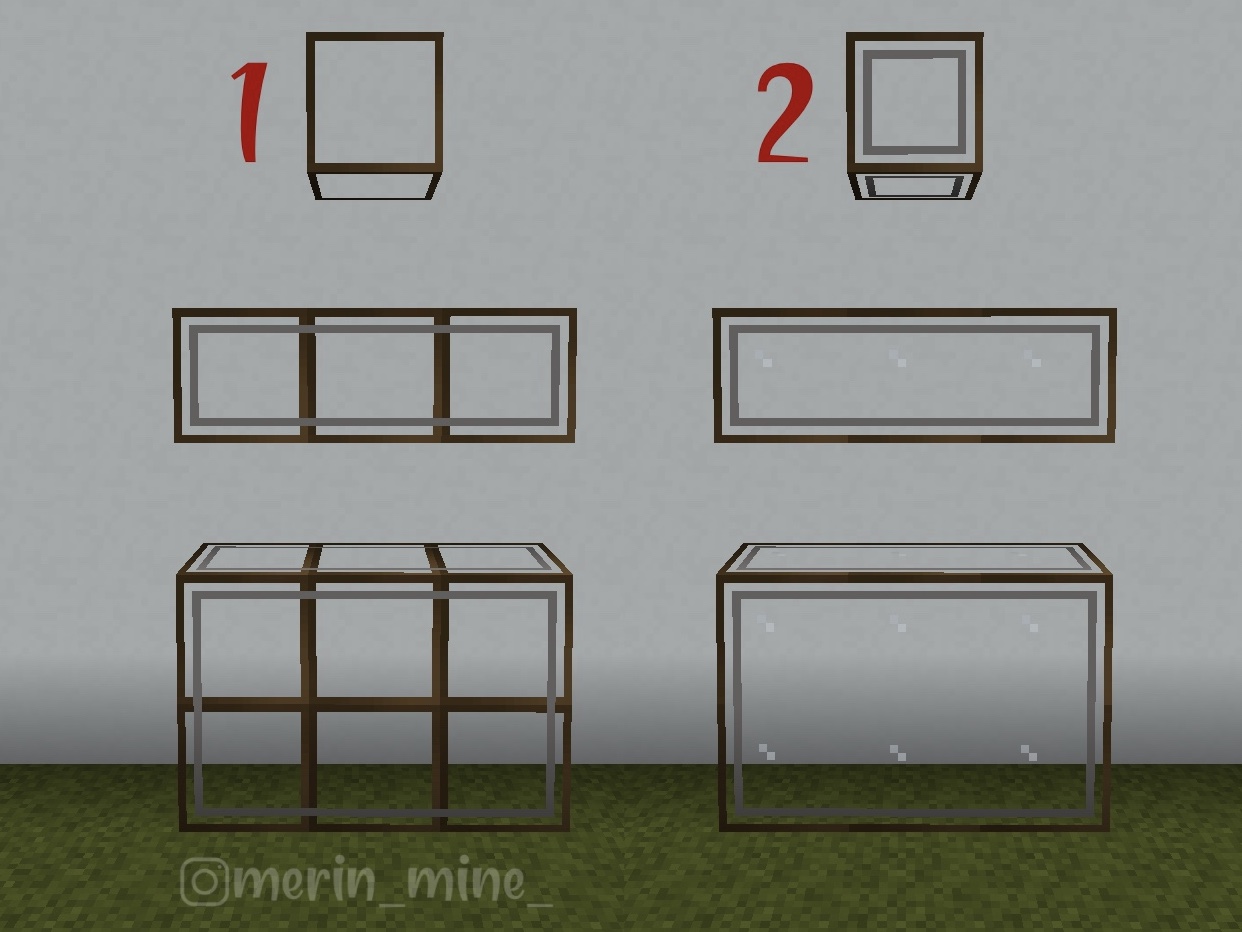
Add-on-small-glass
In the texture the windows are in version 2. If you prefer the previous version (1) of the glass block (or for some buildings where it could be better) this is the add-on to install before the texture pack.
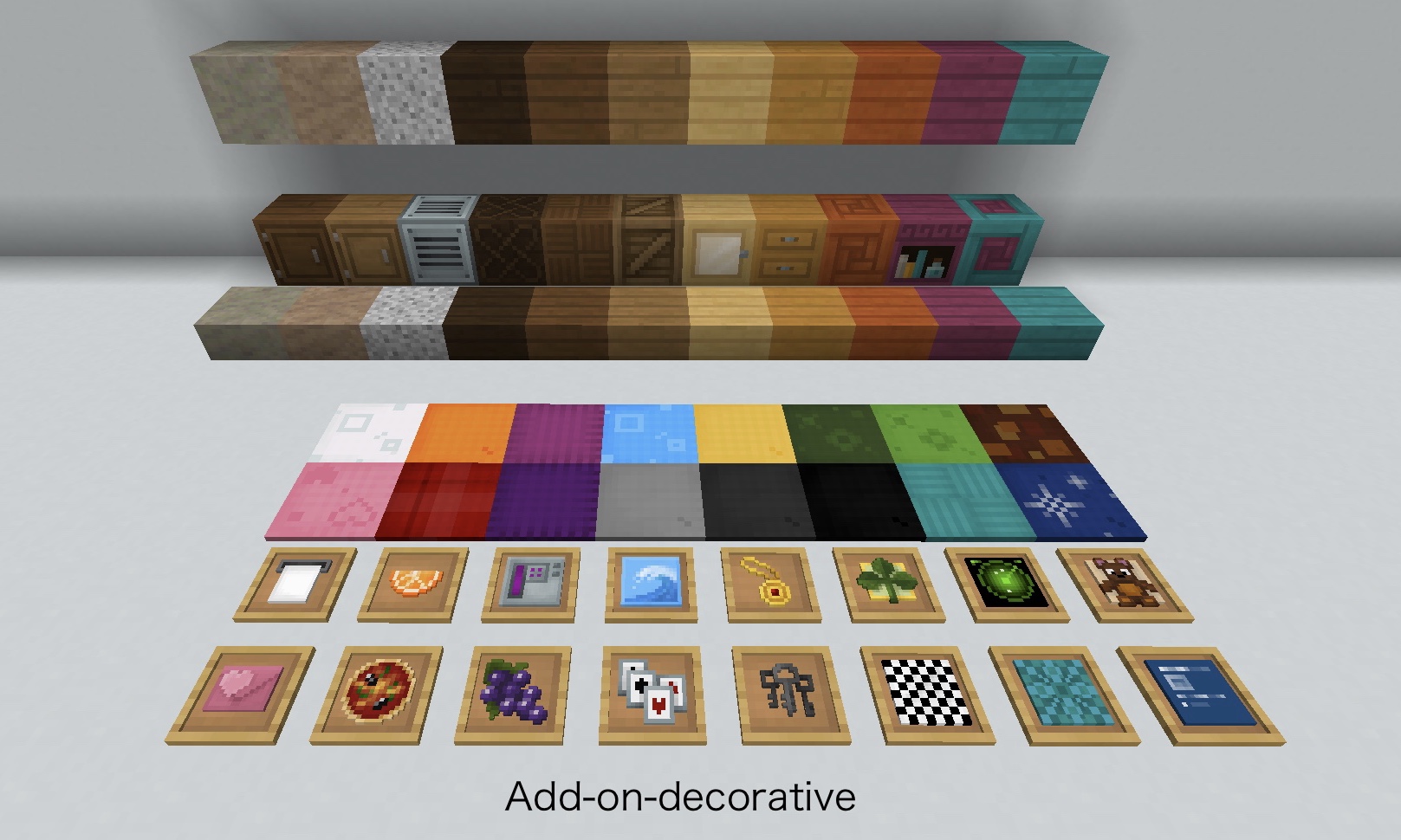
Add-on-decorative (for all textures 16x)
decorative dyes carpets decorative blocks for double wooden slabs, granite, andesite and diorite
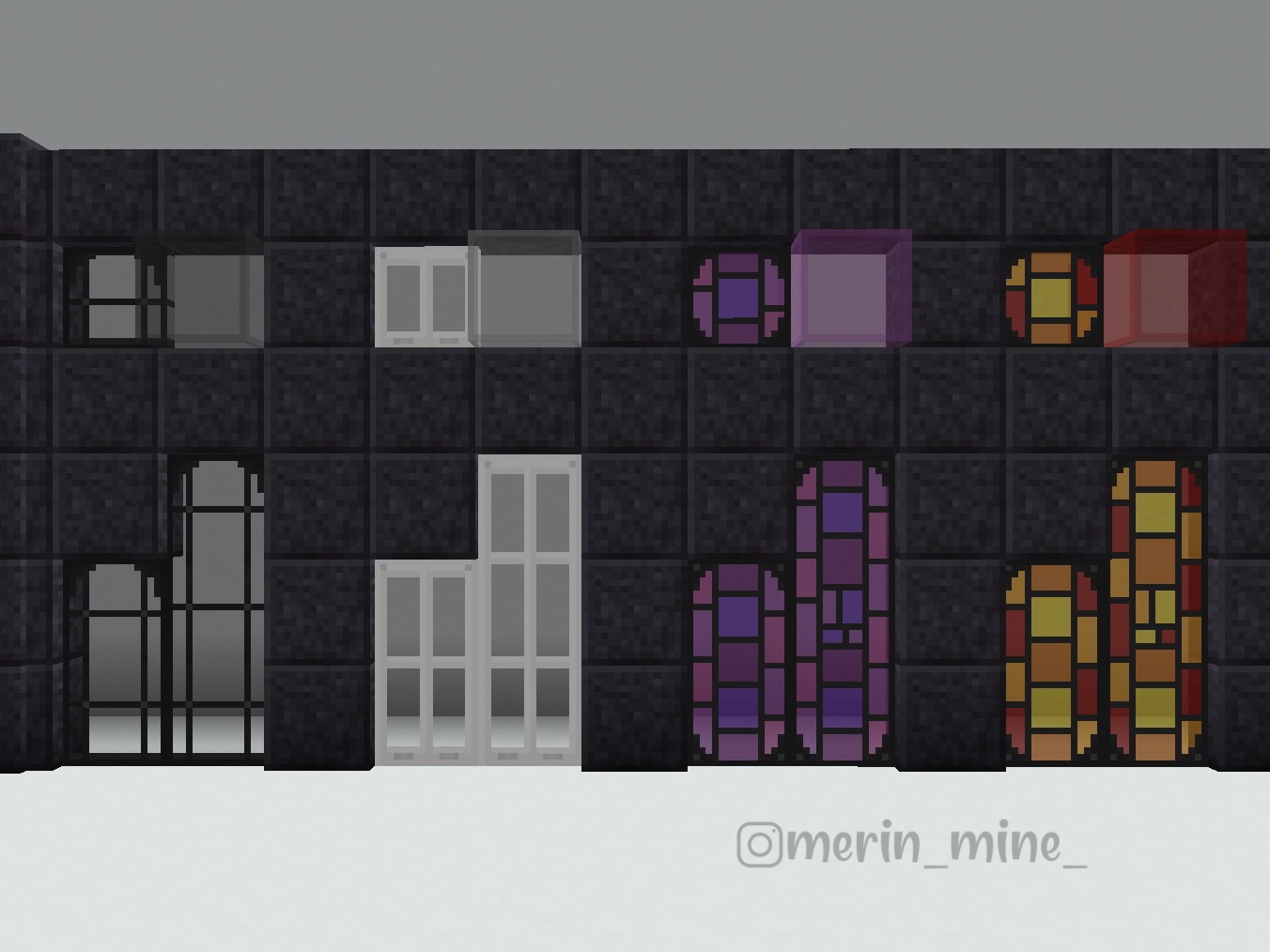
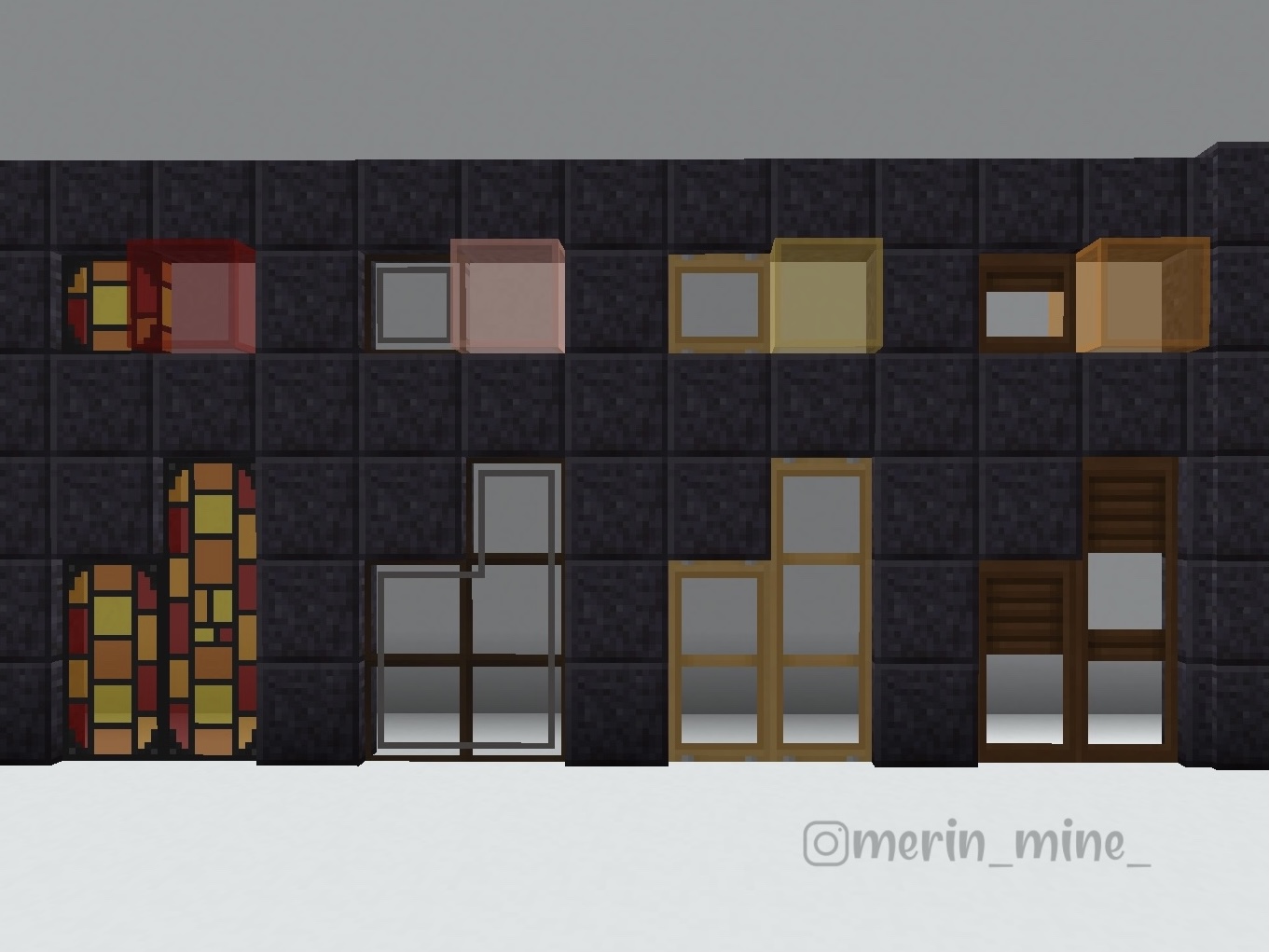
Add-on-stained-glass
alternative stained glass panes (with Optifine)
How to install medial
With Millida Launcher
Install Millida Launcher
The launcher is free: download it at millida.net/launcher and sign in with any nickname.
Click “Install” on this page
The launcher opens and installs the resource pack for Minecraft 1.21–1.21.5 automatically.
Launch the game
A profile with it appears in the launcher: click “Play”.
Manually
Download the archive
Pick the file medial 1.21.5.zip (2.8 MB) for your game version. No need to unpack it.
Put it in the resourcepacks folder
The easiest way: “Options”, then “Resource Packs”, then “Open Pack Folder”, and drag the archive there.
Enable the pack
In the same window, move the pack to the right-hand “Selected” column and click “Done”.
Versions
With dependencies
| Minecraft | Loader | File | Date | Actions |
|---|---|---|---|---|
| 1.21 | — | medial 1.21.5.zip2.8 MB |
FAQ
Which Minecraft versions does medial work on?
There are files for 1.21.5, 1.21.4, 1.21.3, 1.21.2, 1.21.1, 1.21. The newest is 1.21.5.
Where can I download medial safely?
On this page: the file medial 1.21.5.zip (2.8 MB) is stored on Millida’s server, with no link shorteners. SHA-1 checksum: e382420b8f5e0ab8d572d5cc2fdbe68c4ff81392.
Reviews
Be the first to rate medial



