
Resource packs for Minecraft Java — page 148
Resource packs: list


IShowSpeed Totem (My mom is kinda homeless)
Now you can use Ishowspeed (doing the my mom is kinda homeless face) as your own totemInstall

Lantern 3D - Better Lantern
3D Lantern transforms Minecraft’s classic lantern into a beautiful 3D model, adding depth, detail, and realism to your builds!Install

FurfSky Legacy
A texture pack replacing newer FurfSky Reborn textures with older ones (with permission from the artists of course).Install

Hell's Paradise Custom GUI Pack
This is a GUI packed themed towards the show "Hell's Paradise".Install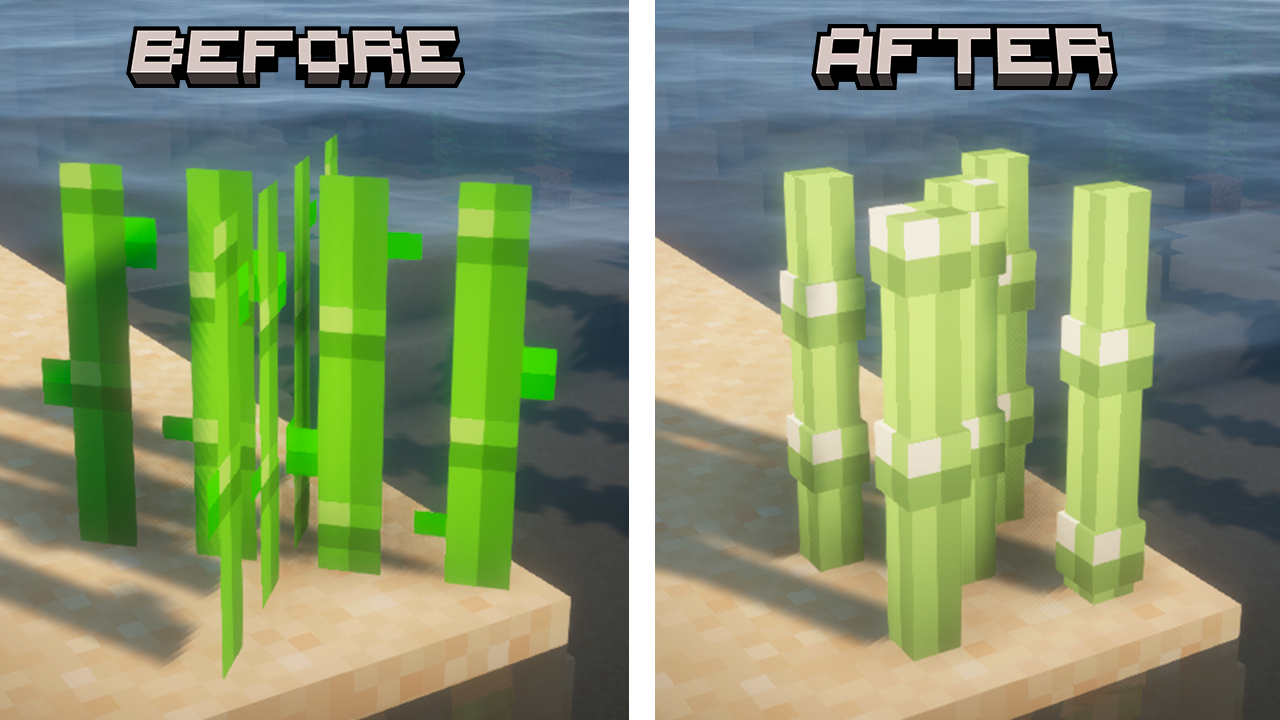
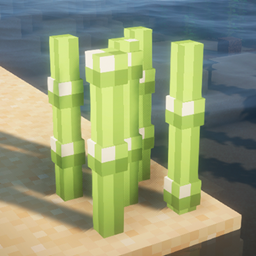
Sugar Cane 3D
This texture makes the sugar cane 3DInstall
STONEBORN - Denis' Mod Compats
Small collection of Stoneborn UI Overhaul mod compats.Install
TransMobifier
Customize your mob skins with nametags! (Requires Optifine)Install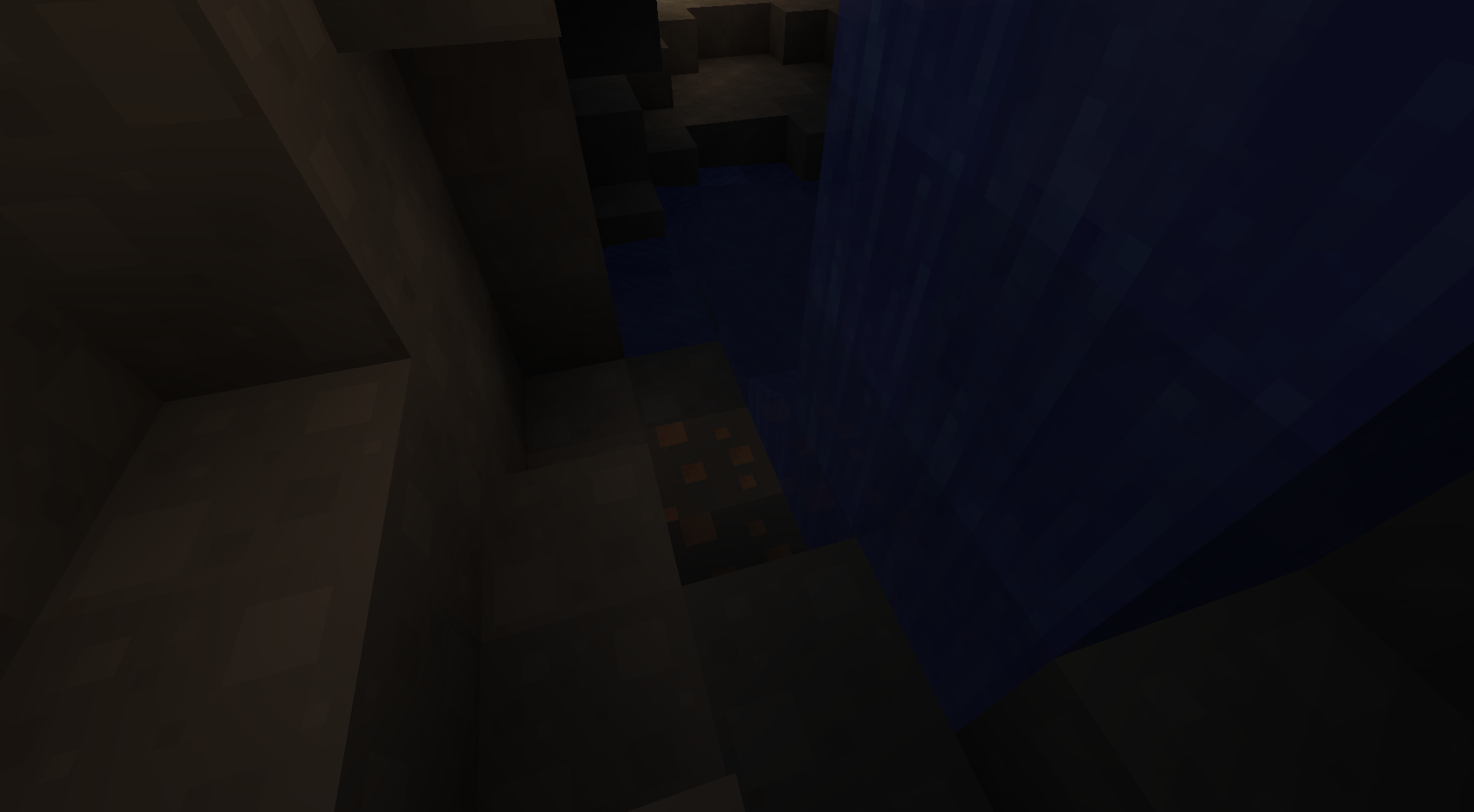

Smoother
Clean texture pack based on LushCraft and MinimalistInstall

Purple Pearls
To actually match with the endermen they drop from!Install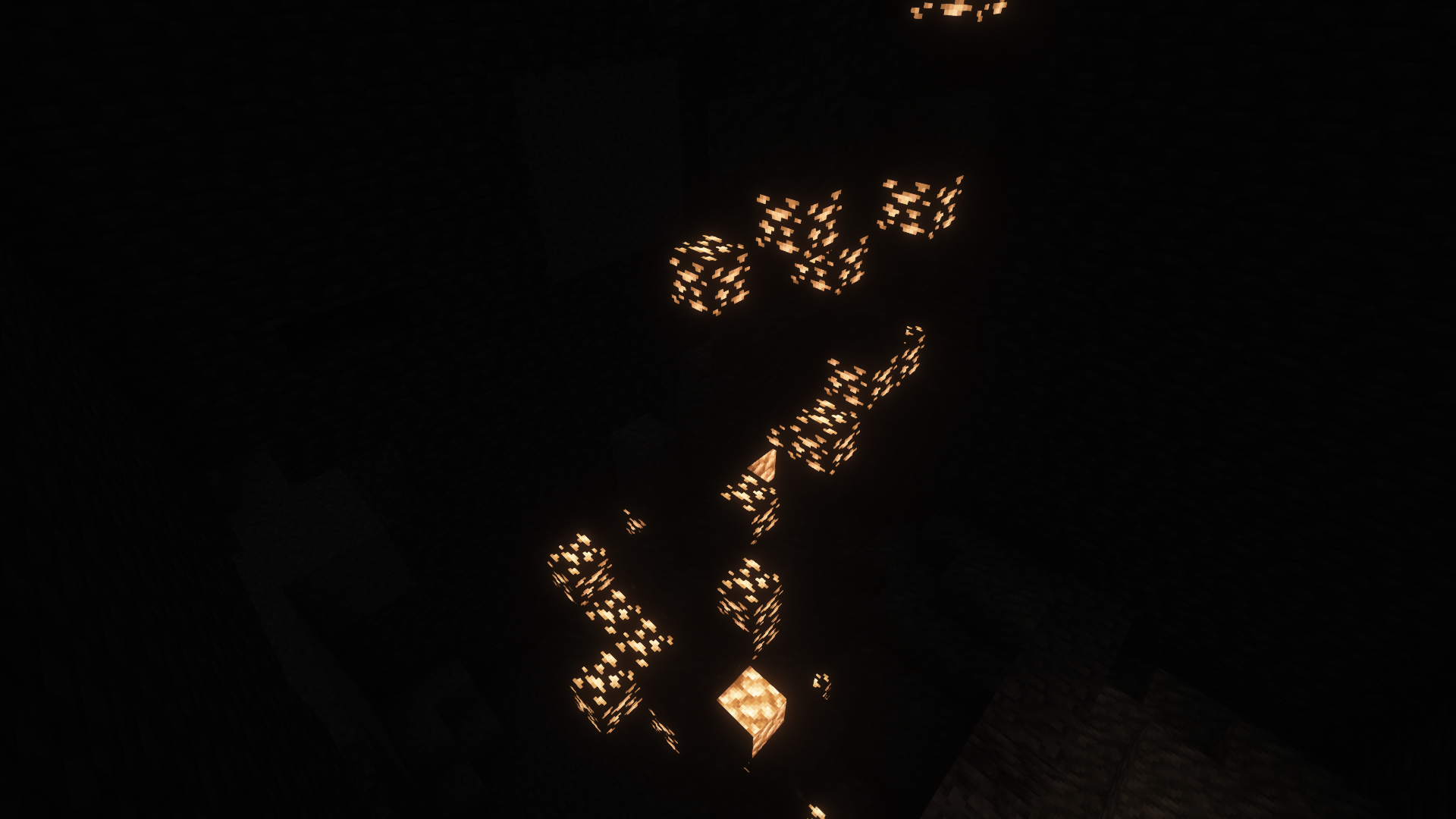

Pure Visible Ores
Makes ore glow to make mining easier!Install

Fox Pet Inventory
This resource pack remakes the recipe button, turning it into a cute fox located on a small island of land with a flower and a tree in the inventory!Install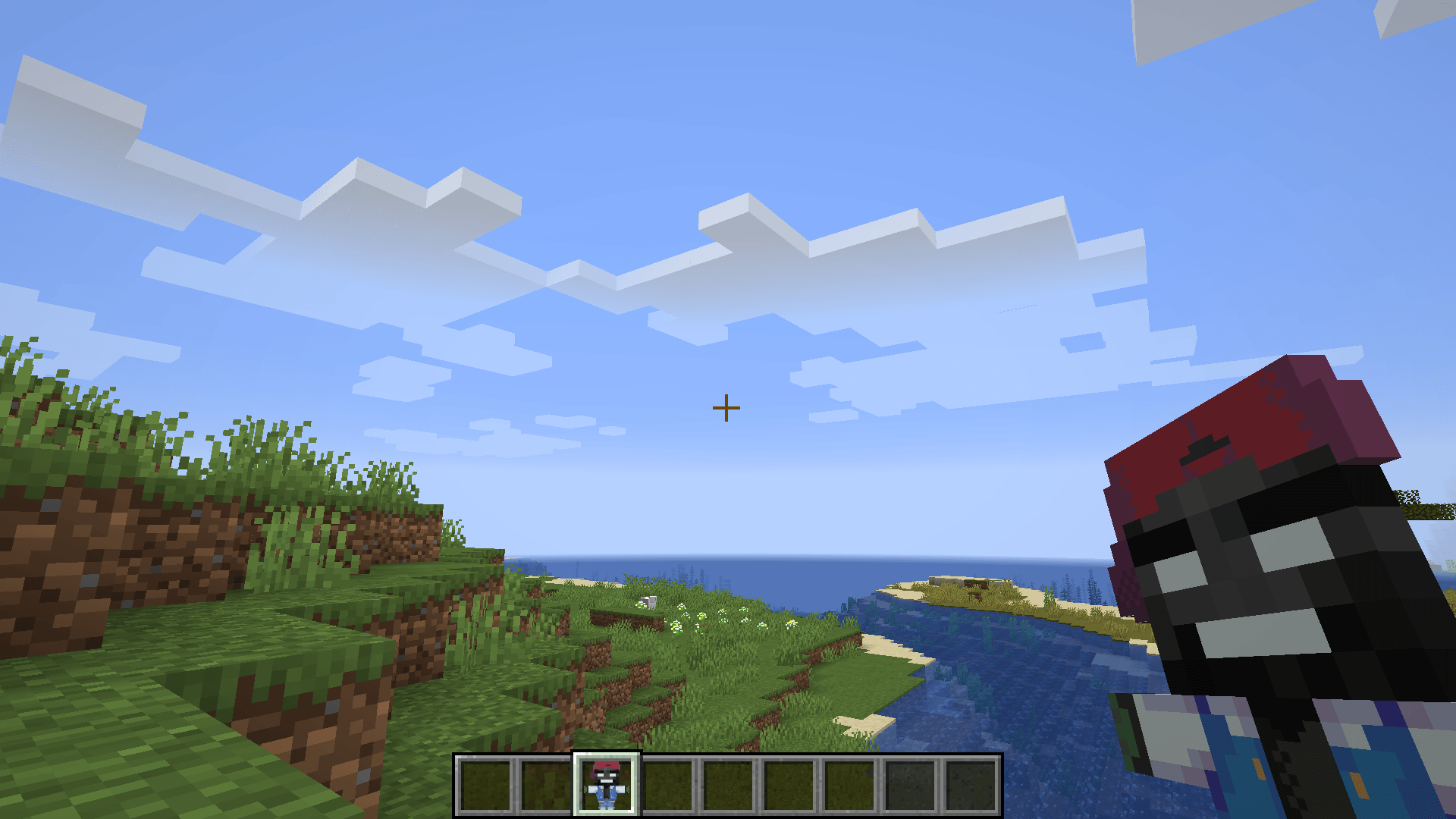
Pokehaan Totem
Replaces the Totem of Undying with an animated Kehaan Totem dressed as a Pixelmon trainer in blue clothes and a red cap.Install
True Addons
Addons that stay true to the Default Minecraft Experience!Install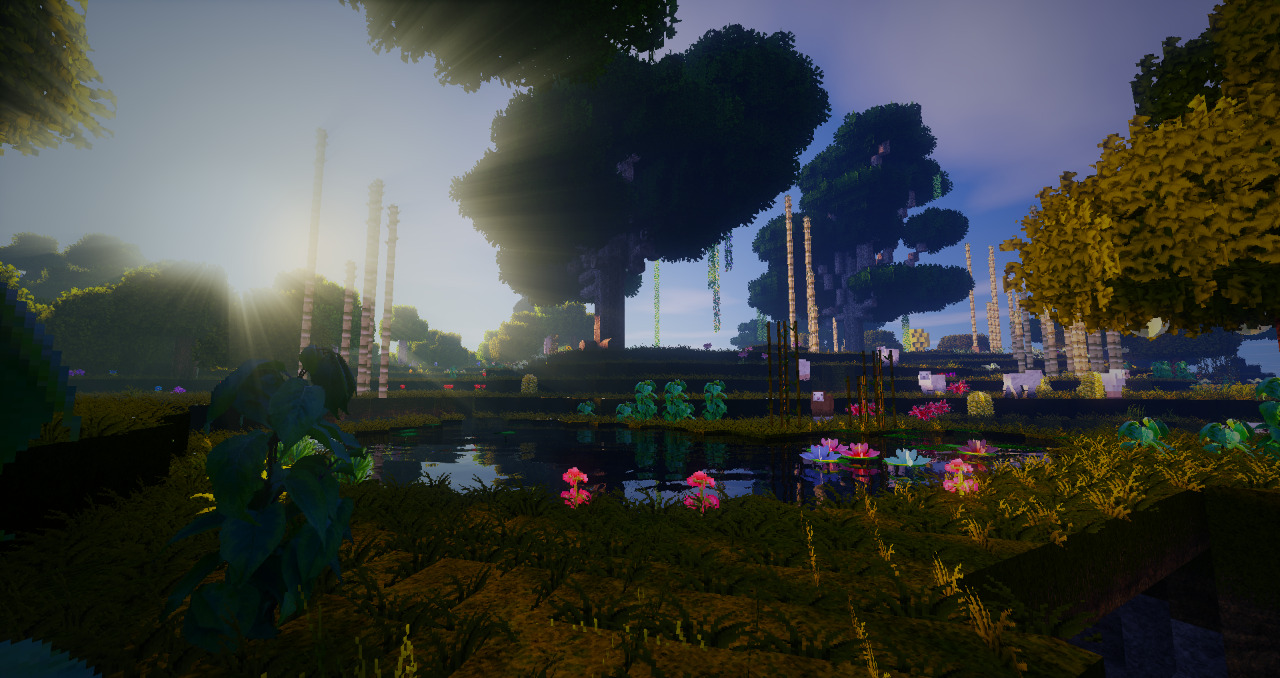

MeineKraft LitWR Edition
MeineKraft by Honeyball with mod support for Life in the Woods Renaissance and more!Install

Simple Create Radios
A new look to the SimpleRadio mod, more in line with the Create mod.Install

Aether Adornments
A texture pack that changes the design of the rings of the Aether to match the style of Iron's Spells 'n Spellbooks.Install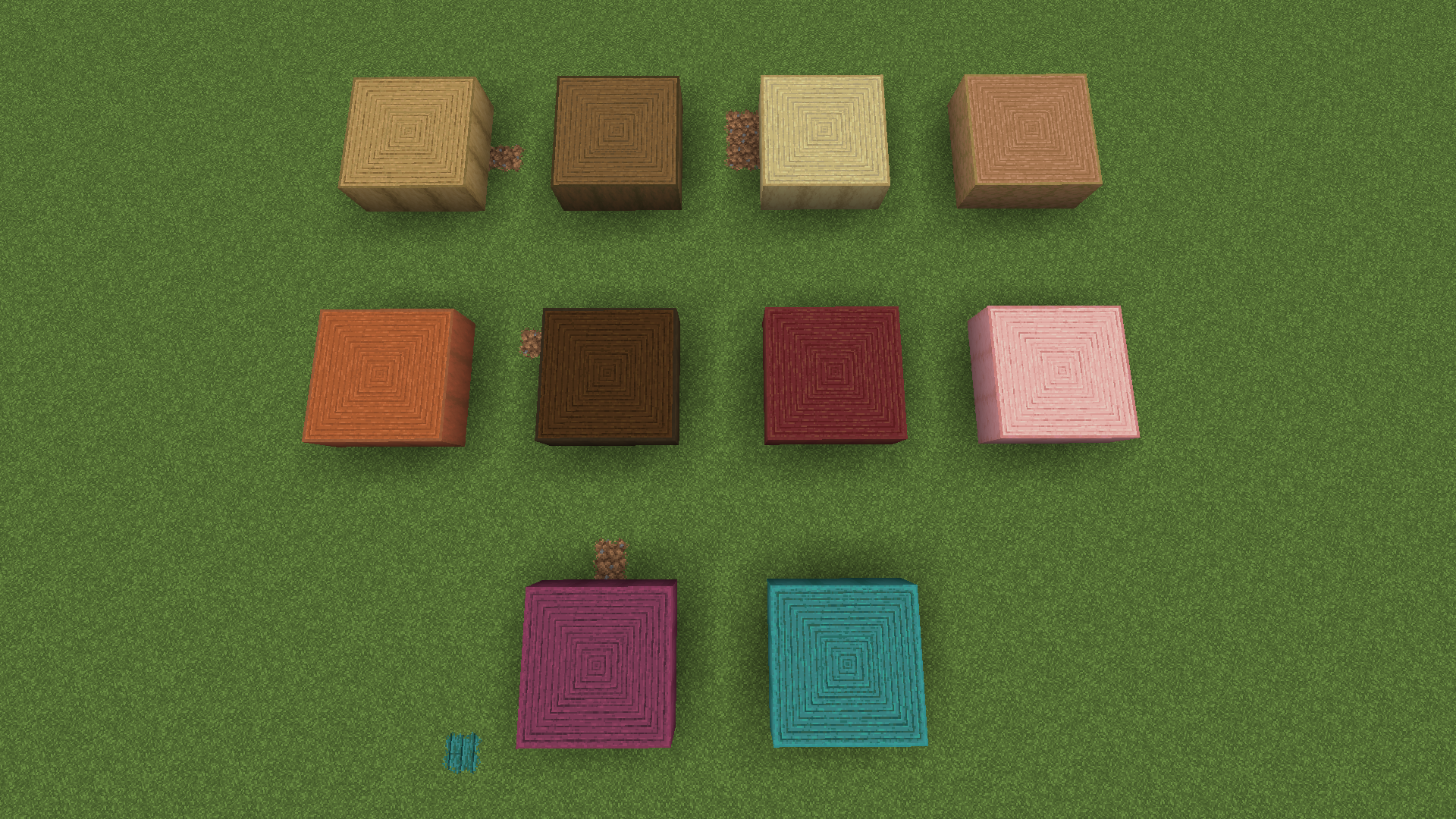
New Faithful Overlays
New version of the previous Faithful Overlays! Adds seamless block transitions and overlays for certain blocks.Install
R3D CRAFT Shader Support 128x
Normal, specular and occlusion maps for R3D CRAFTInstall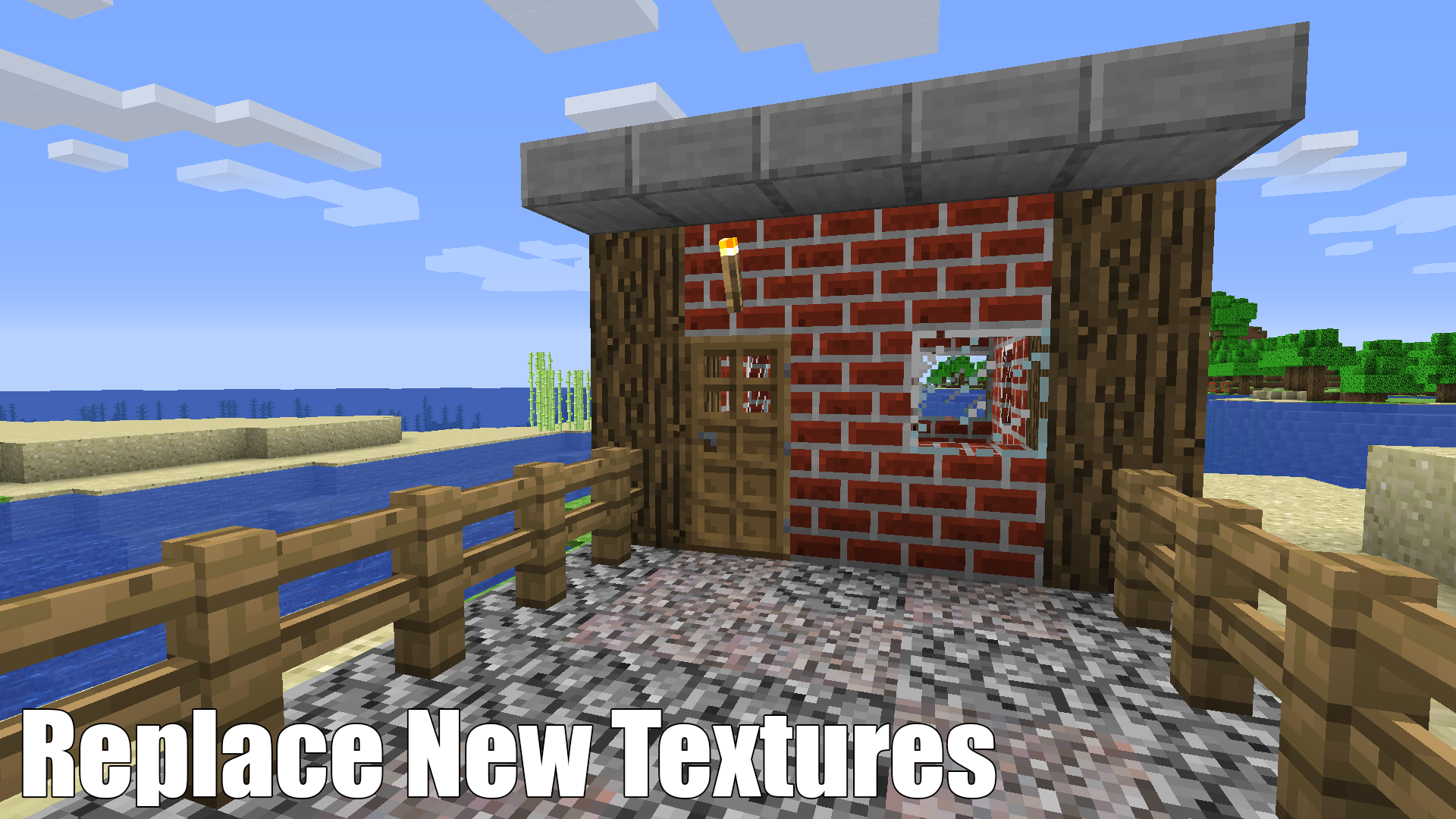
Betacraft | Original Textures
Textures from alpha and beta Minecraft imported to work in modern Minecraft.Install

PvP Short Swords
Short clean PvP sword texture — simple design for clear combat view and better readability.Install

Default-Style Winter Pack
A Wintery overhaul to the Default Experience!Install

rotrBLOCKS: Dense Grass Addon
This is an Addon for the rotrBLOCKS resourcepack that will make very lush varied grass on each grass block!Install
Taco's Rainbow XP Bar
A simple resource pack to make your XP bar rainbow.InstallFAQ
Do I need Forge or Fabric for a resource pack?
No. A resource pack works on the regular game with no loaders or mods. Click “Install” and Millida Launcher will put the pack into the right modpack — then just enable it in the settings.
What do 16×, 32×, 64× mean?
The resolution of a single texture in pixels. 16× matches the original game, 32× and 64× are more detailed and heavier, and 128× and up put a noticeable load on your graphics card.
Will a pack made for another version work?
Most likely partly: older packs don't have textures for newer blocks, so those will stay default. The game won't break, though.
How is a texture pack different from a resource pack?
Only by name and age. Before version 1.6 the sets were called texture packs and changed only textures; in 1.6 resource packs replaced them and also change sounds, fonts and the interface. Old texture packs for 1.5 and below do not work on new versions without conversion.
Which texture packs are best for PvP?
PvP packs: 16× resolution or lower, shortened swords, low fire, a clear sky and bright particles. They barely load the computer and make the opponent easier to see. These packs are collected in the PvP theme.
How do I install a resource pack?
Press Install and Millida Launcher puts the pack into the resourcepacks folder of the right instance. Then enable it in the game: Options, then Resource Packs. Manually, the archive goes into resourcepacks inside the game folder, no need to unpack it.
Resource packs for Minecraft Java
A resource pack changes how the game looks and sounds: block and item textures, fonts, the interface, sounds. It doesn't touch the game's code, so it needs no mod loader and breaks nothing on a server — the pack only works on your screen. That's exactly why a resource pack is safer than any mod: the worst that happens on a version mismatch is that some textures stay default.
Textures, texture packs and resource packs are essentially the same thing: since version 1.6 Mojang calls these sets resource packs, but the old name is still searched more often. PvP packs are a big genre of their own: shortened swords, low fire, bright particles and 16× resolution or lower, so the opponent stands out and the frame rate does not drop. Such packs are most often made for 1.8.9 and 1.16.5, the versions many PvP servers run on.
The key thing about a pack is its resolution. The game's default textures are 16×16 pixels; 32× and 64× packs look more detailed, while 128× and up need a real graphics card and are usually paired with shaders. On a weak machine it makes sense to stay at 16× or go for packs that deliberately simplify graphics for more FPS. Every pack here lists its game version, author and license, and all released versions are gathered on one card. Put the downloaded archive in the resourcepacks folder and enable it in the game settings.