
Resource packs for Minecraft Java — page 135
Resource packs: list


Totem of Autism
Replaces the Totem of Undying with the Autism/TBH CreatureInstall
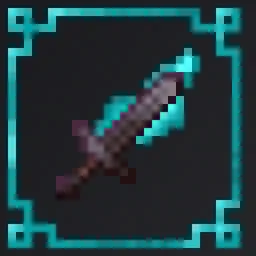
Flaming Swords
Makes the Fire Aspect Enchantment show flamesInstall

Samuel's Re-Chipped
An up and coming redesign of (most of) the base textures from the Chipped mod, aimed at providing a distinct theme to each block set, each with various unique blocks!Install

The Annoying Villagers Server Pack
A resource pack containing weapons, armor, and items from MrFudgeMonkeyz' Youtube series, Annoying VillagersInstall

Better Golden Apples
A new golden apple texture with a leaf and some shine!Install

pvpink - a pvp resource pack
this is a pink-themed pvp resource packInstall
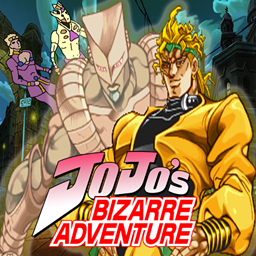
Jojo's Bizarre Pack
Texture Pack that fills Minecraft with Jojo's Bizarre AdventureInstall

Official Ph1LzA Pack
A resource pack of small additions to base Netherite Textures (tools & armour) and a Main menu panorama.Install

Better Villages - Bountiful Compatibility
Adds compatibility between Better Villages and BuntifulInstall

Bare Bones X Enchantment Outlines
Bare Bones X Enchantment Outlines adds crisp, colorful outlines to enchanted items while keeping the minimalist Bare Bones X style. Perfect for PvP or survival, it improves visibility of gear without impacting performance.Install

Vanilla Food Hunger Bar
Reverts the Food/Hunger Icons to the default, vanilla ones when put above other Resourcepacks. HUD Hotbar!Install
Pokemon TCG Font Pack
Bring the look of the official Pokémon TCG text into Minecraft with this clean, high-contrast font inspired by the Trading Card Game series.Install

Alya Sometimes Hides Her Feelings in Russian Custom GUI Pack
Alya Sometimes Hides Her Feelings in Russian Custom GUI PackInstall

TZP Extra Compat (Tissou's Zombie Style)
TZP Extra Mod Compat (Tissou's Zombie Style)Install
Underground Bunkers x SCP-939 Compat
Adds SCP-939 from SCP Overtime to Underground Bunkers' special containment units!Install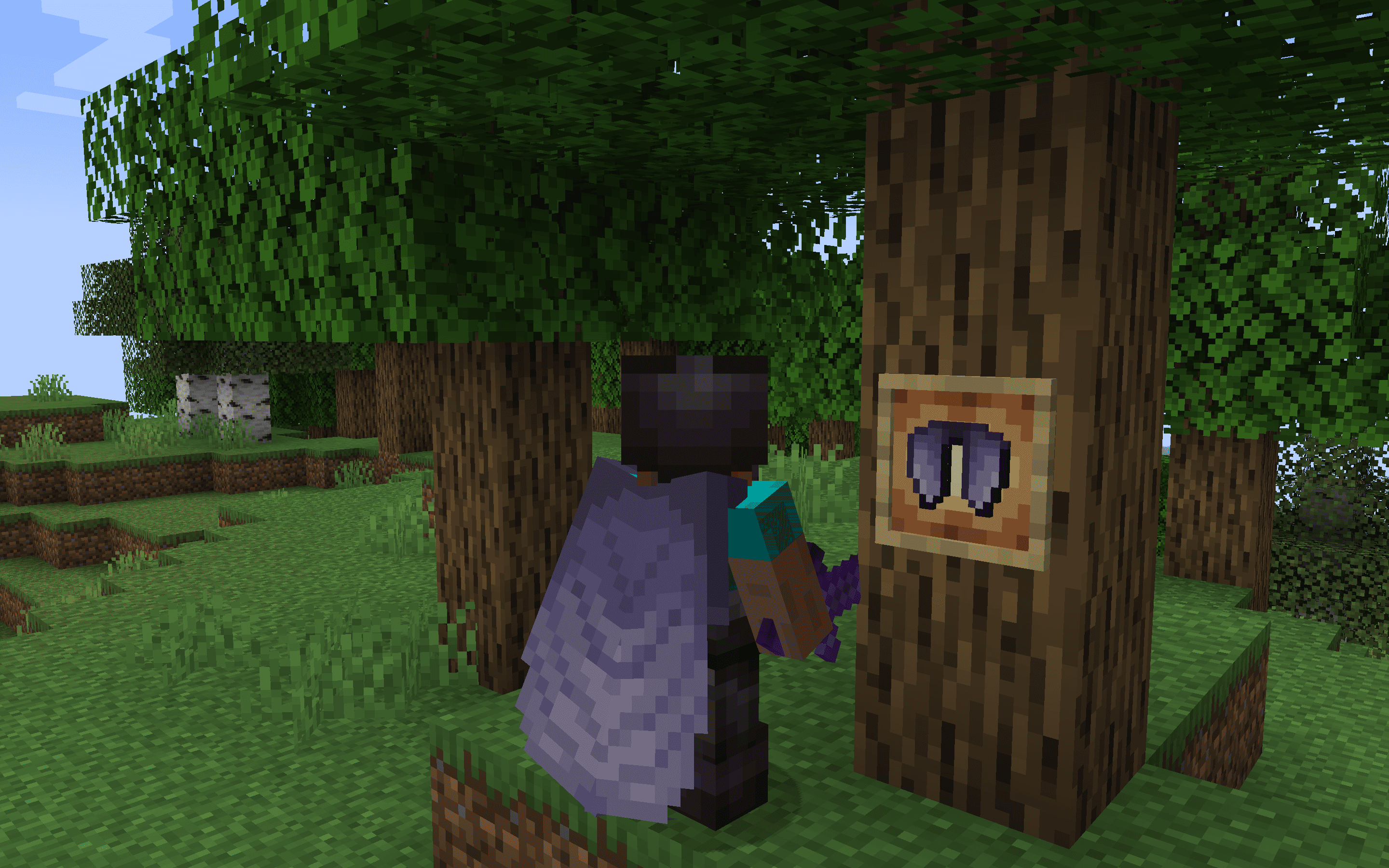
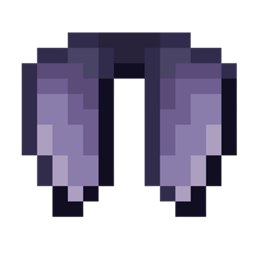
Classic+ Elytra - Better Wings
The Vanilla+ Elytra resource pack offers a subtle yet stylish upgrade to Minecraft's traditional Elytra wings, enhancing the original design with refined details and textures.Install
DogePack Classic Beta
Classic Reimagined 10 enhances Minecraft with classic textures and shaders, offering classic visuals on modern MinecraftInstall

Pokemon Emerald Font Pack
Relive the Pokémon Emerald GBA era with this lightweight font pack that replaces Minecraft’s default text with the authentic Emerald-style typography.Install

Tutta's MCA Texture
Re-imagining for "MCA Reborn" textures.Install

vanilla pvp
vanilla minecraft textures but optimized for pvp & survival gameplay!Install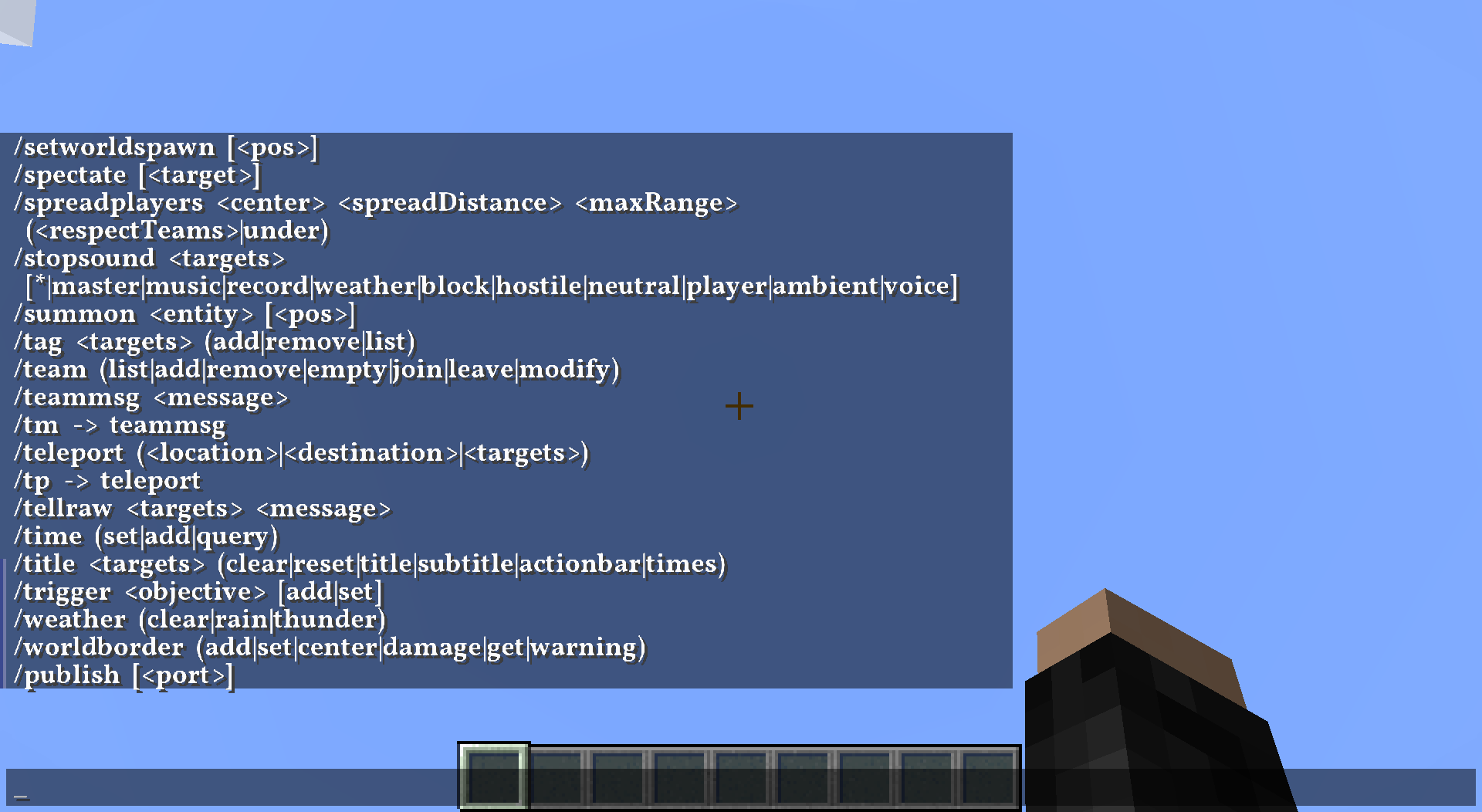
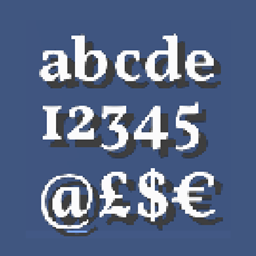
HD Font - Vollkorn
A compact, yet bold seriffed font.Install

Connected Glasses
This texture pack connects the textures of the glass, so that it is not noticeable that it is a different block.Install
Underground Bunkers x SCP-049 Compat
Adds SCP-049 from SCP Overtime to special containment units in Underground Bunkers!InstallFAQ
Do I need Forge or Fabric for a resource pack?
No. A resource pack works on the regular game with no loaders or mods. Click “Install” and Millida Launcher will put the pack into the right modpack — then just enable it in the settings.
What do 16×, 32×, 64× mean?
The resolution of a single texture in pixels. 16× matches the original game, 32× and 64× are more detailed and heavier, and 128× and up put a noticeable load on your graphics card.
Will a pack made for another version work?
Most likely partly: older packs don't have textures for newer blocks, so those will stay default. The game won't break, though.
How is a texture pack different from a resource pack?
Only by name and age. Before version 1.6 the sets were called texture packs and changed only textures; in 1.6 resource packs replaced them and also change sounds, fonts and the interface. Old texture packs for 1.5 and below do not work on new versions without conversion.
Which texture packs are best for PvP?
PvP packs: 16× resolution or lower, shortened swords, low fire, a clear sky and bright particles. They barely load the computer and make the opponent easier to see. These packs are collected in the PvP theme.
How do I install a resource pack?
Press Install and Millida Launcher puts the pack into the resourcepacks folder of the right instance. Then enable it in the game: Options, then Resource Packs. Manually, the archive goes into resourcepacks inside the game folder, no need to unpack it.
Resource packs for Minecraft Java
A resource pack changes how the game looks and sounds: block and item textures, fonts, the interface, sounds. It doesn't touch the game's code, so it needs no mod loader and breaks nothing on a server — the pack only works on your screen. That's exactly why a resource pack is safer than any mod: the worst that happens on a version mismatch is that some textures stay default.
Textures, texture packs and resource packs are essentially the same thing: since version 1.6 Mojang calls these sets resource packs, but the old name is still searched more often. PvP packs are a big genre of their own: shortened swords, low fire, bright particles and 16× resolution or lower, so the opponent stands out and the frame rate does not drop. Such packs are most often made for 1.8.9 and 1.16.5, the versions many PvP servers run on.
The key thing about a pack is its resolution. The game's default textures are 16×16 pixels; 32× and 64× packs look more detailed, while 128× and up need a real graphics card and are usually paired with shaders. On a weak machine it makes sense to stay at 16× or go for packs that deliberately simplify graphics for more FPS. Every pack here lists its game version, author and license, and all released versions are gathered on one card. Put the downloaded archive in the resourcepacks folder and enable it in the game settings.