
Resource packs for Minecraft Java — page 123
Resource packs: list


Purpled Resource Pack
Default Edit by PurpledInstall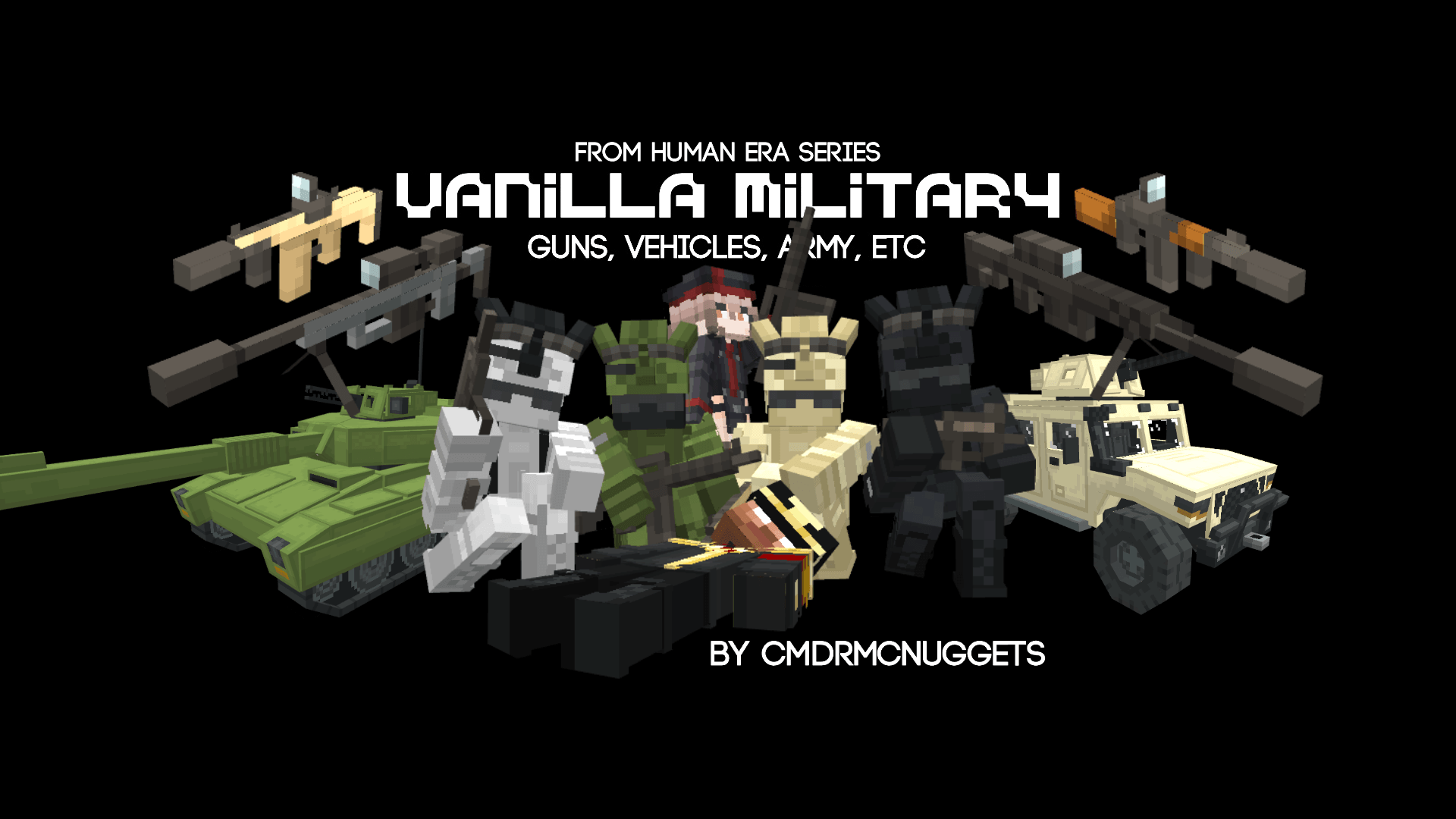

Human Era: Vanilla Military
This gives alot of military content, such as guns, vehicles, and soldiersInstall

Better Ender Dragon Remastered (Discontinued)
Remodels the Ender Dragon mob into an improved oneInstall

Confluence PBR
An expansion package added PBR effects to Confluence:Otherworld modInstall

CLEAN WATER
This texture pack replaces normal water with a clearer one, you can easily see through it.Install

Cozy Beds
Sleep covered in blankets! Also adds bunk beds.Install
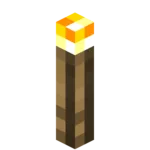
YFs - 3D Hand Torch and Lanterns
My texture pack adds freshness to the game because there are so few 3D things in Minecraft.Install
Bloody Torn Zombie
Bloody Torn ZombieInstall

(Bee's) Vanilla+ Collections
My take on an updated look and feel of MinecraftInstall
GUI Overhaul
Overhaul the Java Edition GUI, inspired by Bedrock's Ore UI!Install

Connected Vanilla Textures
This pack connects a lot of the default vanilla textures without changing anything else.Install

Luna HD Resourcepack
Luna HD Resource Pack (1.21.3, 1.20.6) is inspired by the beauty of the moon itself. The Pack provides some of the most beautiful textures glued on 3D Models that are hand-crafted by the best artists in the community.Install

North American Railroads - Immersive Railroading
Trains from North America in Minecraft-styleInstall

Colored Ancient Debris
Changes Ancient Debris to a color you like.Install

Better Boats
Make boats fancy and item accurateInstall
No Villager Idle Sounds
Eliminates all villager idle sounds. Villagers still make sounds when trading or hurt.Install

Fresh Weapons & Tools: Compat
Add-on for Fresh Weapons & Tools that adds mod compatibilityInstall
Pellucid HD
Realistic texturepack for Minecraft Java EditionInstall

Vanilla 8x
this is a 8 pixel vanilla texture pack this pack versions are from 1.16 to latest more then 1000+ texture is changed.Install

Emma's Free Horsie CIT Pack
Emma’s Horsie CIT Pack features a meticulously curated collection of 994 horse-related items. This expansive pack covers everything needed to embellish your equestrian environment, from the tack and feed rooms to the arena and the stalls and more!Install

Sweet sweet HUD!!
A delicate overhaul of your HUD – hearts, hunger, XP, and hotbar turned into a seamless, elegant experienceInstall

Gramophone/Phonograph Jukebox
This pack changes the jukebox in Minecraft to a classic gramophone/phonograph!Install

Saffron
Adds a new, vibrant and varied style to the game - Fabulously Optimized Required!InstallFAQ
Do I need Forge or Fabric for a resource pack?
No. A resource pack works on the regular game with no loaders or mods. Click “Install” and Millida Launcher will put the pack into the right modpack — then just enable it in the settings.
What do 16×, 32×, 64× mean?
The resolution of a single texture in pixels. 16× matches the original game, 32× and 64× are more detailed and heavier, and 128× and up put a noticeable load on your graphics card.
Will a pack made for another version work?
Most likely partly: older packs don't have textures for newer blocks, so those will stay default. The game won't break, though.
How is a texture pack different from a resource pack?
Only by name and age. Before version 1.6 the sets were called texture packs and changed only textures; in 1.6 resource packs replaced them and also change sounds, fonts and the interface. Old texture packs for 1.5 and below do not work on new versions without conversion.
Which texture packs are best for PvP?
PvP packs: 16× resolution or lower, shortened swords, low fire, a clear sky and bright particles. They barely load the computer and make the opponent easier to see. These packs are collected in the PvP theme.
How do I install a resource pack?
Press Install and Millida Launcher puts the pack into the resourcepacks folder of the right instance. Then enable it in the game: Options, then Resource Packs. Manually, the archive goes into resourcepacks inside the game folder, no need to unpack it.
Resource packs for Minecraft Java
A resource pack changes how the game looks and sounds: block and item textures, fonts, the interface, sounds. It doesn't touch the game's code, so it needs no mod loader and breaks nothing on a server — the pack only works on your screen. That's exactly why a resource pack is safer than any mod: the worst that happens on a version mismatch is that some textures stay default.
Textures, texture packs and resource packs are essentially the same thing: since version 1.6 Mojang calls these sets resource packs, but the old name is still searched more often. PvP packs are a big genre of their own: shortened swords, low fire, bright particles and 16× resolution or lower, so the opponent stands out and the frame rate does not drop. Such packs are most often made for 1.8.9 and 1.16.5, the versions many PvP servers run on.
The key thing about a pack is its resolution. The game's default textures are 16×16 pixels; 32× and 64× packs look more detailed, while 128× and up need a real graphics card and are usually paired with shaders. On a weak machine it makes sense to stay at 16× or go for packs that deliberately simplify graphics for more FPS. Every pack here lists its game version, author and license, and all released versions are gathered on one card. Put the downloaded archive in the resourcepacks folder and enable it in the game settings.