
Resource packs for Minecraft Java — page 121
Resource packs: list

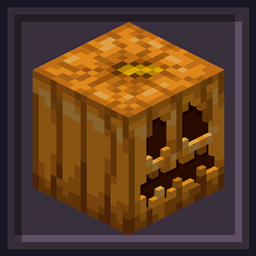


BB's Better Combat Particle Tweaks
Tweaks the particle textures from the Better Combat Particle mod to match my art style.Install

Attack on Titan GUI Pack
Overhauled Minecraft GUI in the theme off Attack on Titan.Install

Wisp's Better Lanterns
Remodels the lanterns to be a little fancier, whilst maintaining the vanilla style.Install

Masuno PvP Pack
A resource pack aimed to enhance Minecraft Mace PvP! (Low Fire & Lower Shield Included, as well as lots of features!)Install

Better Leaves TXF
Better leaves textures in fast graphicsInstall

GUI Revision Compats
A resourcepack that adds compatibility for GUI Revision with 140+ mods.Install

Fox Girl
Changes the appearance of foxs into that of cute fox girls.Install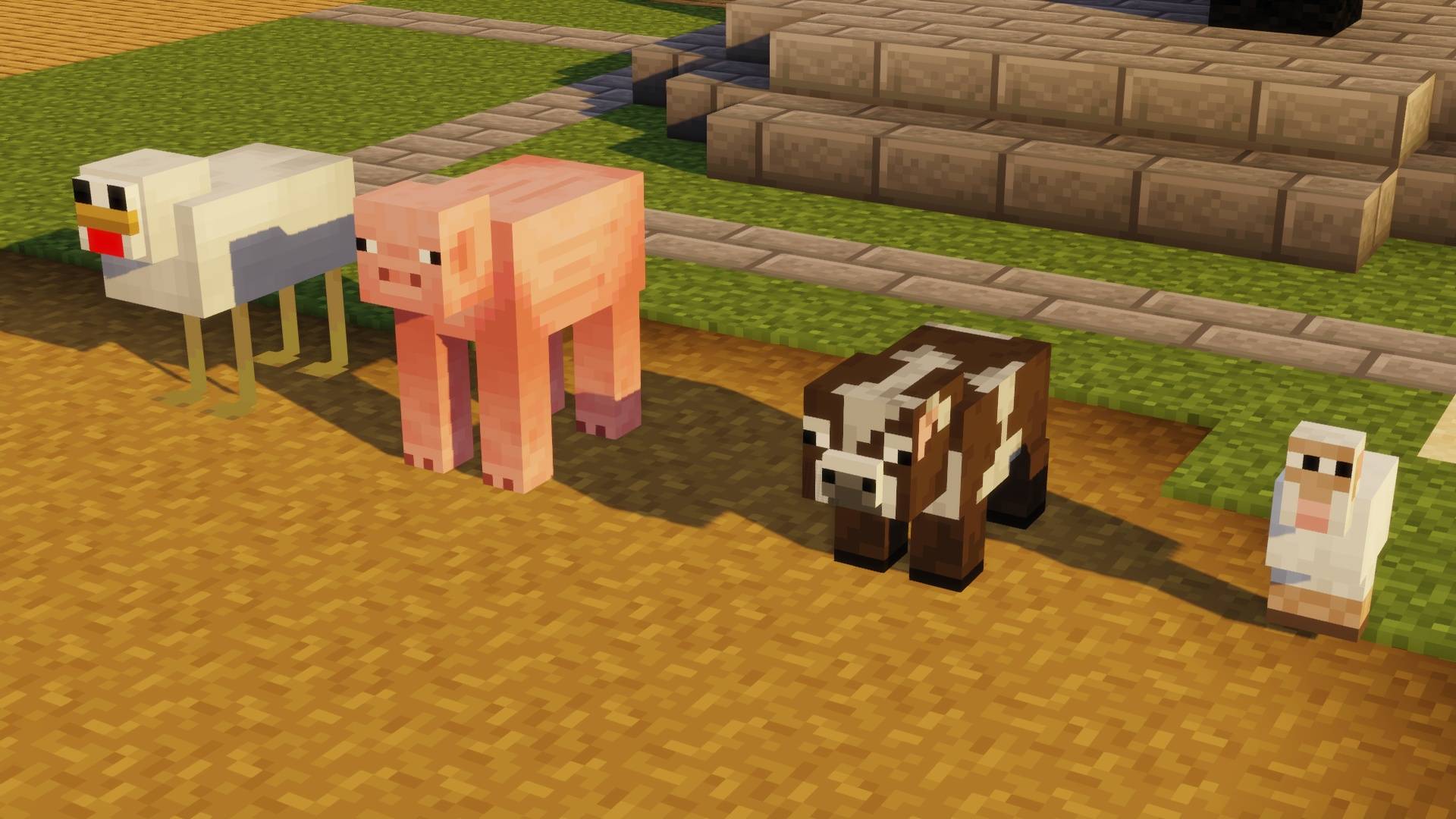
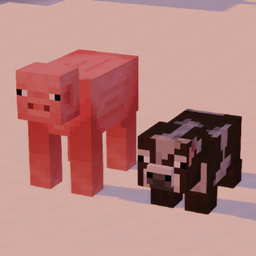
The Cursed Pack
The original cursed resource packInstall

Nox's Better Carpets
Finally... ground decor for your cottagecore !Install

Sarah's Pink Diamonds
Turn Diamonds Pink!Install

Slimefun Resourcepack
A simple remake version of Slimefun ResourcepackInstall

Aimz Lunar Arrow Crosshair
A PVP focused crosshair that changes the vanilla crosshair into a pvp oneInstall

Villagers Refreshed
Villagers & Illagers with a Refreshed Take!Install
Synthwave Themed Texture Pack
A synth-wave themed texture packInstall

Velvet Dreams
Bright, smooth, simple, and unrealistic! Textures attempt to be recognizable and fit with vanilla colors.Install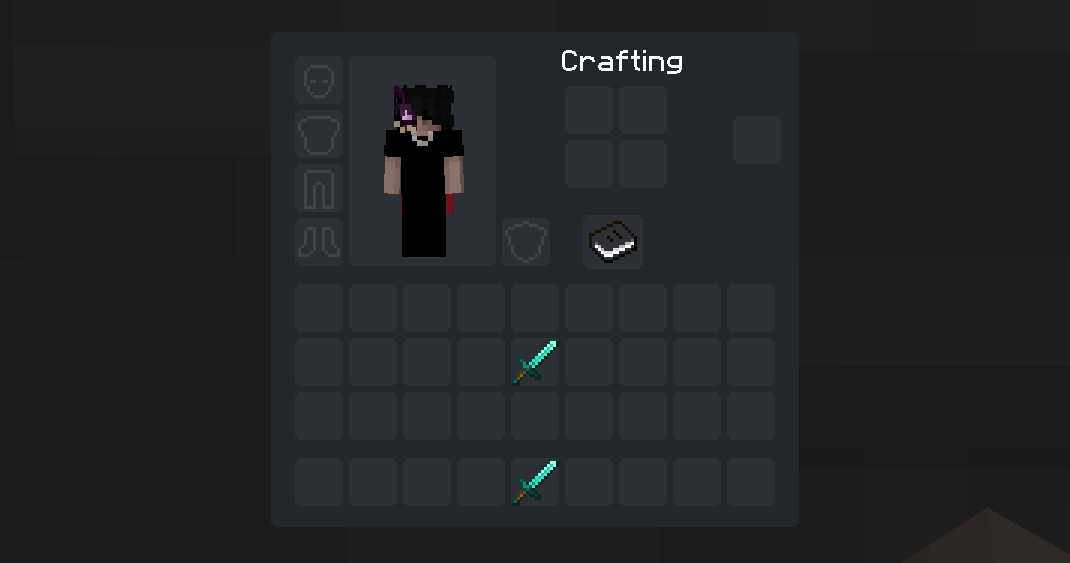
Minimalist dArk GUI (Dark Mode)
A minimalist GUI with dark theme for MinecraftInstall
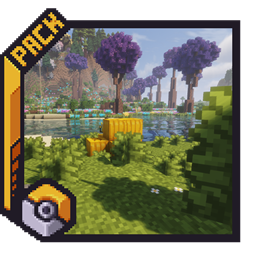
Pokemon Atmosphere
Subtle 16×16 environmental tweaks inspired by classic Pokémon games, enhancing Minecraft with richer colors, natural details, and softer weather.Install
Crucifix as Totem (16x or 128x)
Makes the totem of undying display as a crucifixInstall

Enchant Display: Roman numerals
Adds a beautiful icon to your enchantments on item and booksInstall

Totem Pets
A Texture Pack that Make its so When you name a totem to the name of a mob in the game it will Change the model to that of said mob!Install
Fresh Animations X Epic Fight Compat
Add Fresh animation and Epic fight compatibility.Install
Fast Leaves
Cleaner foliage, solid leaves without transparency. Also fixes shaders! 🌿Install

Old UI for Legacy4J
Bring back the user interface from older versions of Legacy Console Edition for Legacy4J!InstallFAQ
Do I need Forge or Fabric for a resource pack?
No. A resource pack works on the regular game with no loaders or mods. Click “Install” and Millida Launcher will put the pack into the right modpack — then just enable it in the settings.
What do 16×, 32×, 64× mean?
The resolution of a single texture in pixels. 16× matches the original game, 32× and 64× are more detailed and heavier, and 128× and up put a noticeable load on your graphics card.
Will a pack made for another version work?
Most likely partly: older packs don't have textures for newer blocks, so those will stay default. The game won't break, though.
How is a texture pack different from a resource pack?
Only by name and age. Before version 1.6 the sets were called texture packs and changed only textures; in 1.6 resource packs replaced them and also change sounds, fonts and the interface. Old texture packs for 1.5 and below do not work on new versions without conversion.
Which texture packs are best for PvP?
PvP packs: 16× resolution or lower, shortened swords, low fire, a clear sky and bright particles. They barely load the computer and make the opponent easier to see. These packs are collected in the PvP theme.
How do I install a resource pack?
Press Install and Millida Launcher puts the pack into the resourcepacks folder of the right instance. Then enable it in the game: Options, then Resource Packs. Manually, the archive goes into resourcepacks inside the game folder, no need to unpack it.
Resource packs for Minecraft Java
A resource pack changes how the game looks and sounds: block and item textures, fonts, the interface, sounds. It doesn't touch the game's code, so it needs no mod loader and breaks nothing on a server — the pack only works on your screen. That's exactly why a resource pack is safer than any mod: the worst that happens on a version mismatch is that some textures stay default.
Textures, texture packs and resource packs are essentially the same thing: since version 1.6 Mojang calls these sets resource packs, but the old name is still searched more often. PvP packs are a big genre of their own: shortened swords, low fire, bright particles and 16× resolution or lower, so the opponent stands out and the frame rate does not drop. Such packs are most often made for 1.8.9 and 1.16.5, the versions many PvP servers run on.
The key thing about a pack is its resolution. The game's default textures are 16×16 pixels; 32× and 64× packs look more detailed, while 128× and up need a real graphics card and are usually paired with shaders. On a weak machine it makes sense to stay at 16× or go for packs that deliberately simplify graphics for more FPS. Every pack here lists its game version, author and license, and all released versions are gathered on one card. Put the downloaded archive in the resourcepacks folder and enable it in the game settings.