
Resource packs for Minecraft Java — page 114
Resource packs: list


Farm 3D
3D Farm is a visually stunning texture pack for Minecraft that transforms various plants into beautifully detailed 3D models, enhancing your agricultural and gardening experience.Install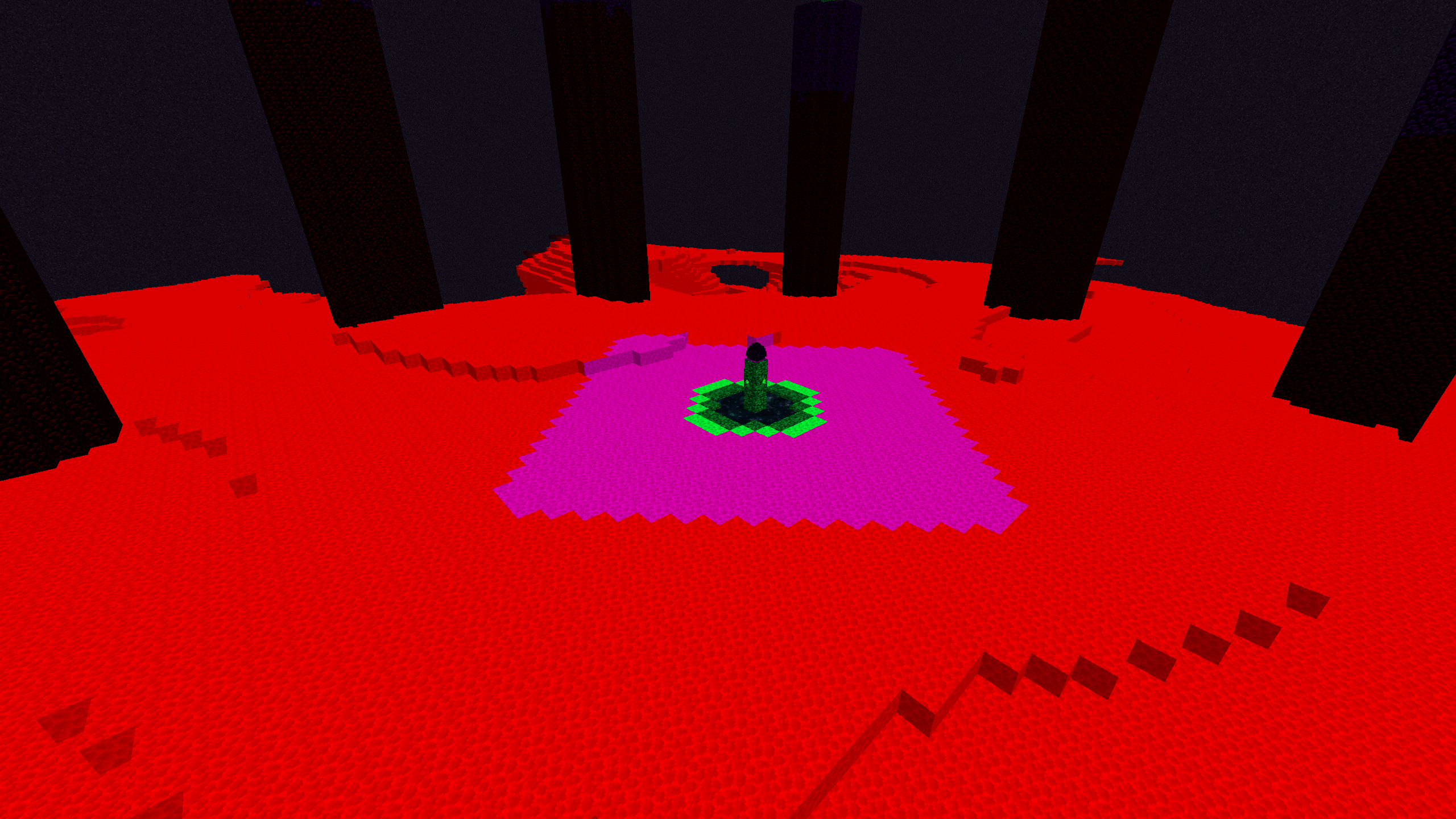
Light Mob Spawning
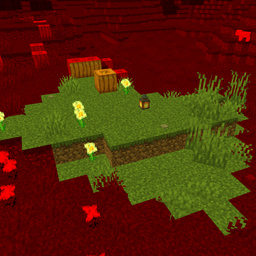
Light Mob Spawning is a resource pack for visualize light level for mob spawningInstall

Vanilla Glowing Ores
Glowing ores in vanilla Minecraft that don't require any mods, not even OptiFine or Continuity, and work with Sodium!Install

Slim Fire
Reduce the visual space taken up by the fire overlay!Install

Cozy Nook Beds
Retextures the defaults beds into something more cozy~Install

Nugget's Female Gender Chest (Discontinued)
This pack gives you chest model, only for alex player model btwInstall
Remodeled
Vanilla friendly pack that changes a bunch of textures for the better, Optifine recommended!Install

Blue Ancient Debris
The Nether Update has brought about many exciting changes, like Netherite, the new material that is stronger than diamonds. You hop in your Nether portal, dig down to y 15, and start TNT-ing everything in sight.Install

Nebulous Nights (Formerly Lad's SkyBox)
A night sky filled with nebulae and wonder.Install
Wynncraft Retextured
Textures for Wynncraft armor! Also some other small tweaks.Install

JustTimm's Vanilla Additions - Winter Edition (+ Xmas Add-On)
Winter/Christmas-style resource packs for Vanilla Additions.Install
Sky Villages - Let's Do Beachparty Compat
Compatibility between Sky Villages and Let's Do Beachparty!Install

Showjumping Craft
CIT Pack that adds various obstacles to Minecraft for you to make your equestrian dreams come true!Install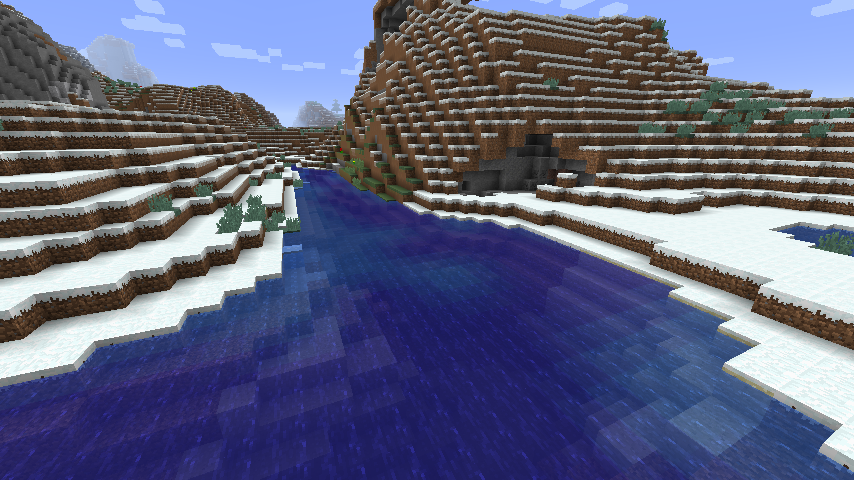
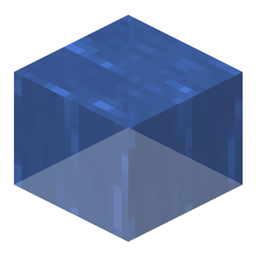
Ocean Water [Archived]
The fancy new water from the Update Aquatic comes to older versions! OptiFine required.Install

Create Styled Ad Astra Plates
Ad Astra plates with the Create styleInstall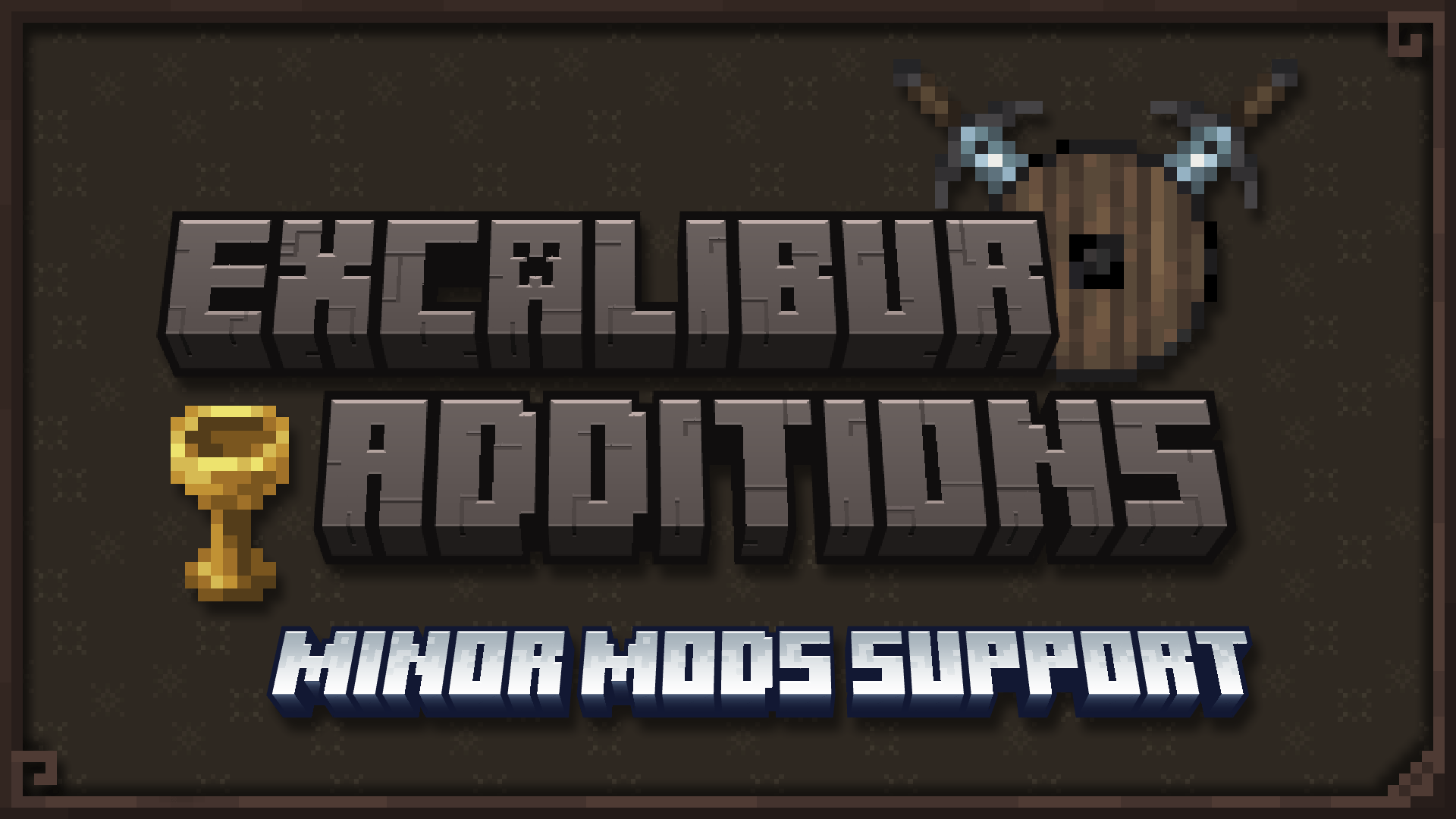
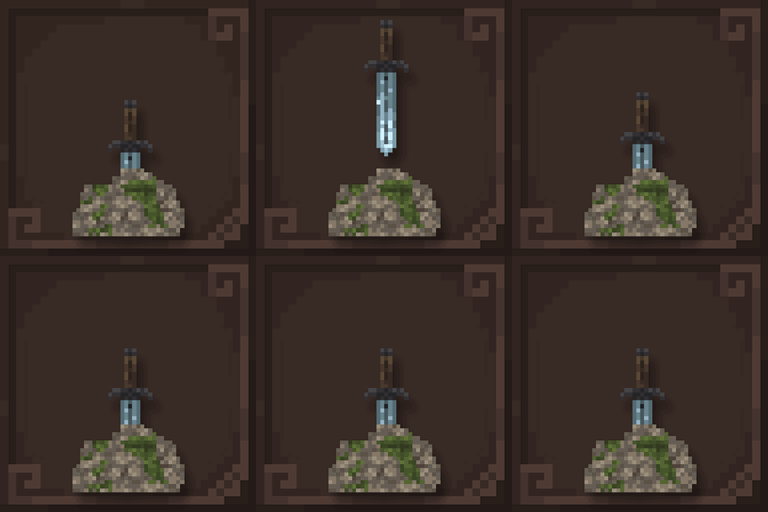
Excalibur | Additions: Minor Mods Support
A set of small mod supports, unified into one smooth Excalibur-themed collectionInstall

GUI SimpleStylized
Enhanced user interface in dark mode with square edges.Install

Particles +
Additional, unique and fixed particles across the boardInstall

CPvP Agnes Tachyon Pack + Anime sky
This PvP/CPvP resource pack replaces the model textures, GUI, inventory, menu, and sky with a Agnes Tachyon theme.Install

bow 16x
16x pvp/bedwars overlay texture pack with a black/white checkerboard theme + obligatory catInstall
Night Vision Ultimate | Night Vision
Night Vision Pack for Minecraft without turning off achievements by. Enjoy full brightness anywhere—no potions needed! Perfect for caves, night, and underwater.Install

Mahi's Xray Pack
Makes terrain blocks show as outlines only so you can see ores and valuables through solid ground. Works without any mods.Install

XEHD Texture
A High-Definition resource pack for minecraftInstallFAQ
Do I need Forge or Fabric for a resource pack?
No. A resource pack works on the regular game with no loaders or mods. Click “Install” and Millida Launcher will put the pack into the right modpack — then just enable it in the settings.
What do 16×, 32×, 64× mean?
The resolution of a single texture in pixels. 16× matches the original game, 32× and 64× are more detailed and heavier, and 128× and up put a noticeable load on your graphics card.
Will a pack made for another version work?
Most likely partly: older packs don't have textures for newer blocks, so those will stay default. The game won't break, though.
How is a texture pack different from a resource pack?
Only by name and age. Before version 1.6 the sets were called texture packs and changed only textures; in 1.6 resource packs replaced them and also change sounds, fonts and the interface. Old texture packs for 1.5 and below do not work on new versions without conversion.
Which texture packs are best for PvP?
PvP packs: 16× resolution or lower, shortened swords, low fire, a clear sky and bright particles. They barely load the computer and make the opponent easier to see. These packs are collected in the PvP theme.
How do I install a resource pack?
Press Install and Millida Launcher puts the pack into the resourcepacks folder of the right instance. Then enable it in the game: Options, then Resource Packs. Manually, the archive goes into resourcepacks inside the game folder, no need to unpack it.
Resource packs for Minecraft Java
A resource pack changes how the game looks and sounds: block and item textures, fonts, the interface, sounds. It doesn't touch the game's code, so it needs no mod loader and breaks nothing on a server — the pack only works on your screen. That's exactly why a resource pack is safer than any mod: the worst that happens on a version mismatch is that some textures stay default.
Textures, texture packs and resource packs are essentially the same thing: since version 1.6 Mojang calls these sets resource packs, but the old name is still searched more often. PvP packs are a big genre of their own: shortened swords, low fire, bright particles and 16× resolution or lower, so the opponent stands out and the frame rate does not drop. Such packs are most often made for 1.8.9 and 1.16.5, the versions many PvP servers run on.
The key thing about a pack is its resolution. The game's default textures are 16×16 pixels; 32× and 64× packs look more detailed, while 128× and up need a real graphics card and are usually paired with shaders. On a weak machine it makes sense to stay at 16× or go for packs that deliberately simplify graphics for more FPS. Every pack here lists its game version, author and license, and all released versions are gathered on one card. Put the downloaded archive in the resourcepacks folder and enable it in the game settings.