

About the Remodeled resource pack
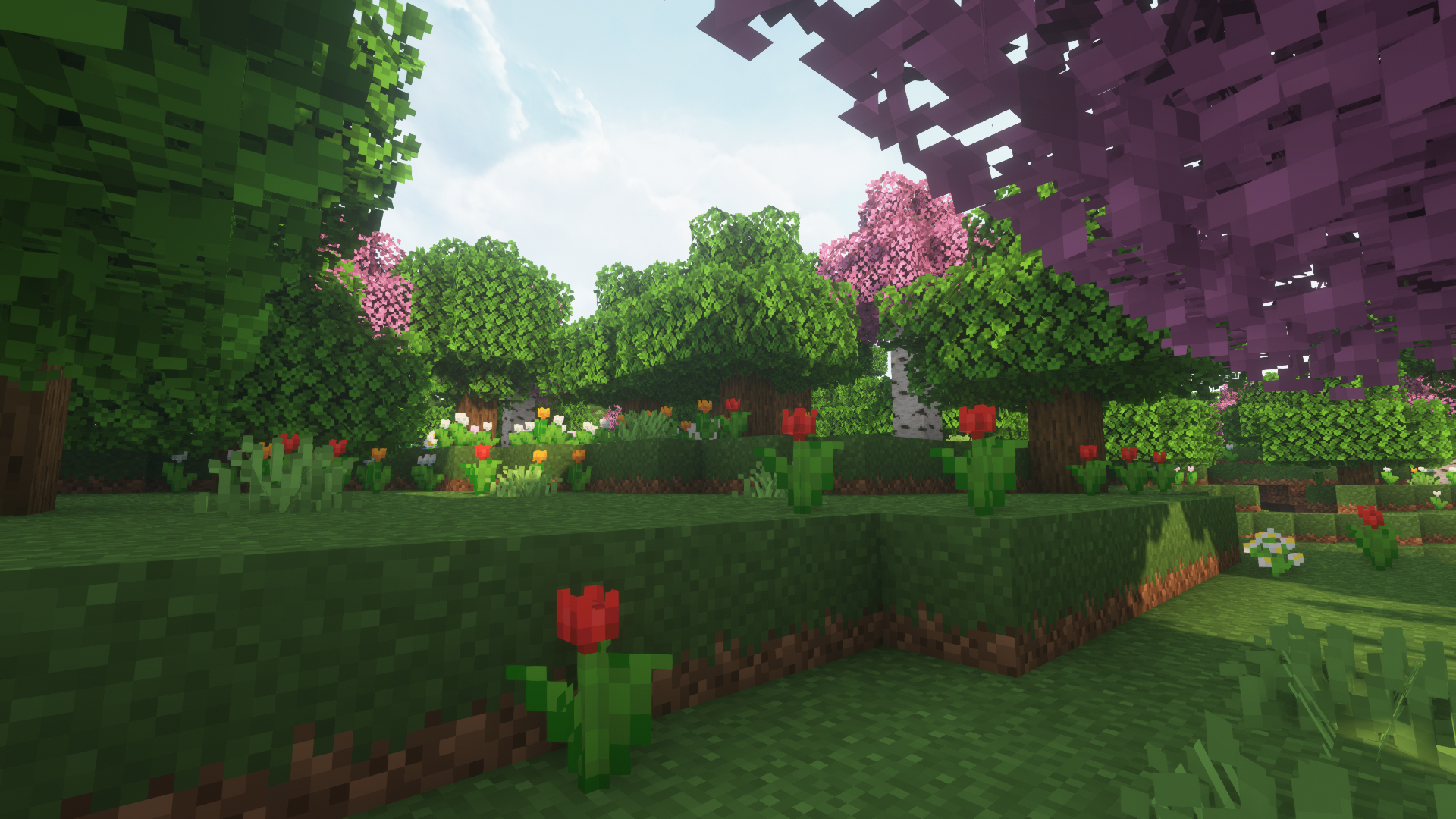
After many months working on this pack I'm finally gonna publish it. This is how I like to play Minecraft, changing a lot of vanilla textures and features and using Optifine to customize even more and add more detail to the Minecraft world.
Optifine is needed for:
- Custom light- and colormaps
- Random mobs textures (From Minecraft Earth++)
- Custom Item Textures (Including new elytra models)
- Block Overlays (Block transitions and some custom biome-dependant textures)
- Custom sky overlay (4K Sky texture for day/night and weather)
- Custom GUI (Chest & Shulker and loading screens)
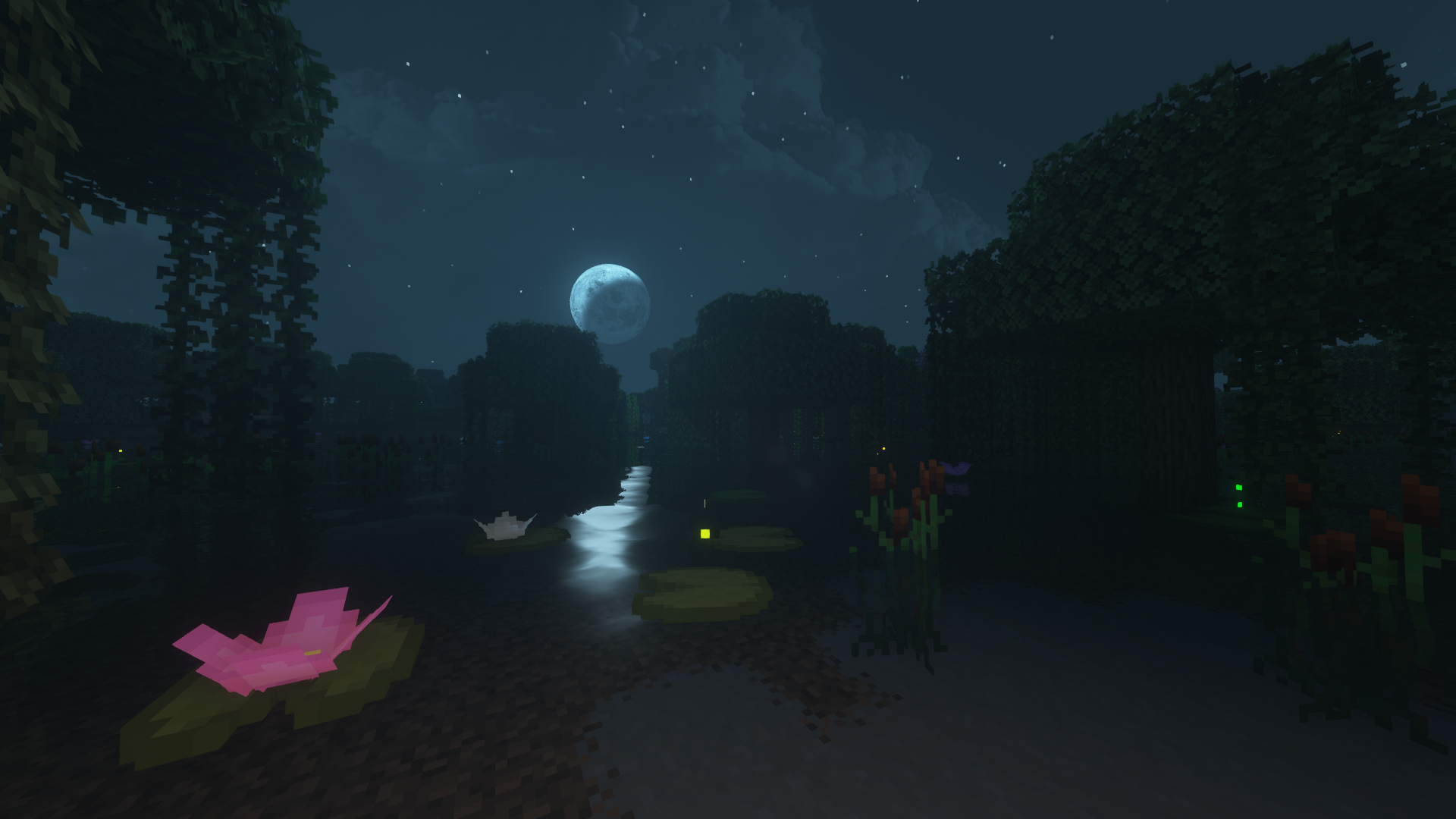
Comparison Images:
Shaders used in screenshots are BSL Shaders and Complementary Reimagined (Vanilla / Remodeled Minecraft)
Armor previews + Custom Elytra (Rename in Anvil):
This pack is an in-progress development so you can expect a lot of updates. If you have any suggestions/feedback/trouble with anything, join the discord below:
Thanks for reading, hope you like the pack!
How to install Remodeled
Install Millida Launcher
The launcher is free: download it at millida.net/launcher and sign in with any nickname.
Click “Install” on this page
The launcher opens and installs the resource pack for Minecraft 1.21.9–1.21.11 automatically.
Launch the game
A profile with it appears in the launcher: click “Play”.
Versions
With dependencies
| Minecraft | Loader | File | Date | Actions |
|---|---|---|---|---|
| 1.21.9 | — | Remodeled Minecraft 1.1119.7 MB 1 |
FAQ
Which Minecraft versions does Remodeled work on?
There are files for 1.21.11, 1.21.10, 1.21.9. The newest is 1.21.11.
How do I download Remodeled?
With Millida Launcher: it installs Remodeled into a modpack by itself, for the right game version and loader. The launcher is free.
Reviews
Be the first to rate Remodeled


