
Resource packs for Minecraft Java 1.21 — page 29
Resource packs: list


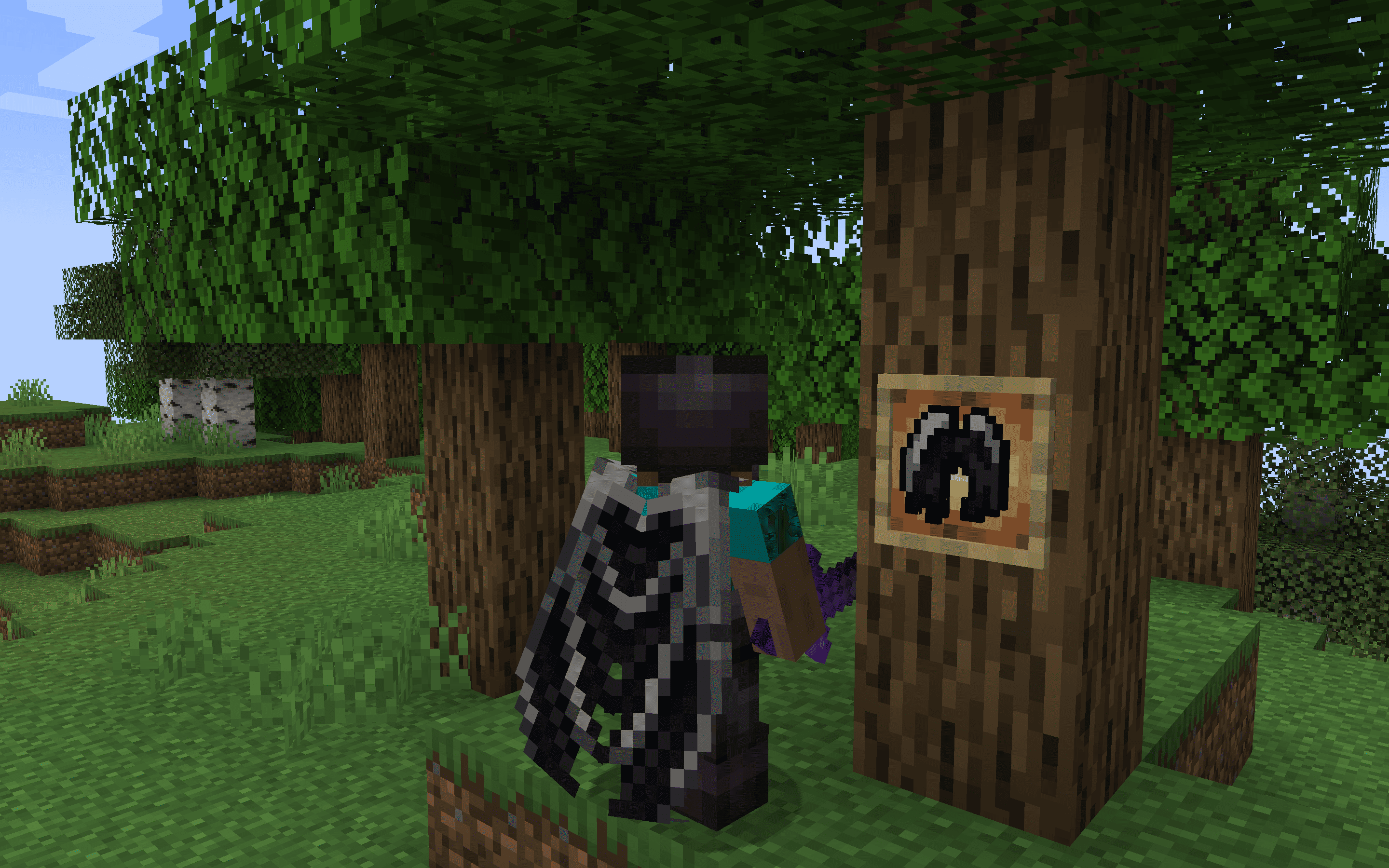
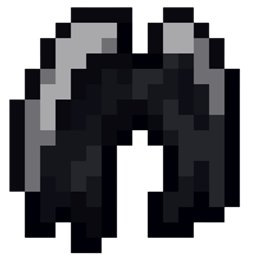
Ender Dragon Elytra - Better Wings
The Dragon Elytra resource pack reimagines Minecraft's Elytra wings as the majestic wings of a dragon, enhancing the visual experience of flight with detailed, dragon-inspired designs.Install
Haven: Quest Theme
Custom Quest Theme for the mod FTB Quests.Install

FullBright
Fullbright without mods or shaders. Compatible with everything.Install

Mace 3D
3d model for the maceInstall

Better Tridents
Changes the appearance of the tridents.Install

Ore4J
Bringing the style of Minecraft: Bedrock Edition's Ore UI into Legacy4JInstall

Karmorakcraft
friendly-realistic, bit medieval, x64 MixpackInstall

Stellarity Resource Pack
Resource pack for Stellarity. Contains textures for all of its items, plus some other improvements for added immersion.Install

Blue's Better Chickens
Updates chicken models to look more realistic ━ Now compatible with Fabric!Install
Brush Up!
Improvements and tweaks to certain textures in order to give the game a more consistent art style!Install

RealSource Realistic JAVA
Complete realistic vanilla texture pack with PBR / POM supportInstall

Mahi's Connected Grass (No OptiFine Needed) Bedrock Support!
Mahi's Connected Grass - Enhance the visual appeal of grass with connected textures for a more immersive experience.Install
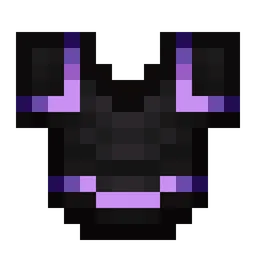
Emissive Trims
Makes armor trims glow in the dark. No mods needed!Install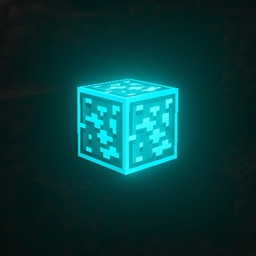
Glowing Animated Ore / Ores
Best Animated glowing ores texture pack so that people can notice ores quickly. This makes ores outlined, animated + glowingInstall

Rainbow Diamond Ores & Ancient Debris
Adds a rainbow outline around diamond ores and ancient debris, making these blocks stand out.Install

ewewukek's 3D muskets
3D models for ewewukek's musket modInstall
Armors'N'Items - By StefanJ2
Adds a huge collection of custom items through anvil renaming, without any required mods.Install

Smaller Totem
Makes Totem smaller in size and low for better PvP.Install

Stay True x Better Ores 3D
Makes Better Ores 3D compatible with Stay True, keeping the 3D and glowing ores.Install

Short Swords
Experience a clearer view and smoother swings!Install

Health Bars Reforged
Fancier & more colorful health bars!Install

Drodi's Villagers
Drodi’s Villagers tries to combine aesthetics and utility to make Villagers more visually interestingInstall

Nature's & Explorer's Compass Retexture
Retexture of the Nature and Explorer's compass modsInstallFAQ
Do I need Forge or Fabric for a resource pack?
No. A resource pack works on the regular game with no loaders or mods. Click “Install” and Millida Launcher will put the pack into the right modpack — then just enable it in the settings.
What do 16×, 32×, 64× mean?
The resolution of a single texture in pixels. 16× matches the original game, 32× and 64× are more detailed and heavier, and 128× and up put a noticeable load on your graphics card.
Will a pack made for another version work?
Most likely partly: older packs don't have textures for newer blocks, so those will stay default. The game won't break, though.
How is a texture pack different from a resource pack?
Only by name and age. Before version 1.6 the sets were called texture packs and changed only textures; in 1.6 resource packs replaced them and also change sounds, fonts and the interface. Old texture packs for 1.5 and below do not work on new versions without conversion.
Which texture packs are best for PvP?
PvP packs: 16× resolution or lower, shortened swords, low fire, a clear sky and bright particles. They barely load the computer and make the opponent easier to see. These packs are collected in the PvP theme.
How do I install a resource pack?
Press Install and Millida Launcher puts the pack into the resourcepacks folder of the right instance. Then enable it in the game: Options, then Resource Packs. Manually, the archive goes into resourcepacks inside the game folder, no need to unpack it.
Resource packs for Minecraft Java 1.21
Resource packs for Minecraft 1.21: 1,675 items in the Resource packs section. Compatibility is checked against the files, not the description: only items with a build for exactly these conditions stay in the list.
The key thing about a pack is its resolution. The game's default textures are 16×16 pixels; 32× and 64× packs look more detailed, while 128× and up need a real graphics card and are usually paired with shaders. On a weak machine it makes sense to stay at 16× or go for packs that deliberately simplify graphics for more FPS. Every pack here lists its game version, author and license, and all released versions are gathered on one card. Put the downloaded archive in the resourcepacks folder and enable it in the game settings.