
Resource packs for Minecraft Java 1.21 — page 11
Resource packs: list


Fyoncle's 3D Trims
Adds 3D Trim Templates for first person!Install

Lively Turtle Helmet
Turtle Helmet now has a life!Install

Pixel Perfect [Let's Do Addon]
A pack that remodels some of the Let's Do item models to look more like their sprites.Install

Excalibur | Farmer's Delight Support
A retexture of the mod, Farmer's Delight. Adapted and made to run alongside the Excalibur resource pack by Maffhew.Install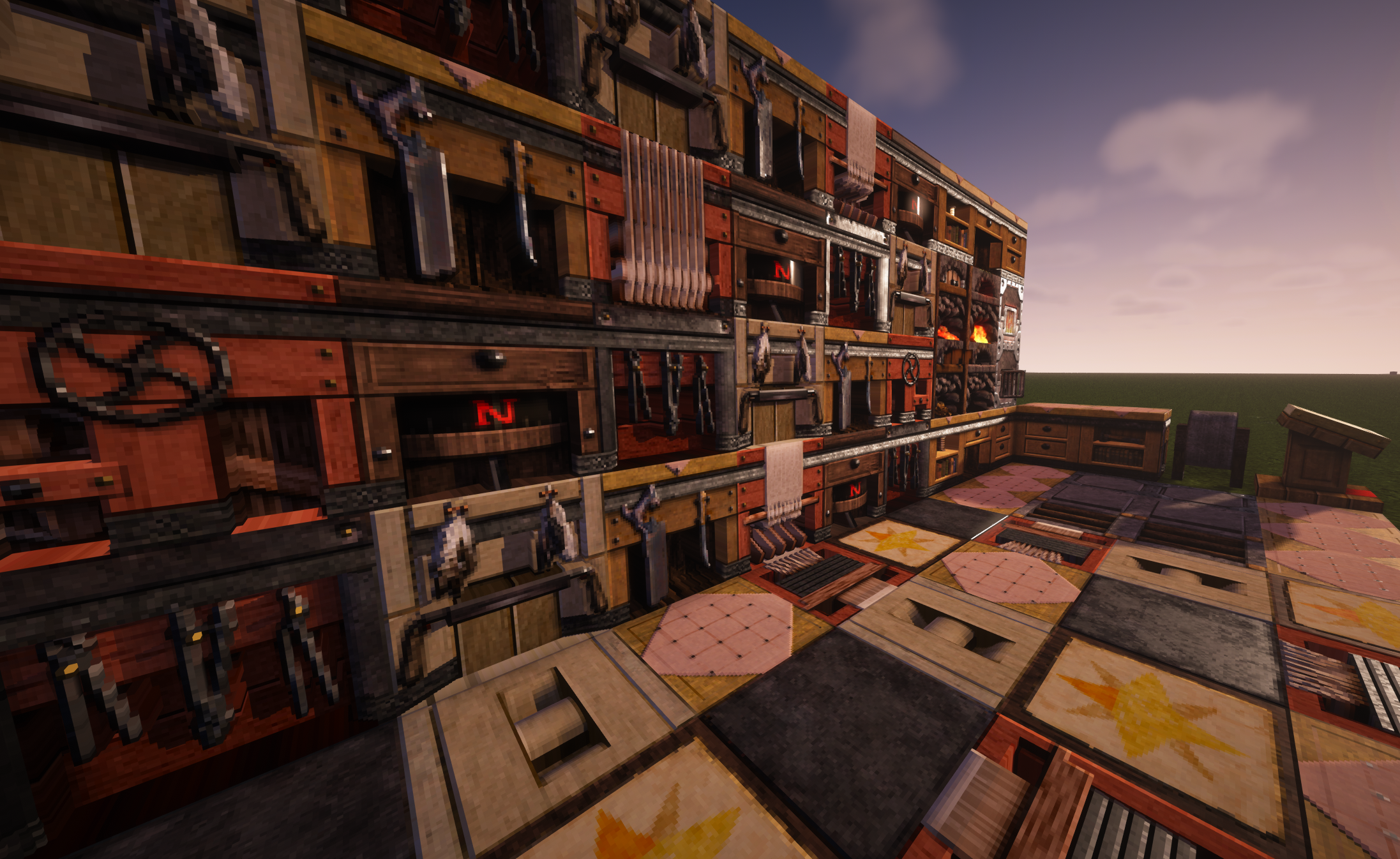

Misa's Realistic
The Original 64x64 Texture PackInstall
Visible Ores Plus
This texture pack will help you see the minerals more easily.Install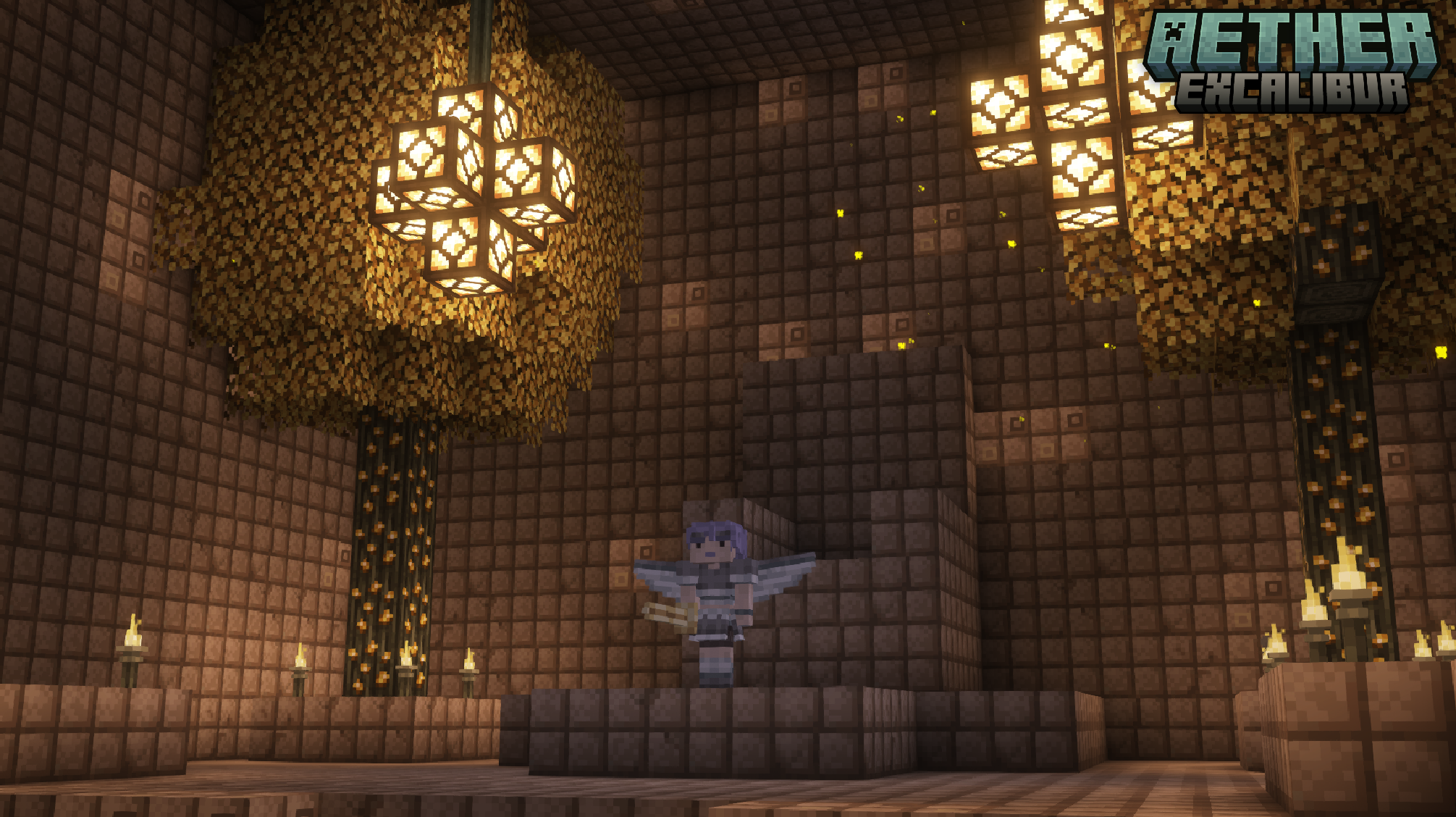

Excalibur | Aether Support
A retexture of the mod, The Aether. Adapted and made to run alongside the Excalibur resource pack by Maffhew.Install
Subtly Glowing Ores
Adds an emissive colored outline to the ores! Works with most resource packs!Install

Classic 3D
Classic Minecraft look & feel with revamped 3D models.Install

Traben's 3D Arrow models
Makes shot arrows look just like their item sprites. Works with all 16x resourcepacks. Requires EMF or OptiFine.Install

Mandala's GUI Vanilla Crosshair
A patch for Mandala's GUI to use the vanilla crosshair.Install
Better Gravestones
Better gravestones for the gravestones modInstall

Scary Spider
More realistic spider legsInstall
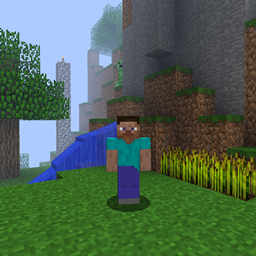
Old Sounds & Music
The original feel of MinecraftInstall
AmbientSound6 Sounds Pack
Sounds of Nature! with just a Resource-pack!Install

Fresh Animations: Quivers
Gives skeletons quivers, compatible with Fresh Animations. An official FA extension.Install

vOxkl 100 Subscriber Pack
The 100 Subscriber Texturepack of the YouTuber vOxklInstall
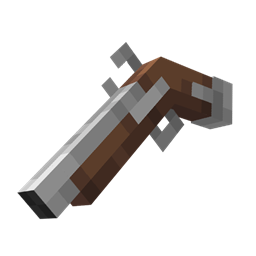
Flintl0cks - Musket Mod Overhaul
A resource pack for ewewukek's Musket modInstall

Stoneborn Better Smithing Table Compat
Compatibility for Stoneborn and Better Smithing TableInstall
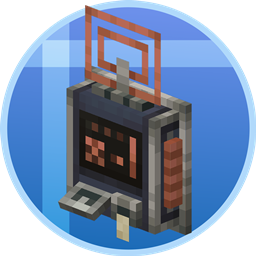
Tom's Create Style
Inspired Create Style Tom's StorageInstall

Blue's Better Skeletons
Updates Skeletons to look more realistic with more lifelike animationsInstall

Better Lower Fire - Visibility Improved - Reduced Screen Obstruction
Low Fire optimizes the player’s view in Minecraft by reducing the height of fire animations, minimizing screen coverage and enhancing visibility, particularly during combat situations where clear sight is crucial.Install

DeathFX
Adds a unique "You Died" Pop Up effect after dying and death sound effect without mods!InstallFAQ
Do I need Forge or Fabric for a resource pack?
No. A resource pack works on the regular game with no loaders or mods. Click “Install” and Millida Launcher will put the pack into the right modpack — then just enable it in the settings.
What do 16×, 32×, 64× mean?
The resolution of a single texture in pixels. 16× matches the original game, 32× and 64× are more detailed and heavier, and 128× and up put a noticeable load on your graphics card.
Will a pack made for another version work?
Most likely partly: older packs don't have textures for newer blocks, so those will stay default. The game won't break, though.
How is a texture pack different from a resource pack?
Only by name and age. Before version 1.6 the sets were called texture packs and changed only textures; in 1.6 resource packs replaced them and also change sounds, fonts and the interface. Old texture packs for 1.5 and below do not work on new versions without conversion.
Which texture packs are best for PvP?
PvP packs: 16× resolution or lower, shortened swords, low fire, a clear sky and bright particles. They barely load the computer and make the opponent easier to see. These packs are collected in the PvP theme.
How do I install a resource pack?
Press Install and Millida Launcher puts the pack into the resourcepacks folder of the right instance. Then enable it in the game: Options, then Resource Packs. Manually, the archive goes into resourcepacks inside the game folder, no need to unpack it.
Resource packs for Minecraft Java 1.21
Resource packs for Minecraft 1.21: 1,674 items in the Resource packs section. Compatibility is checked against the files, not the description: only items with a build for exactly these conditions stay in the list.
The key thing about a pack is its resolution. The game's default textures are 16×16 pixels; 32× and 64× packs look more detailed, while 128× and up need a real graphics card and are usually paired with shaders. On a weak machine it makes sense to stay at 16× or go for packs that deliberately simplify graphics for more FPS. Every pack here lists its game version, author and license, and all released versions are gathered on one card. Put the downloaded archive in the resourcepacks folder and enable it in the game settings.