
Resource packs for Minecraft Java — page 90
Resource packs: list


Vervada's enhanced plants
Vervada's enhanced plants brings 3D models to plants for a more immersive and realistic experience. Almost all plant gets a custom models and some have variants and specials features.Install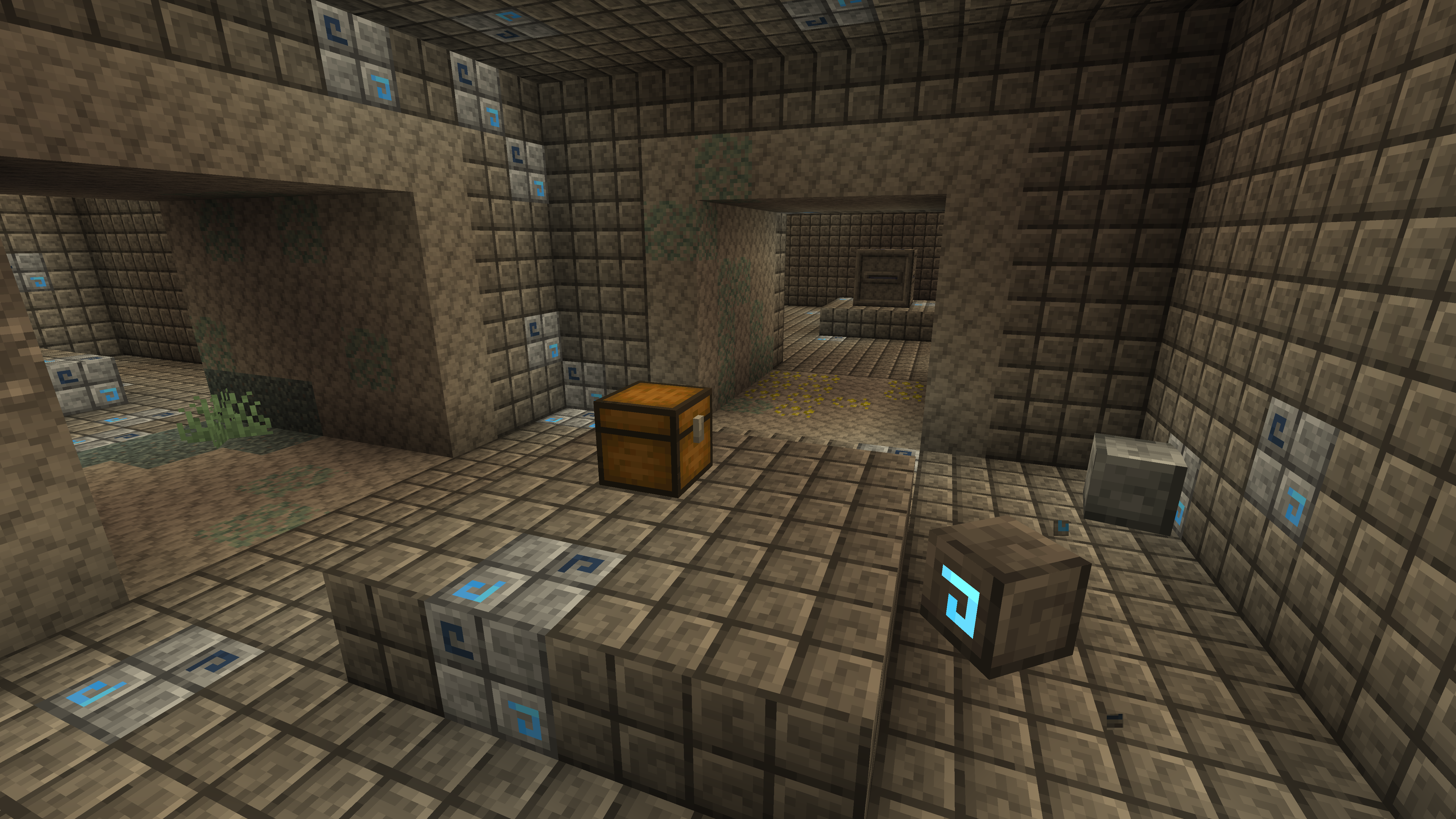
Jappafied Aethers
Jappa textures all over the Aether!Install

Better Leaves Bush [ slightly rounded and not bulky ]
Better Leaves Bush make tiny bush and tiny rounded leavesInstall

Sophisticated Storage Chests Quark Compat
Adds Quark’s visual style to Sophisticated Storage chests.Install

Absolution Resource Pack
An Immersion Style Resource PackInstall
Animated RGB GUI Pack
A GUI pack to make an animated RGB XP bar, hotbar, and Inventory screens! OptiFine or Animatica (Fabric) is required.Install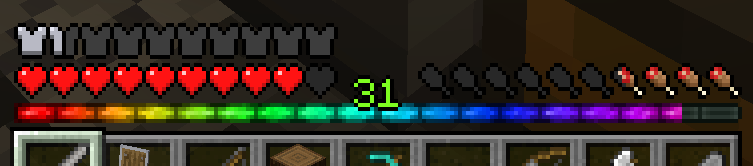
Rainbow eXP-Bar
XP-Bar in a rainbowstlye.Install

Weskerson's 3D Food
Fill up on some tasty 3D food items, all with eating animations!Install
PERFECTION SOUNDTRACK
Soundtrack of the modpack "MINECRAFT PERFECTION" (You need Biome music to use it)Install

Mickey Joe's "Barely Default"
Analyzing the default artstyle and pushing it to its prettiest limits, Barely Default respectfully builds upon the Minecraft lore to bring you a cohesive, clean, consistent experience! Barely Default adds months of new details to discover to your gameInstall

IR American Steam Locomotive Pack
Immersive Railroading Add-onInstall

Erivale
Early middle age medieval 32xInstall

Immersive Interfaces - Sophisticated Backpacks & Storage
This texture pack adds support for Sophisticated Backpacks & Storage, matching its design with the look and feel of Immersive Interfaces.Install

Reanimated: Myths & Legends
Reanimation of Myths & Legends mobs.Install

Os' Colorful Cobblestone
Make cobblestone less drab with these variated, subtle color additions within the texture. Your starter houses will thank you!Install
Deeper and Darker - Farmer's Delight - Bark Cutting Compat
Adds Compatibility Between Deeper and Darker and Farmer's DelightInstall

Better Clear Glass [ Connected ]
[ 1.13 - 1.19 ] A real and very connected clear glass !Install

ZickZack V5
A texture pack in the style of BastiGHG and ZickZackV5, which contains a custom sky, overlay, totem and more.Install

Lanostry's foxes
A resourcepack that adds more variation to vanilla foxesInstall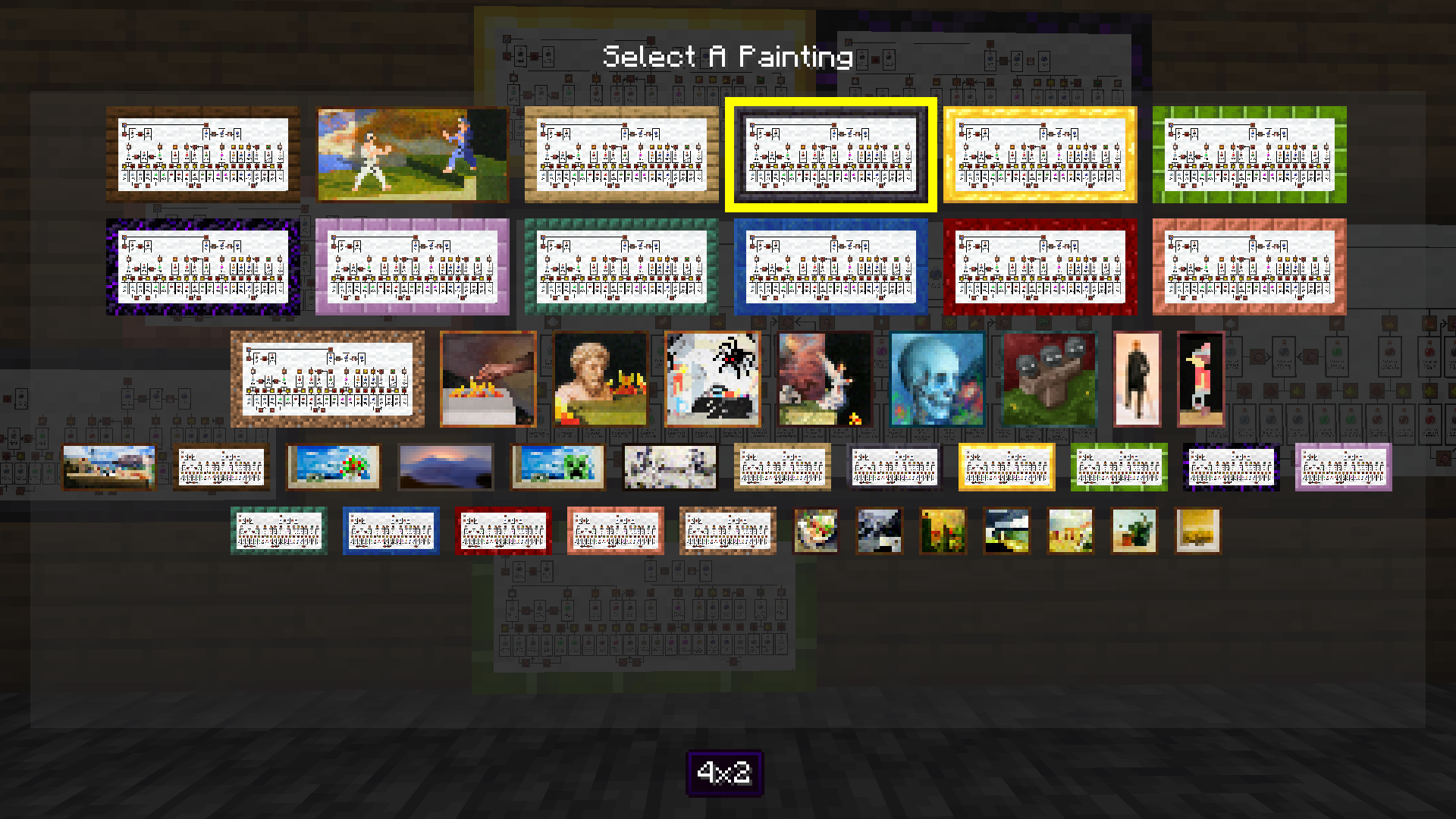
BrewingCanvas - Potion Guide
Replaces a painting with a step by step potion guideInstall
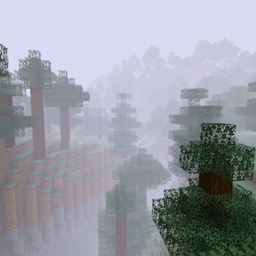
Fog Shaders
Uses core shaders to add thick fog to your worldInstall

Excalibur | Eidolon Support
A non official compatibility pack between Excalibur and Eidolon : Repraised.Install

Lanterns Enhanced
Makes Lanterns, Chains and Torches 3D in your hand!InstallFAQ
Do I need Forge or Fabric for a resource pack?
No. A resource pack works on the regular game with no loaders or mods. Click “Install” and Millida Launcher will put the pack into the right modpack — then just enable it in the settings.
What do 16×, 32×, 64× mean?
The resolution of a single texture in pixels. 16× matches the original game, 32× and 64× are more detailed and heavier, and 128× and up put a noticeable load on your graphics card.
Will a pack made for another version work?
Most likely partly: older packs don't have textures for newer blocks, so those will stay default. The game won't break, though.
How is a texture pack different from a resource pack?
Only by name and age. Before version 1.6 the sets were called texture packs and changed only textures; in 1.6 resource packs replaced them and also change sounds, fonts and the interface. Old texture packs for 1.5 and below do not work on new versions without conversion.
Which texture packs are best for PvP?
PvP packs: 16× resolution or lower, shortened swords, low fire, a clear sky and bright particles. They barely load the computer and make the opponent easier to see. These packs are collected in the PvP theme.
How do I install a resource pack?
Press Install and Millida Launcher puts the pack into the resourcepacks folder of the right instance. Then enable it in the game: Options, then Resource Packs. Manually, the archive goes into resourcepacks inside the game folder, no need to unpack it.
Resource packs for Minecraft Java
A resource pack changes how the game looks and sounds: block and item textures, fonts, the interface, sounds. It doesn't touch the game's code, so it needs no mod loader and breaks nothing on a server — the pack only works on your screen. That's exactly why a resource pack is safer than any mod: the worst that happens on a version mismatch is that some textures stay default.
Textures, texture packs and resource packs are essentially the same thing: since version 1.6 Mojang calls these sets resource packs, but the old name is still searched more often. PvP packs are a big genre of their own: shortened swords, low fire, bright particles and 16× resolution or lower, so the opponent stands out and the frame rate does not drop. Such packs are most often made for 1.8.9 and 1.16.5, the versions many PvP servers run on.
The key thing about a pack is its resolution. The game's default textures are 16×16 pixels; 32× and 64× packs look more detailed, while 128× and up need a real graphics card and are usually paired with shaders. On a weak machine it makes sense to stay at 16× or go for packs that deliberately simplify graphics for more FPS. Every pack here lists its game version, author and license, and all released versions are gathered on one card. Put the downloaded archive in the resourcepacks folder and enable it in the game settings.