
Resource packs for Minecraft Java — page 82
Resource packs: list


Cobblemon Classic Pokédex SFX Pack
The Cobblemon Pokédex sound ping effect will be changed into the anime GEN1 ping.Install

Mossy's Better Dirt
Updating dirt to the modern Minecraft art styleInstall

Carrot Farmer Totem of Undying
Carrot Farmer Totem infuses Minecraft's survival gameplay with a dash of agricultural charm by redesigning the totem of undying with a carrot farmer theme, adding both visual appeal and a lighthearted touch to the game.Install
Connected-Glass - Better connected glass
Connected-Glass makes glass with connecting textures!Install
In-Game Brewing Guide
Provides an in-game brewing guide within the "Brewing Stand" UI.Install

Unique Dark - Mekanism Support
Support for mekanism in Unique DarkInstall

Pixelmon faithful original apricorns!
First apricorns of Pixelmon faithful x32 addonInstall

Mizuno's Connected Glass
A Connected Glass for Mizuno craft16Install

Fabulous 3D
Clean redesigns of the vanilla Tools and Weapons.Install

Villagers Refreshed
Villagers & Illagers with a Refreshed Take!Install

[Deprecated]CTOV - Paragliders compat
Compatibility datapack between CTOV and Paragliders modInstall

PvP+ Faithful Revamped
Faithful but revamped for PvPInstall
Classic Glint
Brings back the old enchantment glint from 1.19.3!Install

Unity: Extras
Unity addon featuring OptiFine ctm, overlays, random mobs, & more!Install
Shrimp's Distinct Potions
enhances all bottles and gives each potion a unique texture!Install
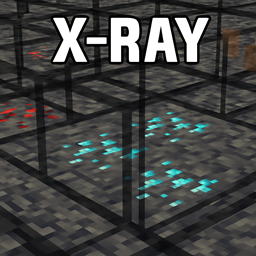
Spectra X Ray
With this resource pack you only see what really matters: ores and bedrock.Install

Better Map Items
Changes the texture of the map and filled map to look more like what you actually hold in your hand.Install

Immersive Interfaces - Farmer's Delight
This texture pack adds special compatibility with Farmer's Delight, integrating its grooves into the aesthetics of Immersive Interfaces.Install

Findrek's 3D Buckets and Fish
All bucket and fish items become 3D, includes axolotl and tropical fish variantsInstall

Fantastik
Fantastik is a detailed resource pack for Minecraft that turns the standard graphics into a photorealistic picture. The pack uses 512x resolution and includes support for PBR (physically based rendering) and POM (parallax occlusion mapping) technologies. Thanks to thInstall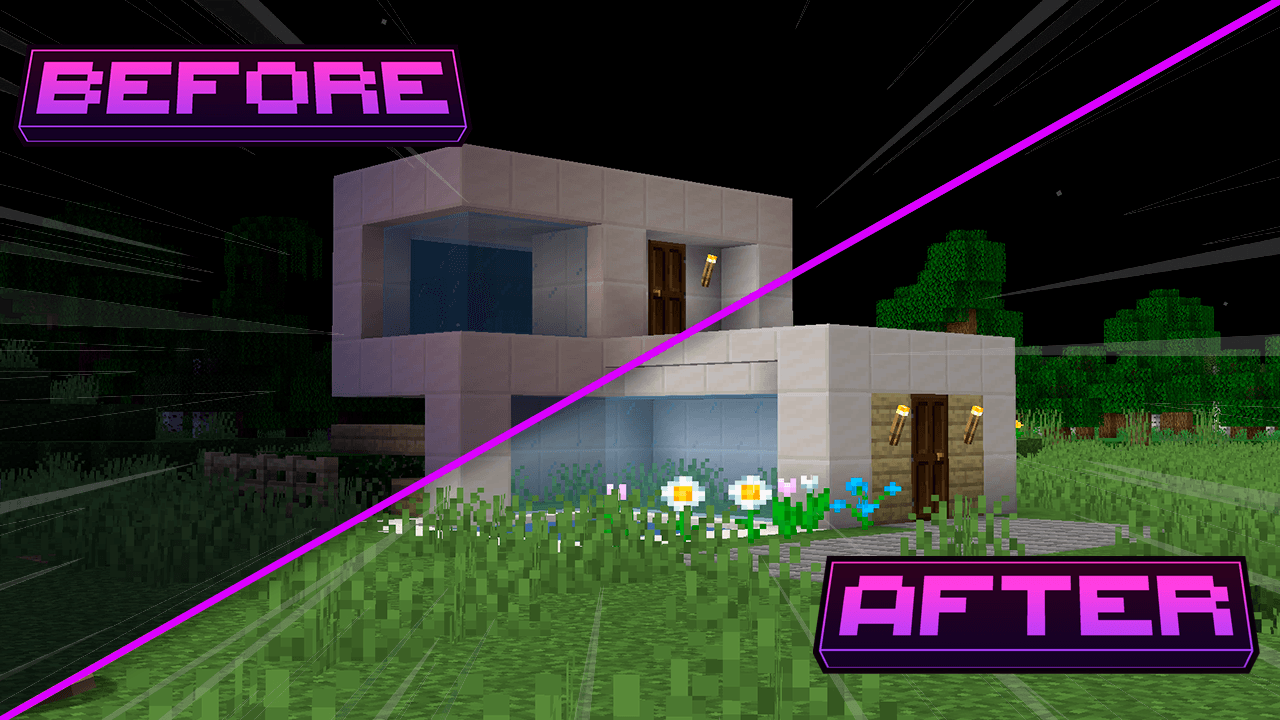
Full Brightness - Heycronus
This texture makes minecraft completely clear 💡Install
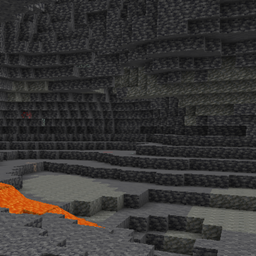
Core Fullbright
A utility to let you see, in vanilla!Install
Sky Villages - Let's Do Brewery Compat
Compatibility between Sky Villages and Let's Do Brewery!InstallFAQ
Do I need Forge or Fabric for a resource pack?
No. A resource pack works on the regular game with no loaders or mods. Click “Install” and Millida Launcher will put the pack into the right modpack — then just enable it in the settings.
What do 16×, 32×, 64× mean?
The resolution of a single texture in pixels. 16× matches the original game, 32× and 64× are more detailed and heavier, and 128× and up put a noticeable load on your graphics card.
Will a pack made for another version work?
Most likely partly: older packs don't have textures for newer blocks, so those will stay default. The game won't break, though.
How is a texture pack different from a resource pack?
Only by name and age. Before version 1.6 the sets were called texture packs and changed only textures; in 1.6 resource packs replaced them and also change sounds, fonts and the interface. Old texture packs for 1.5 and below do not work on new versions without conversion.
Which texture packs are best for PvP?
PvP packs: 16× resolution or lower, shortened swords, low fire, a clear sky and bright particles. They barely load the computer and make the opponent easier to see. These packs are collected in the PvP theme.
How do I install a resource pack?
Press Install and Millida Launcher puts the pack into the resourcepacks folder of the right instance. Then enable it in the game: Options, then Resource Packs. Manually, the archive goes into resourcepacks inside the game folder, no need to unpack it.
Resource packs for Minecraft Java
A resource pack changes how the game looks and sounds: block and item textures, fonts, the interface, sounds. It doesn't touch the game's code, so it needs no mod loader and breaks nothing on a server — the pack only works on your screen. That's exactly why a resource pack is safer than any mod: the worst that happens on a version mismatch is that some textures stay default.
Textures, texture packs and resource packs are essentially the same thing: since version 1.6 Mojang calls these sets resource packs, but the old name is still searched more often. PvP packs are a big genre of their own: shortened swords, low fire, bright particles and 16× resolution or lower, so the opponent stands out and the frame rate does not drop. Such packs are most often made for 1.8.9 and 1.16.5, the versions many PvP servers run on.
The key thing about a pack is its resolution. The game's default textures are 16×16 pixels; 32× and 64× packs look more detailed, while 128× and up need a real graphics card and are usually paired with shaders. On a weak machine it makes sense to stay at 16× or go for packs that deliberately simplify graphics for more FPS. Every pack here lists its game version, author and license, and all released versions are gathered on one card. Put the downloaded archive in the resourcepacks folder and enable it in the game settings.