
Resource packs for Minecraft Java — page 70
Resource packs: list


Pixelmon GUIs - Heart Gold/Soul Silver inspired
Pixelmon guis inspired by Pokemon Heart Gold and Soul SilverInstall

3D Sugar Cane
The 3D Sugar Cane texture pack enhances the appearance of sugar cane in Minecraft by giving it a more realistic, three-dimensional lookInstall
Overgrowth 32x [1.18+]
Minecraft but overgrownInstall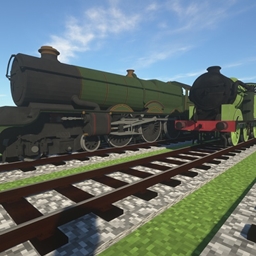
IR British Steam Locomotive Pack
IR Addon Pack by TheLegend5550Install

TFC Ambiental Refreshed
Improves TerraFirmaCraft Ambiental textures in new vanilla style.Install
IR American Passenger Addon Pack
IR Addon Pack by TheLegend5550Install

White Block Selection Outline
Makes it so that when you select a block, instead of a black outline, there is a white outline.Install
Zero's Smaller Crosshair
Smaller CrosshairInstall

R3D CRAFT: Default Realism 64px
A HD alternative to Minecraft's default apperanceInstall

CPVP Essentials ( Crystal PvP )
This includes a texture pack of Crystal PvP Essentials which will help you raise your tier in CPvP!Install
BlockPixel
This is a Minecraft pixel texture pack created by Jakob.zero, characterized by using variously sized block patterns as the foundation for its pixel textures, highlighting the unique charm of the blocky world.Install

Stoneborn: Dragonlands
Mod support for the Stoneborn resource pack.Install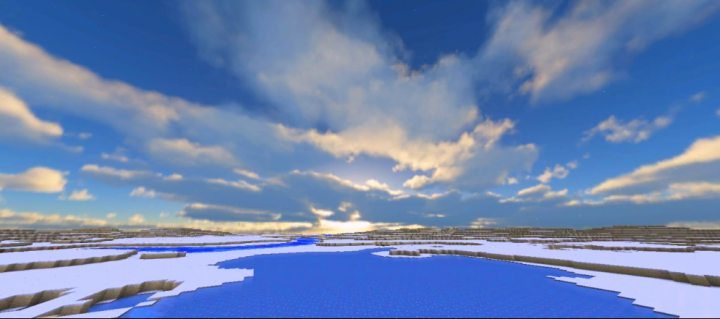
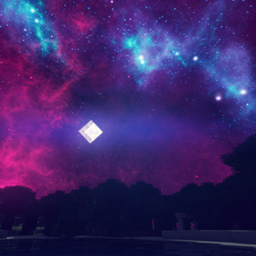
Realistic Sky
This resource pack changes your default skies into realistic skies (included 4 skies: sunset, sunrise, noon and full of star night skyInstall

Rain Revamp
This pack changes the saturation of the rain so it becomes a more mute color instead of that strong default blue, this way it is more similar to the rain you see in real life. Perfect to enhance the look of some shaders.Install
Integrated Stronghold- Alex's Mobs Integration
The Alex's Mobs Integration Datapack for Integrated StrongholdInstall

CozyUI Ex
Unofficial Extended Resource Pack for CozyUI+Install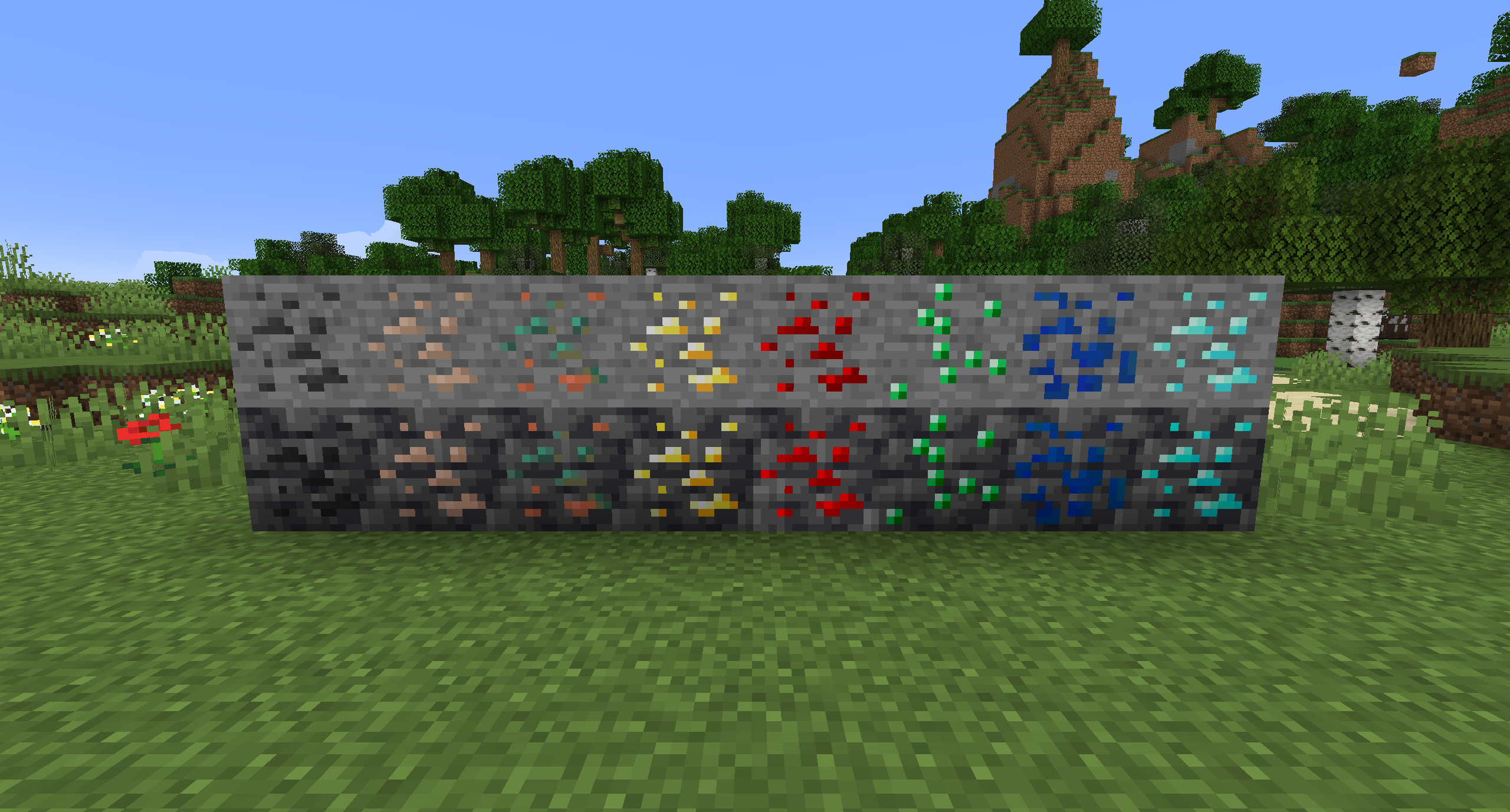
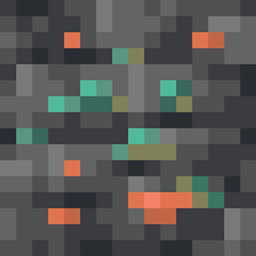
Old Ores Textures (With Copper)
Changes the ore textures from 1.17 to the old textures from before the update. Includes Copper and Deepslate variants.Install

IR American Diesel Loco Addon Pack
IR Addon Pack by TheLegend5550Install

Classic Minecraft YouTuber Skin Pack
A custom Minecraft Skin Pack created to be used with the Legacy Skins addon for Legacy4J.Install

Spryzeen's Better glint
Better and cleaner enchantmet glint!! with a lot of color variants...Install
Lower Shield
Decreases the amount of space the shield takes up on screen.Install
Music Remastered [MMR]
Replacing all of Minecraft's tracks with music covers and live instrumental songs that are streamer friendly.Install
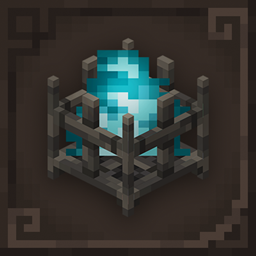
Excalibur | Decorative Blocks Support
Excalibur Support for Decorative Blocks ModInstallFAQ
Do I need Forge or Fabric for a resource pack?
No. A resource pack works on the regular game with no loaders or mods. Click “Install” and Millida Launcher will put the pack into the right modpack — then just enable it in the settings.
What do 16×, 32×, 64× mean?
The resolution of a single texture in pixels. 16× matches the original game, 32× and 64× are more detailed and heavier, and 128× and up put a noticeable load on your graphics card.
Will a pack made for another version work?
Most likely partly: older packs don't have textures for newer blocks, so those will stay default. The game won't break, though.
How is a texture pack different from a resource pack?
Only by name and age. Before version 1.6 the sets were called texture packs and changed only textures; in 1.6 resource packs replaced them and also change sounds, fonts and the interface. Old texture packs for 1.5 and below do not work on new versions without conversion.
Which texture packs are best for PvP?
PvP packs: 16× resolution or lower, shortened swords, low fire, a clear sky and bright particles. They barely load the computer and make the opponent easier to see. These packs are collected in the PvP theme.
How do I install a resource pack?
Press Install and Millida Launcher puts the pack into the resourcepacks folder of the right instance. Then enable it in the game: Options, then Resource Packs. Manually, the archive goes into resourcepacks inside the game folder, no need to unpack it.
Resource packs for Minecraft Java
A resource pack changes how the game looks and sounds: block and item textures, fonts, the interface, sounds. It doesn't touch the game's code, so it needs no mod loader and breaks nothing on a server — the pack only works on your screen. That's exactly why a resource pack is safer than any mod: the worst that happens on a version mismatch is that some textures stay default.
Textures, texture packs and resource packs are essentially the same thing: since version 1.6 Mojang calls these sets resource packs, but the old name is still searched more often. PvP packs are a big genre of their own: shortened swords, low fire, bright particles and 16× resolution or lower, so the opponent stands out and the frame rate does not drop. Such packs are most often made for 1.8.9 and 1.16.5, the versions many PvP servers run on.
The key thing about a pack is its resolution. The game's default textures are 16×16 pixels; 32× and 64× packs look more detailed, while 128× and up need a real graphics card and are usually paired with shaders. On a weak machine it makes sense to stay at 16× or go for packs that deliberately simplify graphics for more FPS. Every pack here lists its game version, author and license, and all released versions are gathered on one card. Put the downloaded archive in the resourcepacks folder and enable it in the game settings.