
Resource packs for Minecraft Java — page 45
Resource packs: list


Villager In A Pack
Resource Pack for the Villager In A Bukkit pluginInstall

CPvP Marin Kitagawa PvP Pack + Anime sky
This PvP/CPvP resource pack replaces the model textures, sounds, GUI, inventory, menu, and sky with a Marin Kitagawa theme.Install

TFC Texture Tweaks
A couple of texture tweaks for TFC:TNGInstall

Stone To Copper For Jade
makes stone equipment look like copper for people who remove stone for copper in modpacks.Install

Better Maps
A 16x resource pack dedicated to make your map experience "better"!Install

Amazing Mace 3d
This resource pack Turns 2D texture of mace into 3D..!!Install

Human Era: Villagers & Illagers X Fresh Animations
[ Java Port ] This pack turns villagers into human players with alot of diversity and variants. Also supports Fresh Animations, instructions in descriptionInstall

Tracer bullet remove(TACZ)
Remove Tracer from Timeless and Classics ZeroInstall

Beyond Epic Fight WEAPON compat
Epic Fight WEAPON compatiblity for a wide range of modsInstall
BetterVanillaBuilding
The BetterVanillaBuilding pack contains new textures for a large range of default Minecraft blocks and items.Install
Raki Kazuki HUD & GUI
A fan-driven HUD and GUI overhaul themed around PixelLink's 1st Generation VTuber, Raki Kazuki! Rah!Install

Better Quests UI
Makes FTB Quests GUI more Vanilla like.Install

Metals Ultra
Handcrafted PBR textures for Minecraft & mod metals!Install

Overlay’s
26.3 × Adds seamless block overlays, blending compatible blocks together for a more natural and detailed world.Install

Explorers Bag Of Holding
Improves the Bag of Holding texture by switching them to the Explorers Companion BackpacksInstall
New Animals for TerraFirmaCraft
New animal textures for TFC - bears, orca, direwolf, manateeInstall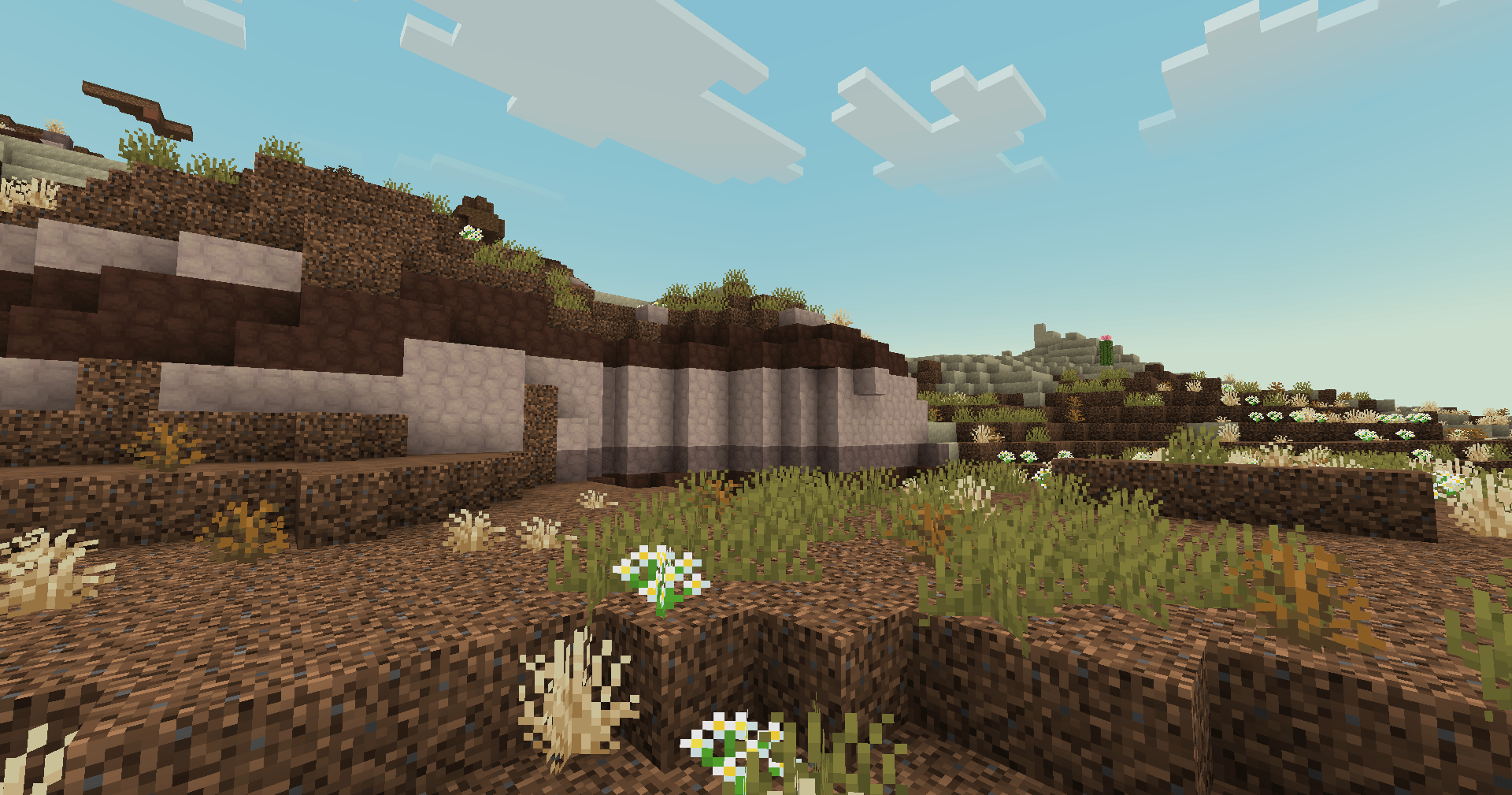
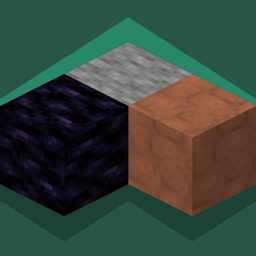
Good Lookin' Ground
Makes Minecraft's ground blocks look newInstall

Better Skeletons
Makes skeletons biome dependent with 6 variants in each biomeInstall

Modern Mizuno's
A Mizunos 16x addon, bringing support for versions 1.21+ allowing you to build with the Pale Garden blocks while still using your favorite cottage core resource pack.Install
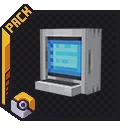
Tom's Cobblemoned
This texture pack transforms the Tom's Simple mod to match the Cobblemon universe.Install
Ghast Terror
Replaced Ghast Sound effectsInstall

Embellished Stone (Advancements Plaques)
For use with the Advancement Plaques mod, gives them a look of embellished stone.Install

PvP Scroutopia
A Crystal PvP, Sword PvP and Axe PvP texture pack, which includes low fire, small items and more.InstallFAQ
Do I need Forge or Fabric for a resource pack?
No. A resource pack works on the regular game with no loaders or mods. Click “Install” and Millida Launcher will put the pack into the right modpack — then just enable it in the settings.
What do 16×, 32×, 64× mean?
The resolution of a single texture in pixels. 16× matches the original game, 32× and 64× are more detailed and heavier, and 128× and up put a noticeable load on your graphics card.
Will a pack made for another version work?
Most likely partly: older packs don't have textures for newer blocks, so those will stay default. The game won't break, though.
How is a texture pack different from a resource pack?
Only by name and age. Before version 1.6 the sets were called texture packs and changed only textures; in 1.6 resource packs replaced them and also change sounds, fonts and the interface. Old texture packs for 1.5 and below do not work on new versions without conversion.
Which texture packs are best for PvP?
PvP packs: 16× resolution or lower, shortened swords, low fire, a clear sky and bright particles. They barely load the computer and make the opponent easier to see. These packs are collected in the PvP theme.
How do I install a resource pack?
Press Install and Millida Launcher puts the pack into the resourcepacks folder of the right instance. Then enable it in the game: Options, then Resource Packs. Manually, the archive goes into resourcepacks inside the game folder, no need to unpack it.
Resource packs for Minecraft Java
A resource pack changes how the game looks and sounds: block and item textures, fonts, the interface, sounds. It doesn't touch the game's code, so it needs no mod loader and breaks nothing on a server — the pack only works on your screen. That's exactly why a resource pack is safer than any mod: the worst that happens on a version mismatch is that some textures stay default.
Textures, texture packs and resource packs are essentially the same thing: since version 1.6 Mojang calls these sets resource packs, but the old name is still searched more often. PvP packs are a big genre of their own: shortened swords, low fire, bright particles and 16× resolution or lower, so the opponent stands out and the frame rate does not drop. Such packs are most often made for 1.8.9 and 1.16.5, the versions many PvP servers run on.
The key thing about a pack is its resolution. The game's default textures are 16×16 pixels; 32× and 64× packs look more detailed, while 128× and up need a real graphics card and are usually paired with shaders. On a weak machine it makes sense to stay at 16× or go for packs that deliberately simplify graphics for more FPS. Every pack here lists its game version, author and license, and all released versions are gathered on one card. Put the downloaded archive in the resourcepacks folder and enable it in the game settings.