
Resource packs for Minecraft Java — page 42
Resource packs: list


Fresh Animations x Baby Animals Remastered
Fresh Animations compatibility for Baby Animals Remastered.Install

Cubic Leaves
Bushy leaves built to be extremely fast, without compromising vanilla aesthetics.Install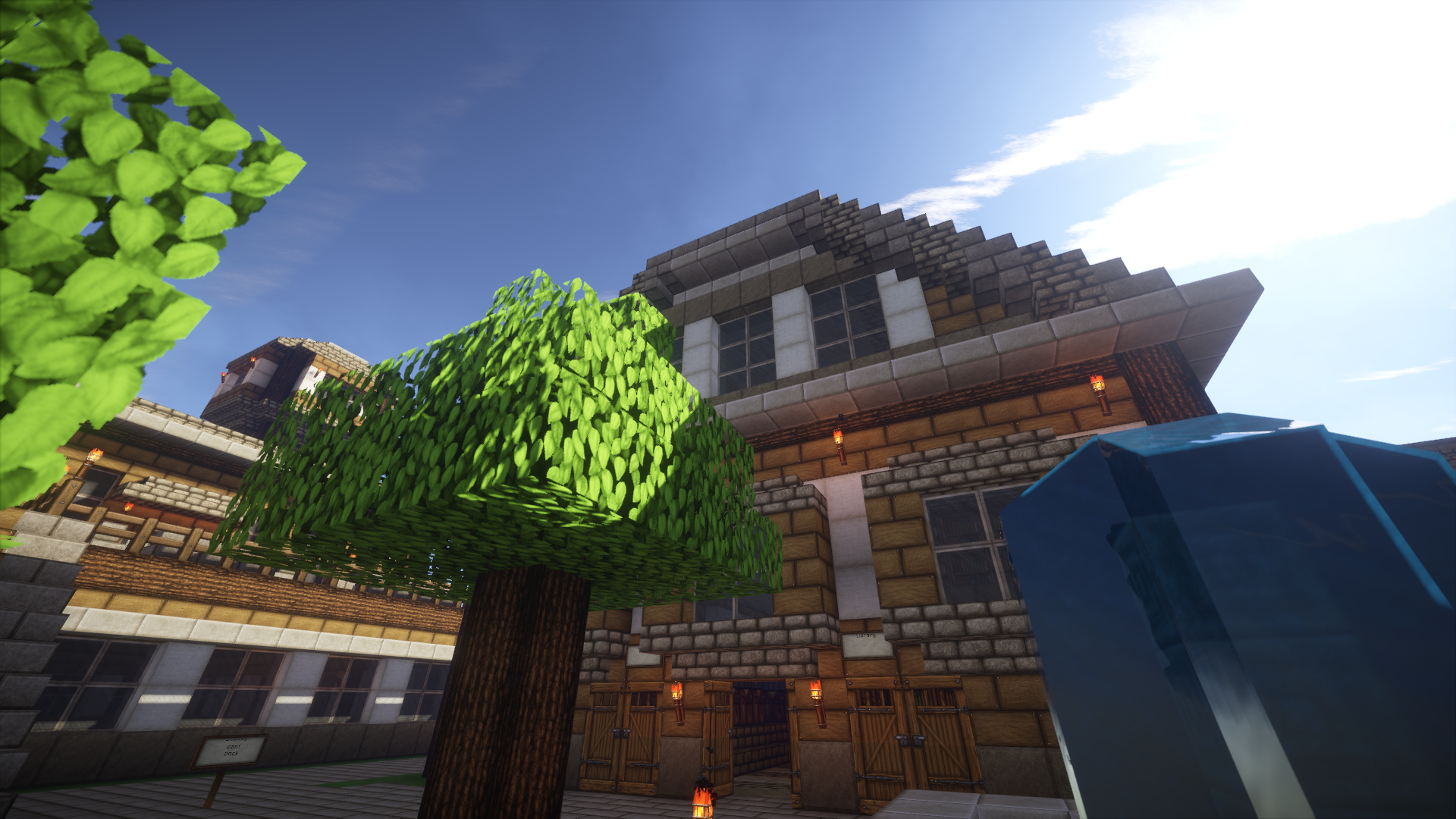

Persistence
A mix between rustic and medievalInstall

Masa Mod Translation Pack
This is a module Chinese localization resource pack specially made for the Masa series of mods.Install
KonoSuba Custom GUI Pack
KonoSuba Custom GUI PackInstall

datboiwill's Cobblemon Icons for Maps (Xaero's / JourneyMap)
Cobblemon pixel-art style icons for Xaero's World Map/ Xaero's Minimap AND Journeymap!Install
DARLING in the FRANXX GUI Custom Pack
DARLING in the FRANXX GUI Custom PackInstall

(Bee's) Fluffy Carpets and Wool
My take on prettier, fluffier carpets and wool blocksInstall

Armors Enhanced
💎 Subtle armor and elytra improvements that stay true to Minecraft’s charm.Install

The Scribblenauts Pack
A fun, cartoony texture pack based on the puzzle game "Scribblenauts"Install
Bleach Custom GUI Pack
Bleach Custom GUI PackInstall

Halloween Mash-up
Happy Halloween! Dress suitably spookily and prepare for the ultimate Minecraft Halloween thrill ride! A port from Legacy Console Edition.Install
T.O Magic Reimagined
Transforms the bulky 3D icons from T.O Magic ’n Extras into clean, stylish 2D visuals inspired by classic MinecraftInstall

Luminous
Held torches now have fire coming off of them and are a modelInstall

Mowzie's Revamped
A retexture of the mod Mowzie's Mobs!Install

Katu's Carpets and Rugs
A set of textures to revamp the basic Minecraft carpets into something a lot prettier!Install

Historic Shinies
This resource pack changes some of the shiny Pokémon to have their alternate shiny palettes from official sources.Install

AVPBR Retextured
A resource pack that improves the game textures visually with the use of labPBR features available with shaders!Install
Vanilla Themed TFC+ & TFC TNG
A resourcepack that aims to make TFC+ look like it was made after Minecraft ver: 1.14Install
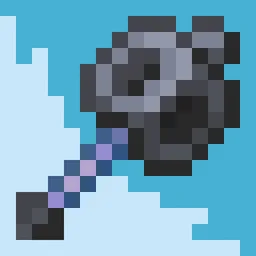
Mace Fusion
Mace Fusion gives the Minecraft mace a cleaner, more polished look with a refined 3D modelInstall
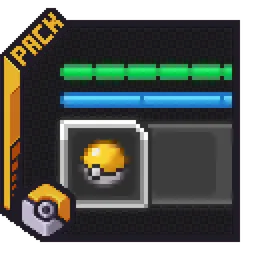
Cobblemon Interface: Recolored
Changes the colors of the Cobblemon Interface resoucepack to match the Pokémon health and exp bar colors from Cobblemon.Install

GUI Revision
Bringing a fresh design by keeping the simplicity of default GUIInstall

Roundista - LabPBR
A PBR resource pack which changes the Pixel-Art style and makes it Round.InstallFAQ
Do I need Forge or Fabric for a resource pack?
No. A resource pack works on the regular game with no loaders or mods. Click “Install” and Millida Launcher will put the pack into the right modpack — then just enable it in the settings.
What do 16×, 32×, 64× mean?
The resolution of a single texture in pixels. 16× matches the original game, 32× and 64× are more detailed and heavier, and 128× and up put a noticeable load on your graphics card.
Will a pack made for another version work?
Most likely partly: older packs don't have textures for newer blocks, so those will stay default. The game won't break, though.
How is a texture pack different from a resource pack?
Only by name and age. Before version 1.6 the sets were called texture packs and changed only textures; in 1.6 resource packs replaced them and also change sounds, fonts and the interface. Old texture packs for 1.5 and below do not work on new versions without conversion.
Which texture packs are best for PvP?
PvP packs: 16× resolution or lower, shortened swords, low fire, a clear sky and bright particles. They barely load the computer and make the opponent easier to see. These packs are collected in the PvP theme.
How do I install a resource pack?
Press Install and Millida Launcher puts the pack into the resourcepacks folder of the right instance. Then enable it in the game: Options, then Resource Packs. Manually, the archive goes into resourcepacks inside the game folder, no need to unpack it.
Resource packs for Minecraft Java
A resource pack changes how the game looks and sounds: block and item textures, fonts, the interface, sounds. It doesn't touch the game's code, so it needs no mod loader and breaks nothing on a server — the pack only works on your screen. That's exactly why a resource pack is safer than any mod: the worst that happens on a version mismatch is that some textures stay default.
Textures, texture packs and resource packs are essentially the same thing: since version 1.6 Mojang calls these sets resource packs, but the old name is still searched more often. PvP packs are a big genre of their own: shortened swords, low fire, bright particles and 16× resolution or lower, so the opponent stands out and the frame rate does not drop. Such packs are most often made for 1.8.9 and 1.16.5, the versions many PvP servers run on.
The key thing about a pack is its resolution. The game's default textures are 16×16 pixels; 32× and 64× packs look more detailed, while 128× and up need a real graphics card and are usually paired with shaders. On a weak machine it makes sense to stay at 16× or go for packs that deliberately simplify graphics for more FPS. Every pack here lists its game version, author and license, and all released versions are gathered on one card. Put the downloaded archive in the resourcepacks folder and enable it in the game settings.