
Resource packs for Minecraft Java — page 30
Resource packs: list

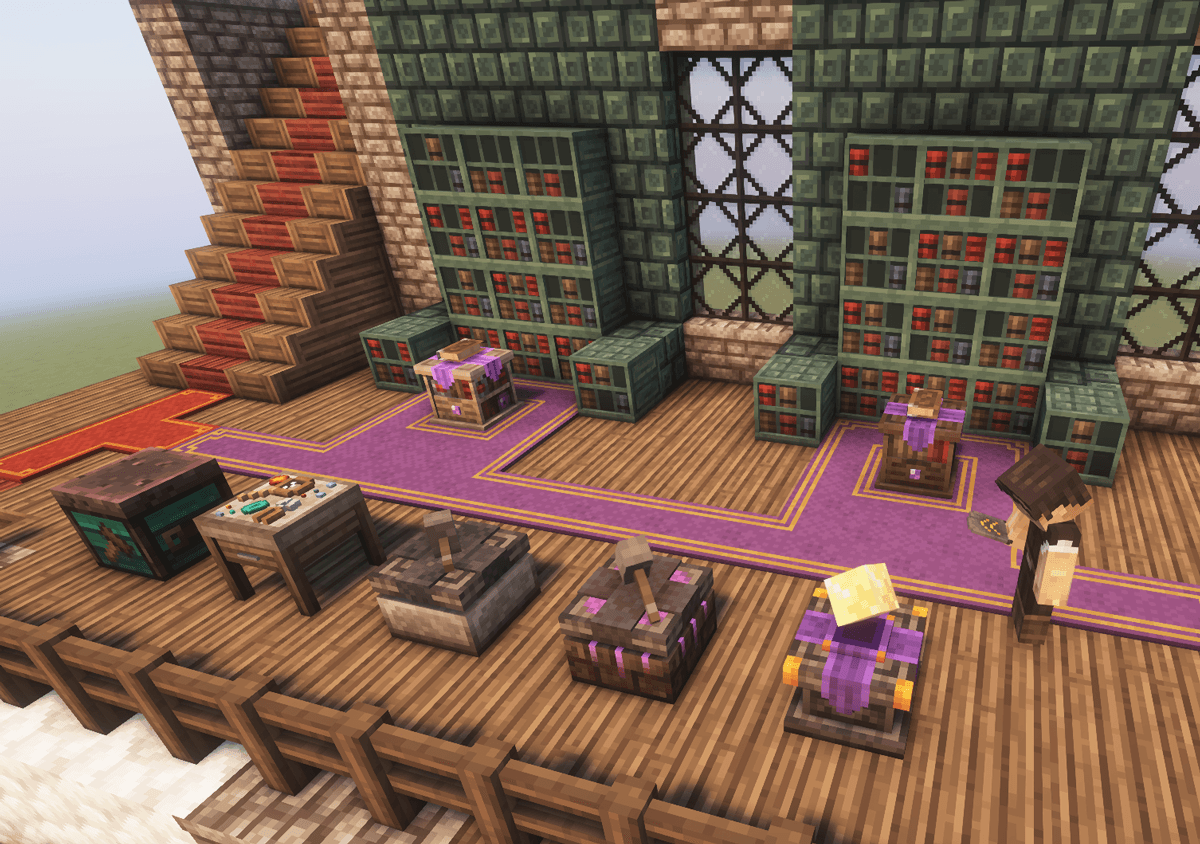
Excalibur | Apotheosis Support
This is a support pack that converts Apotheosis Mod textures to better match the awesome Excalibur ResourcePack.Install
Create DnDesires plain text
Replaces the large text image from C:Dream&Desires with a plain one!Install

Excalibur | Dungeons And Combat Support
A non official compatibility packInstall
Repurposed Structures - Gazebo Compat Datapack
Add Gazebos to Repurposed Structure's villagesInstall
Fusion Connected Glass
Makes glass textures connectInstall

Dark Smooth GUI
Adds a dark smooth GUI to Minecraft, with support for many mods GUIsInstall

Classic Fog
Brings back the cool old fog!Install

TAC SPRINT - TACZ EDITION
Adds Tactical sprint to Timeless and Classic ZERO!Install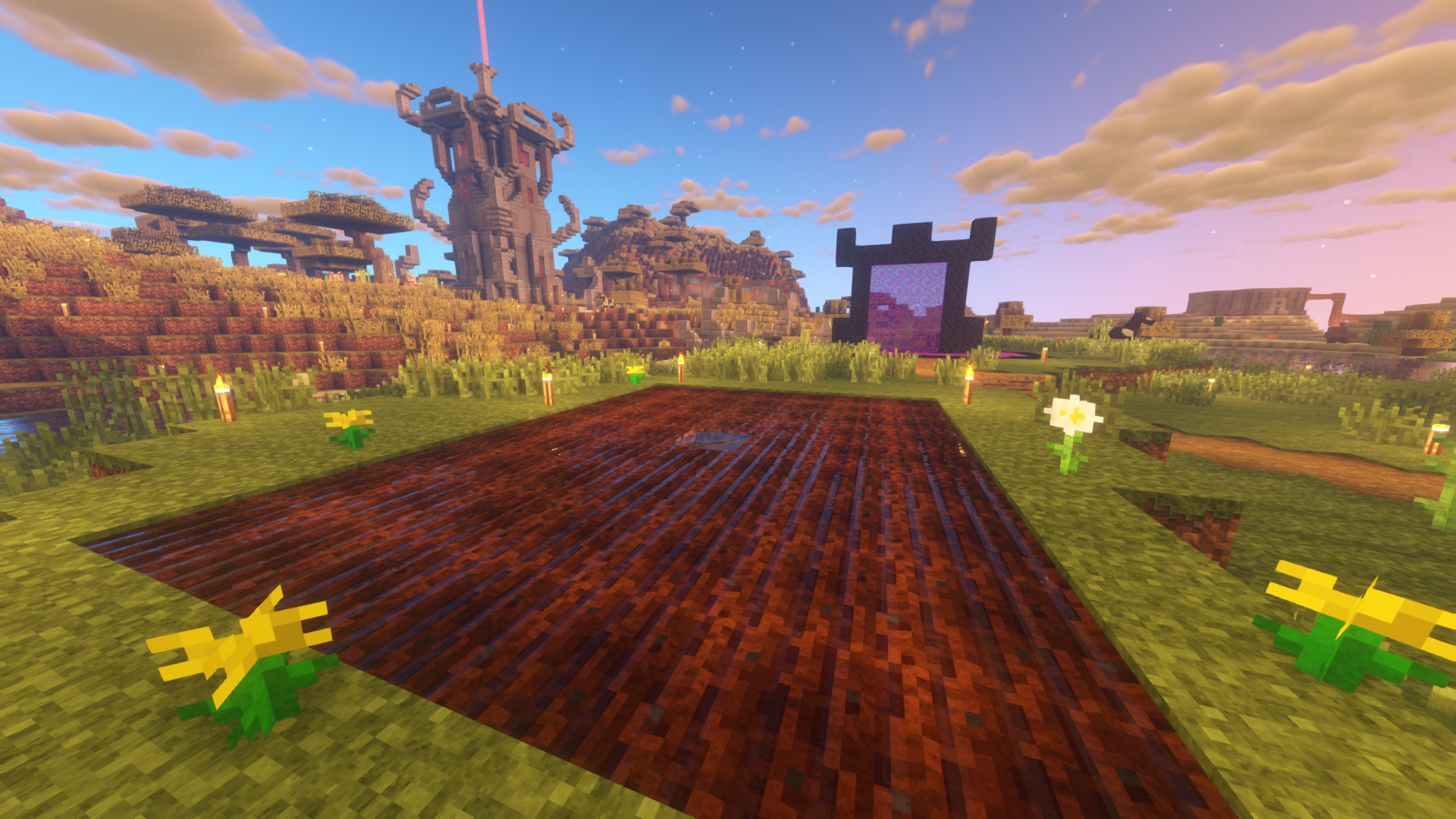
Default Improved
64x Vanilla textures with Normal, Specular and Parallax MappingInstall

CobbleHats - Now Craftable !
Add various Pokémon-themed hats to your game!Install

Aimz Better Crosshair
A Better and Modern Crosshair that changes the vanilla crosshairInstall

HEY! Your Crops Are Ready (HYCAR)
Never miss a harvest again! Adds clear, animated indicators (like bouncing exclamation marks, flowers, and sparkles) above fully grown crops, kelp, and amethyst clusters. Supports Vanilla and many other popular mods!Install

Tax' Creepy Artist
Creepy Artist is a Minecraft resourcepack aims to replace the paintings with creepy paintings.Install
Immersive Weather Sounds +
Relaxing, immersive weather sounds for quality comfort and tranquility.Install

Xaero's Minimap Aether Icons
Aether icons for Xaero's MinimapInstall

Mine Cells - 3D Weapons Pack
Alternative 3D Weapon Models for Mine CellsInstall
BBL Colors - Connected Textures
Add connected textures for some of the BBL Colors blocksInstall

Programmer Art Continuation Project
A high effort continuation of Programmer Art, covering assets from 1.13-1.21+Install
Connected Textures (CTM) Overhaul
Connects tons of the vanilla textures!Install
Simple Click
Replace the old UI click with a quiet and modern.Install
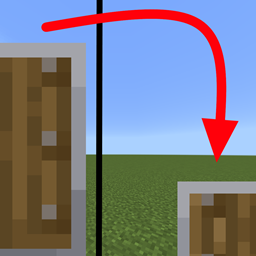
Smaller Shield and Totem
less intrusive shields and totemsInstall
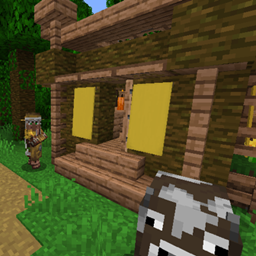
Repurposed Structures - Buzzier Bees Compat Datapack
Spawn Buzzier Bees Beekeepers in RS VillagesInstall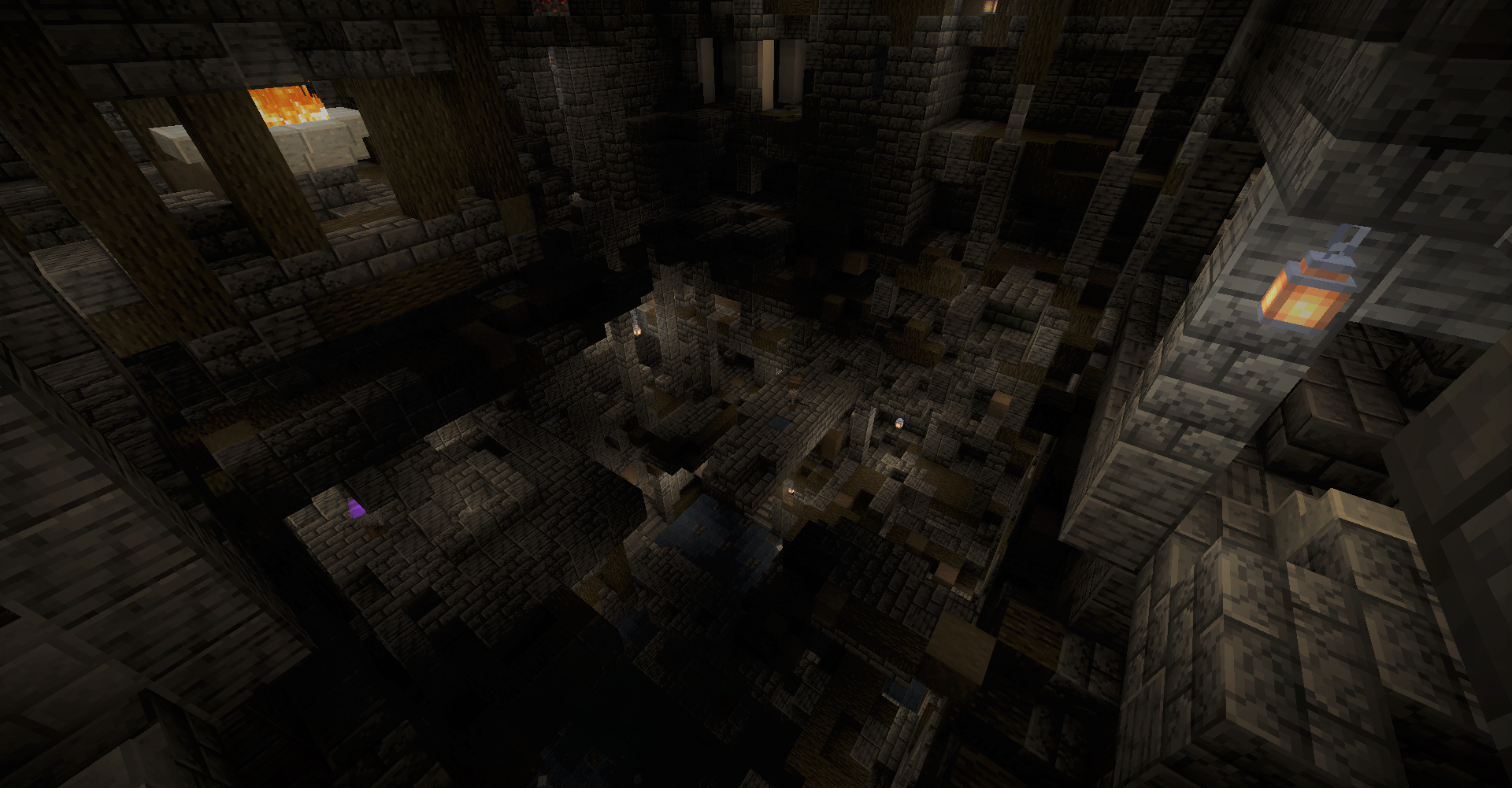
Repurposed Structures - Caves & Cliffs Backport Compat Datapack
Utilizes Caves and Cliffs Mod to enhance RSInstallFAQ
Do I need Forge or Fabric for a resource pack?
No. A resource pack works on the regular game with no loaders or mods. Click “Install” and Millida Launcher will put the pack into the right modpack — then just enable it in the settings.
What do 16×, 32×, 64× mean?
The resolution of a single texture in pixels. 16× matches the original game, 32× and 64× are more detailed and heavier, and 128× and up put a noticeable load on your graphics card.
Will a pack made for another version work?
Most likely partly: older packs don't have textures for newer blocks, so those will stay default. The game won't break, though.
How is a texture pack different from a resource pack?
Only by name and age. Before version 1.6 the sets were called texture packs and changed only textures; in 1.6 resource packs replaced them and also change sounds, fonts and the interface. Old texture packs for 1.5 and below do not work on new versions without conversion.
Which texture packs are best for PvP?
PvP packs: 16× resolution or lower, shortened swords, low fire, a clear sky and bright particles. They barely load the computer and make the opponent easier to see. These packs are collected in the PvP theme.
How do I install a resource pack?
Press Install and Millida Launcher puts the pack into the resourcepacks folder of the right instance. Then enable it in the game: Options, then Resource Packs. Manually, the archive goes into resourcepacks inside the game folder, no need to unpack it.
Resource packs for Minecraft Java
A resource pack changes how the game looks and sounds: block and item textures, fonts, the interface, sounds. It doesn't touch the game's code, so it needs no mod loader and breaks nothing on a server — the pack only works on your screen. That's exactly why a resource pack is safer than any mod: the worst that happens on a version mismatch is that some textures stay default.
Textures, texture packs and resource packs are essentially the same thing: since version 1.6 Mojang calls these sets resource packs, but the old name is still searched more often. PvP packs are a big genre of their own: shortened swords, low fire, bright particles and 16× resolution or lower, so the opponent stands out and the frame rate does not drop. Such packs are most often made for 1.8.9 and 1.16.5, the versions many PvP servers run on.
The key thing about a pack is its resolution. The game's default textures are 16×16 pixels; 32× and 64× packs look more detailed, while 128× and up need a real graphics card and are usually paired with shaders. On a weak machine it makes sense to stay at 16× or go for packs that deliberately simplify graphics for more FPS. Every pack here lists its game version, author and license, and all released versions are gathered on one card. Put the downloaded archive in the resourcepacks folder and enable it in the game settings.