
Resource packs for Minecraft Java — page 23
Resource packs: list


No Pumpkin Blur
No Pumpkin Blur [beta 1.6.6 - 26.3]Install

Fantasy Ores Modded by CesarZorak
Give more happiness to classic mods ores!!Install

Corail Tombstones Redux
reduce Corail Tombstones textures to be 16x16Install

Golden Days Base
Golden Days is a Minecraft resource pack meant to bring back old textures, lighting, names, and sounds from older versions of Minecraft, like Beta. Requires enabling the built-in Programmer Art resource pack.Install
L_Ender 's Cataclysm Reimagined
Replaces L_Ender 's Cataclysm bulky 3D gui model with a sleek, classic 2D designInstall

Mini Items
Free up your screen space with half sized itemsInstall

Excalibur | End Remastered Support
Excalibur Support for End Remastered ModInstall
Dani's Oxidizing Copper Tools
Adds the ability for copper tools to oxidize as durability goes down.Install

Terralith, Incendium, Nullscape Biomes Names
Terralith, Incendium, Nullscape Biomes Names Lang fixInstall

Tactical PDA - FTB quests new Book
3D tablet for FTB Quests wich features animated and emissive textures, perfect for modern modpacks!Install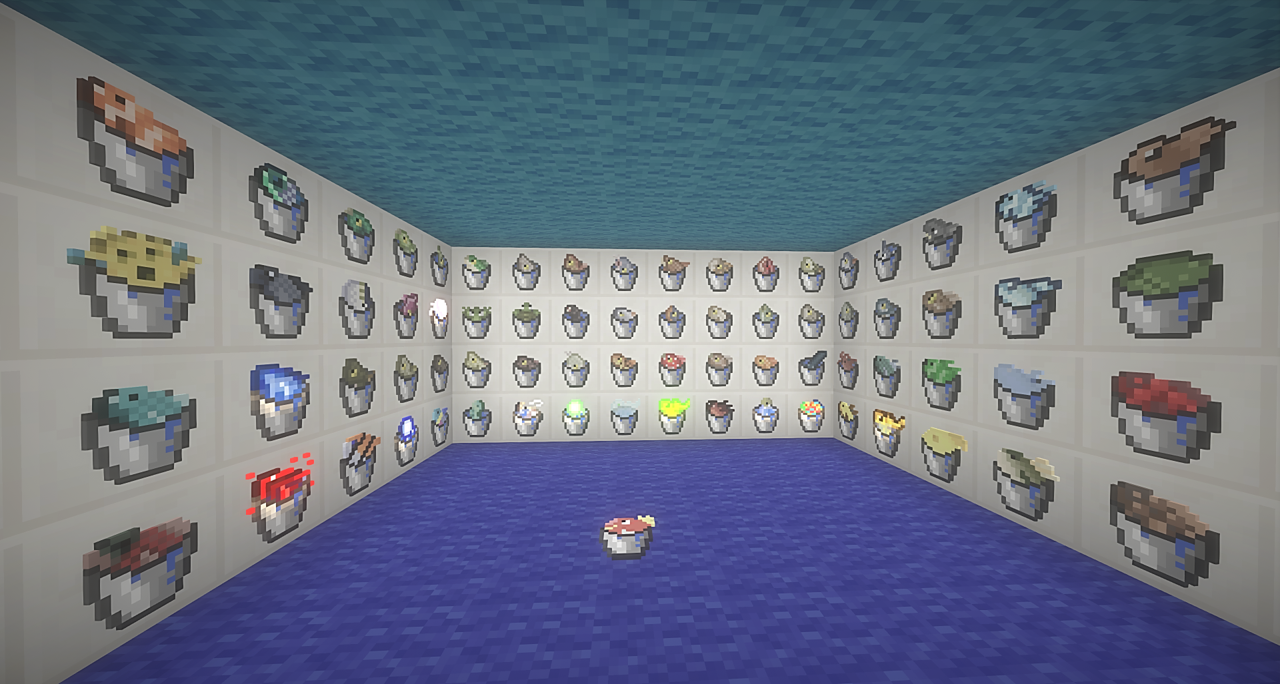

CIT for Fishing Made Better
Custom Item Textures for Fishing Made BetterInstall

Excalibur | Aquaculture 2
A retexture of the mod, Aquaculture 2. Adapted and made to run alongside the Excalibur resource pack by Maffhew.Install
Ashen Simple Foliage
Removes bushy leaves from Ashen 16x.Install

Pokemans
This Datapack/ResourcePack aims to add several legendaries you as a community want to see implemented into the Cobblemon ModInstall
Ashen Custom Mobs
Custom mob models for Ashen 16x.Install

BB's Bosses Of Mass Destruction Tweaks
Tweaks the models and textures from the Bosses Of Mass Destruction mod to match my art style.Install

Roman Numerals for Enchant Icons
Replaces Enchant Icon's numbers with roman numerals.Install
Scary Music
Extra Horror Music for the Eerie Music ModInstall

Create Guns: Scorched
A remodel of some of the items from the Create Guns resource pack!Install

Cobblemon Box Wallpapers
Adds the original 32 box wallpapers from Diamond & Pearl (and Platinum). Edited to fit the theme for Cobblemon.Install
Ashen 16x Mod Compatibility [DEPRECATED]
Adds support to Ashen 16x for a variety of community mods. [DEPRECATED]Install
Ashen Custom Mobs x Fresh Animations
Ashen Custom Mob models compatible with Fresh__LX's Fresh Animations.Install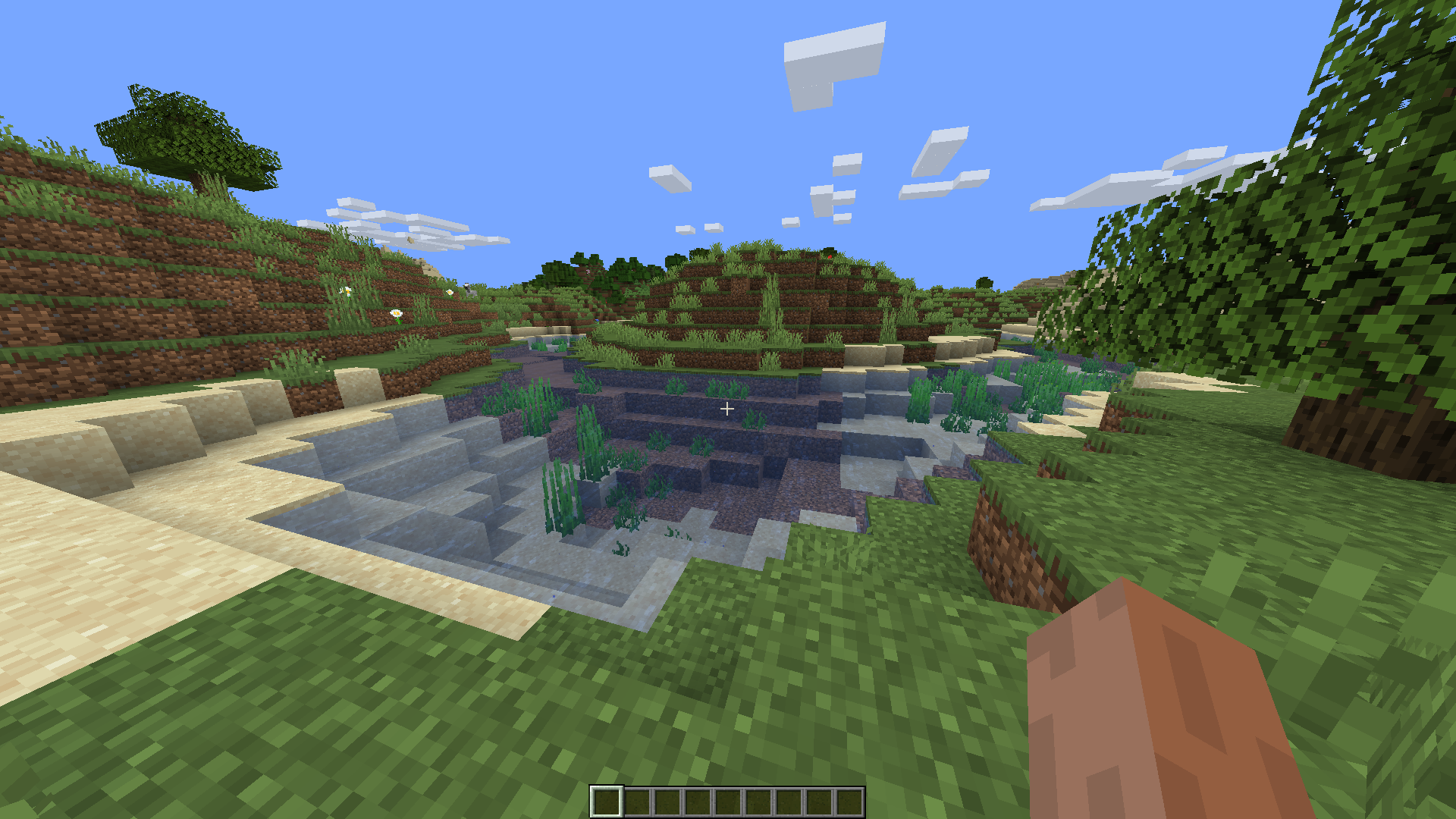

Water Improved
Improved and more transparent vanilla water texturesInstallFAQ
Do I need Forge or Fabric for a resource pack?
No. A resource pack works on the regular game with no loaders or mods. Click “Install” and Millida Launcher will put the pack into the right modpack — then just enable it in the settings.
What do 16×, 32×, 64× mean?
The resolution of a single texture in pixels. 16× matches the original game, 32× and 64× are more detailed and heavier, and 128× and up put a noticeable load on your graphics card.
Will a pack made for another version work?
Most likely partly: older packs don't have textures for newer blocks, so those will stay default. The game won't break, though.
How is a texture pack different from a resource pack?
Only by name and age. Before version 1.6 the sets were called texture packs and changed only textures; in 1.6 resource packs replaced them and also change sounds, fonts and the interface. Old texture packs for 1.5 and below do not work on new versions without conversion.
Which texture packs are best for PvP?
PvP packs: 16× resolution or lower, shortened swords, low fire, a clear sky and bright particles. They barely load the computer and make the opponent easier to see. These packs are collected in the PvP theme.
How do I install a resource pack?
Press Install and Millida Launcher puts the pack into the resourcepacks folder of the right instance. Then enable it in the game: Options, then Resource Packs. Manually, the archive goes into resourcepacks inside the game folder, no need to unpack it.
Resource packs for Minecraft Java
A resource pack changes how the game looks and sounds: block and item textures, fonts, the interface, sounds. It doesn't touch the game's code, so it needs no mod loader and breaks nothing on a server — the pack only works on your screen. That's exactly why a resource pack is safer than any mod: the worst that happens on a version mismatch is that some textures stay default.
Textures, texture packs and resource packs are essentially the same thing: since version 1.6 Mojang calls these sets resource packs, but the old name is still searched more often. PvP packs are a big genre of their own: shortened swords, low fire, bright particles and 16× resolution or lower, so the opponent stands out and the frame rate does not drop. Such packs are most often made for 1.8.9 and 1.16.5, the versions many PvP servers run on.
The key thing about a pack is its resolution. The game's default textures are 16×16 pixels; 32× and 64× packs look more detailed, while 128× and up need a real graphics card and are usually paired with shaders. On a weak machine it makes sense to stay at 16× or go for packs that deliberately simplify graphics for more FPS. Every pack here lists its game version, author and license, and all released versions are gathered on one card. Put the downloaded archive in the resourcepacks folder and enable it in the game settings.