
Resource packs for Minecraft Java — page 21
Resource packs: list


Low Shield
Lower your shield for a visible view!Install

Teddy Totems
Always have a cute little teddy friend in your off-hand :DInstall
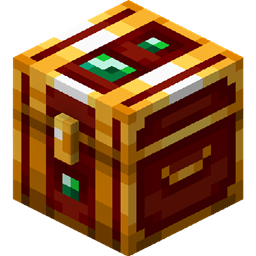
Adventurer's Chest (Lootr)
Minecraft:Dungeon style for Lootr ChestInstall

3D Default
A light-weight resource pack mainly provide vanilla-look 3D modelsInstall

Bare Bones x Fresh Animations
A Recource pack that makes Bare Bones compatible with Fresh AnimationsInstall
RLHats
The hats on RLCraftInstall

Fresh Flowers and Plants
A Minecraft resource pack that adds 3D plant and flowers models!Install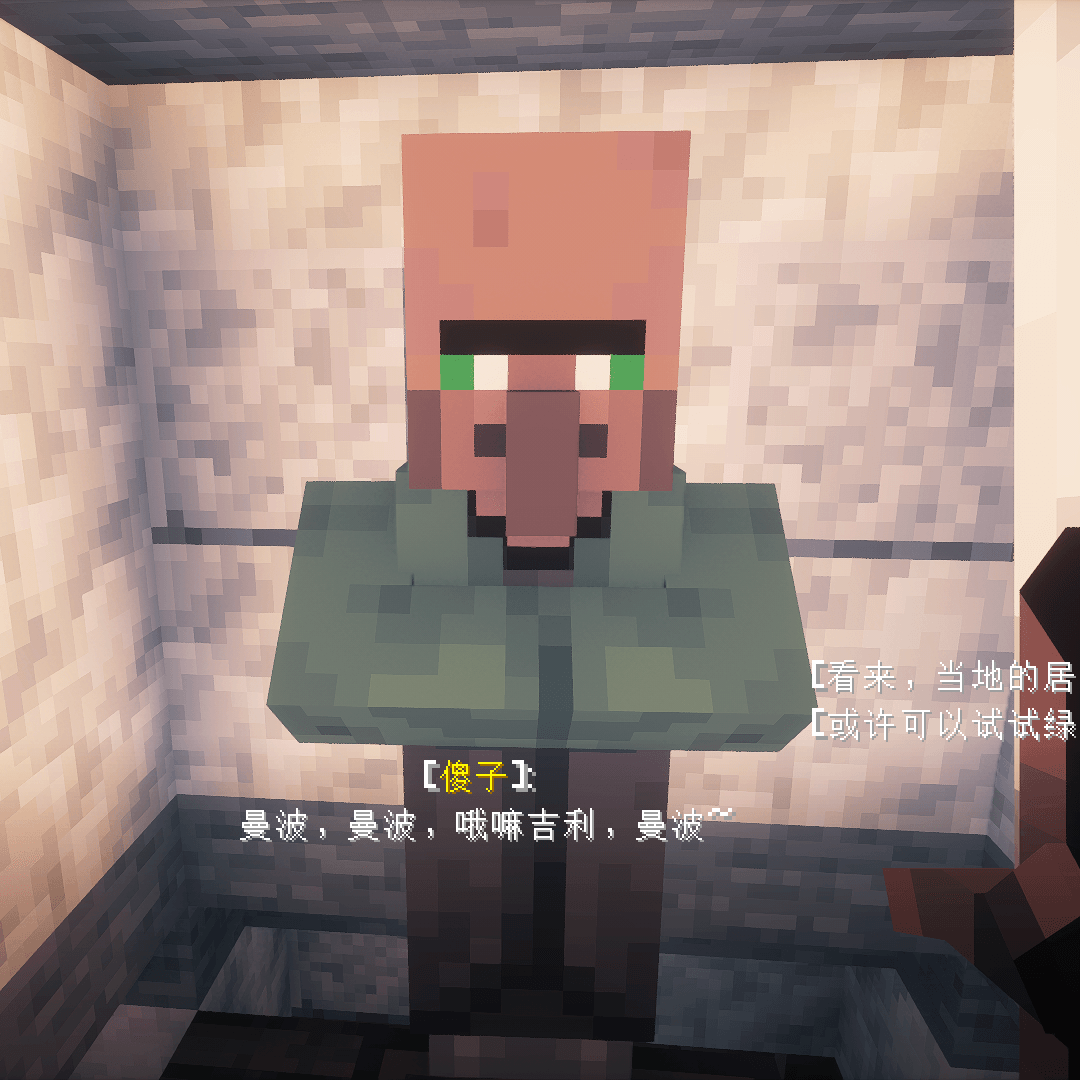
True Nitwit Texture
Make the texture of the nitwit looks more wised.Install

Iron's Spells 'n Spellbooks Icon's
An even more detailed spell experience with improved spell iconsInstall

Fire Rekindled
Various animated texture overhauls and additions, PBR supported!Install

STONEBORN Inventory Tweaks compat (RPG Theme)
RPG Theme, Re-skins the Inventory Tweaks button to match the STONEBORN texturesInstall

[Deprecated]CTOV - Waystone Compatibility pack
Compatibility datapack between ChoiceTheorem's overhauled village and waystone modInstall

Drodi's Blazes x Fresh Animations
Makes Drodi's Blazes compatible with Fresh Animations!Install
Some Mobs Icons (Icons in Minimap)
Adds some mobs icons to Xaero's MinimapInstall

PVP zegarn+Anime sky
[UPD 1.3.6] Minimalistic PvP resource pack with dark UI, custom sky, clean HUD & crosshair, small fire, and refined visuals (see description)Install
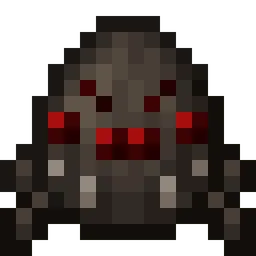
Eggs N Eyes
Add eyes to most of the new spawn eggs.Install
Dynamic Surroundings Sounds
Immerse yourself in Minecraft's lifelike soundscapes with a simple resource pack.Install
Naturalist Lite PT-BR Translation (Unofficial)
Unofficial translation for Naturalist Lite in PT-BR (Brazillian Portuguese)Install

Tax' Fantastic Celestial
Fantastic Celestial is a Minecraft resourcepack aims to replace the moon and sun with fantasy themed moon and sun.Install

Cobblemon Icons [Big Chad Guys]
Adds Cobblemon Icons to Journeymap with special outlines. For use with BCG+Install
Spartan Retextured
Weapons and Shields Galore! Fresh look of the most popular and biggest weaponry mods for Minecraft!Install

Repurposed Structures - Ice and Fire Compat Datapack
Spawn I&F's structures in RS VillagesInstall
Macaw's Holidays PT-BR Translation (Unofficial)
Unofficial translation for Macaw's Holidays in PT-BR (Brazillian Portuguese)InstallFAQ
Do I need Forge or Fabric for a resource pack?
No. A resource pack works on the regular game with no loaders or mods. Click “Install” and Millida Launcher will put the pack into the right modpack — then just enable it in the settings.
What do 16×, 32×, 64× mean?
The resolution of a single texture in pixels. 16× matches the original game, 32× and 64× are more detailed and heavier, and 128× and up put a noticeable load on your graphics card.
Will a pack made for another version work?
Most likely partly: older packs don't have textures for newer blocks, so those will stay default. The game won't break, though.
How is a texture pack different from a resource pack?
Only by name and age. Before version 1.6 the sets were called texture packs and changed only textures; in 1.6 resource packs replaced them and also change sounds, fonts and the interface. Old texture packs for 1.5 and below do not work on new versions without conversion.
Which texture packs are best for PvP?
PvP packs: 16× resolution or lower, shortened swords, low fire, a clear sky and bright particles. They barely load the computer and make the opponent easier to see. These packs are collected in the PvP theme.
How do I install a resource pack?
Press Install and Millida Launcher puts the pack into the resourcepacks folder of the right instance. Then enable it in the game: Options, then Resource Packs. Manually, the archive goes into resourcepacks inside the game folder, no need to unpack it.
Resource packs for Minecraft Java
A resource pack changes how the game looks and sounds: block and item textures, fonts, the interface, sounds. It doesn't touch the game's code, so it needs no mod loader and breaks nothing on a server — the pack only works on your screen. That's exactly why a resource pack is safer than any mod: the worst that happens on a version mismatch is that some textures stay default.
Textures, texture packs and resource packs are essentially the same thing: since version 1.6 Mojang calls these sets resource packs, but the old name is still searched more often. PvP packs are a big genre of their own: shortened swords, low fire, bright particles and 16× resolution or lower, so the opponent stands out and the frame rate does not drop. Such packs are most often made for 1.8.9 and 1.16.5, the versions many PvP servers run on.
The key thing about a pack is its resolution. The game's default textures are 16×16 pixels; 32× and 64× packs look more detailed, while 128× and up need a real graphics card and are usually paired with shaders. On a weak machine it makes sense to stay at 16× or go for packs that deliberately simplify graphics for more FPS. Every pack here lists its game version, author and license, and all released versions are gathered on one card. Put the downloaded archive in the resourcepacks folder and enable it in the game settings.