
Resource packs for Minecraft Java — page 172
4,192 itemsResource packs: list

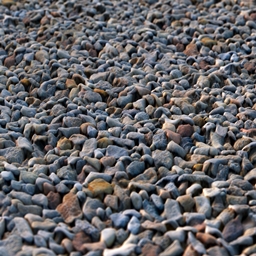
Photoscanned 3d textures
Photoscanned and photoshopped textures with integrated parallax occlusion mapping for shader supportInstall
Pablo's HarvestMe Indicators
This resourcepack adds indicators over fully grown crops.Install

Full blue Netherite & Ancient Debris
A resource pack which changes the ancien debris/Netherite texture to better see it while classic/lava miningInstall

NetheritePot Basics
The basics for Nethpot or Netherite pot pvp!! features reduced particles and moreInstall

CARAMEL [1.8 - 1.16] - [16x]
A nice builder's pack that doesn't stray too far from vanilla...Install
Tiny Meals
Reduce the size of your food!Install

Minecarts with Wheels: Faithful
Add working wheels to Minecarts! - Now in 32xInstall

Pikachu Totem of Undying - Pokemon-Style
The Pikachu Totem resource pack gives Minecraft's totem of undying a delightful makeover by turning it into Pikachu.Install
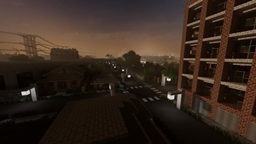
Greenfield Resource Pack
A modern resource pack for your Minecraft world.Install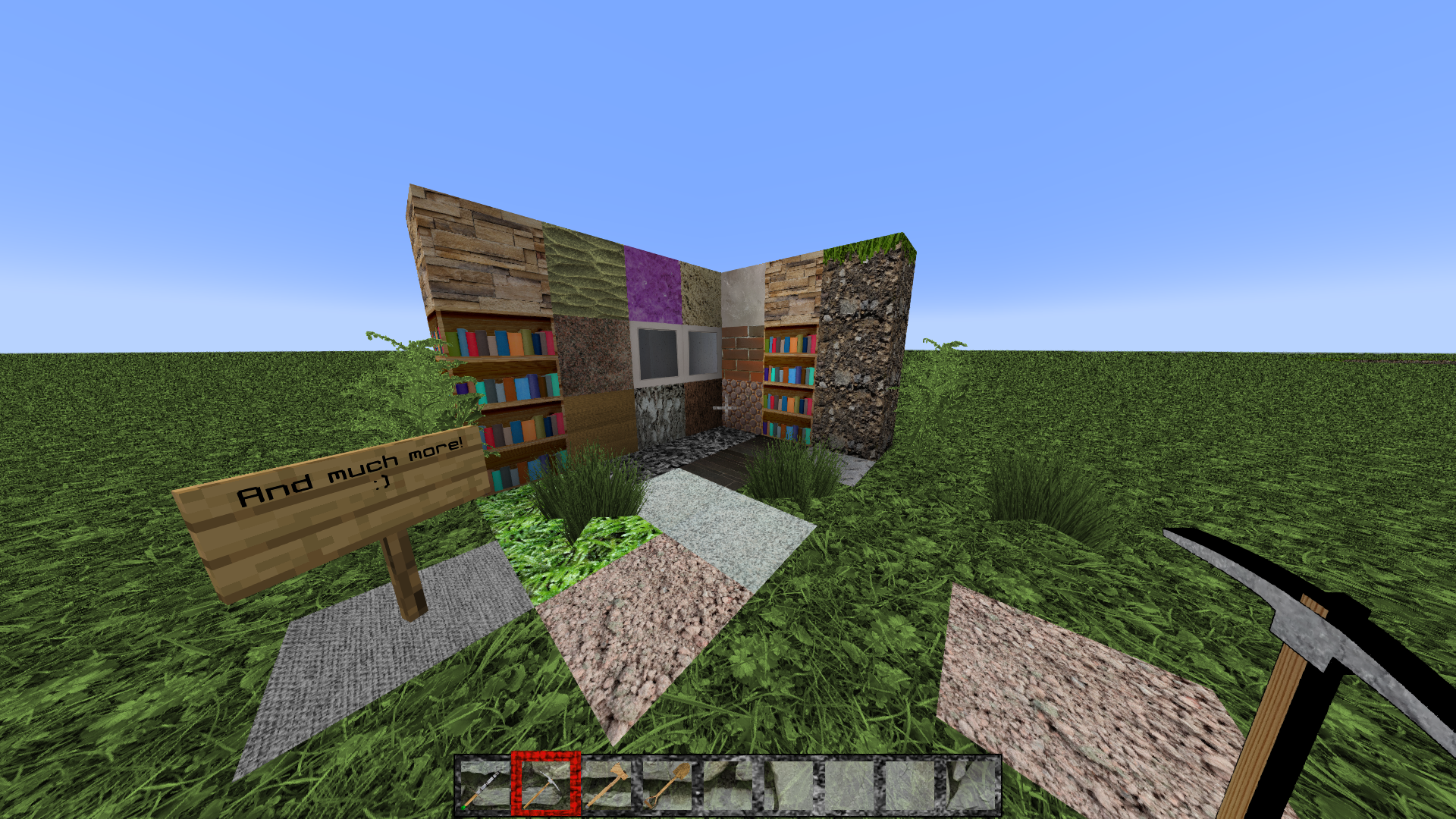
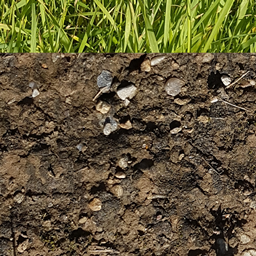
FreeRealism
Realistic minecraft texturepack 1024x 1GBInstall

Golden Villager Totem of Undying
Golden Villager Totem customizes the Totem of Undying in Minecraft with a luxurious golden villager design, enhancing the game's visual richness.Install

Glass Hotbar Connected
This resource pack changes the hotbar background to glass.Install

Biomes Wandering Traders with Fresh Animations
New wandering traders!!! also with fresh animationsInstall

Kosmolot's Colored Subtitles
Color the important stuff. Gray out the nonsense. Viva la readability!Install

WarriorPack
WarriorPackInstall

Origins Immersion: Phantom
Phantom-themed HeartsInstall

Health Game Advice Splash Screen
Bringing China's Healthy Game Advice to MC Java EditionInstall

Unrandom Textures
Removes the random rotations from blocks introduced with 1.8's "Alternate Blocks" option and made permanent in 1.9.Install

Origins Immersion: Elytrian
Elytra-themed HeartsInstall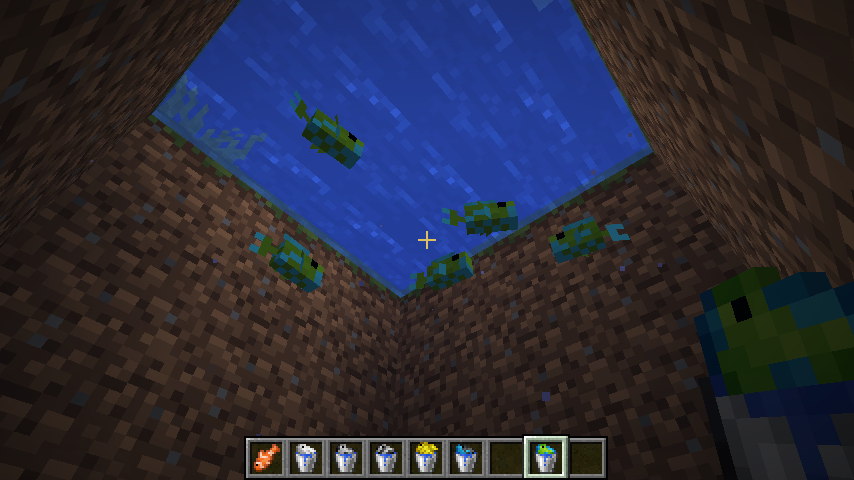
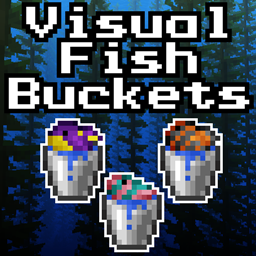
Visual Fish Buckets
A resource pack that gives tropical fish buckets species-specific textures! (Requires Optifine)Install
Silver Default
Silver Default is a 32x resolution resource pack built on the goal to make vanilla textures have a higher resoultion, and some aditional features.Install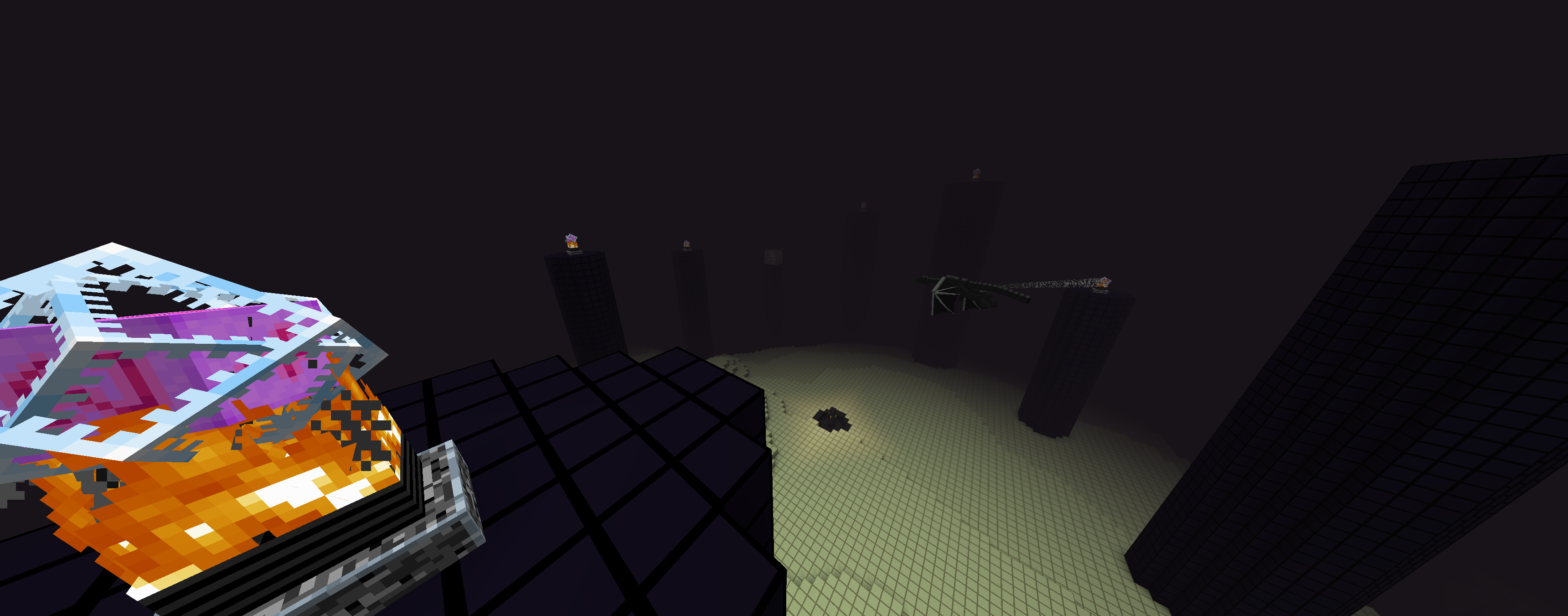

Not Plastic
Started out as a mining utility pack but now is basically plastic but for 1.16Install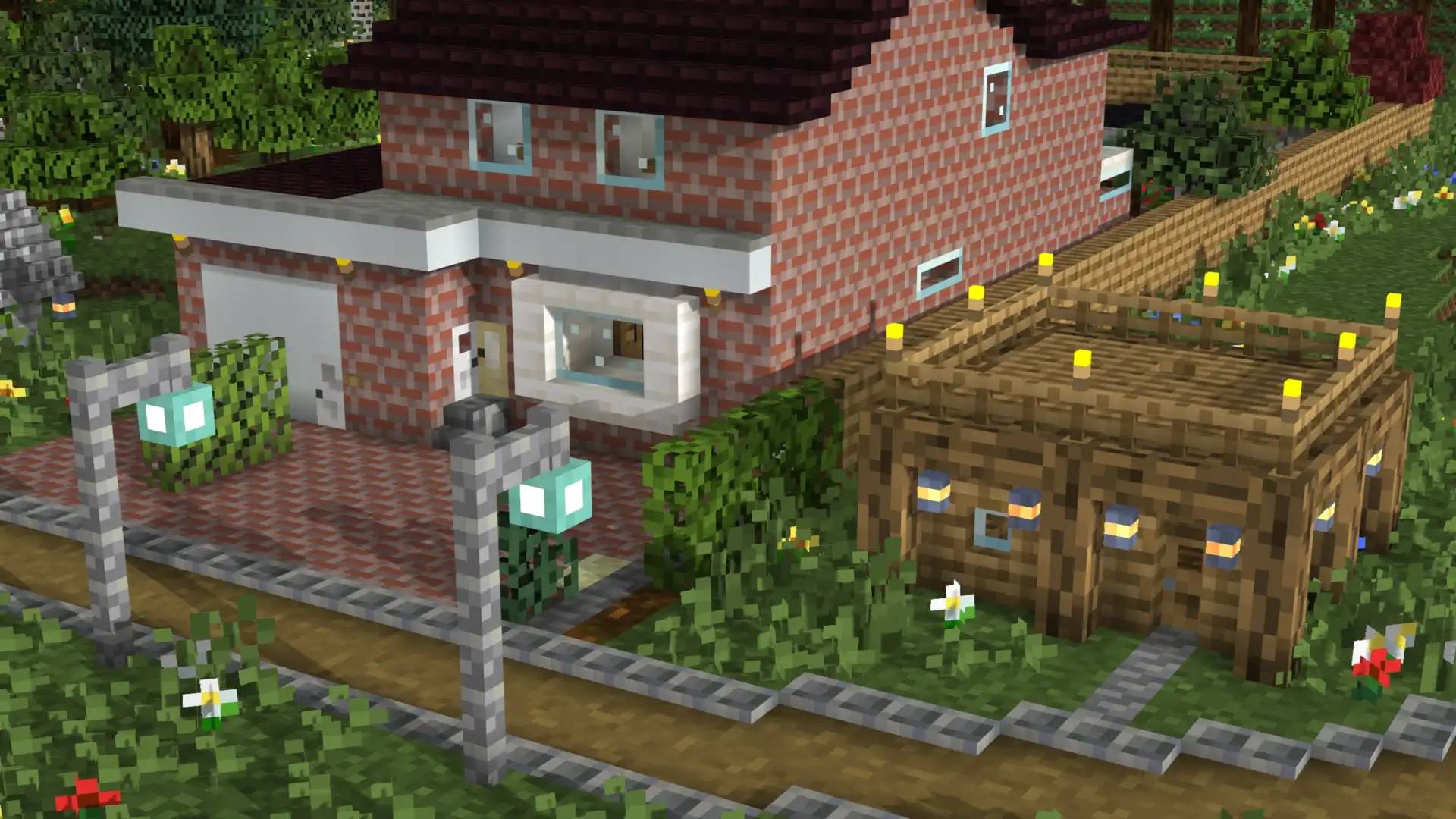

F4thful
The Vanilla 4x4 Resource PackInstallFAQ
Do I need Forge or Fabric for a resource pack?
No. A resource pack works on the regular game with no loaders or mods. Click “Install” and Millida Launcher will put the pack into the right modpack — then just enable it in the settings.
What do 16×, 32×, 64× mean?
The resolution of a single texture in pixels. 16× matches the original game, 32× and 64× are more detailed and heavier, and 128× and up put a noticeable load on your graphics card.
Will a pack made for another version work?
Most likely partly: older packs don't have textures for newer blocks, so those will stay default. The game won't break, though.
How is a texture pack different from a resource pack?
Only by name and age. Before version 1.6 the sets were called texture packs and changed only textures; in 1.6 resource packs replaced them and also change sounds, fonts and the interface. Old texture packs for 1.5 and below do not work on new versions without conversion.
Which texture packs are best for PvP?
PvP packs: 16× resolution or lower, shortened swords, low fire, a clear sky and bright particles. They barely load the computer and make the opponent easier to see. These packs are collected in the PvP theme.
How do I install a resource pack?
Press Install and Millida Launcher puts the pack into the resourcepacks folder of the right instance. Then enable it in the game: Options, then Resource Packs. Manually, the archive goes into resourcepacks inside the game folder, no need to unpack it.
Resource packs for Minecraft Java
A resource pack changes how the game looks and sounds: block and item textures, fonts, the interface, sounds. It doesn't touch the game's code, so it needs no mod loader and breaks nothing on a server — the pack only works on your screen. That's exactly why a resource pack is safer than any mod: the worst that happens on a version mismatch is that some textures stay default.
Textures, texture packs and resource packs are essentially the same thing: since version 1.6 Mojang calls these sets resource packs, but the old name is still searched more often. PvP packs are a big genre of their own: shortened swords, low fire, bright particles and 16× resolution or lower, so the opponent stands out and the frame rate does not drop. Such packs are most often made for 1.8.9 and 1.16.5, the versions many PvP servers run on.
The key thing about a pack is its resolution. The game's default textures are 16×16 pixels; 32× and 64× packs look more detailed, while 128× and up need a real graphics card and are usually paired with shaders. On a weak machine it makes sense to stay at 16× or go for packs that deliberately simplify graphics for more FPS. Every pack here lists its game version, author and license, and all released versions are gathered on one card. Put the downloaded archive in the resourcepacks folder and enable it in the game settings.