
Resource packs for Minecraft Java — page 168
Resource packs: list


Vault Loafers
Revamps a portion of Vault Hunters items and blocksInstall

Totem TURMS-T
Replaces the sound of using a totem, as well as its vanilla texture, with a TURMS-T tank.Install

Expanded Moveset (Cobblemon)
This simple datapack makes it so every 'mon in the mod Cobblemon learns their Egg, TM, and Tutor moves at level 100.Install

Botania Revamped
An attempt at improving/modernizing Botania's texturesInstall

CyberBro's Mace 3D
Enhanced mace model in 2 typesInstall

Henry's Pots and Plants
Give your plants and pots a new look!Install

Landscapes Reimagined Dark Mode
A pack for Landscapes Reimagined adding dark mode GUIsInstall

Luvstar's Nyan Cat Hotbar
A Nyan Cat themed hotbar.Install

Variants cakes
Adds 25 cake variants - milk and chocolate glazes with sweet or glow berries.Install

Chris' Collection of German Stuff
A Collection of German trains to be used with Immersive RailroadingInstall

Lanostry's journey
Soft and cozy resource packInstall

ManePear's Scythe
Replaces the mace into the scythe from ManePear's videos.Install

Spryzeen's Improved Fast Leaves
Fancy fast leavesInstall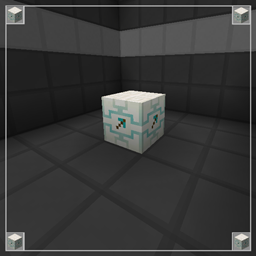
Modern Mining Dimension
A modern version for the Mining Dimension teleporter.Install

Tools Reimagined! [Java]
This pack brings uniqueness to every tool in the game! Inspired by Obscuria's ToolsInstall
Old Classic Sounds
Brings back the sounds from beta/alpha minecraft!Install

Emissive Ores with Frames
Search for ores more easily with added frames and emissivesInstall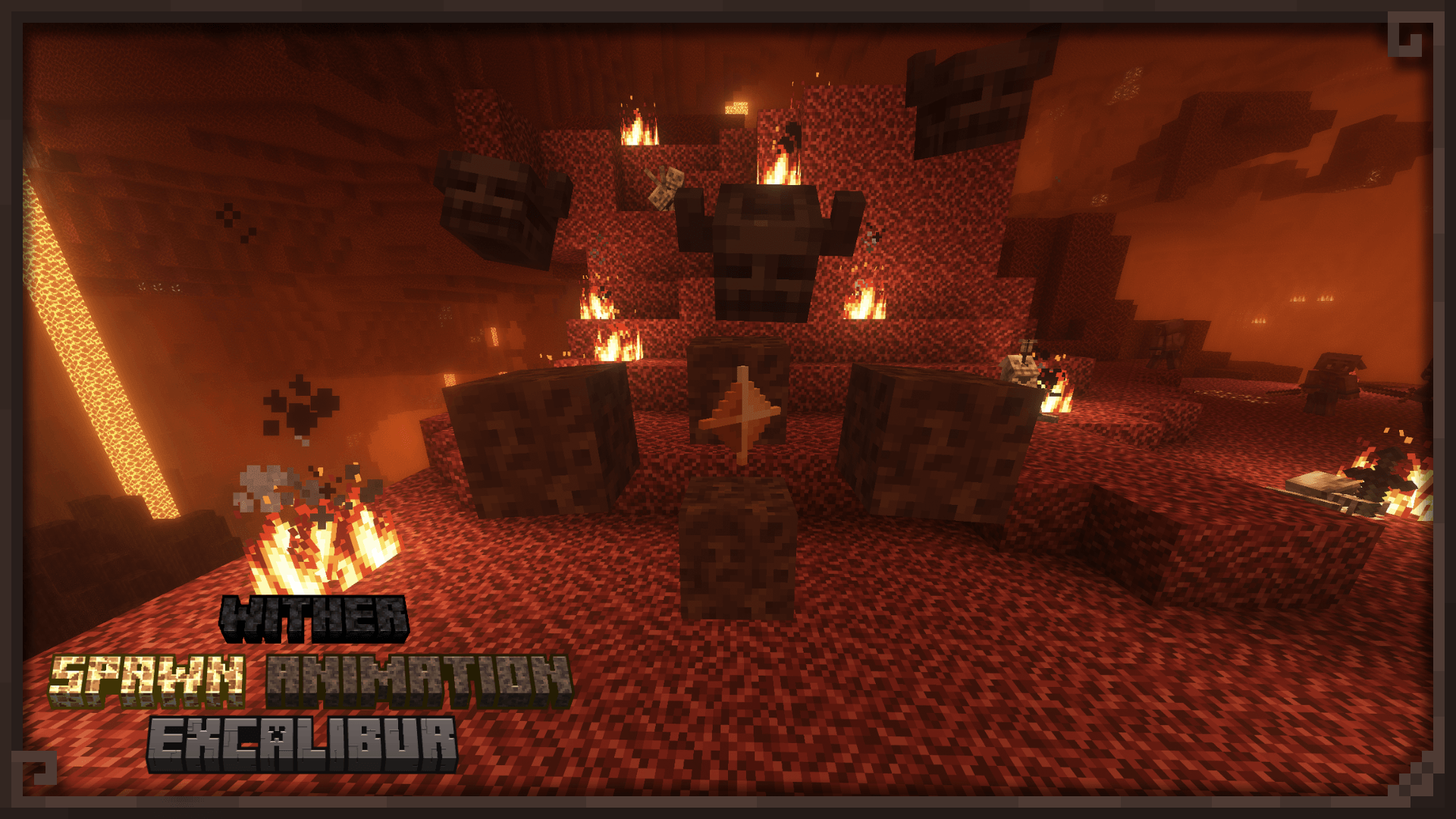

Excalibur | Wither/Golem Spawn Animation Support
Redesigned summoning of The Wither and Iron/Snow GolemsInstall
[OUTDATED - Use Stoneborn - Modded Compatibility!] Stoneborn: Missing Mods
Adds Stoneborn UIs to a few mods other add-ons don't cover.Install
Full grass
full grass blocks, grass variantsInstall

M-Tech Panorama
Resource pack for M-Tech ModpackInstall

Galahir950's Redwood Texturepack
A Cel Shaded Texture PackInstall

Spryzeen's Living ores
Animated and emissive ores, All in one!InstallFAQ
Do I need Forge or Fabric for a resource pack?
No. A resource pack works on the regular game with no loaders or mods. Click “Install” and Millida Launcher will put the pack into the right modpack — then just enable it in the settings.
What do 16×, 32×, 64× mean?
The resolution of a single texture in pixels. 16× matches the original game, 32× and 64× are more detailed and heavier, and 128× and up put a noticeable load on your graphics card.
Will a pack made for another version work?
Most likely partly: older packs don't have textures for newer blocks, so those will stay default. The game won't break, though.
How is a texture pack different from a resource pack?
Only by name and age. Before version 1.6 the sets were called texture packs and changed only textures; in 1.6 resource packs replaced them and also change sounds, fonts and the interface. Old texture packs for 1.5 and below do not work on new versions without conversion.
Which texture packs are best for PvP?
PvP packs: 16× resolution or lower, shortened swords, low fire, a clear sky and bright particles. They barely load the computer and make the opponent easier to see. These packs are collected in the PvP theme.
How do I install a resource pack?
Press Install and Millida Launcher puts the pack into the resourcepacks folder of the right instance. Then enable it in the game: Options, then Resource Packs. Manually, the archive goes into resourcepacks inside the game folder, no need to unpack it.
Resource packs for Minecraft Java
A resource pack changes how the game looks and sounds: block and item textures, fonts, the interface, sounds. It doesn't touch the game's code, so it needs no mod loader and breaks nothing on a server — the pack only works on your screen. That's exactly why a resource pack is safer than any mod: the worst that happens on a version mismatch is that some textures stay default.
Textures, texture packs and resource packs are essentially the same thing: since version 1.6 Mojang calls these sets resource packs, but the old name is still searched more often. PvP packs are a big genre of their own: shortened swords, low fire, bright particles and 16× resolution or lower, so the opponent stands out and the frame rate does not drop. Such packs are most often made for 1.8.9 and 1.16.5, the versions many PvP servers run on.
The key thing about a pack is its resolution. The game's default textures are 16×16 pixels; 32× and 64× packs look more detailed, while 128× and up need a real graphics card and are usually paired with shaders. On a weak machine it makes sense to stay at 16× or go for packs that deliberately simplify graphics for more FPS. Every pack here lists its game version, author and license, and all released versions are gathered on one card. Put the downloaded archive in the resourcepacks folder and enable it in the game settings.