
Resource packs for Minecraft Java — page 163
Resource packs: list


Ashen Emissive Ores
Adds glowing ore textures for Ashen 16x.Install
Xali's Bushy Leaves - Regions Unexplored Addon
A Regions Unexplored Addon for Xali's Bushy LeavesInstall
[Moonsu] Better Hotbar
A complete change to the minecraft hotbar but without losing the essence.Install

Vanilla Animated Food
A resource pack that adds animations to eating food without any mods using the new resource pack features introduced in 24w45a!Install
Witchcraft and Wizardry Ressource Pack
This is the Ressource Pack to the Harry Potter adventure mapInstall
Dale Shader
Efficient vanilla shader for MinecraftInstall

Consistency
Render items as their 3D model | Compatible with resource packsInstall

Glowing Enchanted Tools - Red Extension
An unofficial extension that changes the enchantment glint to a smooth red glow for a cleaner visual style.Install

CrackShot
CrackShotInstall

Apparent Ores
This texture makes the ores shinyInstall

Better Leather Armor
Removes the brown bits from colored leather armor.Install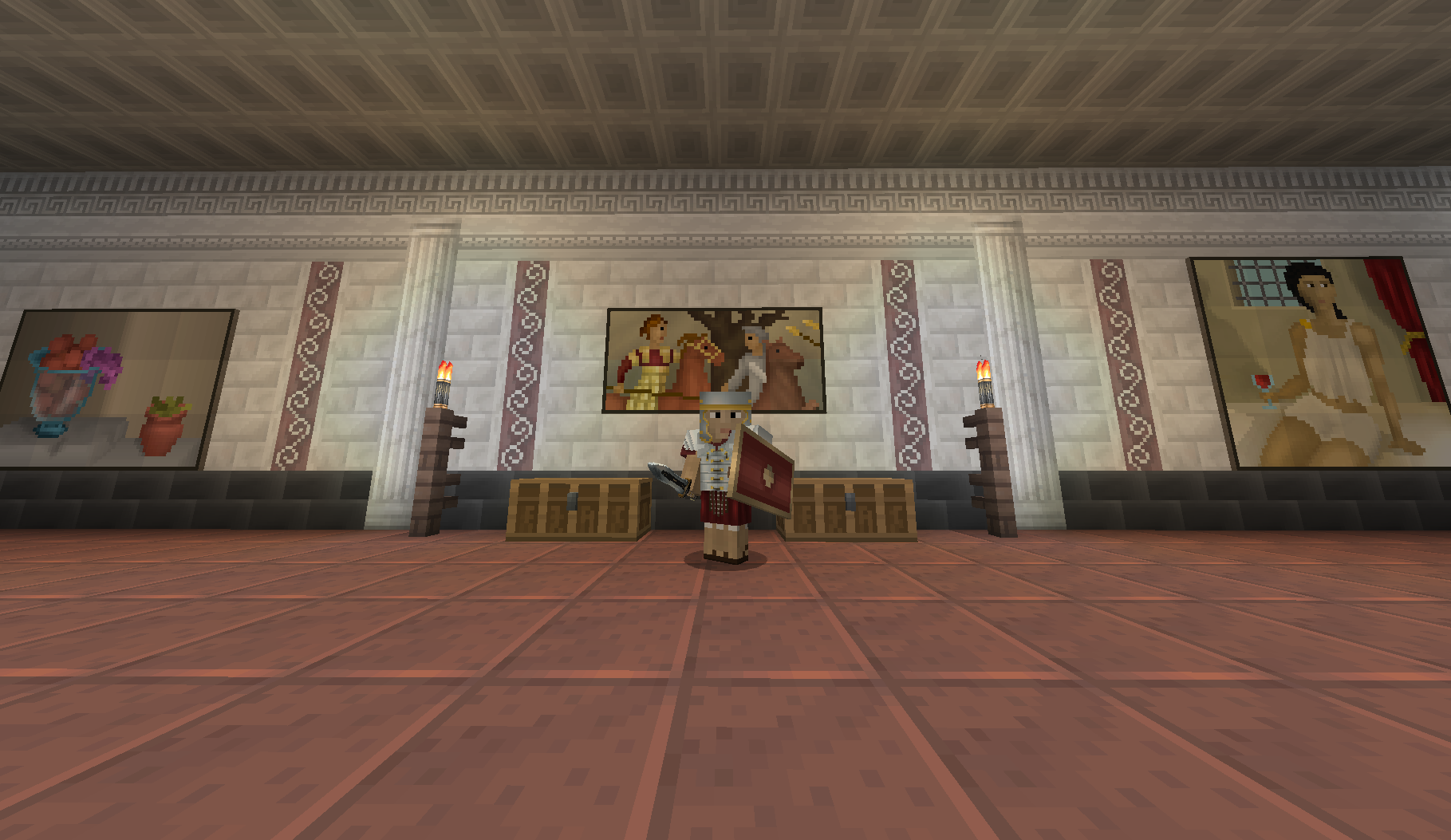
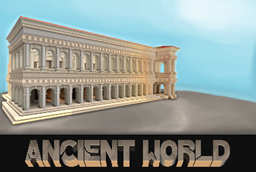
ejbs - Ancient World
A beautiful ancient world texture pack.Install

Axel's Forgotten Lands Resource Pack
Realistic RusticInstall

Vexxed Visuals: TerraFirmaCraft
Bringing TerraFirmaCraft for 1.21 closer to the aesthetic of the updated vanilla texturesInstall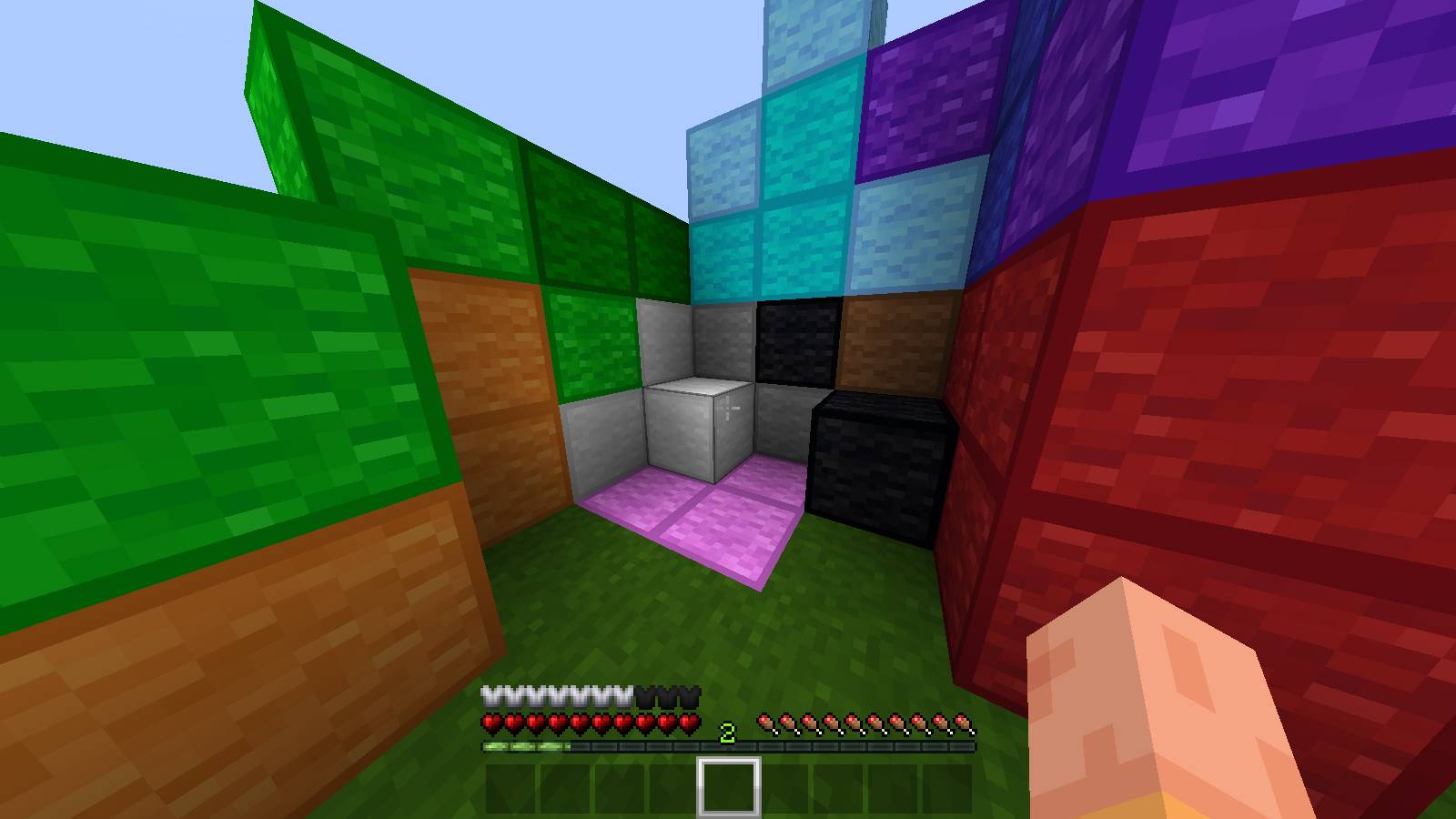
Bedwars Remastered
A competitive BedWars & PvP texture pack focused on clean visuals, improved clarity, and performance-friendly design while preserving a vanilla-style look.Install
Hypixel Skyblock
Custom GUI, weapon, and armor textures for the SkyBlock game on hypixel.Install

GrowyForest
Realistic TexturepackInstall

Elytra (Pink)
Changes the elytra textures to be a nice pink color.Install
Resonant Routes - Music Pack
A resource pack that adds Pokemon music to biomesInstall

Pixelmon: Bettersprite (texture pack for reforged)
New Gen6 & Gen7 Sprites!Install

New Super Minio Bros.
based on the modern Super Mario gamesInstall
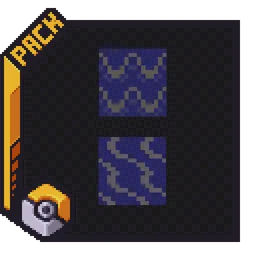
Cobblemon Classic Water GEN1/2
With this small resource pack the water is changed into a Pokemon GEN1/2 style water.Install

Español para RLCraft
Translates RLCraft to SpanishInstallFAQ
Do I need Forge or Fabric for a resource pack?
No. A resource pack works on the regular game with no loaders or mods. Click “Install” and Millida Launcher will put the pack into the right modpack — then just enable it in the settings.
What do 16×, 32×, 64× mean?
The resolution of a single texture in pixels. 16× matches the original game, 32× and 64× are more detailed and heavier, and 128× and up put a noticeable load on your graphics card.
Will a pack made for another version work?
Most likely partly: older packs don't have textures for newer blocks, so those will stay default. The game won't break, though.
How is a texture pack different from a resource pack?
Only by name and age. Before version 1.6 the sets were called texture packs and changed only textures; in 1.6 resource packs replaced them and also change sounds, fonts and the interface. Old texture packs for 1.5 and below do not work on new versions without conversion.
Which texture packs are best for PvP?
PvP packs: 16× resolution or lower, shortened swords, low fire, a clear sky and bright particles. They barely load the computer and make the opponent easier to see. These packs are collected in the PvP theme.
How do I install a resource pack?
Press Install and Millida Launcher puts the pack into the resourcepacks folder of the right instance. Then enable it in the game: Options, then Resource Packs. Manually, the archive goes into resourcepacks inside the game folder, no need to unpack it.
Resource packs for Minecraft Java
A resource pack changes how the game looks and sounds: block and item textures, fonts, the interface, sounds. It doesn't touch the game's code, so it needs no mod loader and breaks nothing on a server — the pack only works on your screen. That's exactly why a resource pack is safer than any mod: the worst that happens on a version mismatch is that some textures stay default.
Textures, texture packs and resource packs are essentially the same thing: since version 1.6 Mojang calls these sets resource packs, but the old name is still searched more often. PvP packs are a big genre of their own: shortened swords, low fire, bright particles and 16× resolution or lower, so the opponent stands out and the frame rate does not drop. Such packs are most often made for 1.8.9 and 1.16.5, the versions many PvP servers run on.
The key thing about a pack is its resolution. The game's default textures are 16×16 pixels; 32× and 64× packs look more detailed, while 128× and up need a real graphics card and are usually paired with shaders. On a weak machine it makes sense to stay at 16× or go for packs that deliberately simplify graphics for more FPS. Every pack here lists its game version, author and license, and all released versions are gathered on one card. Put the downloaded archive in the resourcepacks folder and enable it in the game settings.