
Resource packs for Minecraft Java — page 160
Resource packs: list


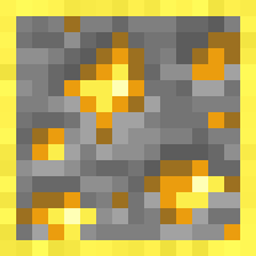
OreHighlighter
Simple resource pack that outlines all ores.Install

Stellarity Music Addon
Stellarity addon which adds ambient loops and music to The End.Install

(Legacy) Brewing Pack
Magic cauldron & potionsInstall

Hypixel BedWars +
A small language improvement for Hypixel BedWarsInstall

Magex's Better Ender Dragon
Makes the Ender Dragon feel more inline with modern-vanillaInstall

Grimdark Samurai Pack
This combat pack includes Samurai themed armor, weapons and tools inspired by feudal Japan. Wield katanas, kama, ono, and the yumi bow while customizing your look with menpo armor trims.Install

Realistic Moon
This texture makes your Minecraft moon realistic 🌙Install
Celestial Demo Packs
Demo Resource Packs for CelestialInstall

Purplefied GUI
This pack changes Minecrafts GUI to be Purple!Install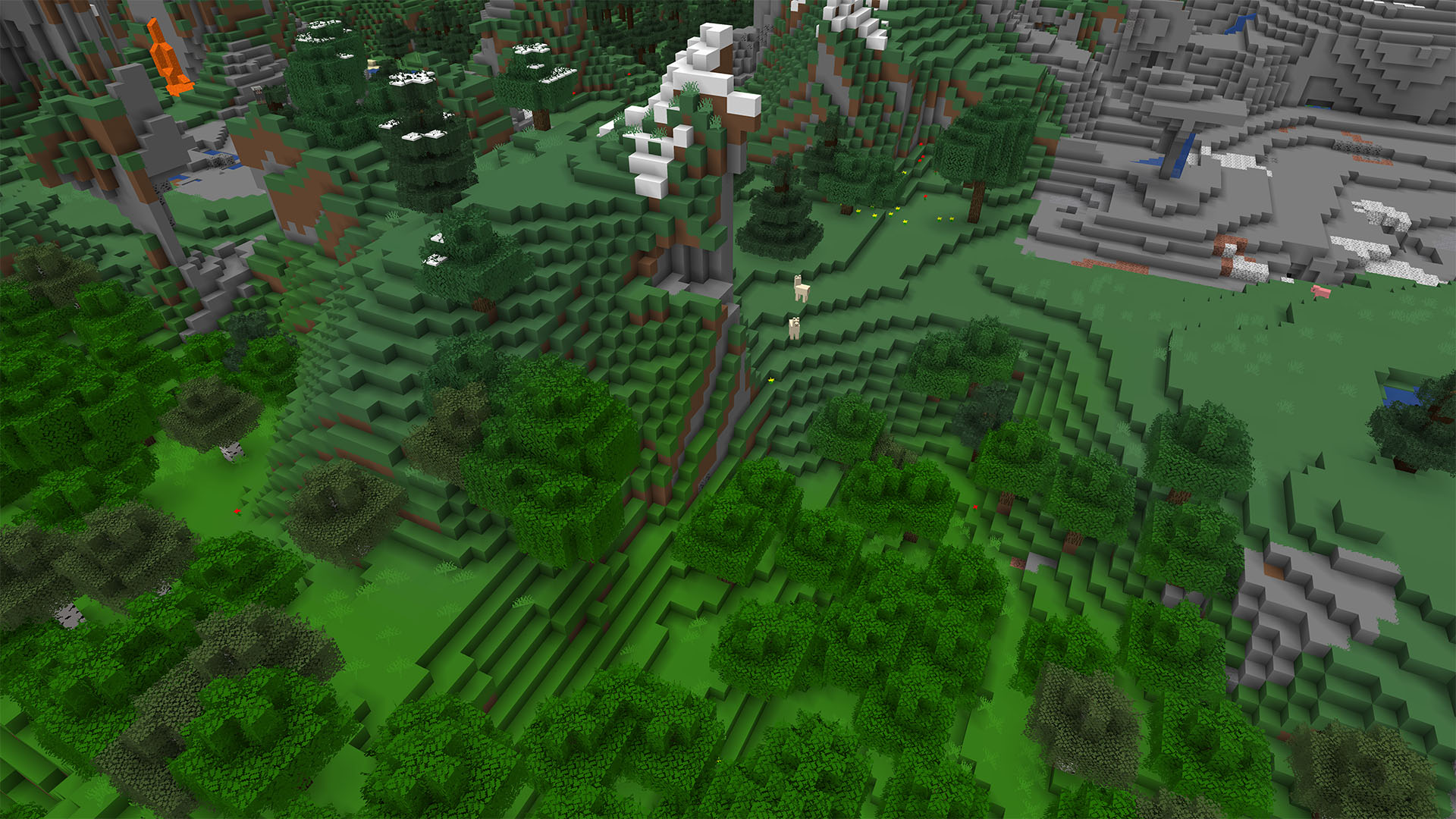
Soboku
Minecraft simplified plus extrasInstall

Mizuno's x Rustic Delight
A Recource pack that makes Mizuno's Craft compatible with Rustic DelightInstall

Faithful Overlays
Connects grass and and grass path to other blocks.Install
Bushy Leaves Add-on for Faithful 32x [DISCONTINUED]
A 100% vanilla way to make trees look more naturalInstall

Better Foliage
I made Minecraft foliage look better by giving plants variation and other tweaksInstall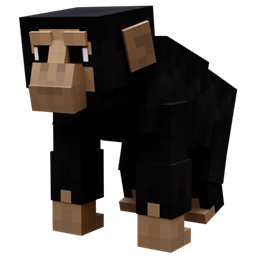
Real Animals
Adds real animals to the gameInstall

Spyglass into Binoculars
Turns spyglass into binocularsInstall

Chaos PvP pack
this is a pvp pack and also a support pack for chaos trader datapack and chaos apple datapack. it can be use as a simple pvp pack and as a addon texture pack version are from 1.16-latestInstall

The Original Work
PLEASE GO TO MODRINTH IN THE DESCRIPTION FOR FUTURE UPDATESInstall

Og Menu Background
Bring back the old dirt background instead of the transparency effect added in 1.20.5Install

Fresh Buckets VR
Resource pack that adds 3D bucket models tailored for Vivecraft!Install

Ars Nouveau Brass-ified Create-Style - ANBICS
Changes Ars Nouveau blocks, items and armors with Gold trim into a Brass trimmed variant to match Create mod's BrassInstall

Don't leak your base!
Hides block rotation, biome color/tint, ores and bedrock that can leak your base. Perfect for servers Like DonutSMP, HugoSMP or many other anarchy servers.Install

Mizuno's x Display Delight
A Recource pack that makes Mizuno's Craft compatible with Display DelightInstallFAQ
Do I need Forge or Fabric for a resource pack?
No. A resource pack works on the regular game with no loaders or mods. Click “Install” and Millida Launcher will put the pack into the right modpack — then just enable it in the settings.
What do 16×, 32×, 64× mean?
The resolution of a single texture in pixels. 16× matches the original game, 32× and 64× are more detailed and heavier, and 128× and up put a noticeable load on your graphics card.
Will a pack made for another version work?
Most likely partly: older packs don't have textures for newer blocks, so those will stay default. The game won't break, though.
How is a texture pack different from a resource pack?
Only by name and age. Before version 1.6 the sets were called texture packs and changed only textures; in 1.6 resource packs replaced them and also change sounds, fonts and the interface. Old texture packs for 1.5 and below do not work on new versions without conversion.
Which texture packs are best for PvP?
PvP packs: 16× resolution or lower, shortened swords, low fire, a clear sky and bright particles. They barely load the computer and make the opponent easier to see. These packs are collected in the PvP theme.
How do I install a resource pack?
Press Install and Millida Launcher puts the pack into the resourcepacks folder of the right instance. Then enable it in the game: Options, then Resource Packs. Manually, the archive goes into resourcepacks inside the game folder, no need to unpack it.
Resource packs for Minecraft Java
A resource pack changes how the game looks and sounds: block and item textures, fonts, the interface, sounds. It doesn't touch the game's code, so it needs no mod loader and breaks nothing on a server — the pack only works on your screen. That's exactly why a resource pack is safer than any mod: the worst that happens on a version mismatch is that some textures stay default.
Textures, texture packs and resource packs are essentially the same thing: since version 1.6 Mojang calls these sets resource packs, but the old name is still searched more often. PvP packs are a big genre of their own: shortened swords, low fire, bright particles and 16× resolution or lower, so the opponent stands out and the frame rate does not drop. Such packs are most often made for 1.8.9 and 1.16.5, the versions many PvP servers run on.
The key thing about a pack is its resolution. The game's default textures are 16×16 pixels; 32× and 64× packs look more detailed, while 128× and up need a real graphics card and are usually paired with shaders. On a weak machine it makes sense to stay at 16× or go for packs that deliberately simplify graphics for more FPS. Every pack here lists its game version, author and license, and all released versions are gathered on one card. Put the downloaded archive in the resourcepacks folder and enable it in the game settings.