
Resource packs for Minecraft Java — page 15
Resource packs: list


Better Bubbles
Better HUD bubbles, with a simplistic finishInstall
Frostiful PT-BR Translation (Unofficial)
Unofficial translation for Frostiful in PT-BR (Brazillian Portuguese)Install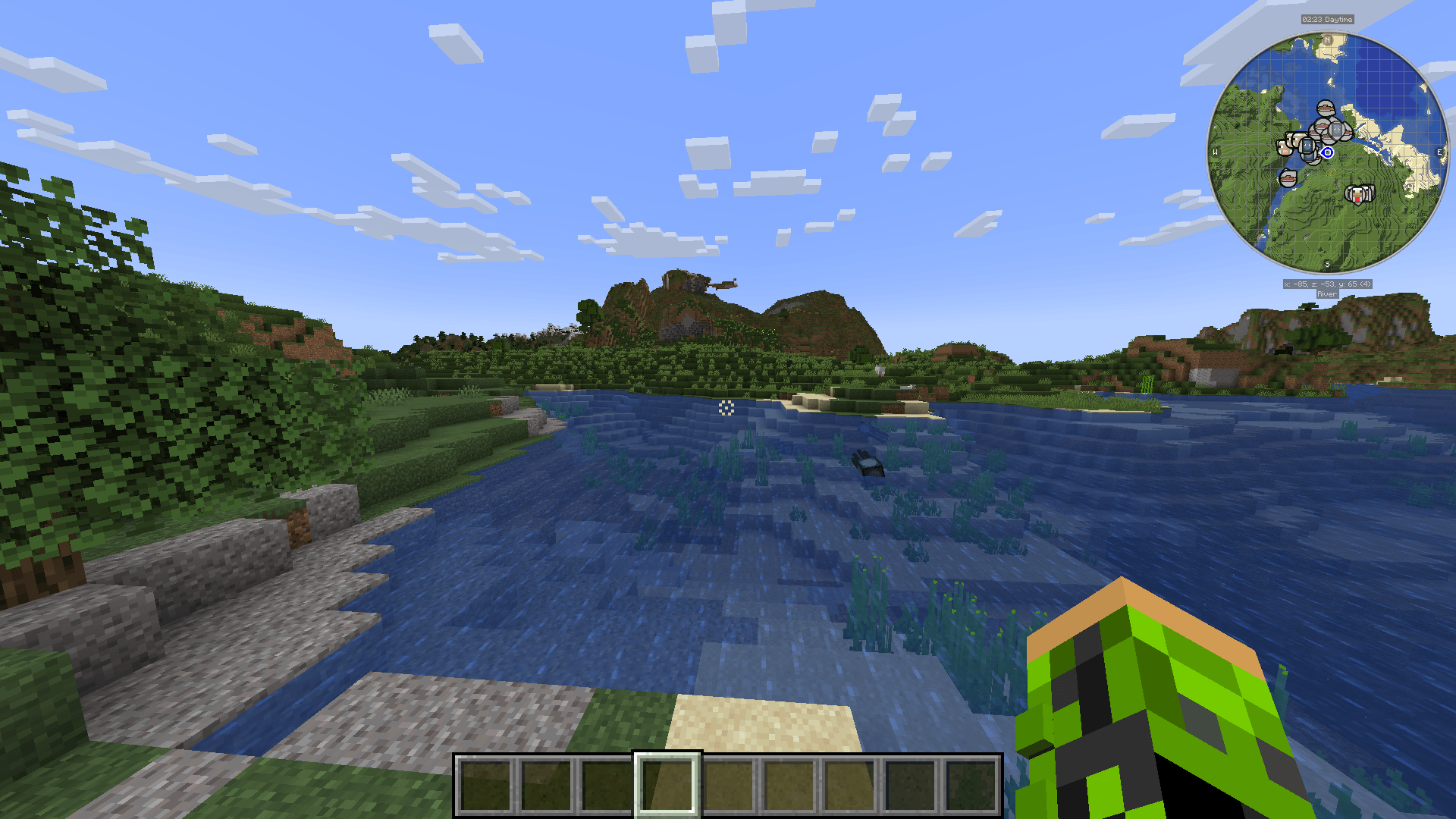
Improved Crosshair
An improvement of the default minecraft crosshair, making it suitable for a more modern experience of the gameInstall

Better Mana Bar for Iron's Spells 'n Spellbooks
Custom Mana Bar Replacement for Iron's Spells 'n Spellbooks.Install

Drigo 3D Lantern`s x Punchy
Adds 3D Lanterns to Minecraft and The Holding Effect Compatible with PunchyInstall
BCG Compatibility
A critical compatibility resource pack for BigChadGuys PlusInstall

Repurposed Structures - Hexerei Compat Datapack
Change RS Witch Huts to Hexerei's styleInstall

Joe's Comfy UI
A Stardew Valley-inspired texture pack covering all Minecraft UI and modded features!Install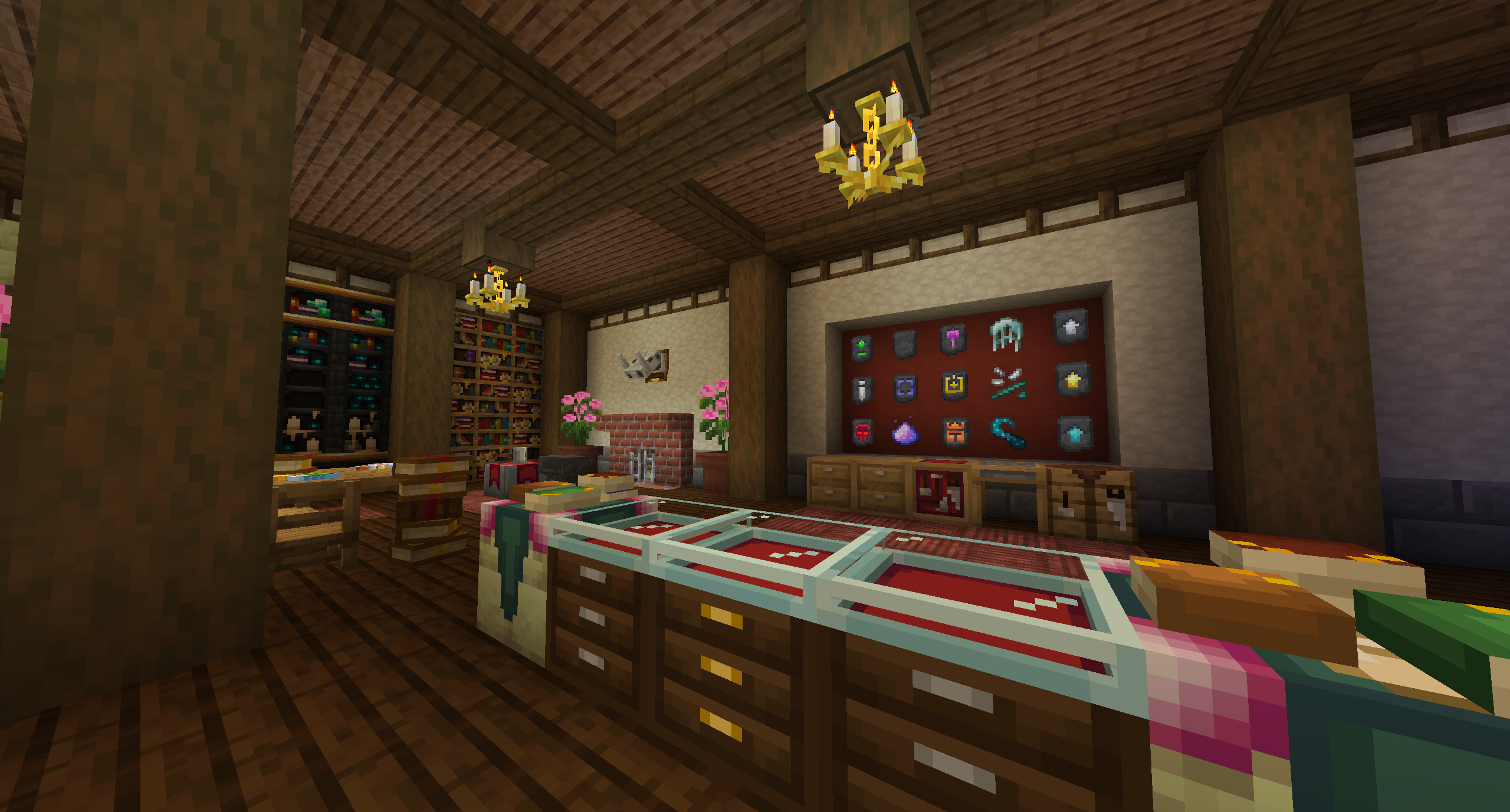

Pinnacle (for Apotheosis)
Giving the mod a modern look.Install

Ore Variants
Adds some variation into ores!Install

Refined Buckets
This resourcepack enhances the buckets by giving them refined 3D models.Install

Kehaan Modpacks Paintings
Minecraft resource pack that changes the vanilla paintings into art from Kehaans modpacks pack art.Install

Central Crosshair
A centralised crosshair for the user HUD with a simplistic lookInstall

X Crosshair Shape
An X crosshair shape for the user HUDInstall

Modern Armour Bar
A simplisitc, modern-looking armour barInstall

rotrBLOCKS
A pbr/pom resource pack that won't take away your vanilla style, but will make it so much better!Install

Enigmatic 3D
A resource pack made for the mod Enigmatic Legacy to give 3D models to some of its items.Install

Realistic Rain
A long-time resource pack developed to reimagine the Minecraft rain sound effects and textures.Install
Cobblemon: Better Caps!
Dislike the simplistic two-dimensional & flat caps from Cobblemon? - Well, I might just have what you need!Install

(Brewin' and Chewin') 3D Tankards
Gives 3D models to all Brewin' and Chewin' drinksInstall
Create UI
Create-Mod themed UIInstall

Cobblemarks+ (Cobblemon)
Adds additional marks to Cobblemon, and improves some already existing ones!Install

Snod Animated Torches
Nice little animated torchesInstallFAQ
Do I need Forge or Fabric for a resource pack?
No. A resource pack works on the regular game with no loaders or mods. Click “Install” and Millida Launcher will put the pack into the right modpack — then just enable it in the settings.
What do 16×, 32×, 64× mean?
The resolution of a single texture in pixels. 16× matches the original game, 32× and 64× are more detailed and heavier, and 128× and up put a noticeable load on your graphics card.
Will a pack made for another version work?
Most likely partly: older packs don't have textures for newer blocks, so those will stay default. The game won't break, though.
How is a texture pack different from a resource pack?
Only by name and age. Before version 1.6 the sets were called texture packs and changed only textures; in 1.6 resource packs replaced them and also change sounds, fonts and the interface. Old texture packs for 1.5 and below do not work on new versions without conversion.
Which texture packs are best for PvP?
PvP packs: 16× resolution or lower, shortened swords, low fire, a clear sky and bright particles. They barely load the computer and make the opponent easier to see. These packs are collected in the PvP theme.
How do I install a resource pack?
Press Install and Millida Launcher puts the pack into the resourcepacks folder of the right instance. Then enable it in the game: Options, then Resource Packs. Manually, the archive goes into resourcepacks inside the game folder, no need to unpack it.
Resource packs for Minecraft Java
A resource pack changes how the game looks and sounds: block and item textures, fonts, the interface, sounds. It doesn't touch the game's code, so it needs no mod loader and breaks nothing on a server — the pack only works on your screen. That's exactly why a resource pack is safer than any mod: the worst that happens on a version mismatch is that some textures stay default.
Textures, texture packs and resource packs are essentially the same thing: since version 1.6 Mojang calls these sets resource packs, but the old name is still searched more often. PvP packs are a big genre of their own: shortened swords, low fire, bright particles and 16× resolution or lower, so the opponent stands out and the frame rate does not drop. Such packs are most often made for 1.8.9 and 1.16.5, the versions many PvP servers run on.
The key thing about a pack is its resolution. The game's default textures are 16×16 pixels; 32× and 64× packs look more detailed, while 128× and up need a real graphics card and are usually paired with shaders. On a weak machine it makes sense to stay at 16× or go for packs that deliberately simplify graphics for more FPS. Every pack here lists its game version, author and license, and all released versions are gathered on one card. Put the downloaded archive in the resourcepacks folder and enable it in the game settings.