
Resource packs for Minecraft Java — page 156
Resource packs: list

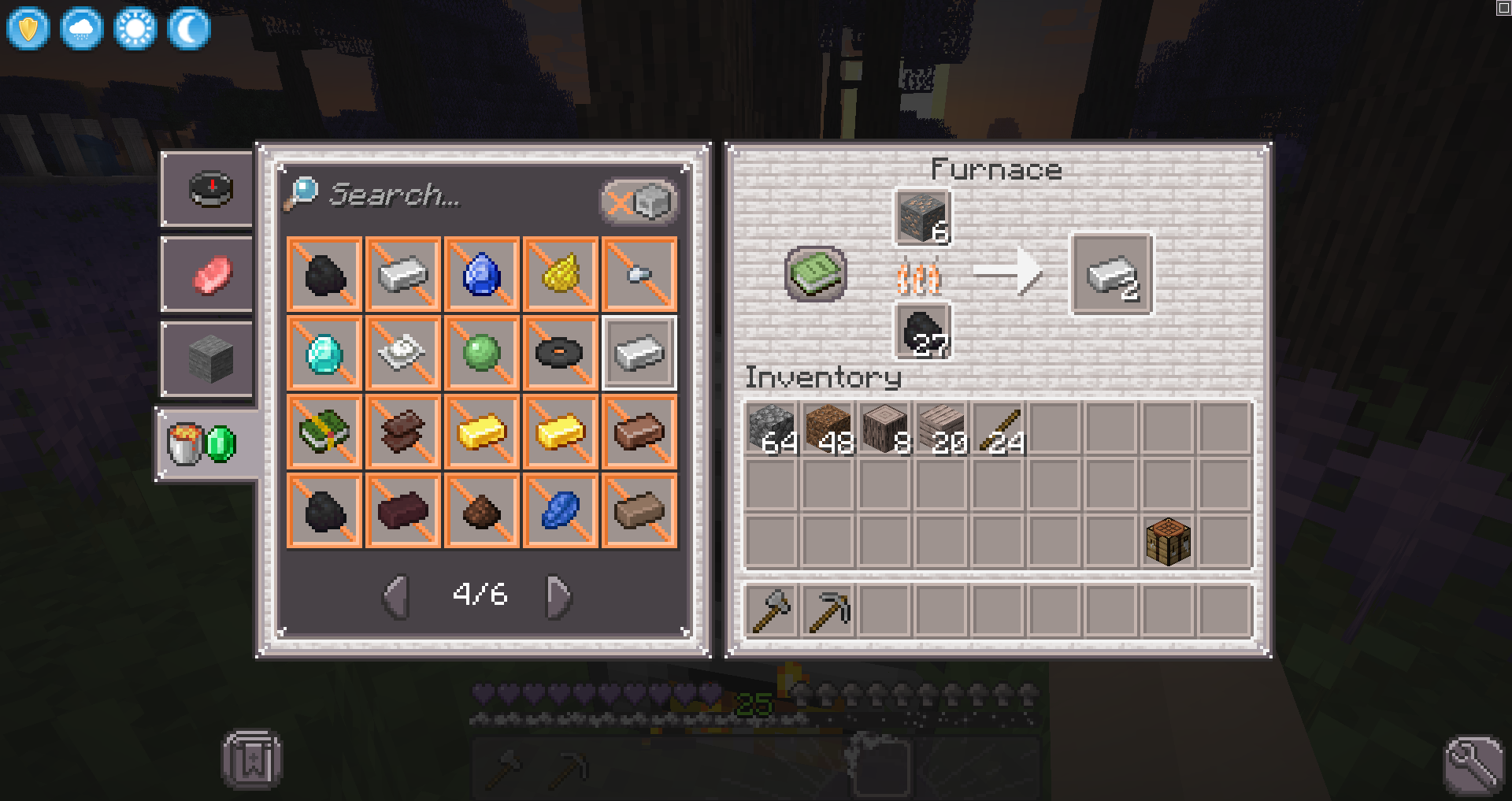

Purpura Skies: C&C GUI
A cottagecore GUI overhaul made for the Purpura Skies modpack.Install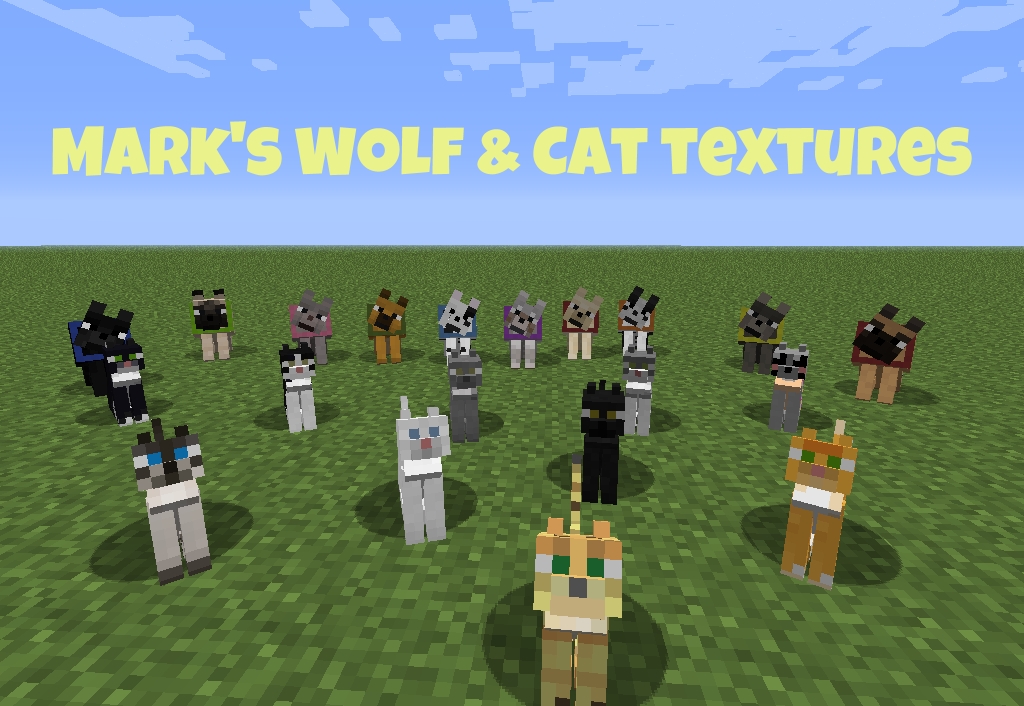

Mark's Wolf and Cat textures (16x16)
Mark's Wolf and Cat textures (16x16) for [MC 1.7.10/14w11b and older]Install

Free Edition
Where the world is made out of wool! Build, Explore, and surviveInstall
Ore Borders
Adds borders around all ores to improve visibilityInstall

Eating Animation - BetterVanillaBuilding Addon
An addon for the Better Vanilla Building texture pack to add animations when eating!Install
Hololive resourcepack
(Requires Optifine)Bringing hololive members into the minecraft world Use the name tag to change membersInstall
Leash Villager [Data Pack]
You can now take Villagers on a leash!Install

Unobtrusive Armor
Inspired by the Life Series, Unobtrusive Armour removes parts of the armor textures so you can see your friends' skins!Install

TBS Main Menu Override [DISCONTINUED]
A Resource Pack that removes the custom Main Menu background from The Broken ScriptInstall

Snowstorm
The Snowy, Winter Themed Resource Pack!Install

LucasDotje's Story Mode Storm
A Texture Pack That Adds Story Mode Textures To Cracker's Wither Storm ModInstall

Project MELIOR 2.4 • Official distribution • LITE • DEMO
More than 2000 original realistic textures. The Higher Standard.Install

Color Me Outlines 2
Updated + Maintained version of Color Me Outlines as a resource pack that allows you to set a custom block highlighting/outline colorInstall
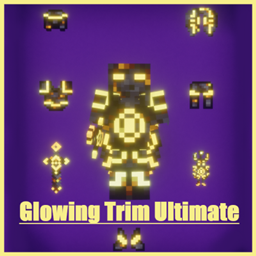
Glowing Trim Ultimate
Glowing Trim Armor, Elytra, Totem, Shield, Sword, Trident, Mace, Spear, Bow, Crossbow and Tools. with 18 trims designs and 13+3 colors, all version supported , Just re-name it.Install

Elongated Tools And Weapons (Discontinued)
an another pvp packInstall

Willow's Horror Cave Sounds
Resoruce Pack that changes cave sounds to more terrifying soundsInstall

prism - baby blue
a clean and vibrant pack to enhance your minecraft experience - now in 1.21! and recolored in baby blue!Install

bedwars(/eggwars/pvp/skywars/...)
bedwarsInstall

Hardcore Hearts for survival
Replaces classic survival hearts on hardcore hearts!Install

CPVP PACK
This is a texture pack that has everything for cpvp like No smoke , Small fire , No explosion particle, Small totem pop.Install

Sky's Title Screen
A Minecraft Resource-Pack that replaces the logo and background on the title screenInstall

Super Xray
Want more resources? Find them INSTANTLY!Install
BetterTables
Minimalist 3D table models with slight texture differencesInstallFAQ
Do I need Forge or Fabric for a resource pack?
No. A resource pack works on the regular game with no loaders or mods. Click “Install” and Millida Launcher will put the pack into the right modpack — then just enable it in the settings.
What do 16×, 32×, 64× mean?
The resolution of a single texture in pixels. 16× matches the original game, 32× and 64× are more detailed and heavier, and 128× and up put a noticeable load on your graphics card.
Will a pack made for another version work?
Most likely partly: older packs don't have textures for newer blocks, so those will stay default. The game won't break, though.
How is a texture pack different from a resource pack?
Only by name and age. Before version 1.6 the sets were called texture packs and changed only textures; in 1.6 resource packs replaced them and also change sounds, fonts and the interface. Old texture packs for 1.5 and below do not work on new versions without conversion.
Which texture packs are best for PvP?
PvP packs: 16× resolution or lower, shortened swords, low fire, a clear sky and bright particles. They barely load the computer and make the opponent easier to see. These packs are collected in the PvP theme.
How do I install a resource pack?
Press Install and Millida Launcher puts the pack into the resourcepacks folder of the right instance. Then enable it in the game: Options, then Resource Packs. Manually, the archive goes into resourcepacks inside the game folder, no need to unpack it.
Resource packs for Minecraft Java
A resource pack changes how the game looks and sounds: block and item textures, fonts, the interface, sounds. It doesn't touch the game's code, so it needs no mod loader and breaks nothing on a server — the pack only works on your screen. That's exactly why a resource pack is safer than any mod: the worst that happens on a version mismatch is that some textures stay default.
Textures, texture packs and resource packs are essentially the same thing: since version 1.6 Mojang calls these sets resource packs, but the old name is still searched more often. PvP packs are a big genre of their own: shortened swords, low fire, bright particles and 16× resolution or lower, so the opponent stands out and the frame rate does not drop. Such packs are most often made for 1.8.9 and 1.16.5, the versions many PvP servers run on.
The key thing about a pack is its resolution. The game's default textures are 16×16 pixels; 32× and 64× packs look more detailed, while 128× and up need a real graphics card and are usually paired with shaders. On a weak machine it makes sense to stay at 16× or go for packs that deliberately simplify graphics for more FPS. Every pack here lists its game version, author and license, and all released versions are gathered on one card. Put the downloaded archive in the resourcepacks folder and enable it in the game settings.