
Resource packs for Minecraft Java — page 145
Resource packs: list
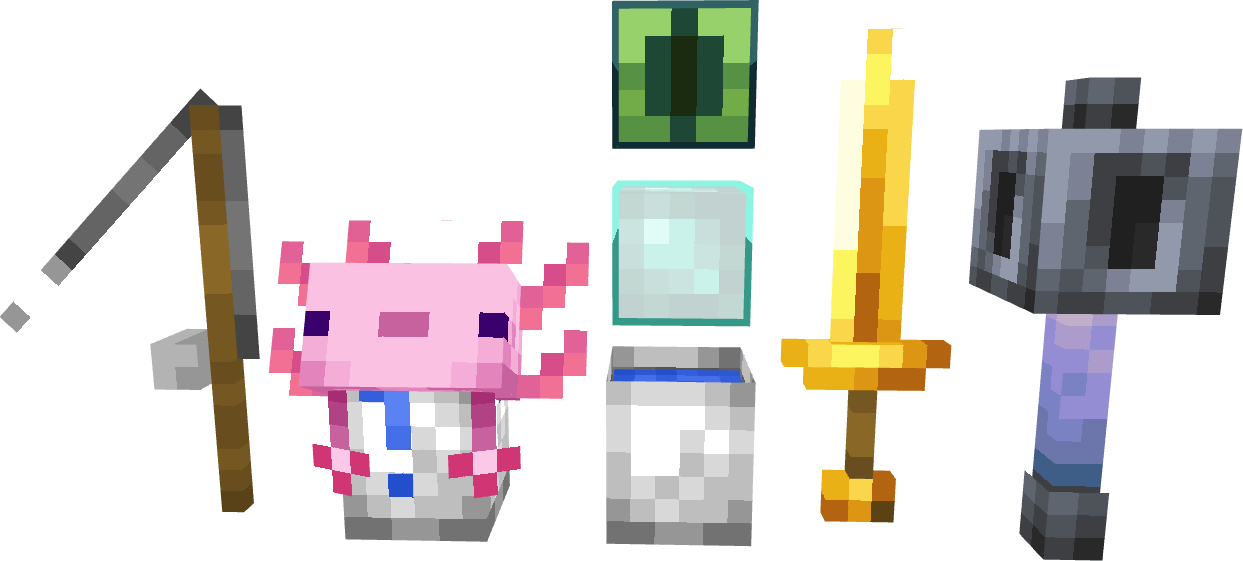


Milk Maid
Replaces the cow with a cute milkmaid.Install

NightVision: Standard
This resourcepack allows players to see clearly in caves or nighttimeInstall

JeridoMaster Pack +FPS
a pack that changes many textures of the game for all versionsInstall

Actually 3D Flowers & Plants
A Vanilla friendly resourcepack, which makes certain Flowers & Foliage in Minecraft more detailed and actually 3D! (3D Plants, 3D Sugar Cane, 3D Pumpkins, 3D Crops, 3D Bushes, 3D Mushrooms, 3D Fungi, 3D Grass, 3D Dead Bush, etc...)Install

Cobblemon Icons for JourneyMap by SacredProphet
A resource pack that adds Pokémon Sprites to the JourneyMap mod.Install

Roxy's Better Bedspreads (The OG Beed Pack)
Cute bedspreads for your house!Install
Okami 1.12.X
Okami for 1.12Install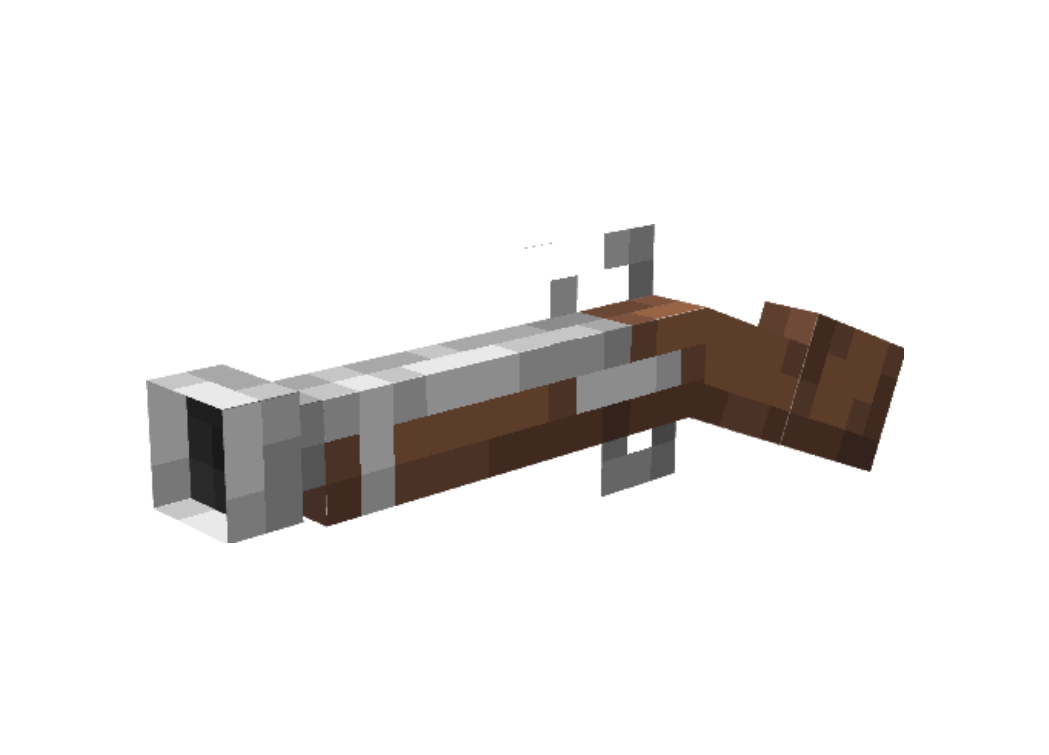
PillagerToPirate
This resourcepack makes raids pirate themed!Install

(10Days)Mes'easons Core Pack
The variety update!Install
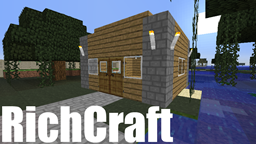
RichCraft
RichCraft Is Clean and SmoothInstall

Puella Magi Madoka Magica Custom GUI Pack
Puella Magi Madoka Magica Custom GUI PackInstall
Creeper? Aw Man!
Changes creeper's sound when it explodesInstall

Christmas Spirit Pack
Christmas spirit in Minecraft. Changed mob, block and item textures to give a cozy look and make you hyped for christmas! ;-)Install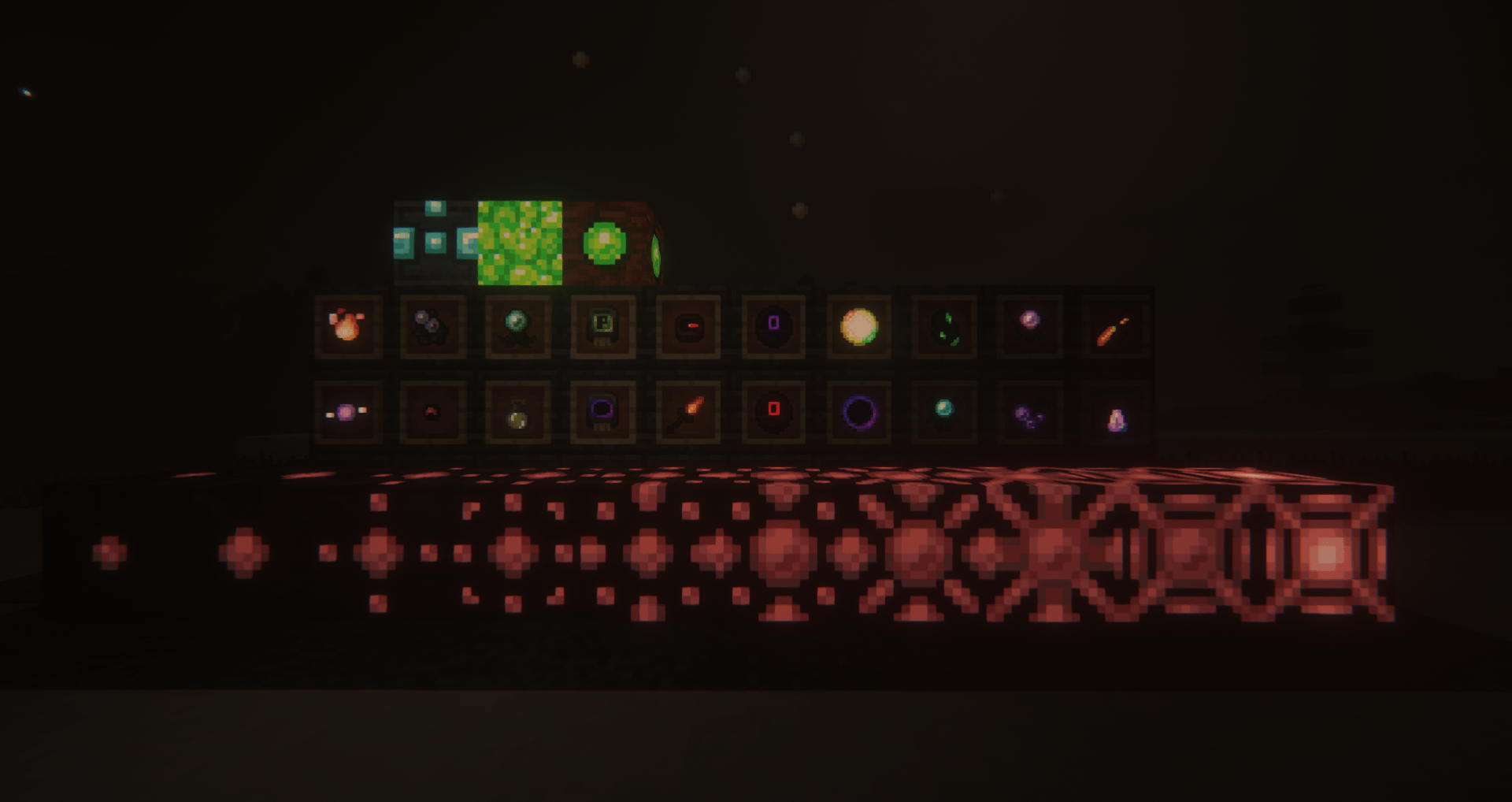
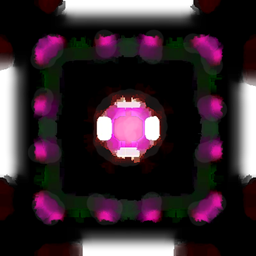
Scape and Run: Emissives
Makes things that probably should glow, glow. Supports many SRP addons as well.Install

Gradient Clouds
Resource Pack that gives clouds a transparent gradient, like Story ModeInstall
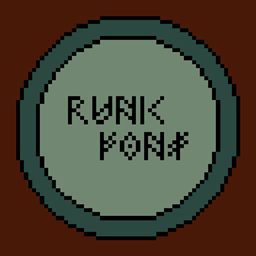
Runic Font
Changes English letters to a Viking style fontInstall

Parallax Sounds
Parallax Sounds is a pack that aims to change EVERY sound in Minecraft with something more realistic. Zombies are more terrifying, portals are creepy and mysterious, weather is beautiful and destructive, animals sound like animals.Install

The Orders Amulet
A more accurate texture for CWSM AmuletInstall

ClassicCraft
An old beta aesthetic resource pack, but this one is fully complete!Install
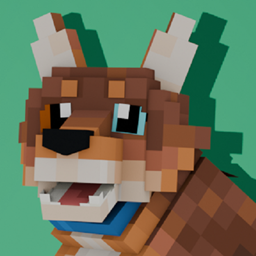
Wild Wolves x Fresh Animations
A Fresh Animations Add-on for Wild WolvesInstall

Devorian Steampunk
High resolution stylized steampunk resource pack - 64x resolution for free download!Install

Cracker's Wither Storm Mod: Programmer Art Fix
Cracker's Wither Storm Mod in Minecraft's Original Artstyle.Install

Netherite & Ancient Debris Lava Mining
A ressource pack that changes gravel, blackstone, magma block and nether ore textures to netherrack to mine easily netherite/ancient debris in lava.InstallFAQ
Do I need Forge or Fabric for a resource pack?
No. A resource pack works on the regular game with no loaders or mods. Click “Install” and Millida Launcher will put the pack into the right modpack — then just enable it in the settings.
What do 16×, 32×, 64× mean?
The resolution of a single texture in pixels. 16× matches the original game, 32× and 64× are more detailed and heavier, and 128× and up put a noticeable load on your graphics card.
Will a pack made for another version work?
Most likely partly: older packs don't have textures for newer blocks, so those will stay default. The game won't break, though.
How is a texture pack different from a resource pack?
Only by name and age. Before version 1.6 the sets were called texture packs and changed only textures; in 1.6 resource packs replaced them and also change sounds, fonts and the interface. Old texture packs for 1.5 and below do not work on new versions without conversion.
Which texture packs are best for PvP?
PvP packs: 16× resolution or lower, shortened swords, low fire, a clear sky and bright particles. They barely load the computer and make the opponent easier to see. These packs are collected in the PvP theme.
How do I install a resource pack?
Press Install and Millida Launcher puts the pack into the resourcepacks folder of the right instance. Then enable it in the game: Options, then Resource Packs. Manually, the archive goes into resourcepacks inside the game folder, no need to unpack it.
Resource packs for Minecraft Java
A resource pack changes how the game looks and sounds: block and item textures, fonts, the interface, sounds. It doesn't touch the game's code, so it needs no mod loader and breaks nothing on a server — the pack only works on your screen. That's exactly why a resource pack is safer than any mod: the worst that happens on a version mismatch is that some textures stay default.
Textures, texture packs and resource packs are essentially the same thing: since version 1.6 Mojang calls these sets resource packs, but the old name is still searched more often. PvP packs are a big genre of their own: shortened swords, low fire, bright particles and 16× resolution or lower, so the opponent stands out and the frame rate does not drop. Such packs are most often made for 1.8.9 and 1.16.5, the versions many PvP servers run on.
The key thing about a pack is its resolution. The game's default textures are 16×16 pixels; 32× and 64× packs look more detailed, while 128× and up need a real graphics card and are usually paired with shaders. On a weak machine it makes sense to stay at 16× or go for packs that deliberately simplify graphics for more FPS. Every pack here lists its game version, author and license, and all released versions are gathered on one card. Put the downloaded archive in the resourcepacks folder and enable it in the game settings.