
Resource packs for Minecraft Java — page 141
Resource packs: list
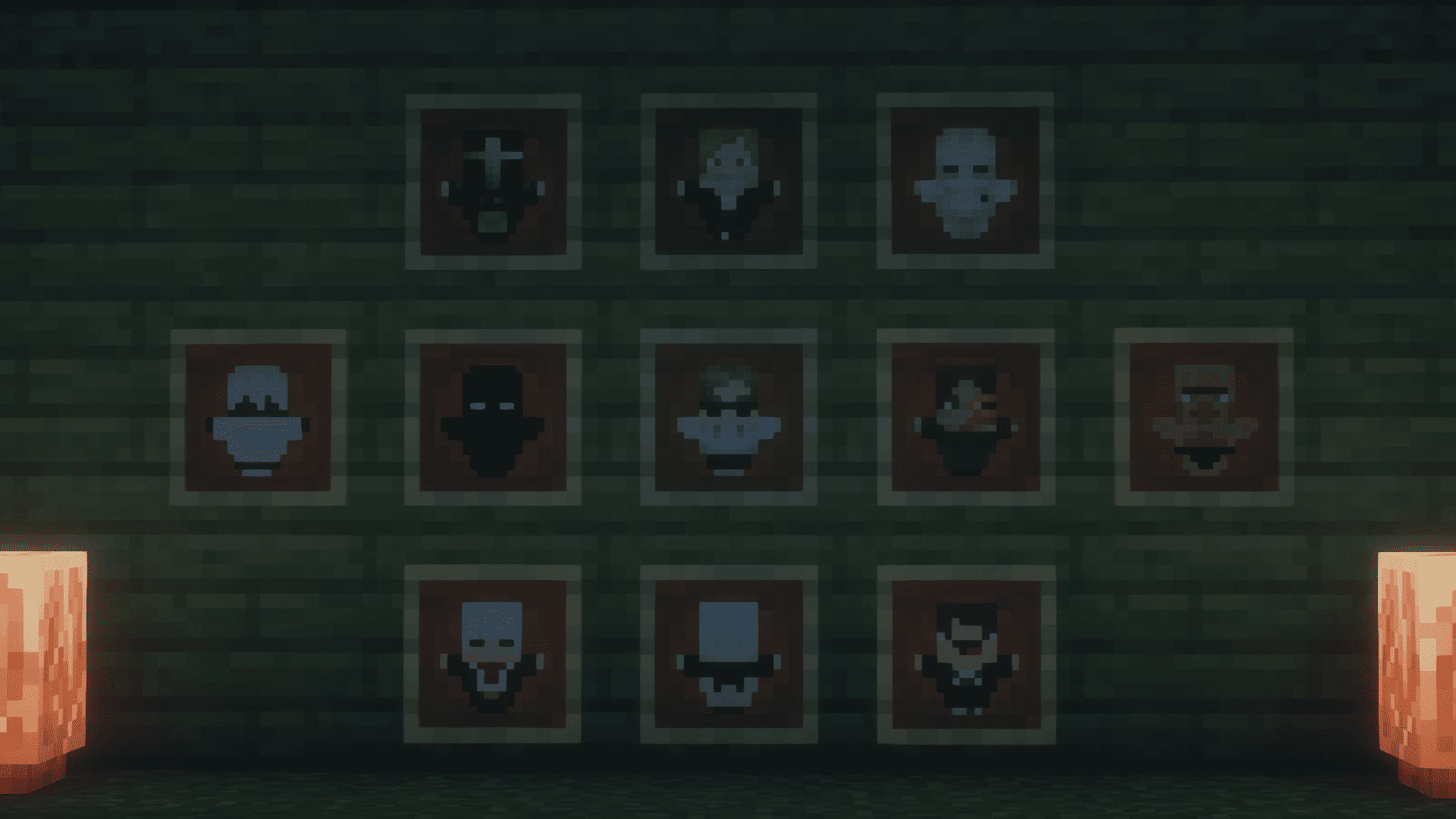


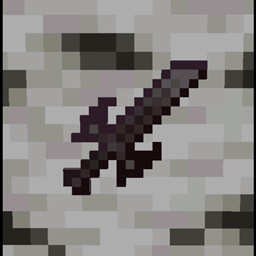
Action And Stuff Tools
Vanilla like textures for Tools from 1.0 Action And StuffInstall

Super Minio Bros
Super Minio BrosInstall

Reduce the Vignette Effect - Less intense Shadow Borders/Corners
Reduces the Vignette Effect (The dark corners effect of the screen).Install

Better Animal Armor
Better horse and wolf armor, vanilla and modded, more to come!Install

3D Dripstone
Give Pointed Dripstone a simple 3D modelInstall

Dokucraft TSC - Light
Light and fluffyInstall

TEX-D2 texture pack [32x]
TEX-D2 texture pack [32x]Install

Blaze bridge fixer RP
Changes the Blaze model to a construction worker who loves fixing bridges!Install
Loading Backgrounds - Create
Custom loading backgrounds with the Create mod!Install

Cataclysm: Spellbooks Reimagined
Transforms the bulky 3D icons from Cataclysm: Spellbooks into clean, stylish 2D visuals inspired by classic MinecraftInstall

Ores Highlighted「矿物高亮」
No OptiFine / Iris Required: Shader-like Look! 无需任何模组:平替光影!Install

Remodeled Dragon Egg (Animated)
Dragon egg rework!!!Install
Dark Coffee GUI - Extras
Extra content for Dark Coffee GUIInstall

Better Bookshelves
Better Bookshelves is a resource pack which makes bookshelves even better!Install
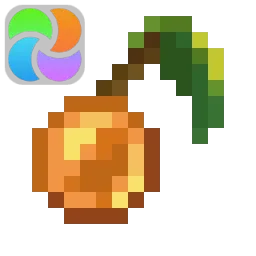
Fusion Stacking Items
Adds unique item textures for different stack sizesInstall

Prettier Horses x Fresh Animations
Remodeled and Retextured horses with 4x the amount of combinations!Install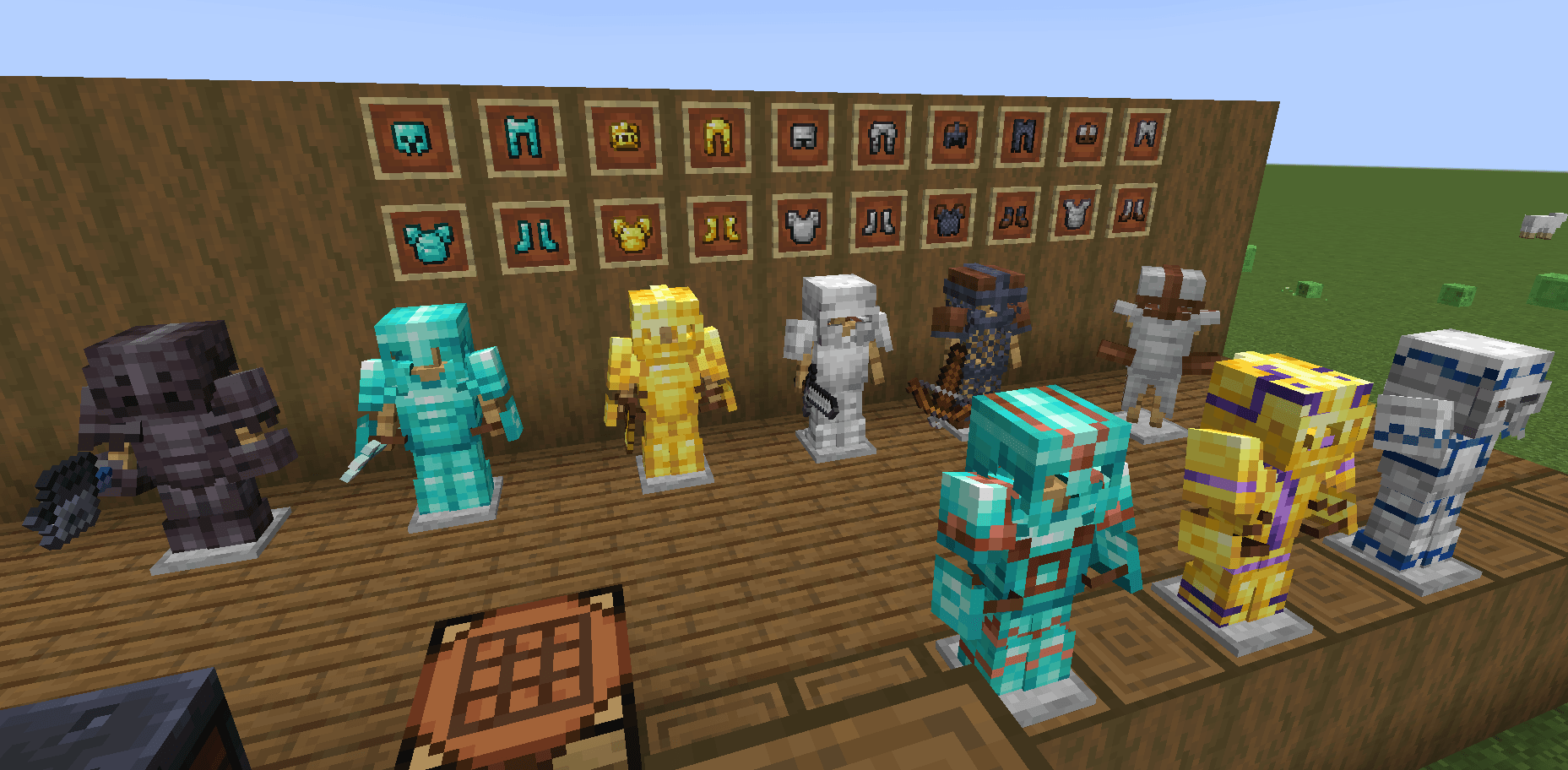

Reforged Armours
Texture pack which completely overhauls the look of vanilla armors, giving them all distinct appearances.Install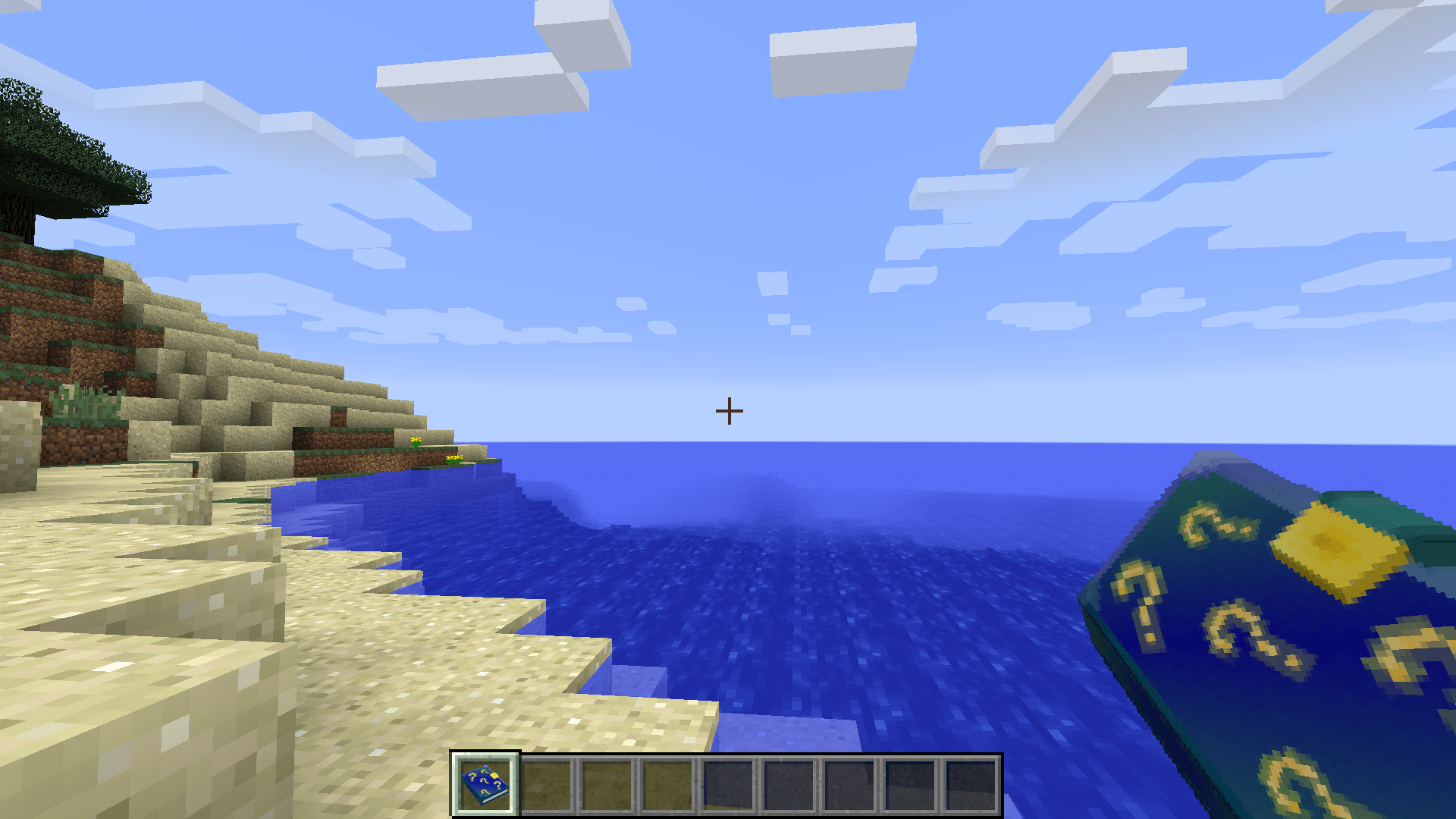
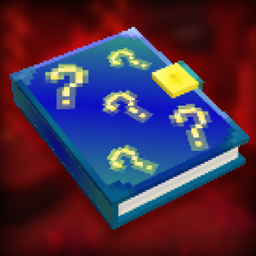
Checklist - Amnesia Theme
This changes the book from the Checklist mod, into being Amnesia themed.Install
3D Fireworks!
This resource pack replaces boring fireworks with a 3D version. The resource pack also includes a hat for launching fireworks. Designed for long journeys through the endgame, or long journeys.Install
Ashen + InmisAddon Support
A small, 16x pack adding compatibility between Ashen 16x and InmisAddonInstall

Super RPG Font
A Smooth Modern RPG Font That Is Easy To ReadInstall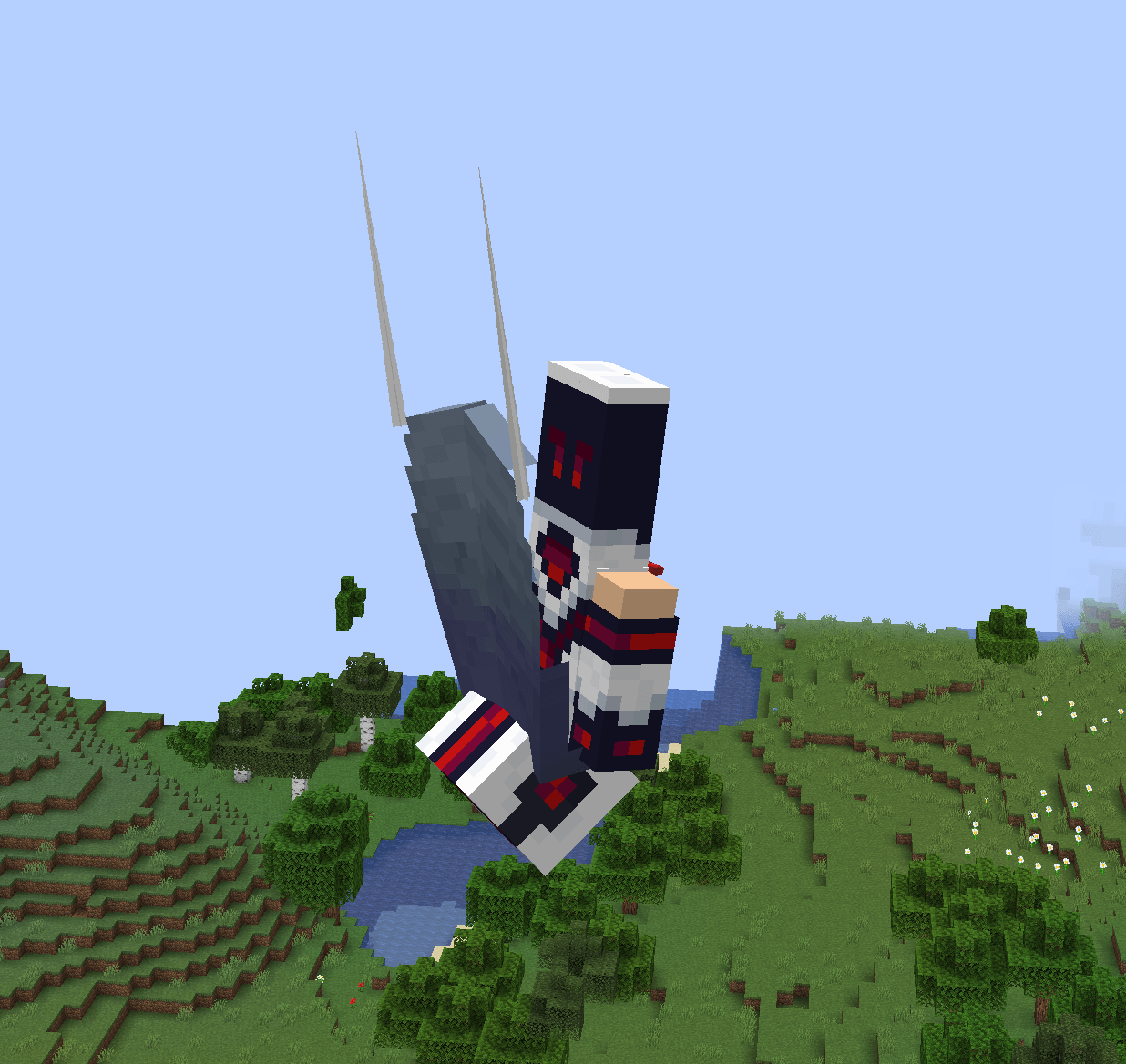
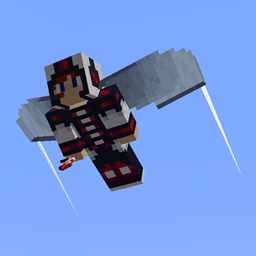
Elytra Contrails Legacy
Adds wingtip contrails to elytrasInstall

Aures - Torchmaster Remaster
Makes modded anti-spawn blocks more beautiful.InstallFAQ
Do I need Forge or Fabric for a resource pack?
No. A resource pack works on the regular game with no loaders or mods. Click “Install” and Millida Launcher will put the pack into the right modpack — then just enable it in the settings.
What do 16×, 32×, 64× mean?
The resolution of a single texture in pixels. 16× matches the original game, 32× and 64× are more detailed and heavier, and 128× and up put a noticeable load on your graphics card.
Will a pack made for another version work?
Most likely partly: older packs don't have textures for newer blocks, so those will stay default. The game won't break, though.
How is a texture pack different from a resource pack?
Only by name and age. Before version 1.6 the sets were called texture packs and changed only textures; in 1.6 resource packs replaced them and also change sounds, fonts and the interface. Old texture packs for 1.5 and below do not work on new versions without conversion.
Which texture packs are best for PvP?
PvP packs: 16× resolution or lower, shortened swords, low fire, a clear sky and bright particles. They barely load the computer and make the opponent easier to see. These packs are collected in the PvP theme.
How do I install a resource pack?
Press Install and Millida Launcher puts the pack into the resourcepacks folder of the right instance. Then enable it in the game: Options, then Resource Packs. Manually, the archive goes into resourcepacks inside the game folder, no need to unpack it.
Resource packs for Minecraft Java
A resource pack changes how the game looks and sounds: block and item textures, fonts, the interface, sounds. It doesn't touch the game's code, so it needs no mod loader and breaks nothing on a server — the pack only works on your screen. That's exactly why a resource pack is safer than any mod: the worst that happens on a version mismatch is that some textures stay default.
Textures, texture packs and resource packs are essentially the same thing: since version 1.6 Mojang calls these sets resource packs, but the old name is still searched more often. PvP packs are a big genre of their own: shortened swords, low fire, bright particles and 16× resolution or lower, so the opponent stands out and the frame rate does not drop. Such packs are most often made for 1.8.9 and 1.16.5, the versions many PvP servers run on.
The key thing about a pack is its resolution. The game's default textures are 16×16 pixels; 32× and 64× packs look more detailed, while 128× and up need a real graphics card and are usually paired with shaders. On a weak machine it makes sense to stay at 16× or go for packs that deliberately simplify graphics for more FPS. Every pack here lists its game version, author and license, and all released versions are gathered on one card. Put the downloaded archive in the resourcepacks folder and enable it in the game settings.