
Resource packs for Minecraft Java — page 132
Resource packs: list


Mizuno's Pig Variants x FA
Make Mizuno's Pig Variants compatible with Fresh AnimationInstall

Exposure Enhanced Camera
Makes the camera from the Exposure mod look more like its model!Install

Animated Furnaces
Adds animation to the furnace, slightly changes smoker and blast furnace.Install

Emerald X-Ray Texture Pack (1.7.x)
Emerald X-Ray Texture Pack (1.7.x)Install

Bushy Round Blossoms
Gives spore blossoms a rounder, bushier look with more petals.Install

Medieval Font
This resource pack will change the font in your game to a more medieval one like in the game "Devil may cry 5"Install
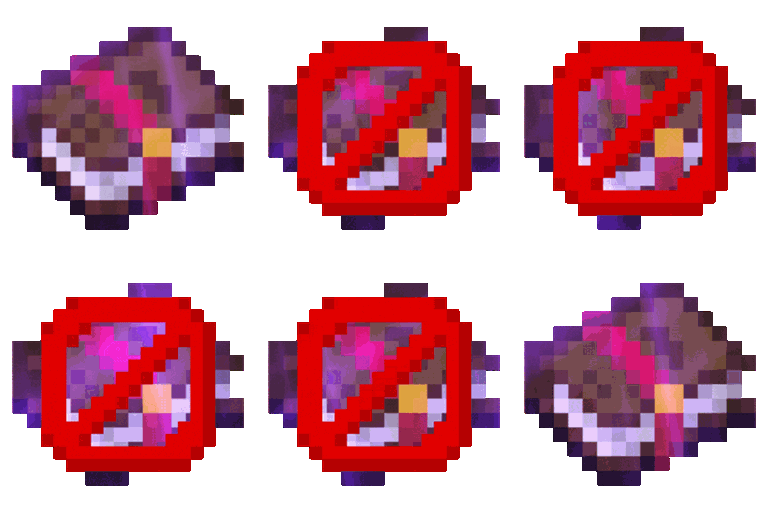
Remove Enchant Glint
Remove Enchant Glint enhances Minecraft gameplay by removing the shimmering effect on enchanted items, providing a cleaner visual experience and reducing distractions during play.Install

Smoube (1.21.8 UPDATE OUT!)
Cartoon and clean vanilla look in 8x8!Install
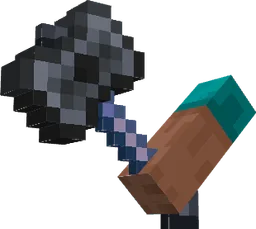
Items In Hands!
Now in first person view weapons and tools are in your handsInstall

Shiny Ores - Heycronus
This texture makes the ores in your game shinyInstall

Drodi's Slimes
My take on a new Slimes and Magma Cubes. Dordinatteur Co does not take responsability for any attemps at eating them.Install

Tiny PVP Swords and Tools
Tiny Swords and Tools for PVP (includes PVP Crosshair too!)Install

Mizuno's Allay Variants
A Texture Allay Variants for MizunoCraft16Install

Sky Inventory Background
a nice sky background for the inside of your inventory no mods requiredInstall

Sheep Girl
Changes the appearance of sheeps into that of cute sheep girls.Install

ZickZack V5 Golden Ruby
A texture pack in the style of BastiGHG and the 2 million Golden Ruby Edition of ZickZackV5, which contains a custom sky, overlay, totem and more.Install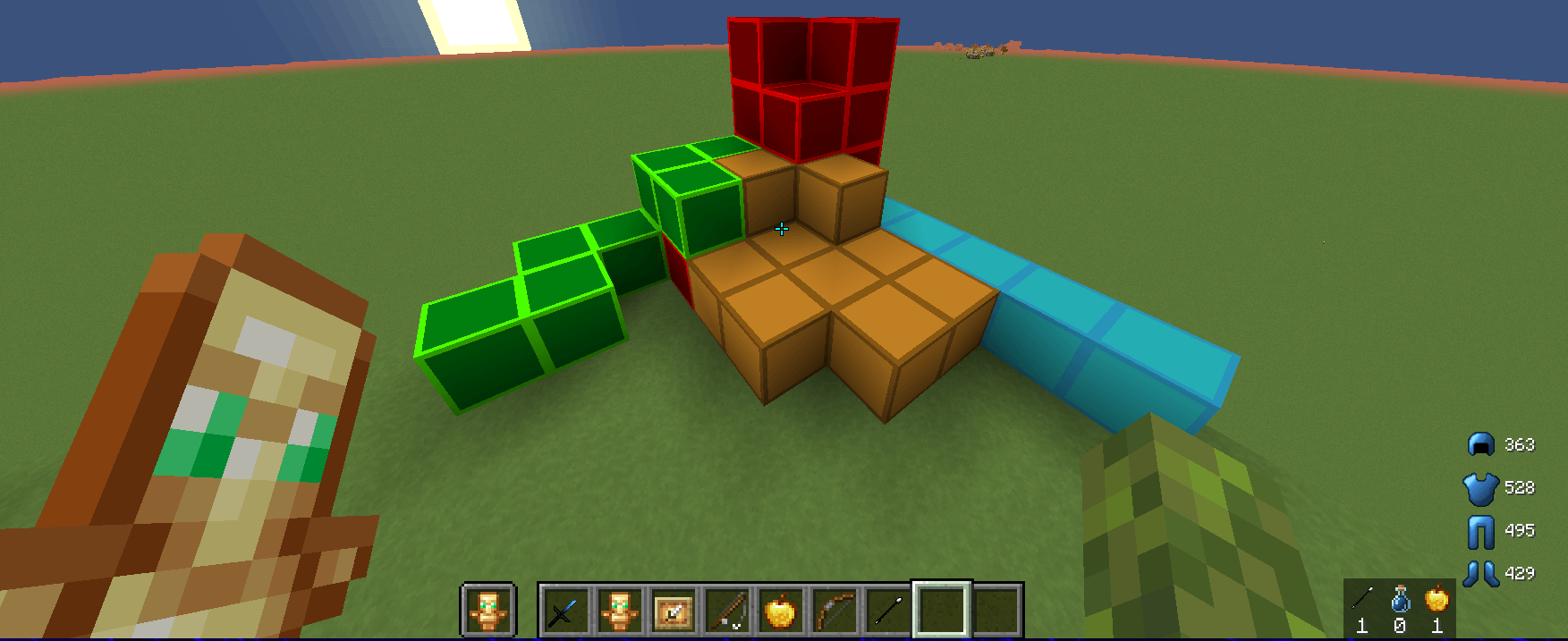
Mossip (16x) BedWars Pack
its a good bedwars pack with really good swords and items and its a little low quality fot the best of preformanceInstall

Epic Skybox (Standalone Skybox)
This is a standalone of my skybox that I made for Epic Adventures.Install

Pixel Perfection Legacy
Since Pixel Perfection by XSSheep got abandoned and left unfinished in the development of 1.13 did I took it to myself to update the pack in an 16x16 art style.Install

GUI PurpleOLED
This pack changes the interface to dark OLED mode, based on purple.Install

Excalibur | Sophisticated Support
Excalibur support for Sophisticated Core, Backpacks, and StorageInstall

Purple 16x
PVP TEXTURE PACK 1.8/1.14 | UHC and PotPvP | Purple EditInstall
Wynnic Vanity Collection
Adds various textures and visual enhancements to the Wynncraft server!InstallFAQ
Do I need Forge or Fabric for a resource pack?
No. A resource pack works on the regular game with no loaders or mods. Click “Install” and Millida Launcher will put the pack into the right modpack — then just enable it in the settings.
What do 16×, 32×, 64× mean?
The resolution of a single texture in pixels. 16× matches the original game, 32× and 64× are more detailed and heavier, and 128× and up put a noticeable load on your graphics card.
Will a pack made for another version work?
Most likely partly: older packs don't have textures for newer blocks, so those will stay default. The game won't break, though.
How is a texture pack different from a resource pack?
Only by name and age. Before version 1.6 the sets were called texture packs and changed only textures; in 1.6 resource packs replaced them and also change sounds, fonts and the interface. Old texture packs for 1.5 and below do not work on new versions without conversion.
Which texture packs are best for PvP?
PvP packs: 16× resolution or lower, shortened swords, low fire, a clear sky and bright particles. They barely load the computer and make the opponent easier to see. These packs are collected in the PvP theme.
How do I install a resource pack?
Press Install and Millida Launcher puts the pack into the resourcepacks folder of the right instance. Then enable it in the game: Options, then Resource Packs. Manually, the archive goes into resourcepacks inside the game folder, no need to unpack it.
Resource packs for Minecraft Java
A resource pack changes how the game looks and sounds: block and item textures, fonts, the interface, sounds. It doesn't touch the game's code, so it needs no mod loader and breaks nothing on a server — the pack only works on your screen. That's exactly why a resource pack is safer than any mod: the worst that happens on a version mismatch is that some textures stay default.
Textures, texture packs and resource packs are essentially the same thing: since version 1.6 Mojang calls these sets resource packs, but the old name is still searched more often. PvP packs are a big genre of their own: shortened swords, low fire, bright particles and 16× resolution or lower, so the opponent stands out and the frame rate does not drop. Such packs are most often made for 1.8.9 and 1.16.5, the versions many PvP servers run on.
The key thing about a pack is its resolution. The game's default textures are 16×16 pixels; 32× and 64× packs look more detailed, while 128× and up need a real graphics card and are usually paired with shaders. On a weak machine it makes sense to stay at 16× or go for packs that deliberately simplify graphics for more FPS. Every pack here lists its game version, author and license, and all released versions are gathered on one card. Put the downloaded archive in the resourcepacks folder and enable it in the game settings.