
Resource packs for Minecraft Java — page 125
Resource packs: list


Mizuno's Better Grass
A better grass for Mizuno's craft16Install

Fresh Sun
Gives the Sun texture a new fresh look. Improving the Sky!Install

Wynncraft
WynncraftInstall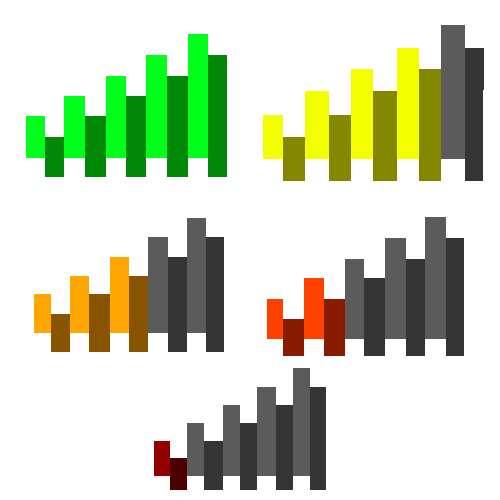
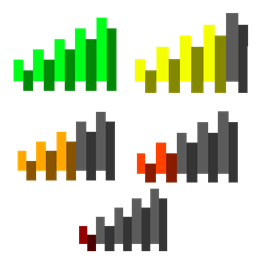
Colorful Ping Indicator
makes ping indicator colorful 🌈Install

Chubik
A minimalistic survival challenge.Install
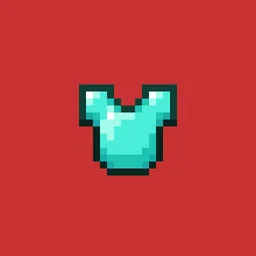
Life Series Armor
Armor textures from the Life Series by grianInstall

3D End Crystal
Makes the end crystal 3D when in your hand, but keeps it 2D everywhere else 1.21.4+. No mods required. For versions 1.21-1.21.11Install
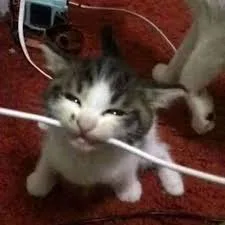
Animated Cat Biting Wire Totem Reskin
The cat-biting electrical wire meme as a totem reskin with an activation sound when the totem is used. This is the animated version where he opens his mouth and bites the wire.Install

Glass Doors
Replaces the door textures with fancier glassy doors!Install

Low Fire, Shield & More
Low Fire, Shield, Grass & More, Less obstruction for your game screensInstall

SwiftBoost PvP
SwiftBoost PvP: Fullbright, Low Fire, Small Shields & Items, Small totem use. Max FPS without OptiFine and no explosion particle and no particle totem use and small totem pop and better sand,blue netherite, Small sword, clear waterInstall

Xaero's Minimap - Scape and Run: Parasites
Adds Xaero's Minimap icons for the mobs from Scape and Run: Parasites.Install

Minecraft Default HD 64x
Minecraft Default HD 64xInstall

Ashen Emissive Ores
Glowing ore textures for Ashen 16x.Install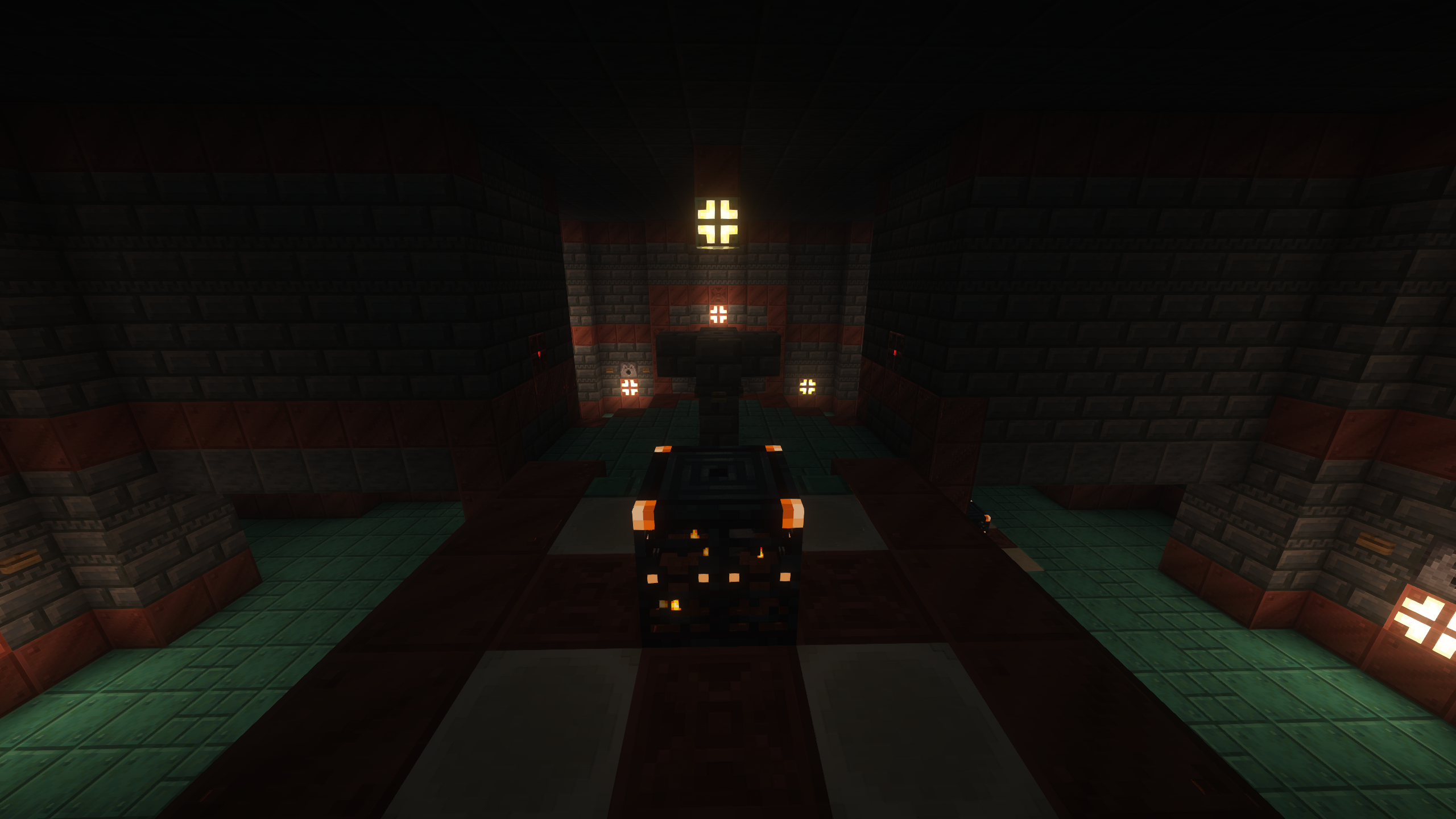
Weed Eater (128x PBR Materials)
Recreation of Minecraft RTX Bedrock's included 128x packInstall

Whimscape + Exploration
This resource pack brings a bundle of mods focused on exploration for the Whimscape style!Install

Bleach GUI Pack
Overhauled Minecraft GUI in the theme off Bleach.Install

Grassy Grass
Much more lush, grassier and fancier grass!Install

Mine Wars - A Star Wars Texture Pack
[1.6.2] Mine Wars - A Star Wars Texture PackInstall

Glendale [16x] [v3.1] [New 1.8 3D Objects!]
Glendale [16x] [v3.1] [New 1.8 3D Objects!]Install
Mushroom Golems
Adds Mushroom Golems statues.Install

Better Skeletons
Adds Biome Dependent Variants to Skeletons. Strays, and Wither Skeletons also get some more VariantsInstall
Cobblemon Legends: Arceus
Pokémon Legends: Arceus sounds and musics for Cobblemon!InstallFAQ
Do I need Forge or Fabric for a resource pack?
No. A resource pack works on the regular game with no loaders or mods. Click “Install” and Millida Launcher will put the pack into the right modpack — then just enable it in the settings.
What do 16×, 32×, 64× mean?
The resolution of a single texture in pixels. 16× matches the original game, 32× and 64× are more detailed and heavier, and 128× and up put a noticeable load on your graphics card.
Will a pack made for another version work?
Most likely partly: older packs don't have textures for newer blocks, so those will stay default. The game won't break, though.
How is a texture pack different from a resource pack?
Only by name and age. Before version 1.6 the sets were called texture packs and changed only textures; in 1.6 resource packs replaced them and also change sounds, fonts and the interface. Old texture packs for 1.5 and below do not work on new versions without conversion.
Which texture packs are best for PvP?
PvP packs: 16× resolution or lower, shortened swords, low fire, a clear sky and bright particles. They barely load the computer and make the opponent easier to see. These packs are collected in the PvP theme.
How do I install a resource pack?
Press Install and Millida Launcher puts the pack into the resourcepacks folder of the right instance. Then enable it in the game: Options, then Resource Packs. Manually, the archive goes into resourcepacks inside the game folder, no need to unpack it.
Resource packs for Minecraft Java
A resource pack changes how the game looks and sounds: block and item textures, fonts, the interface, sounds. It doesn't touch the game's code, so it needs no mod loader and breaks nothing on a server — the pack only works on your screen. That's exactly why a resource pack is safer than any mod: the worst that happens on a version mismatch is that some textures stay default.
Textures, texture packs and resource packs are essentially the same thing: since version 1.6 Mojang calls these sets resource packs, but the old name is still searched more often. PvP packs are a big genre of their own: shortened swords, low fire, bright particles and 16× resolution or lower, so the opponent stands out and the frame rate does not drop. Such packs are most often made for 1.8.9 and 1.16.5, the versions many PvP servers run on.
The key thing about a pack is its resolution. The game's default textures are 16×16 pixels; 32× and 64× packs look more detailed, while 128× and up need a real graphics card and are usually paired with shaders. On a weak machine it makes sense to stay at 16× or go for packs that deliberately simplify graphics for more FPS. Every pack here lists its game version, author and license, and all released versions are gathered on one card. Put the downloaded archive in the resourcepacks folder and enable it in the game settings.