
Resource packs for Minecraft Java — page 119
Resource packs: list


FTB Quests Create
A resource pack that modifies the default look of ftbquests and makes it completely thematic in createmod.Install

Golems Galore
This Pack adds New Variants to the Iron Golem, including Nether Specific BoarbariansInstall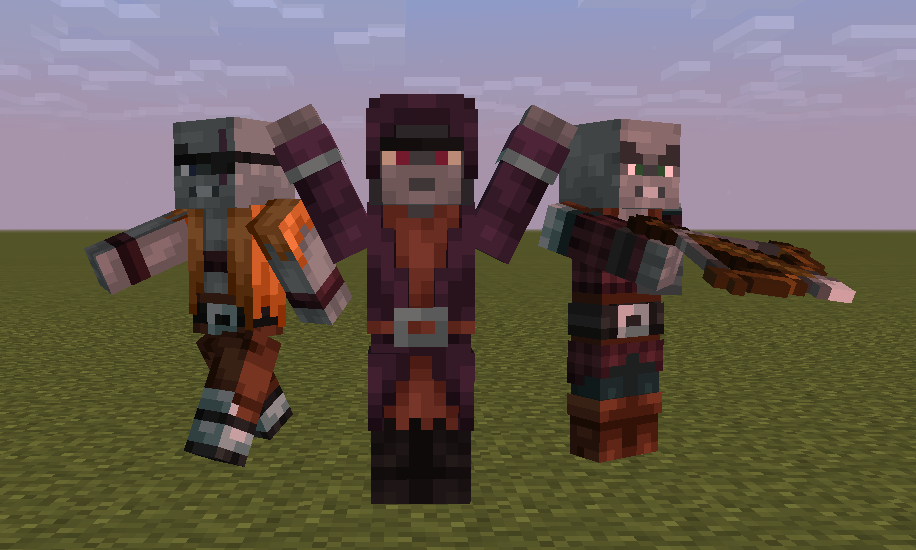
Player Villager Models
Custom villager models that look like players! (REQUIRES OPTIFINE)Install

Death of the Beds for Bedwars
a bedwars texture pack, for simple and easy pvpInstall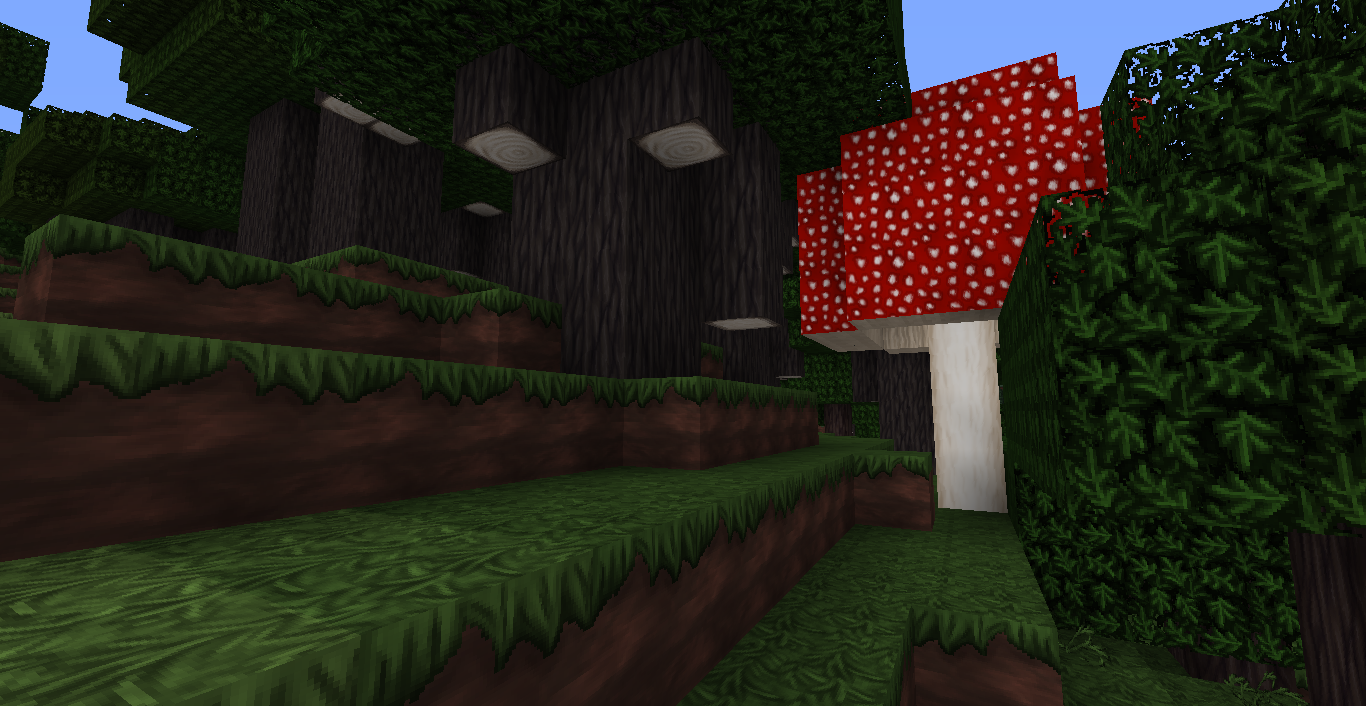
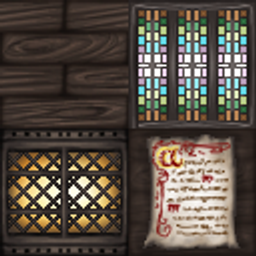
Wolfhound Classic Medieval
A complete texture remake, with detailed textures inspired by 12th-14th century Europe.Install
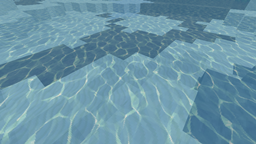
Equanimity PvP 32x
Equanimity PvP 32xInstall

ChicknTurtle's 3D Tools
Gives tools some depth, while keeping the vanilla style!Install
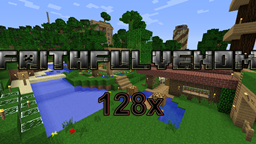
FaithfulVenom [128x]
FaithfulVenom [128x]Install

Witch Girl
This texture makes the Minecraft witch look more attractive.Install

Classic faithful 64x64
The author of this resource pack wants to return the legendary immersion in minecraft and revive the classic faithful.Install

OLD MINECRAFT
ORIGINALS MINECRAFT TEXTURES, MINERALS , NETHER AND MOREInstall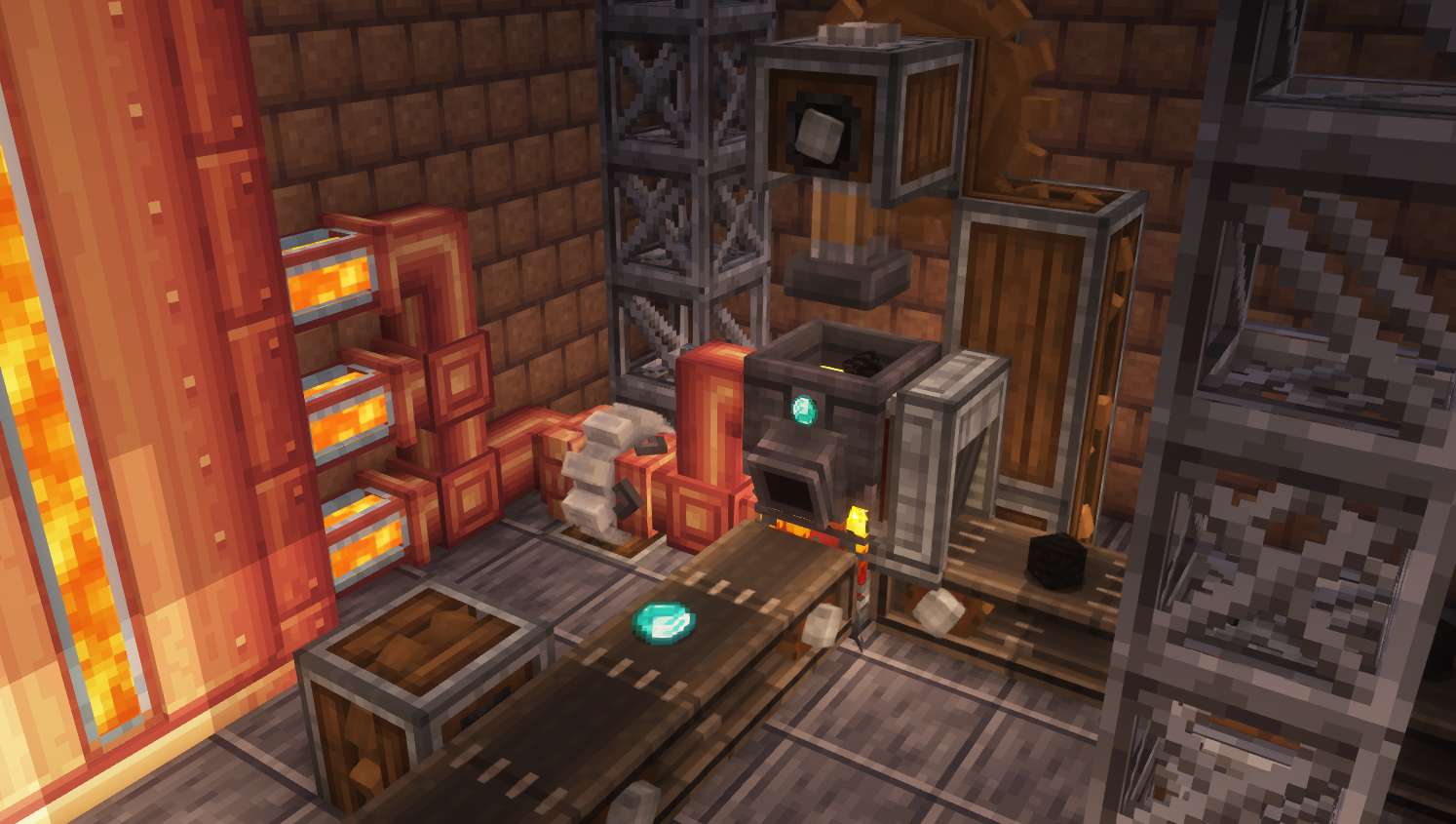

Create: Ultimate Factory [Datapack]
A datapack developed to increase automation possibilities with Create, adding 20+ (reasonably) balanced recipes to the game.Install

Crazy PvP Pack
A PvP focused resource pack with stunning textures, smooth performance, and combat enhancements for ultimate Minecraft battles.Install

Christmas Chests All Year
Changes the default texture of ALL chests to Christmas textures. And adds new ones!Install
Integrated Stronghold- Dungeon's Mobs Integration
The Dungeon's Mobs Integration Datapack for Integrated StrongholdInstall

Fluid & Foolish
Powered by Punchy! Moves, Fluid & Foolish brings Silly Moves back and overhauls every action! Move fluidly, act foolish! :DInstall
AVPBR Custom Water Waves
an addon that adds custom water to PTGI and other Shaders that support water PBRInstall

Endless Rise Textures
Some Textures & Music for Endless Rise Modpack!Install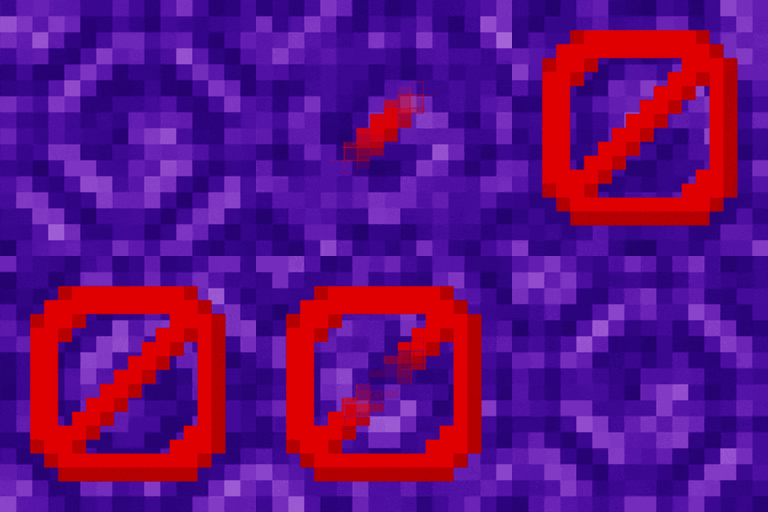
Removed Portal Animations
Simple Minecraft Portal without animationsInstall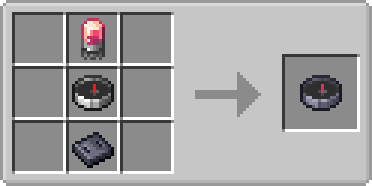

Create: Smart Compass
Change Nature's Compass textures and recipes to fit the Create style.Install
Byte´s Night Vision (Full Bright)
The best Night Vision in a Texture Pack!Install

anime waifu Beds #20
beds texture packInstall

Totem Highlight
Shows a red box around your totems in your inventory.InstallFAQ
Do I need Forge or Fabric for a resource pack?
No. A resource pack works on the regular game with no loaders or mods. Click “Install” and Millida Launcher will put the pack into the right modpack — then just enable it in the settings.
What do 16×, 32×, 64× mean?
The resolution of a single texture in pixels. 16× matches the original game, 32× and 64× are more detailed and heavier, and 128× and up put a noticeable load on your graphics card.
Will a pack made for another version work?
Most likely partly: older packs don't have textures for newer blocks, so those will stay default. The game won't break, though.
How is a texture pack different from a resource pack?
Only by name and age. Before version 1.6 the sets were called texture packs and changed only textures; in 1.6 resource packs replaced them and also change sounds, fonts and the interface. Old texture packs for 1.5 and below do not work on new versions without conversion.
Which texture packs are best for PvP?
PvP packs: 16× resolution or lower, shortened swords, low fire, a clear sky and bright particles. They barely load the computer and make the opponent easier to see. These packs are collected in the PvP theme.
How do I install a resource pack?
Press Install and Millida Launcher puts the pack into the resourcepacks folder of the right instance. Then enable it in the game: Options, then Resource Packs. Manually, the archive goes into resourcepacks inside the game folder, no need to unpack it.
Resource packs for Minecraft Java
A resource pack changes how the game looks and sounds: block and item textures, fonts, the interface, sounds. It doesn't touch the game's code, so it needs no mod loader and breaks nothing on a server — the pack only works on your screen. That's exactly why a resource pack is safer than any mod: the worst that happens on a version mismatch is that some textures stay default.
Textures, texture packs and resource packs are essentially the same thing: since version 1.6 Mojang calls these sets resource packs, but the old name is still searched more often. PvP packs are a big genre of their own: shortened swords, low fire, bright particles and 16× resolution or lower, so the opponent stands out and the frame rate does not drop. Such packs are most often made for 1.8.9 and 1.16.5, the versions many PvP servers run on.
The key thing about a pack is its resolution. The game's default textures are 16×16 pixels; 32× and 64× packs look more detailed, while 128× and up need a real graphics card and are usually paired with shaders. On a weak machine it makes sense to stay at 16× or go for packs that deliberately simplify graphics for more FPS. Every pack here lists its game version, author and license, and all released versions are gathered on one card. Put the downloaded archive in the resourcepacks folder and enable it in the game settings.