
Resource packs for Minecraft Java 1.13 — page 16
Resource packs: list


UNO Reverse Card
Reverse time!Install
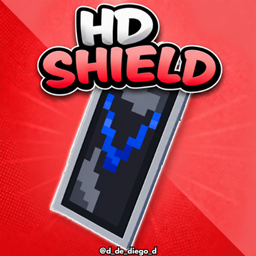
HD SHIELD
This texture pack makes banner shields look higher resolution.Install

New end stone
Gives end stone a softer, pastel pink tint.Install

Better Stained Glass
Overhauls vanilla stained glassInstall

Variants cakes
Adds 25 cake variants - milk and chocolate glazes with sweet or glow berries.Install
Old Classic Sounds
Brings back the sounds from beta/alpha minecraft!Install

Tables 3D - Heycronus
This texture pack makes all work tables and utility blocks 3D, bringing more depth and realism to your Minecraft experience.Install
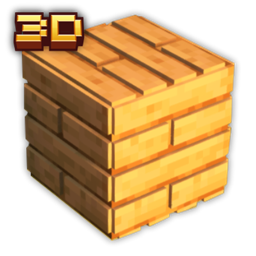
Planks 3D
This texture adds 3D planks and slabsInstall

Jesus Totem of Undying
The Jesus Totem resource pack offers a unique spiritual touch to Minecraft by transforming the totem of undying into a depiction of Jesus.Install

Hardcore Hearts+
Simply turns every heart into their Hardcore Variant.Install

Immersive Interfaces - Cosmetic Armor Reworked Mod Support
This texture pack adds special compatibility with Cosmetic Armor Reworked, integrating its grooves into the aesthetics of Immersive Interfaces.Install

Zedeyeare PvP Pack
Güt pack for PvP!Install

Rainless
Completely removes rain textures and sounds, and thunder. Snow has also been removed.Install

Smooth Glass
Smooth Glass is a texture pack for Minecraft that enhances the appearance of glass blocks, making them cleaner and more visually appealing.Install

Dandelion With Mods
A minecraft resourcepack, being a fork of the original Dandelion but having added tons more stuffInstall

Fox Totem of Undying
Fox Totem customizes the Totem of Undying in Minecraft with a vibrant fox design, adding a playful touch to your gameplay.Install
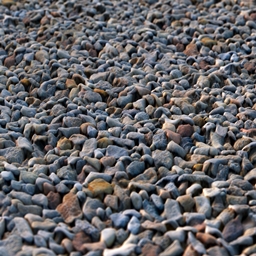
Photoscanned 3d textures
Photoscanned and photoshopped textures with integrated parallax occlusion mapping for shader supportInstall

Pikachu Totem of Undying - Pokemon-Style
The Pikachu Totem resource pack gives Minecraft's totem of undying a delightful makeover by turning it into Pikachu.Install

Glass Hotbar Connected
This resource pack changes the hotbar background to glass.Install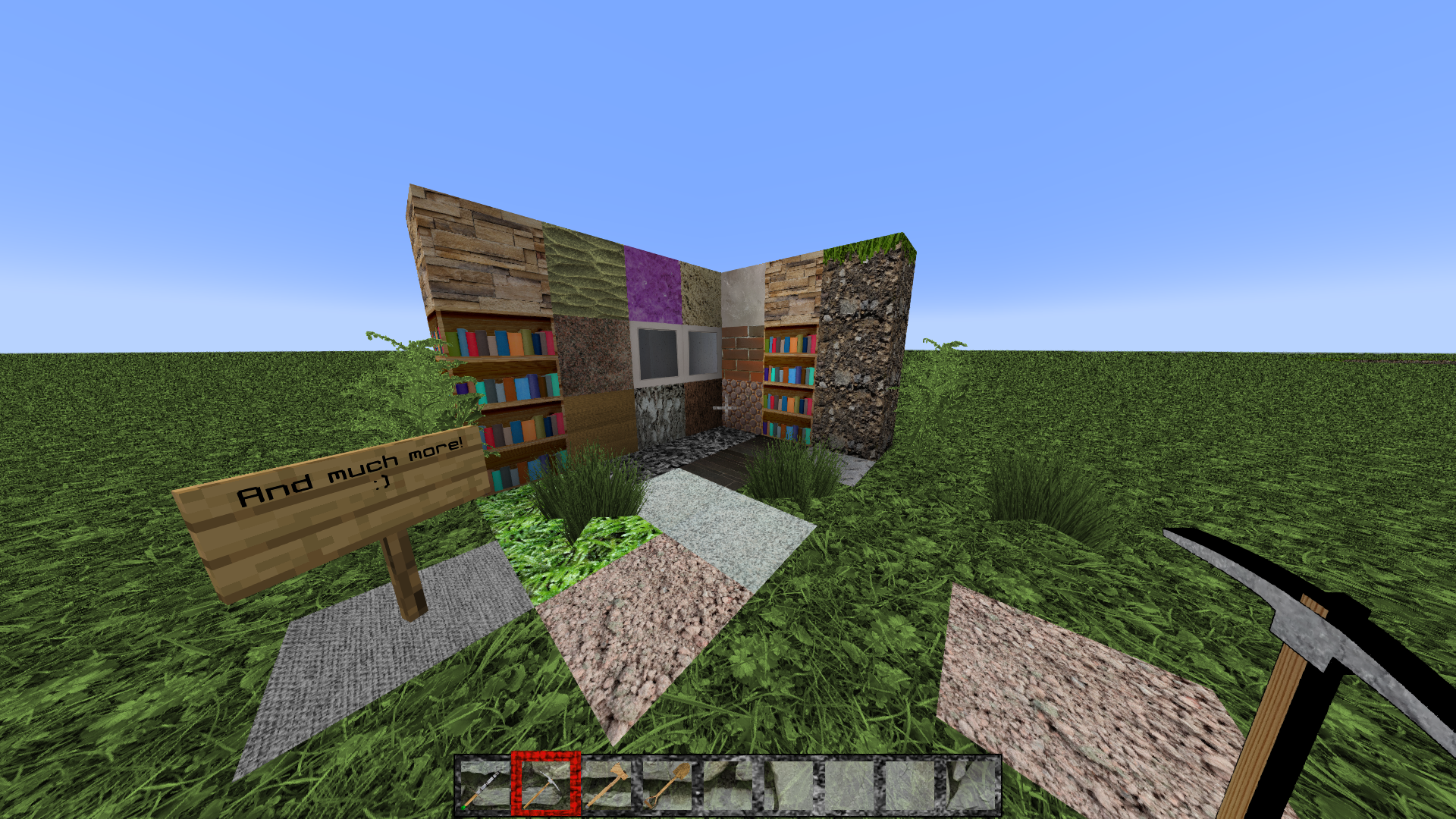
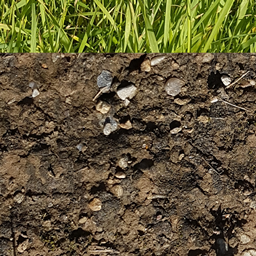
FreeRealism
Realistic minecraft texturepack 1024x 1GBInstall

Golden Villager Totem of Undying
Golden Villager Totem customizes the Totem of Undying in Minecraft with a luxurious golden villager design, enhancing the game's visual richness.Install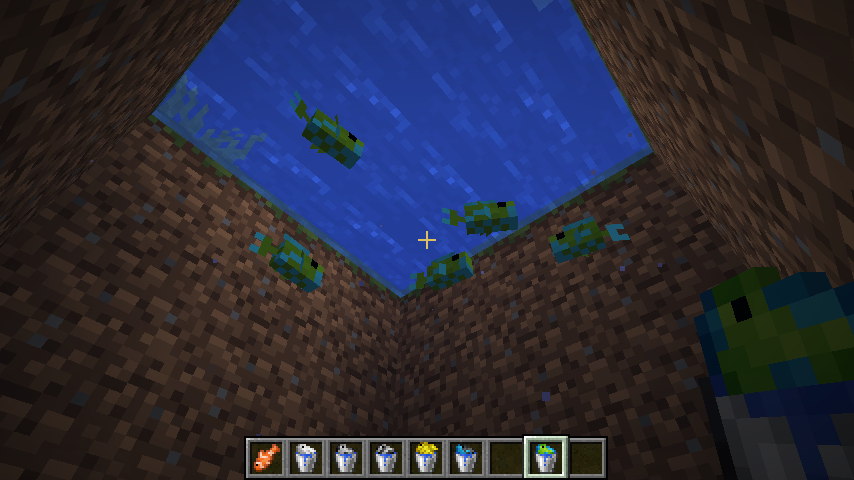
Visual Fish Buckets
A resource pack that gives tropical fish buckets species-specific textures! (Requires Optifine)Install

Wild Wolves
Make your faithful dog use the wild wolf texture! Collars optional. Supports versions from Beta 1.4. Compatible with Fresh Animations.InstallFAQ
Do I need Forge or Fabric for a resource pack?
No. A resource pack works on the regular game with no loaders or mods. Click “Install” and Millida Launcher will put the pack into the right modpack — then just enable it in the settings.
What do 16×, 32×, 64× mean?
The resolution of a single texture in pixels. 16× matches the original game, 32× and 64× are more detailed and heavier, and 128× and up put a noticeable load on your graphics card.
Will a pack made for another version work?
Most likely partly: older packs don't have textures for newer blocks, so those will stay default. The game won't break, though.
How is a texture pack different from a resource pack?
Only by name and age. Before version 1.6 the sets were called texture packs and changed only textures; in 1.6 resource packs replaced them and also change sounds, fonts and the interface. Old texture packs for 1.5 and below do not work on new versions without conversion.
Which texture packs are best for PvP?
PvP packs: 16× resolution or lower, shortened swords, low fire, a clear sky and bright particles. They barely load the computer and make the opponent easier to see. These packs are collected in the PvP theme.
How do I install a resource pack?
Press Install and Millida Launcher puts the pack into the resourcepacks folder of the right instance. Then enable it in the game: Options, then Resource Packs. Manually, the archive goes into resourcepacks inside the game folder, no need to unpack it.
Resource packs for Minecraft Java 1.13
Resource packs for Minecraft 1.13: 389 items in the Resource packs section. Compatibility is checked against the files, not the description: only items with a build for exactly these conditions stay in the list.
The key thing about a pack is its resolution. The game's default textures are 16×16 pixels; 32× and 64× packs look more detailed, while 128× and up need a real graphics card and are usually paired with shaders. On a weak machine it makes sense to stay at 16× or go for packs that deliberately simplify graphics for more FPS. Every pack here lists its game version, author and license, and all released versions are gathered on one card. Put the downloaded archive in the resourcepacks folder and enable it in the game settings.