
Resource packs for Minecraft Java 1.13 — page 11
Resource packs: list


Everything Animated!
Animate your minecraft! Adds animations for items without optifine.Install
Primeval Music
A Music pack designed for Jurassic period themed modpack'sInstall

Glass Doors
Replaces the door textures with fancier glassy doors!Install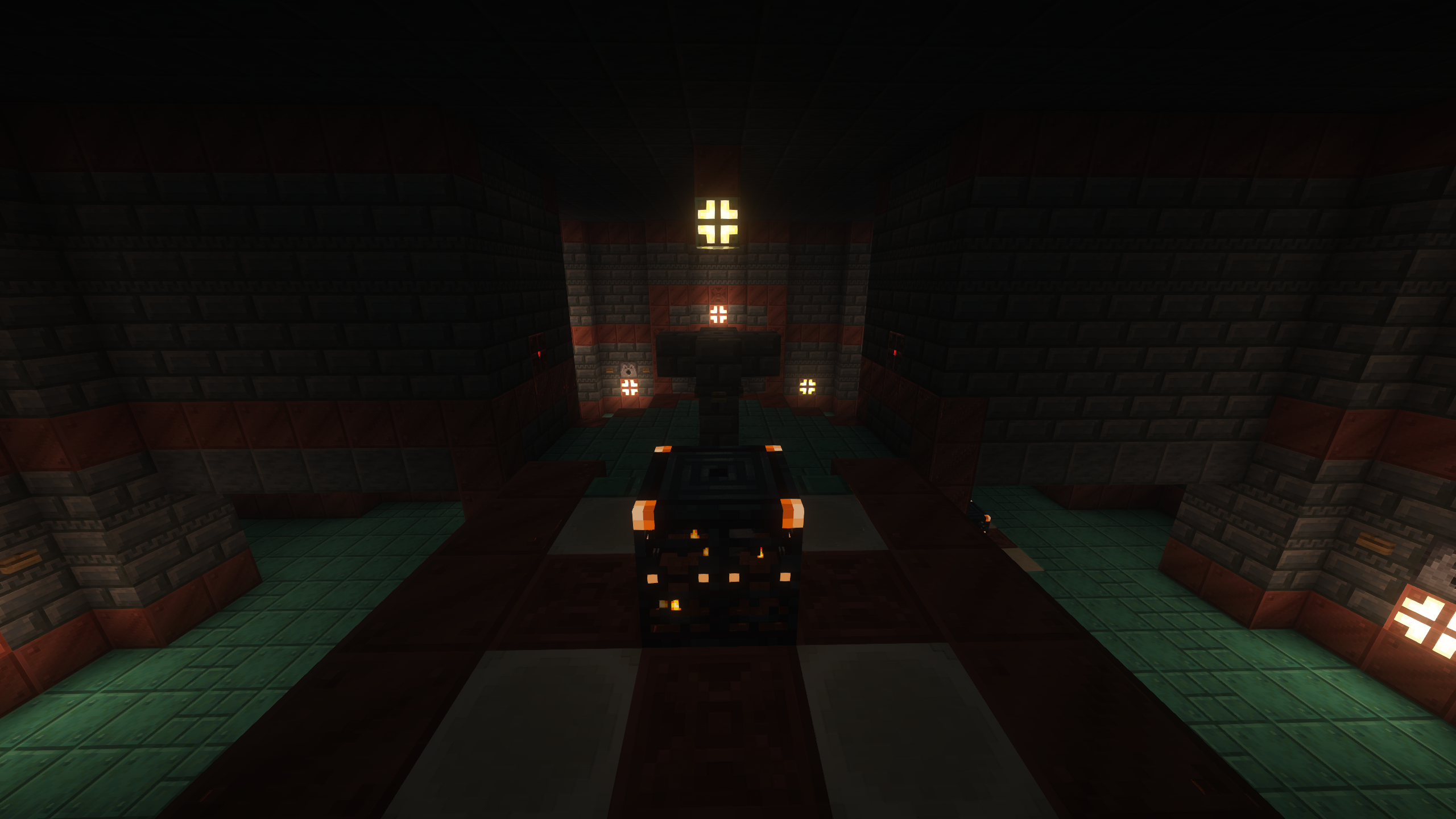
Weed Eater (128x PBR Materials)
Recreation of Minecraft RTX Bedrock's included 128x packInstall

PVP Swords
This texture gives a makeover to all Minecraft swordsInstall

Wynnic Uniques Compendium
Adds unique weapon skins for items on the Wynncraft server. Requires Chime/Optifine.Install

All The Plushies | Anime Totems
Various anime textures for totems | 180 variantsInstall

AmbientSounds: Remastered Sounds Pack
Brings realistic and beautiful ambience into Minecraft!, as a resource pack port of AmbientSounds5 mod!Install
Lower Shield PVP
Fixes The Minecraft Shield Covering The Entire Screen.Install

Visible Powdered Snow
This texture pack makes powdered snow a bit more blue, so that you never fall into powdered snow ever again.Install
Low Fire Texture
his pack reduces the height of the fire animation, ensuring that it doesn't obstruct your view when your character is on fire.Install
Horror Ambience Music 2: Forgotten Tunes
This Resource pack replaces all of minecraft's music with dark atmospheric suspenseful musicInstall

Better Leaves Plus
This texture pack adds more realistic leaves, with a better model, and removing the squarenessInstall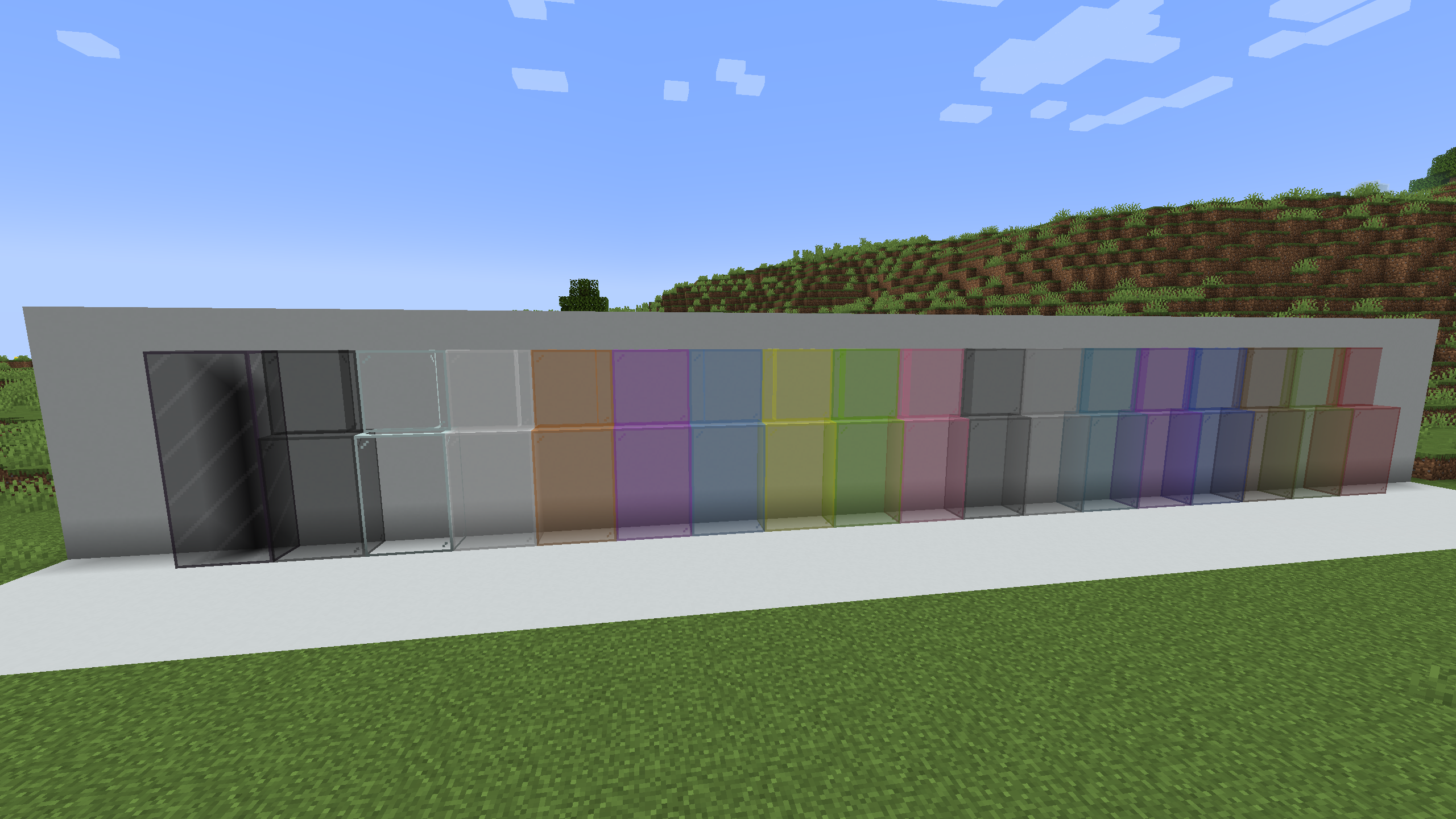
Better Clear Glass [ Connected ]
[ 1.13 - 1.19 ] A real and very connected clear glass !Install

Montana's Bushier Kelp
Changes the Kelp Texture to be fuller! Breathe life into your oceans!Install
424Friends Paintings Pack
This resource pack replaces vanilla paintings with 424Friends themed paintingsInstall

More Animation
More animation for Minecraft!Install

TOTEM OF YOUR SKIN
This texture pack replace the totem of immortality with your skin.Install

Better PvP
Improved item textures for PvPInstall

Medieval Font
This resource pack will change the font in your game to a more medieval one like in the game "Devil may cry 5"Install

VanillaFix
Basic vanilla textures with a slight improvement!Install
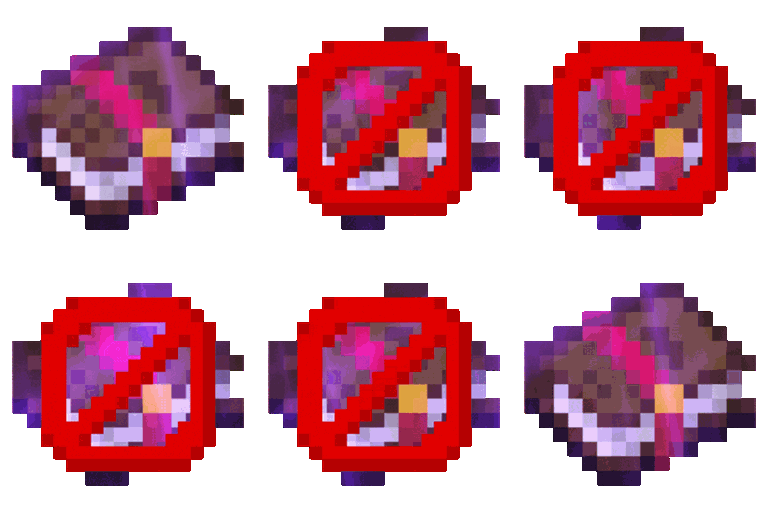
Remove Enchant Glint
Remove Enchant Glint enhances Minecraft gameplay by removing the shimmering effect on enchanted items, providing a cleaner visual experience and reducing distractions during play.Install

Shiny Ores - Heycronus
This texture makes the ores in your game shinyInstallFAQ
Do I need Forge or Fabric for a resource pack?
No. A resource pack works on the regular game with no loaders or mods. Click “Install” and Millida Launcher will put the pack into the right modpack — then just enable it in the settings.
What do 16×, 32×, 64× mean?
The resolution of a single texture in pixels. 16× matches the original game, 32× and 64× are more detailed and heavier, and 128× and up put a noticeable load on your graphics card.
Will a pack made for another version work?
Most likely partly: older packs don't have textures for newer blocks, so those will stay default. The game won't break, though.
How is a texture pack different from a resource pack?
Only by name and age. Before version 1.6 the sets were called texture packs and changed only textures; in 1.6 resource packs replaced them and also change sounds, fonts and the interface. Old texture packs for 1.5 and below do not work on new versions without conversion.
Which texture packs are best for PvP?
PvP packs: 16× resolution or lower, shortened swords, low fire, a clear sky and bright particles. They barely load the computer and make the opponent easier to see. These packs are collected in the PvP theme.
How do I install a resource pack?
Press Install and Millida Launcher puts the pack into the resourcepacks folder of the right instance. Then enable it in the game: Options, then Resource Packs. Manually, the archive goes into resourcepacks inside the game folder, no need to unpack it.
Resource packs for Minecraft Java 1.13
Resource packs for Minecraft 1.13: 389 items in the Resource packs section. Compatibility is checked against the files, not the description: only items with a build for exactly these conditions stay in the list.
The key thing about a pack is its resolution. The game's default textures are 16×16 pixels; 32× and 64× packs look more detailed, while 128× and up need a real graphics card and are usually paired with shaders. On a weak machine it makes sense to stay at 16× or go for packs that deliberately simplify graphics for more FPS. Every pack here lists its game version, author and license, and all released versions are gathered on one card. Put the downloaded archive in the resourcepacks folder and enable it in the game settings.