
Minecraft texture packs — page 255
Resource packs: list


Father's spear
Father's spear. Inspired by the heart of the universe season.Download

Anime Bed Overlays V2
16 unique anime bed overlaysDownload
Better Beds
Perhaps you're just as bored as I am with the usual Minecraft bed model. If so, I encourage you to check out my new resource pack that will change that!Download

Animated SilverWolf UI
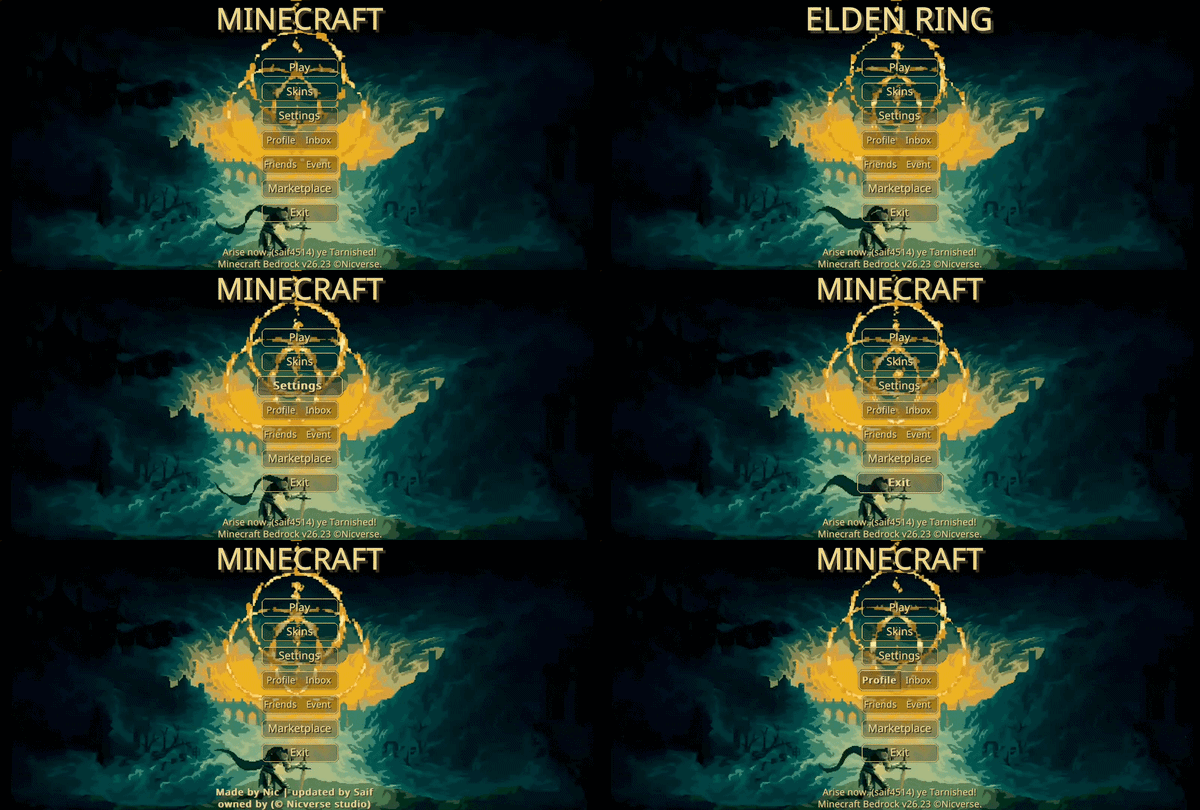
Animated Silver Wolf — Dive into a high-tech digital frontier. Bathed in striking neon violet and electric cyan, this cybernetic interface captures the mischievous confidence of a master hacker, perfect for a sleek, immersive menu aesthetic.Download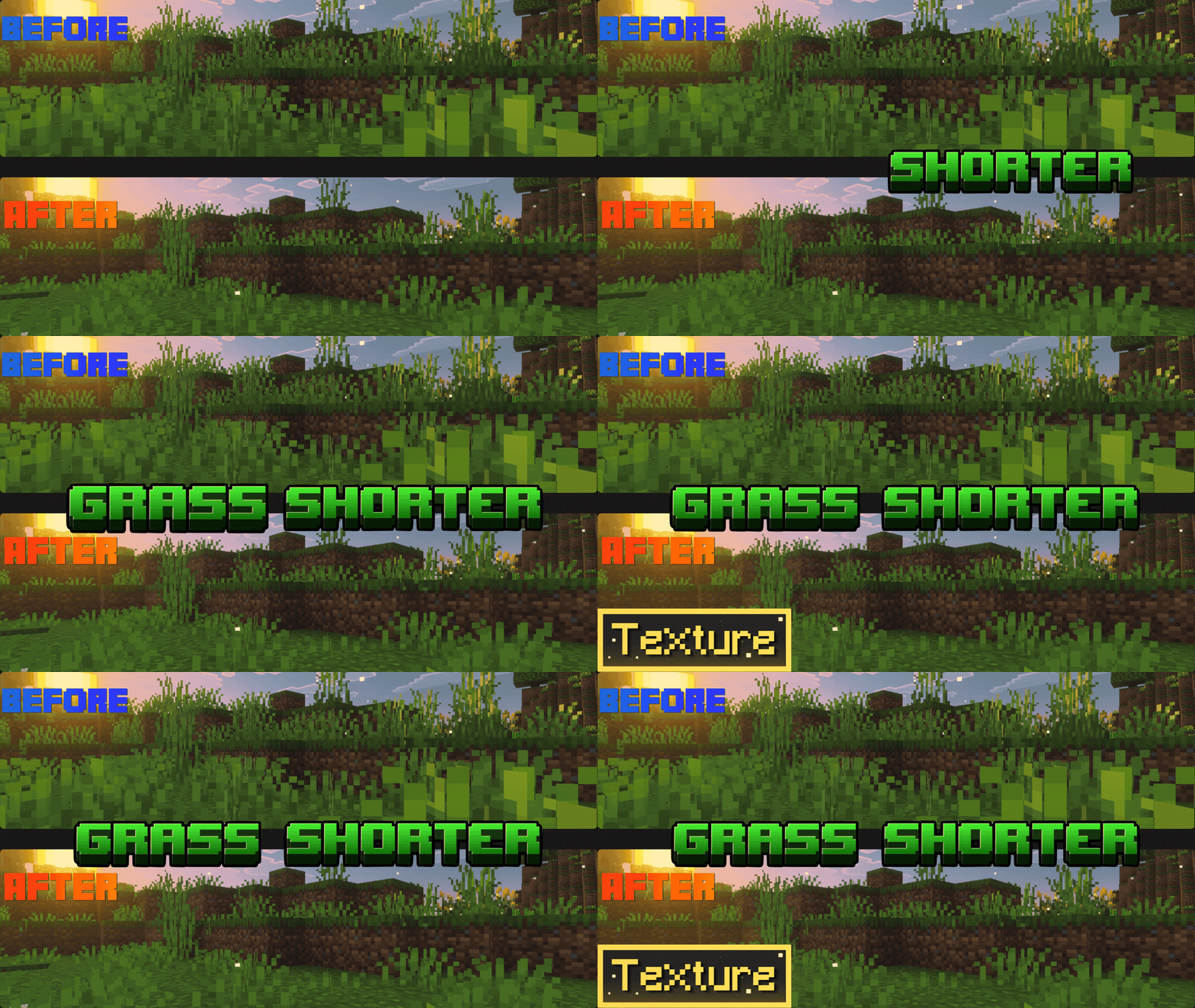

Grass Shorter
Clean Grass improves your visibility by making short and tall grass significantly shorter! 🌿 Perfect for survival, PvP, and builders who want a cleaner view of the terrain. Lag-free & 1.26 🚀Download

V.O.G Shader | v1.0.3 Vibrant Visual Update
This is basically a F.O.G Shader but more vibrant and cleaner version of the shader, and I call it V.O.G because tis Vibrant and Foggy, this is alternate way if you like F.O.G shader but want more vibrant and clean to the shader itself.Download
CHRISTMAS PACK
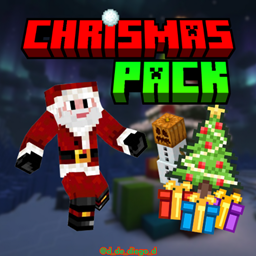
This texture pack immerses you in the Christmas season, changing textures to a more festive touch.Download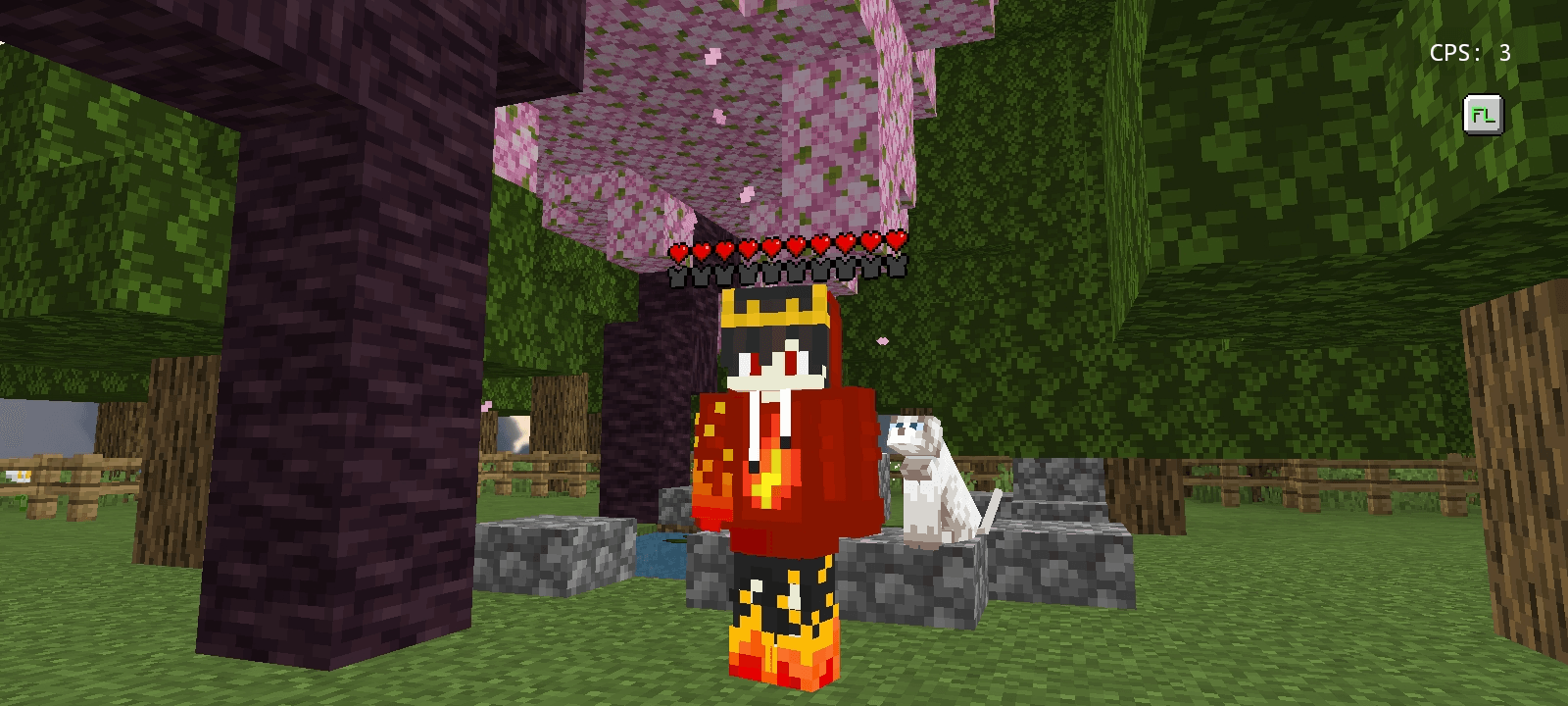

Simple Status Bar
Displays real-time player health and armor directly above their headDownload

SKT's Better Fast Leaves BE
make leaves in fast graphic setting looks better, also work on fancy graphicDownload

Triton With Ferns 64x64
A texture pack originally from Java Edition and discontinued. However, KekPafrany continues the legacy, and now I'll adapt its resolutions to the Bedrock version. Enjoy this pack in your world, now with vibrant and colorful colors. Triton With Ferns 64xDownload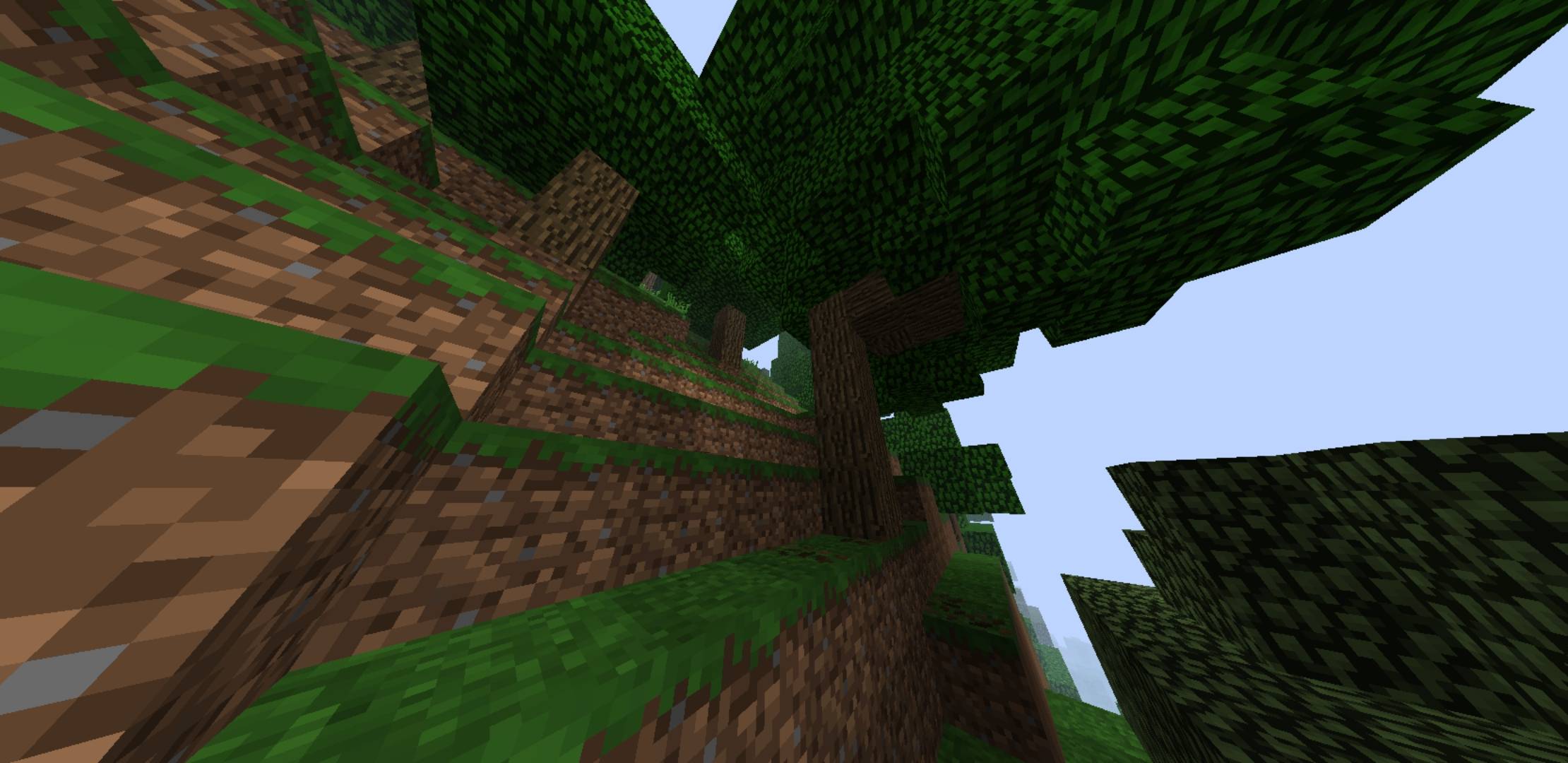

Old Perspective
Resource Pack changes Minecraft's textures and sounds to make them look olderDownload

Cherry UI Pack v2.0.4
Resource pack that adds a more beautiful and lively style to the user interface, with extra features.Download

Brightness+
Minecraft Bedrock Night Vision Resource Pack gives permanent brightness in caves, and nighttime without potions. It works as a resource pack, supports realms/servers, and is compatible with recent Bedrock versionsDownload

FPS Clear Rain
Fantastic little Texture Pack that makes playing whilst it's raining that little bit easier, no Rain Particles to keep lag at a minimum.Download

Toad Villagers - Toad's Tiny Takeover (Update)
Retextures Villagers, and Wandering Traders to look like Toad & Captain Toad from the Super Mario™ Series!Download
Better Grass Blocks
Better Grass is a Minecraft Bedrock texture pack that makes all sides of grass blocks match the top — no more dirt sides, just clean, vibrant terrain.Download

Better Squids
Makes the Squids and Glow Squids have more variants! Java Edition by creepermax123Download

Himiko Toga Totem
Replaces the Totem of Undying with an Anime Himiko Toga TotemDownload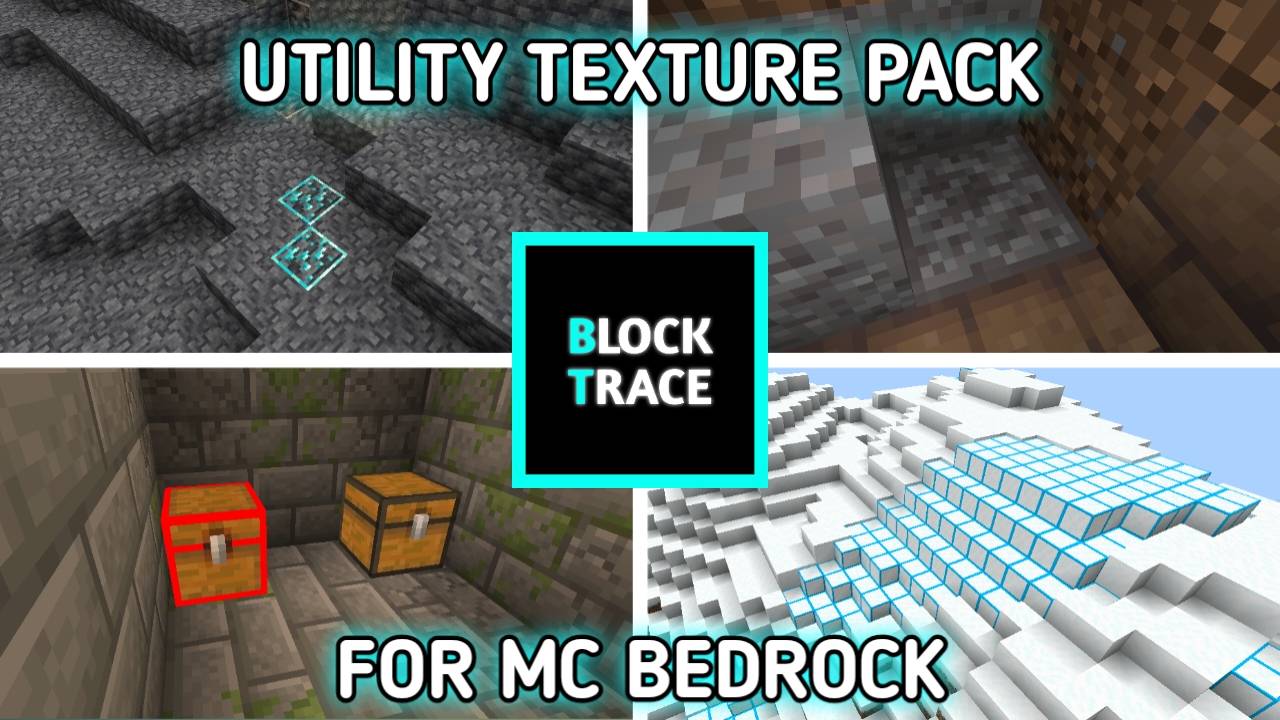

BlockTrace | Highlight Blocks' Difference
BlockTrace is a utility texture pack that added outline, arrow or brighter color to blocks so you can differentiate them betterDownload

Garden Awakens pale garden panorama (Bedrock Edition)
Gives you the pale garden panorama for the 1.21.4 Garden Awakens updateDownload

Updated Minecarts!
An updated minecart to replace the old boring one!Download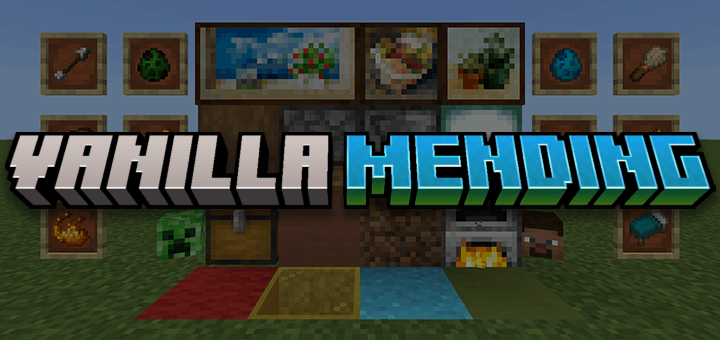

Vanilla Mending
Mend & update the new vanilla textures and even more of MinecraftDownload

beautiful waifu beds
beds texture packDownloadFAQ
Do I need Forge or Fabric for a resource pack?
No. A resource pack works on the regular game with no loaders or mods. Click “Install” and Millida Launcher will put the pack into the right modpack — then just enable it in the settings.
What do 16×, 32×, 64× mean?
The resolution of a single texture in pixels. 16× matches the original game, 32× and 64× are more detailed and heavier, and 128× and up put a noticeable load on your graphics card.
Will a pack made for another version work?
Most likely partly: older packs don't have textures for newer blocks, so those will stay default. The game won't break, though.
How is a texture pack different from a resource pack?
Only by name and age. Before version 1.6 the sets were called texture packs and changed only textures; in 1.6 resource packs replaced them and also change sounds, fonts and the interface. Old texture packs for 1.5 and below do not work on new versions without conversion.
Which texture packs are best for PvP?
PvP packs: 16× resolution or lower, shortened swords, low fire, a clear sky and bright particles. They barely load the computer and make the opponent easier to see. These packs are collected in the PvP theme.
How do I install a resource pack?
Press Install and Millida Launcher puts the pack into the resourcepacks folder of the right instance. Then enable it in the game: Options, then Resource Packs. Manually, the archive goes into resourcepacks inside the game folder, no need to unpack it.
Minecraft texture packs
A resource pack changes how the game looks and sounds: block and item textures, fonts, the interface, sounds. It doesn't touch the game's code, so it needs no mod loader and breaks nothing on a server — the pack only works on your screen. That's exactly why a resource pack is safer than any mod: the worst that happens on a version mismatch is that some textures stay default.
Textures, texture packs and resource packs are essentially the same thing: since version 1.6 Mojang calls these sets resource packs, but the old name is still searched more often. PvP packs are a big genre of their own: shortened swords, low fire, bright particles and 16× resolution or lower, so the opponent stands out and the frame rate does not drop. Such packs are most often made for 1.8.9 and 1.16.5, the versions many PvP servers run on.
The key thing about a pack is its resolution. The game's default textures are 16×16 pixels; 32× and 64× packs look more detailed, while 128× and up need a real graphics card and are usually paired with shaders. On a weak machine it makes sense to stay at 16× or go for packs that deliberately simplify graphics for more FPS. Every pack here lists its game version, author and license, and all released versions are gathered on one card. Put the downloaded archive in the resourcepacks folder and enable it in the game settings.