
Minecraft texture packs — page 256
Resource packs: list


One Punch Man UI Inventory
Changes the normal Inventory to an One Punch Man UI InventoryDownload

Yoyo's Better Natura
A better textures for crops and nature, with a fancy and vivid look.Download

Better Title Screens
Gives you a trailer style rendered background on the title screenDownload

Maid copper golem
This resources pack make your copper golem wearing maid costumeDownload

Esdeath Totem
Replaces the Totem of Undying with an Anime Esdeath TotemDownload

Isak's Dead Atmospherics
Isak's Dead Atmospherics is a not-so-vibrant, vibrant visuals shader pack.Download

Bright Fantasy Visuals | Vibrant Visuals Shader
Bright Fantasy Visuals is a magical & vibrant shader/pack for Minecraft Bedrock that turns your world into a place of light, wonder, and fantasy. 🌈🏰Download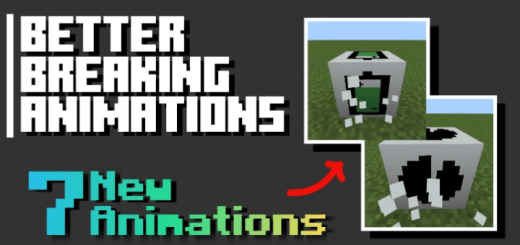

Better Breaking Animations
Adds unique block-breaking animations for varied, dynamic visual effects during gameplay.Download

Emerald to a Minecoin
Change the texture of the emerald to a minecoin.Download

Meme Mob Sounds (NOT FOR KIDS)
(not for kids) because there is swear words such as "SHUT YOUR FUCKING MOUTH" and others for other mobsDownload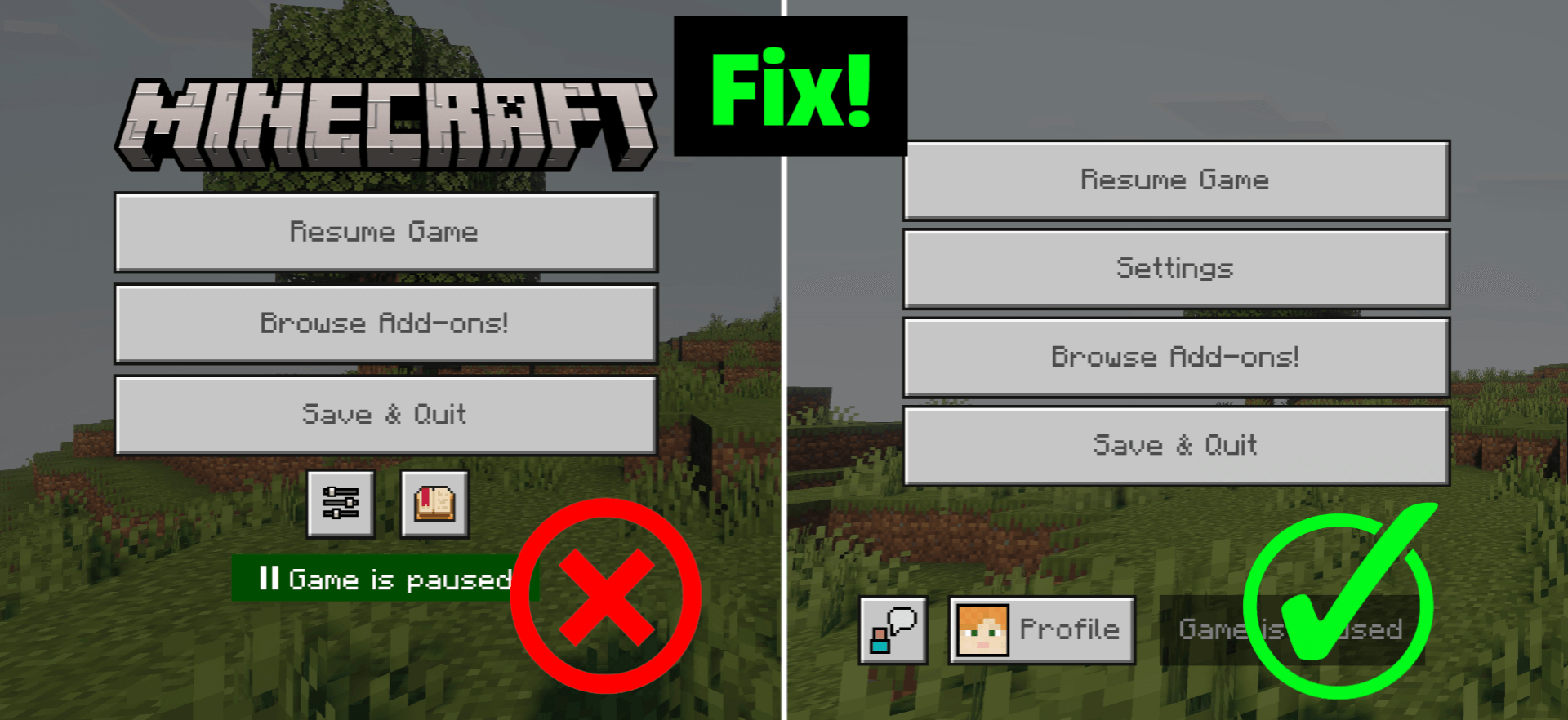

Ui Hotfix
This pack fixes the new pause screen and settings to look like the old ones.Download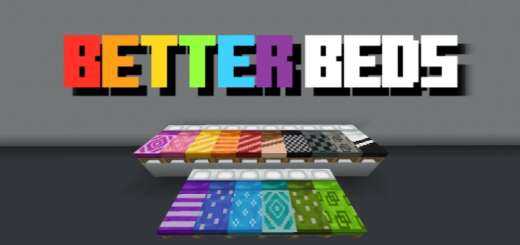

Better Bed Designs
Colorful beds with unique designs for each hue, enhancing visual variety and customization in-game.Download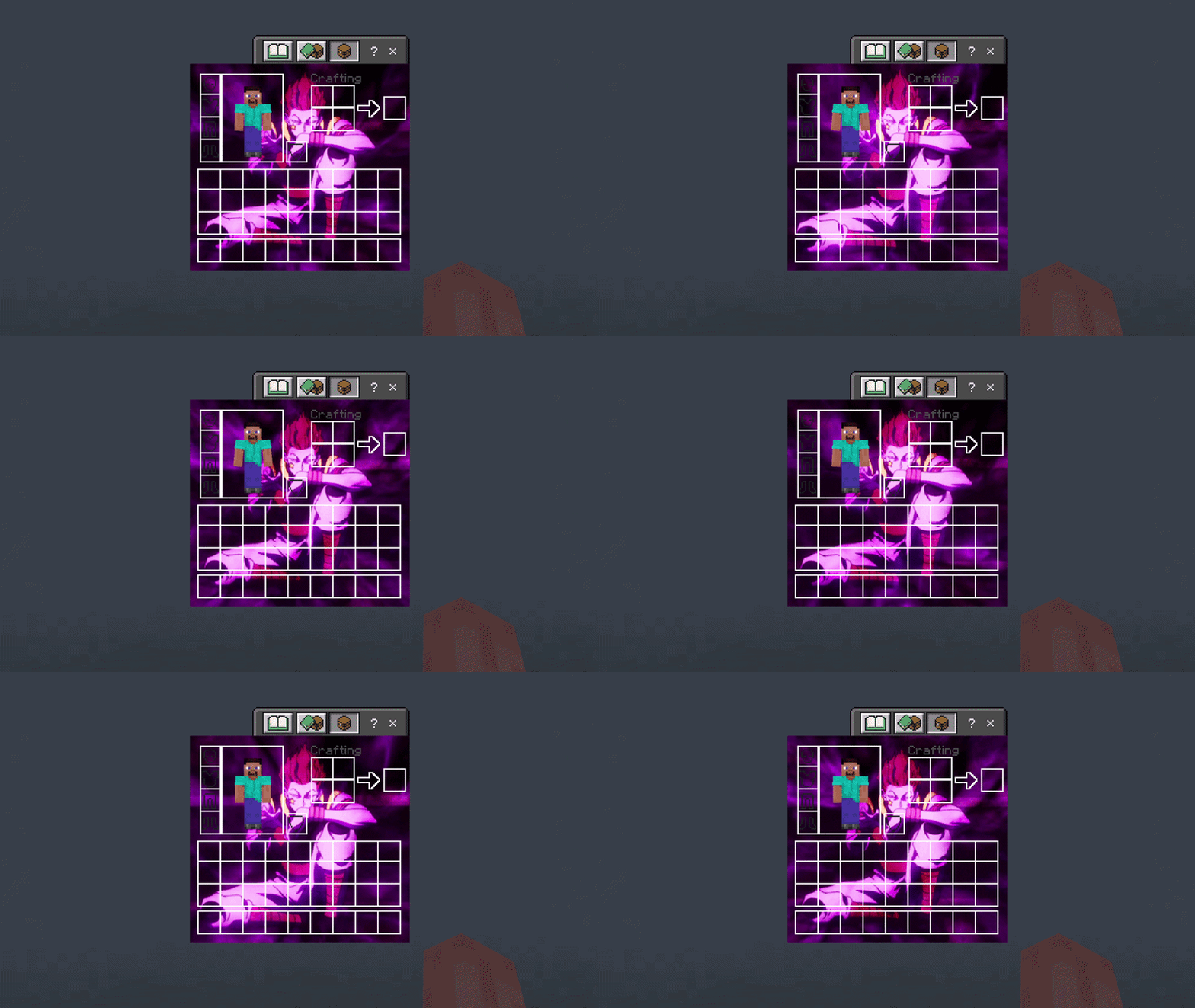

HxH Hisoka UI Inventory
Adds a HxH Hisoka UI InventoryDownload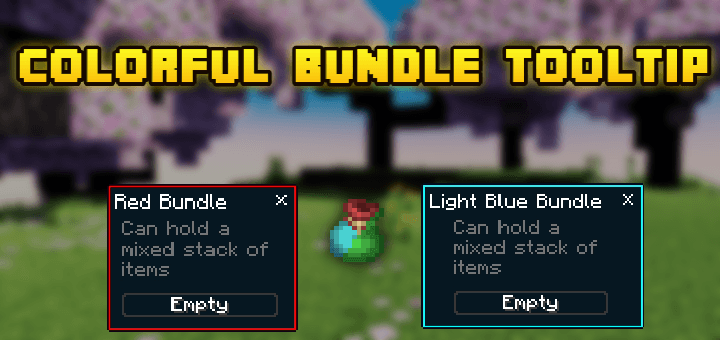

Colorful Bundle Tooltip
This pack change a little bit of bundle tooltip ui so it Will become more interestingDownload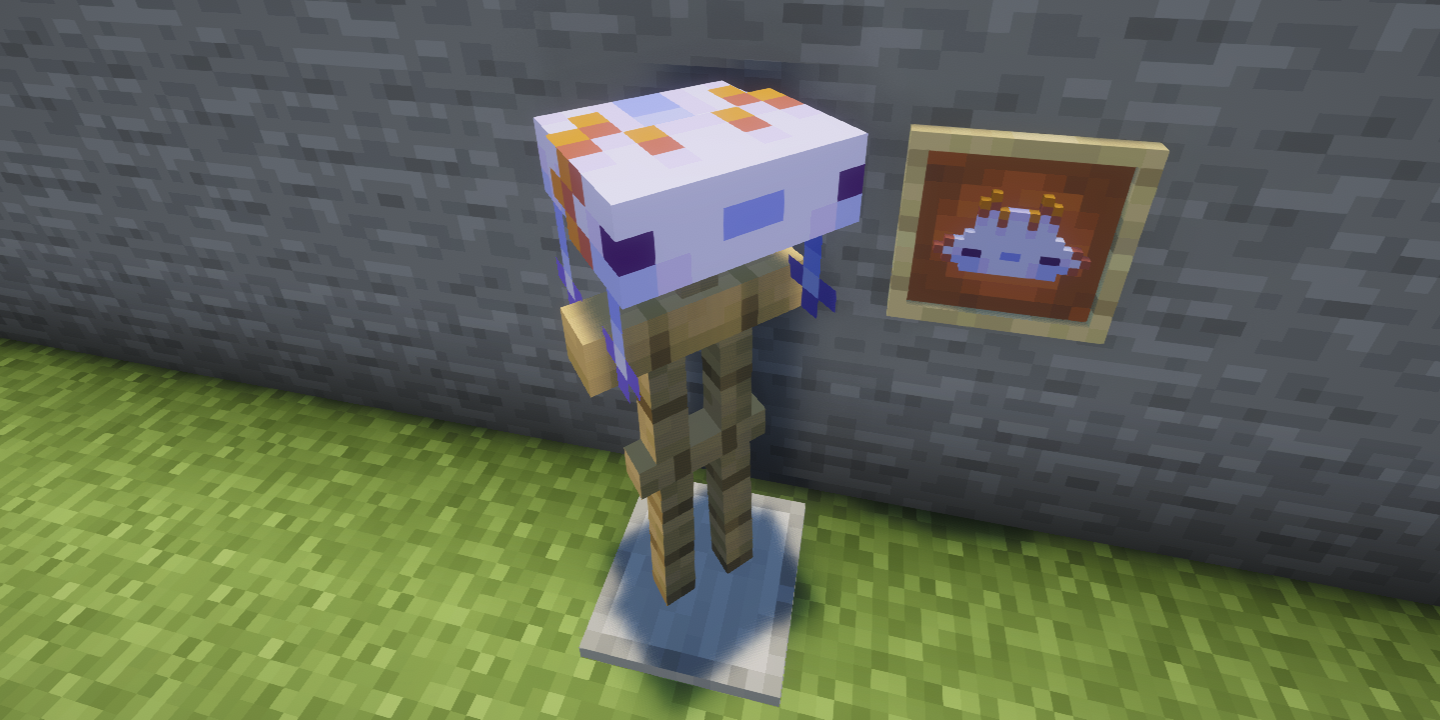

Axolotl Helmet
Transforms the Turtle Helmet into an axolotl helmetDownload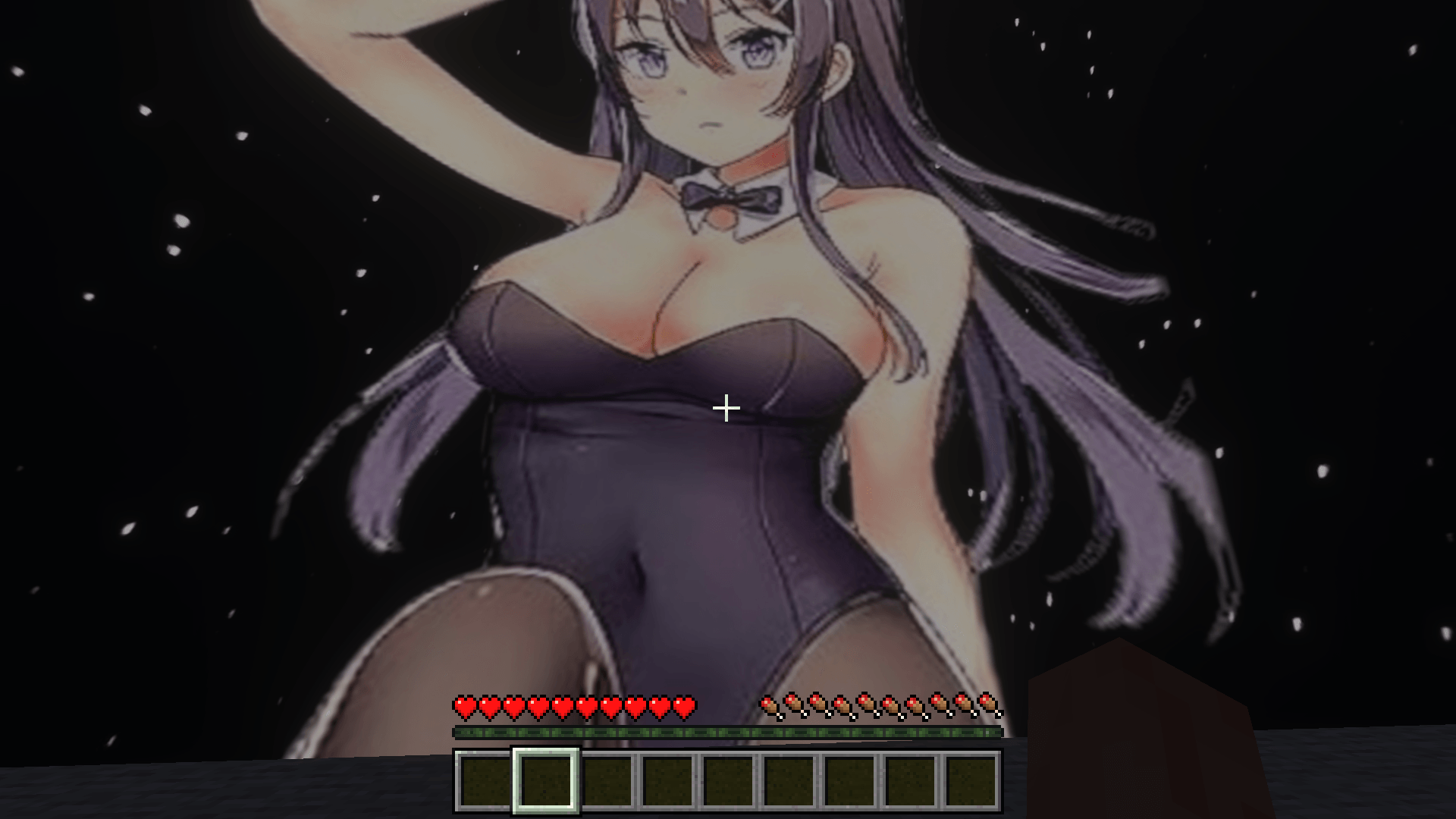

Mai Sakurajima Sky
Change your Sky to a the best Anime Girl Mai SakurajimDownload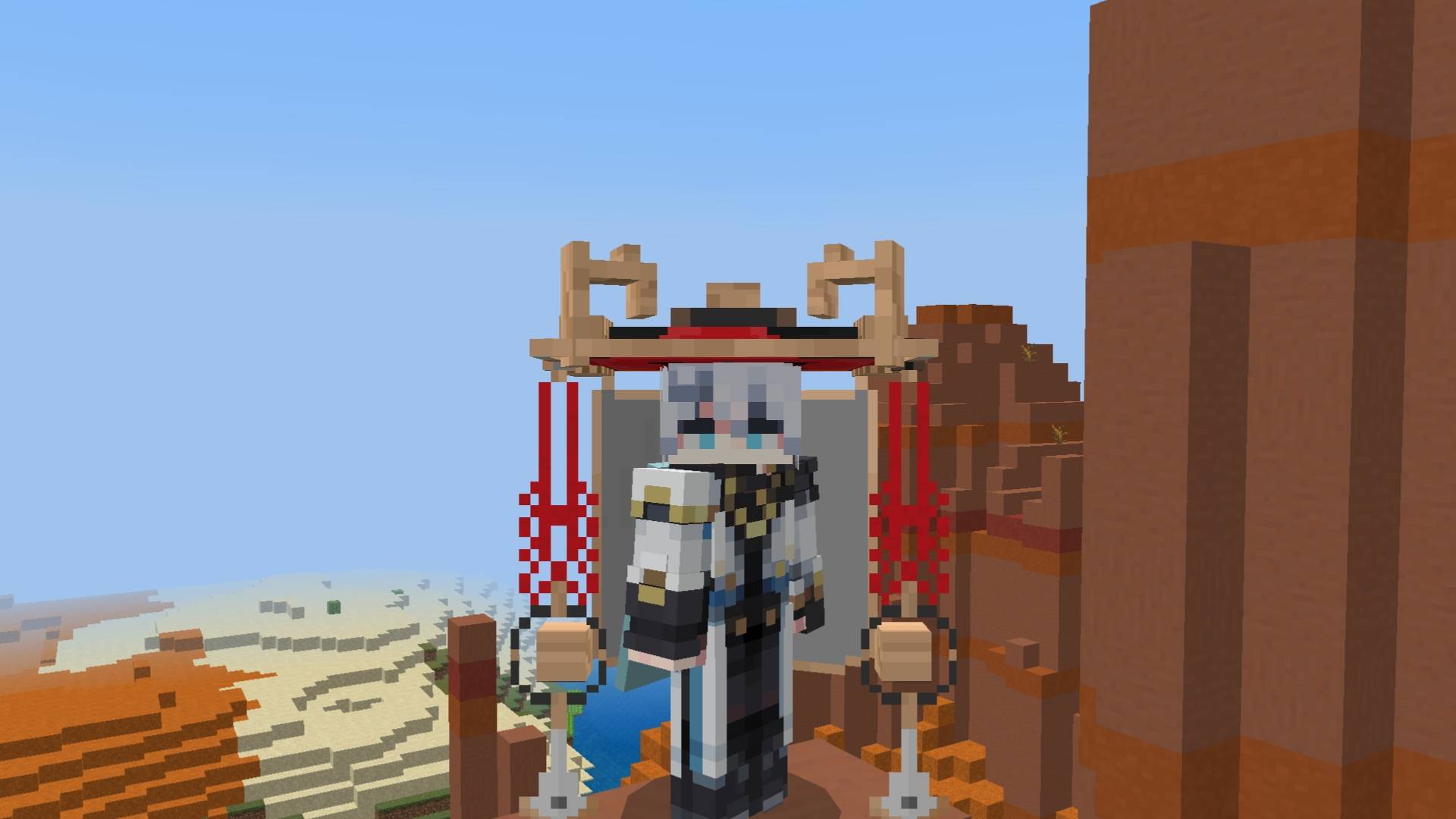

Scaramouche Red
A cosmetic resource pack that turns the helmet into a red Scaramouche hat.Download

LEGACY NIGHT BRINGER
Without vibrant it's not worth itDownload
Devamped: UI Standalone
A UI Standalone version for those who prefer only UI textures.Download
Basic Boost - Basic but Effective FPS Boost
Basic Boost is a lightweight Minecraft Bedrock optimization texture pack focused purely on improving performance without changing gameplay or visuals unnecessarily.Download

GX 16 - High Resolution Items Fix [MCPE-169754]
This is a temporary fix for bug MCPE-169754 (Carried models of some items will be larger when using any HD texture pack).Download

Marin Kitagawa Totem #2
Replaces the Totem of Undying with an Anime Marin Kitagawa TotemDownload

Ryft Custom Crosshairs
3 sleek new custom crosshairsDownloadFAQ
Do I need Forge or Fabric for a resource pack?
No. A resource pack works on the regular game with no loaders or mods. Click “Install” and Millida Launcher will put the pack into the right modpack — then just enable it in the settings.
What do 16×, 32×, 64× mean?
The resolution of a single texture in pixels. 16× matches the original game, 32× and 64× are more detailed and heavier, and 128× and up put a noticeable load on your graphics card.
Will a pack made for another version work?
Most likely partly: older packs don't have textures for newer blocks, so those will stay default. The game won't break, though.
How is a texture pack different from a resource pack?
Only by name and age. Before version 1.6 the sets were called texture packs and changed only textures; in 1.6 resource packs replaced them and also change sounds, fonts and the interface. Old texture packs for 1.5 and below do not work on new versions without conversion.
Which texture packs are best for PvP?
PvP packs: 16× resolution or lower, shortened swords, low fire, a clear sky and bright particles. They barely load the computer and make the opponent easier to see. These packs are collected in the PvP theme.
How do I install a resource pack?
Press Install and Millida Launcher puts the pack into the resourcepacks folder of the right instance. Then enable it in the game: Options, then Resource Packs. Manually, the archive goes into resourcepacks inside the game folder, no need to unpack it.
Minecraft texture packs
A resource pack changes how the game looks and sounds: block and item textures, fonts, the interface, sounds. It doesn't touch the game's code, so it needs no mod loader and breaks nothing on a server — the pack only works on your screen. That's exactly why a resource pack is safer than any mod: the worst that happens on a version mismatch is that some textures stay default.
Textures, texture packs and resource packs are essentially the same thing: since version 1.6 Mojang calls these sets resource packs, but the old name is still searched more often. PvP packs are a big genre of their own: shortened swords, low fire, bright particles and 16× resolution or lower, so the opponent stands out and the frame rate does not drop. Such packs are most often made for 1.8.9 and 1.16.5, the versions many PvP servers run on.
The key thing about a pack is its resolution. The game's default textures are 16×16 pixels; 32× and 64× packs look more detailed, while 128× and up need a real graphics card and are usually paired with shaders. On a weak machine it makes sense to stay at 16× or go for packs that deliberately simplify graphics for more FPS. Every pack here lists its game version, author and license, and all released versions are gathered on one card. Put the downloaded archive in the resourcepacks folder and enable it in the game settings.