
Minecraft texture packs — page 254
Resource packs: list


Better Rabbits
Updates rabbits to look more realisticDownload

Sky Islands - Custom Sky
This texture pack changes the sky in Minecraft, and now when you look up, you won't just see clouds, but magical islands floating in the sky! Big, small, and magical, these islands fly high above your world, making everything feel like a dream.Download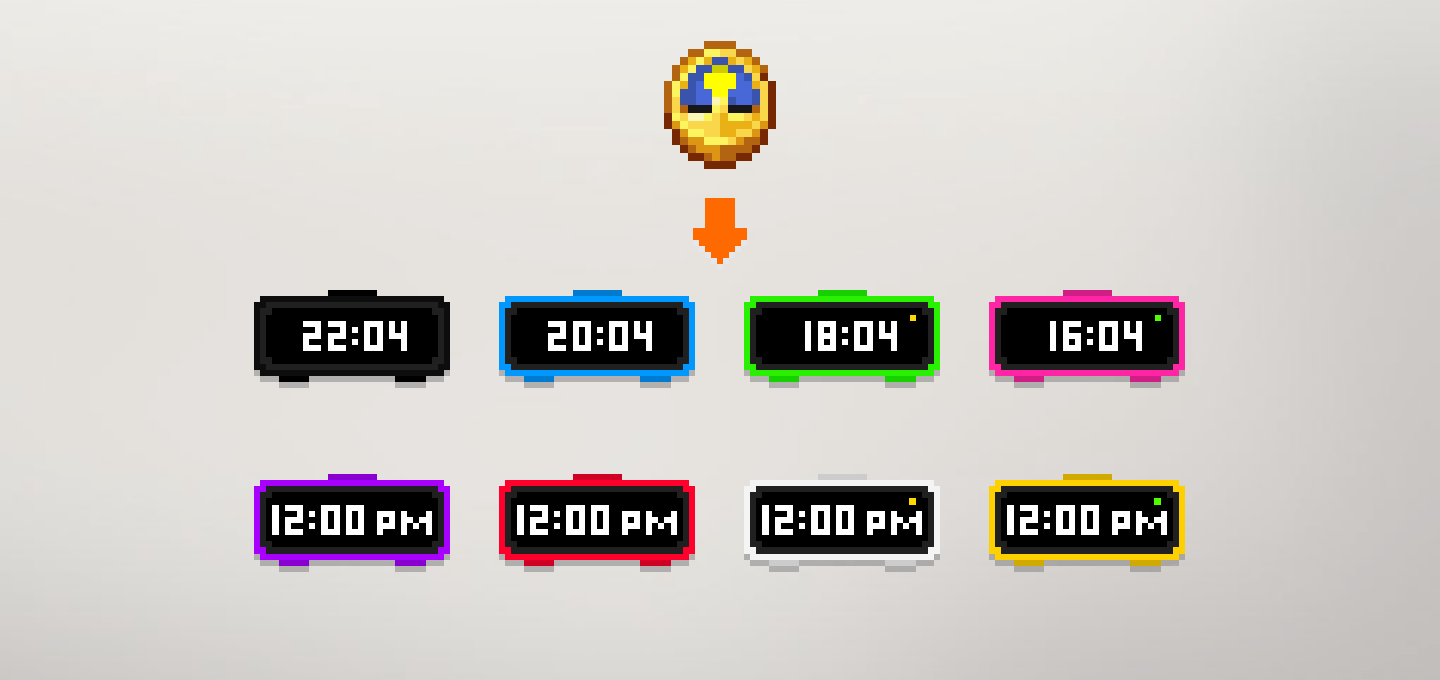

Fzul's Digital Clock
A texture pack to turn clock into a digital clock.Download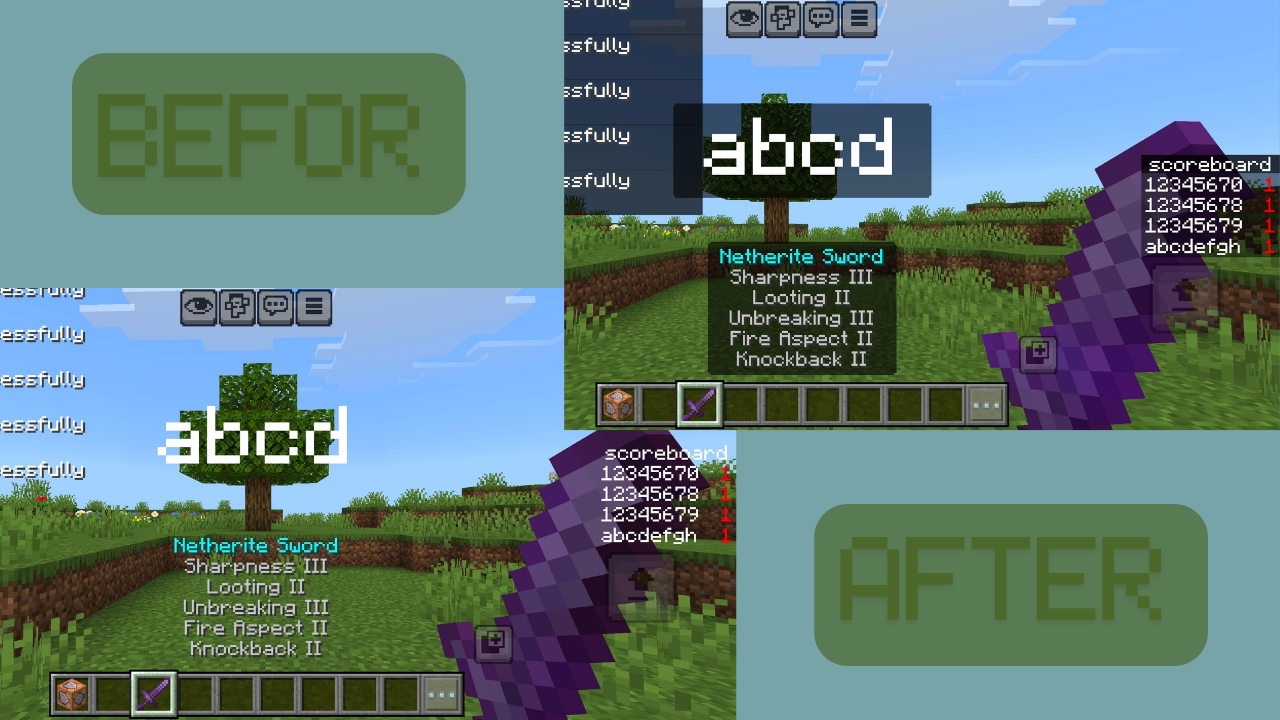

Clean Chat & Scoreboard: No Black Backgrounds
tthis the ultimate solution for Minecraft Bedrock/MCPE. This resource pack completely removes the annoying black boxes from your Chat, Scoreboard, and Titles, giving you a clean, minimalist, and fully transparent HUD.Download

Combat Texture (Not for PvP)
Just a Combat Texture Pack, LolDownload

Troll Traps (Prank Your Friends)
TROLLTRAPS MC is a resource pack that helps to troll Your Friends and make traps easily. None can easily understand the trap . Best For Trolling and traping .Download

Mobile Ores fps +
Mobile Ores FPS+ improves ore visibility and boosts FPS with clean, lightweight textures made for mobile players.Download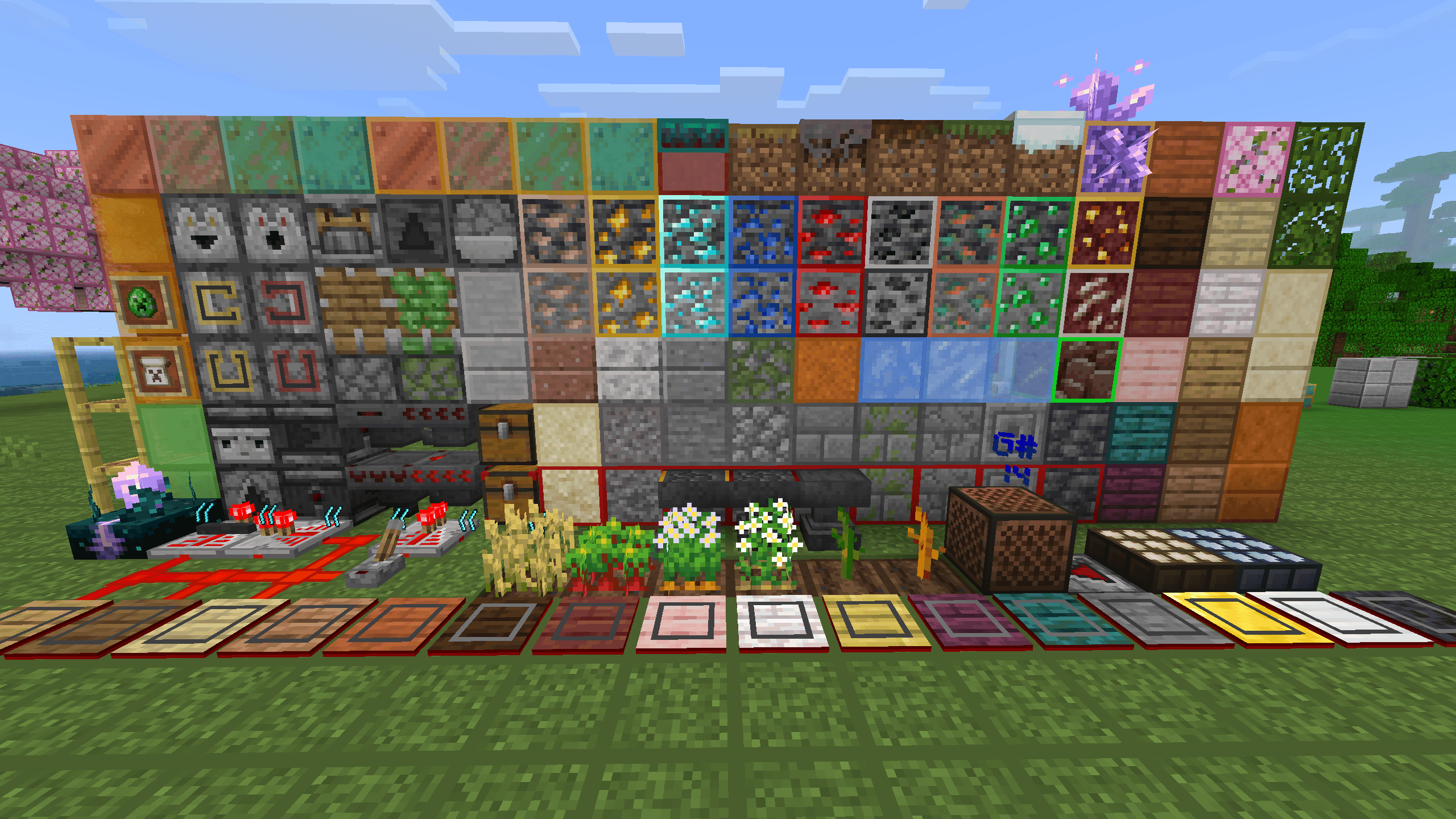

ProtectMyEyes Bedrock
A functional resource pack that overlays grid lines on common blocks for easier visual counting, with integrated redstone display and UI features.Download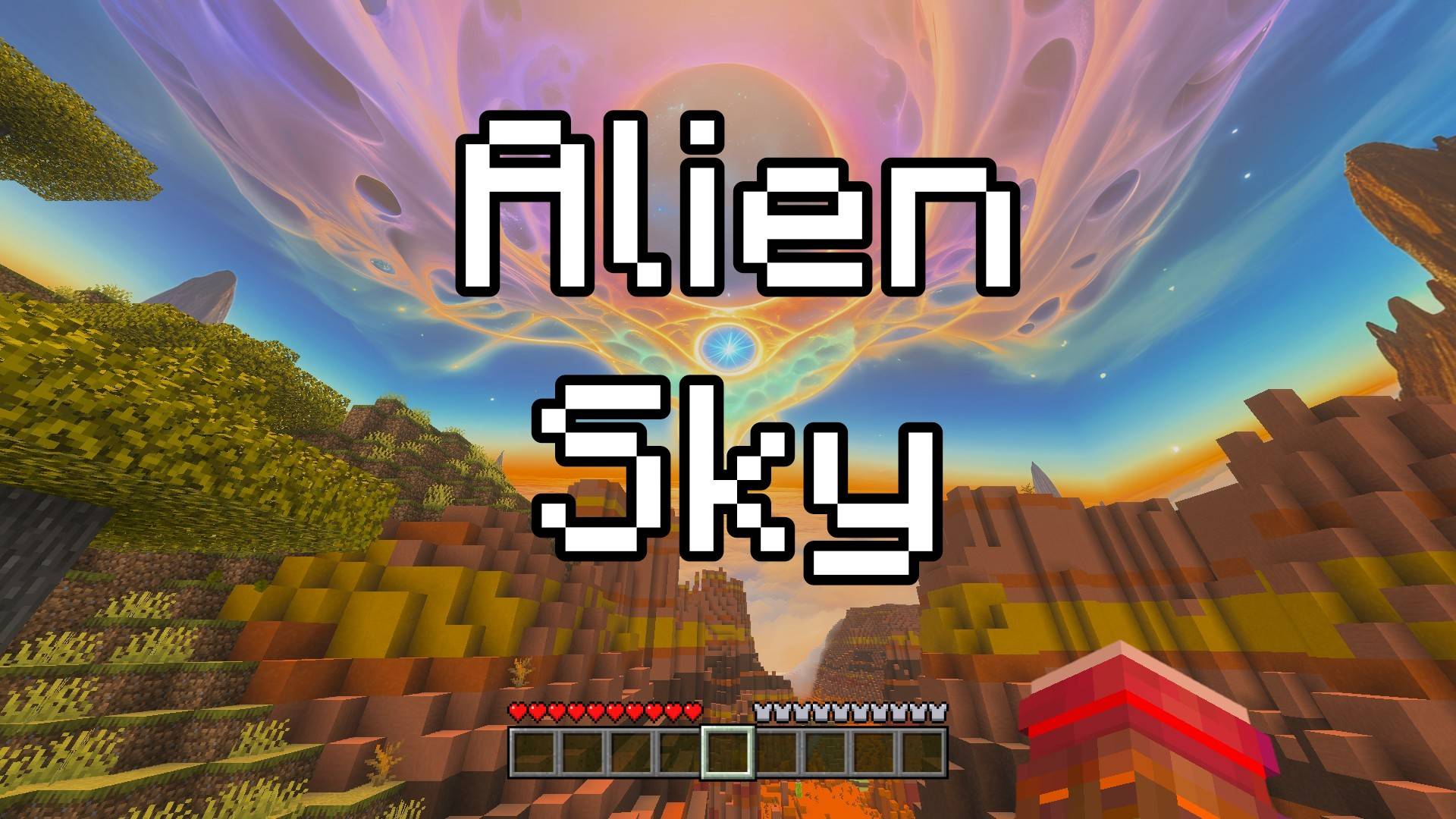

Alien Sky - Custom Sky
This texture pack transforms the Minecraft sky into something incredible, as if you were on another planet! Instead of the normal sky, you'll see fantastic alien colors and feel like you're on a strange new world.Download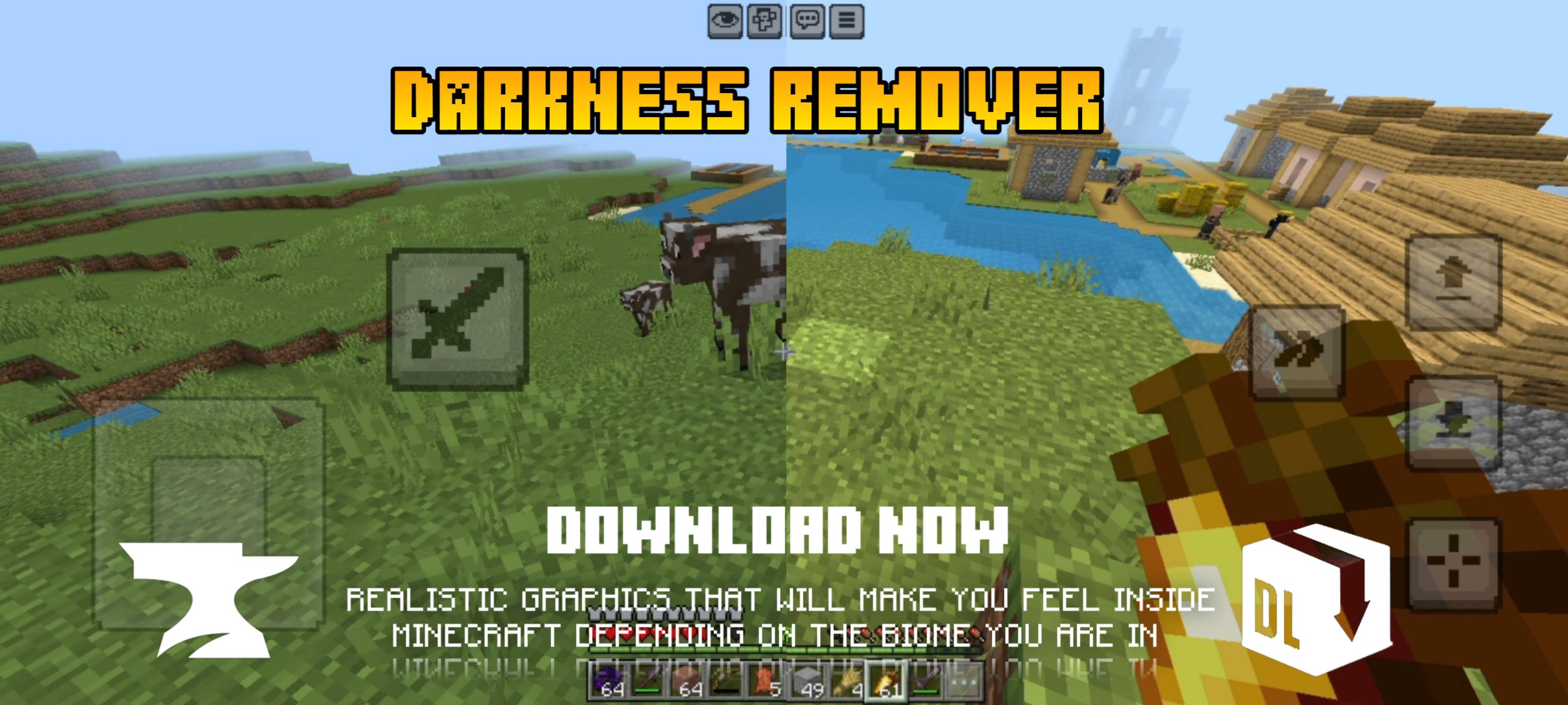

Darkness remover
Minecraft mod remove Dark shadowsDownload

Monika Pink PvP Pack
🌸 Monika Pink PvP Pack 🌸 A beautiful pink-themed Minecraft Bedrock PvP texture pack inspired by Monika! Designed for players who love clean visuals, smooth gameplay, and anime aesthetics. ✨ Features: • Pink GUI & Hotbar • Custom Pink SwordDownload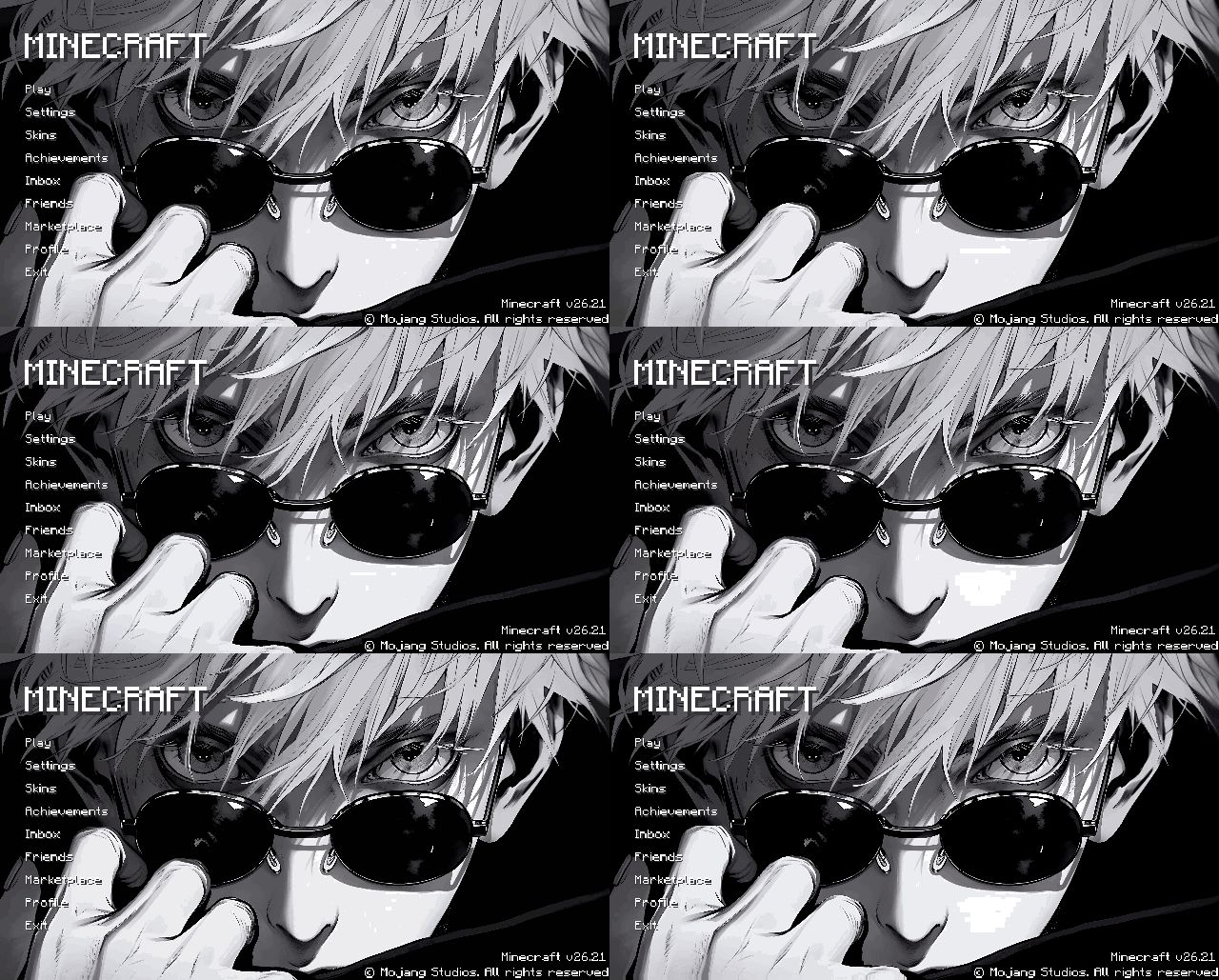

Animated menu_GojoEyes_Ui
This pack transforms the default Minecraft Animated gojoeys to bring your Minecraft menu to life.Download

Golem Knight
Texture pack changes the golem model to a knight with 13 variationsDownload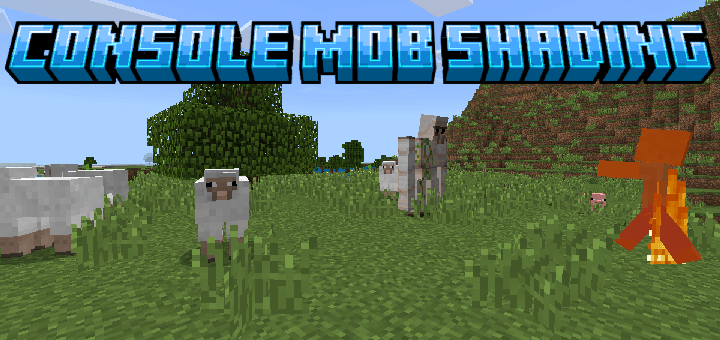
Console Mob Shading
Gives most entities darker directional shading, a Legacy Console accurate hurt overlay, and changes the orange on fire overlay.Download

[Be1.13+]Cute Pink Resourcepack(萌萌哒材质)
a cute resourpack,change your world pink and lovely!(将这个世界变成可爱的粉色吧!)Download

Reduce Resolution 1x1 | Real FPS Boost
A lightweight 1x1 Minecraft Bedrock pack designed to improve FPS, reduce lag, and deliver smoother gameplay with optimized low-resolution textures.Download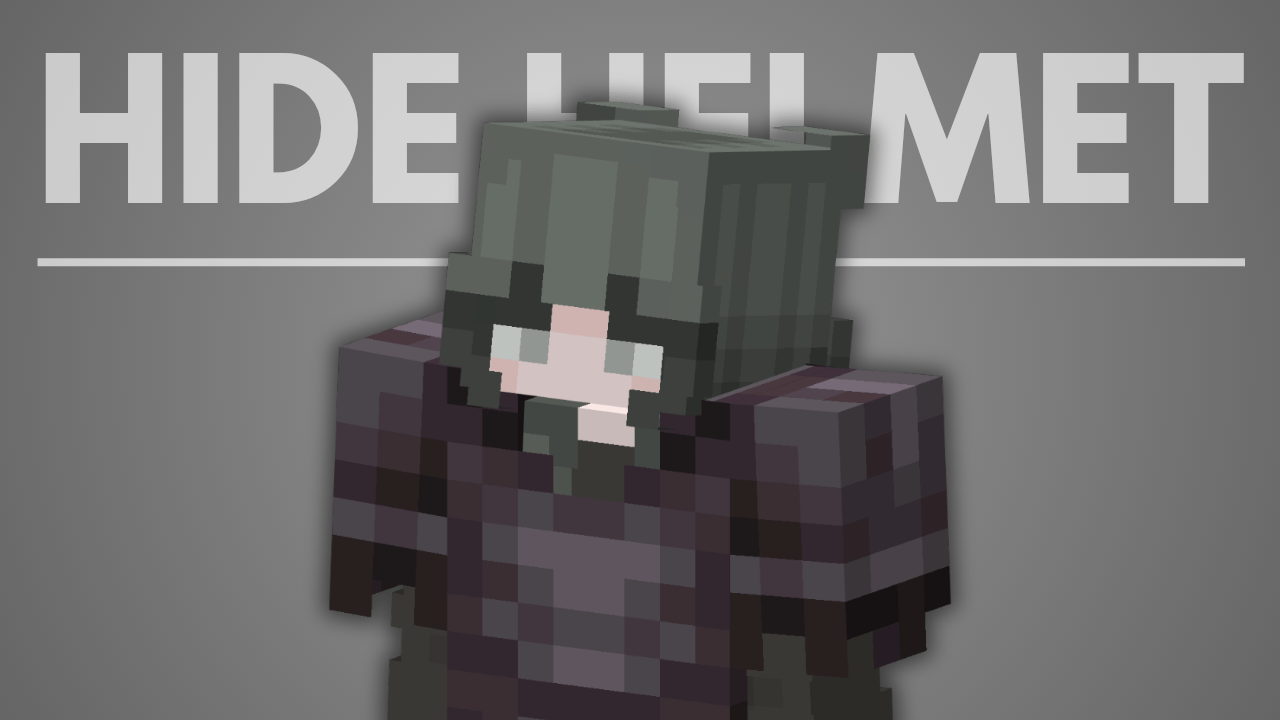

Hide Helmet Armor
Hide player helmet without take off the helmetDownload

BedwarTexturePack
Ultra low-resolution Bedwars texture pack made for smooth gameplay and maximum FPS. Simplified textures, clean outlines, and lag-free visuals help improve performance on low-end devices.Download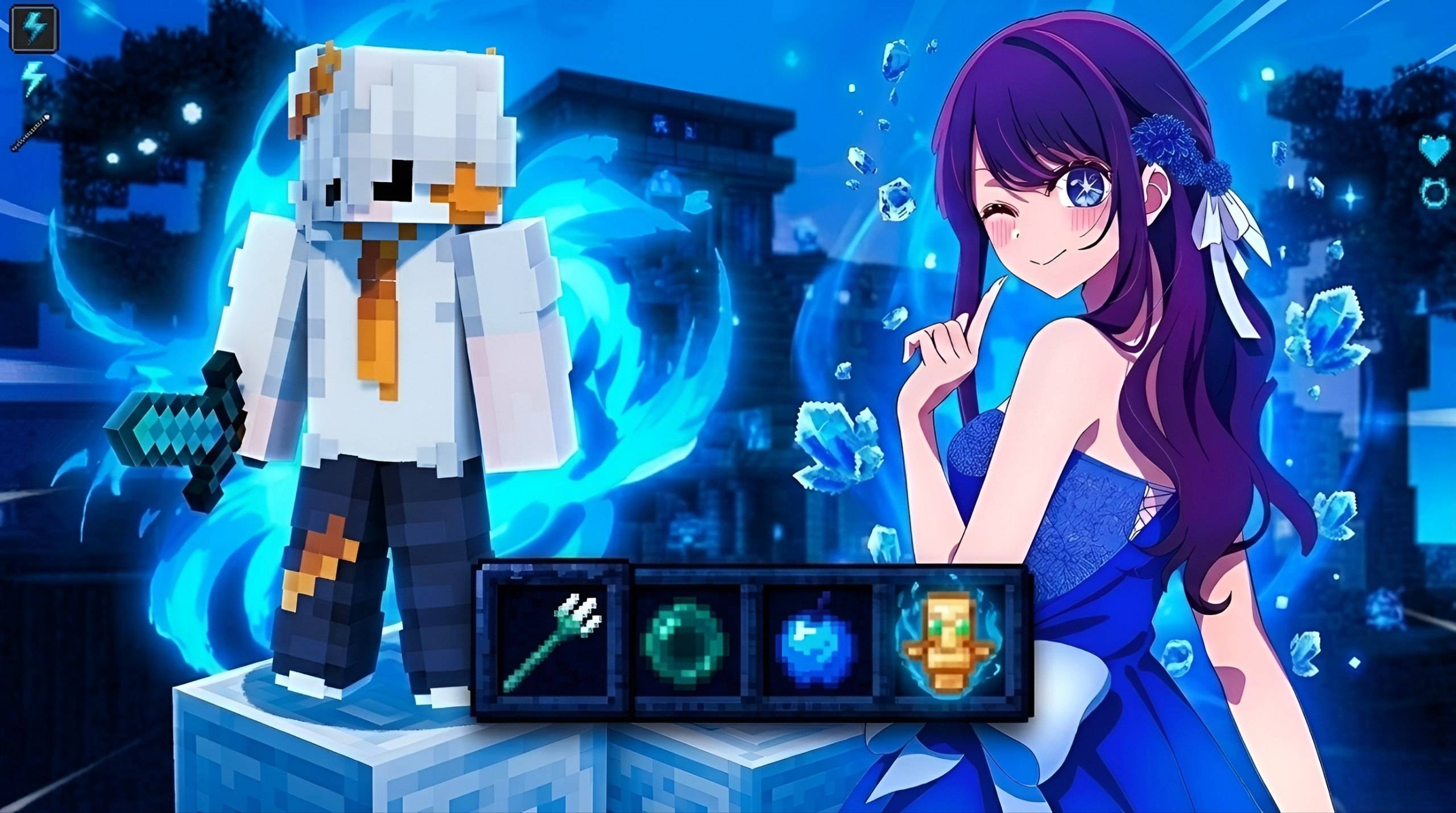

Hoshino pvp
✨ Hoshino Client Exclusive Texture Pack ✨Elevate your gameplay with the ultimate texture pack exclusively crafted for the Hoshino Client.Download

Kaiiopack Visuals
texture pack with vibrant visuals made to provide a better and more realistic experience with the new vibrant visualsDownload

FoxGirls
Foxs but girlsDownload

Baby Chicken Helmet!!
A resource pack changing your helmets into the new Baby Chicken!!Download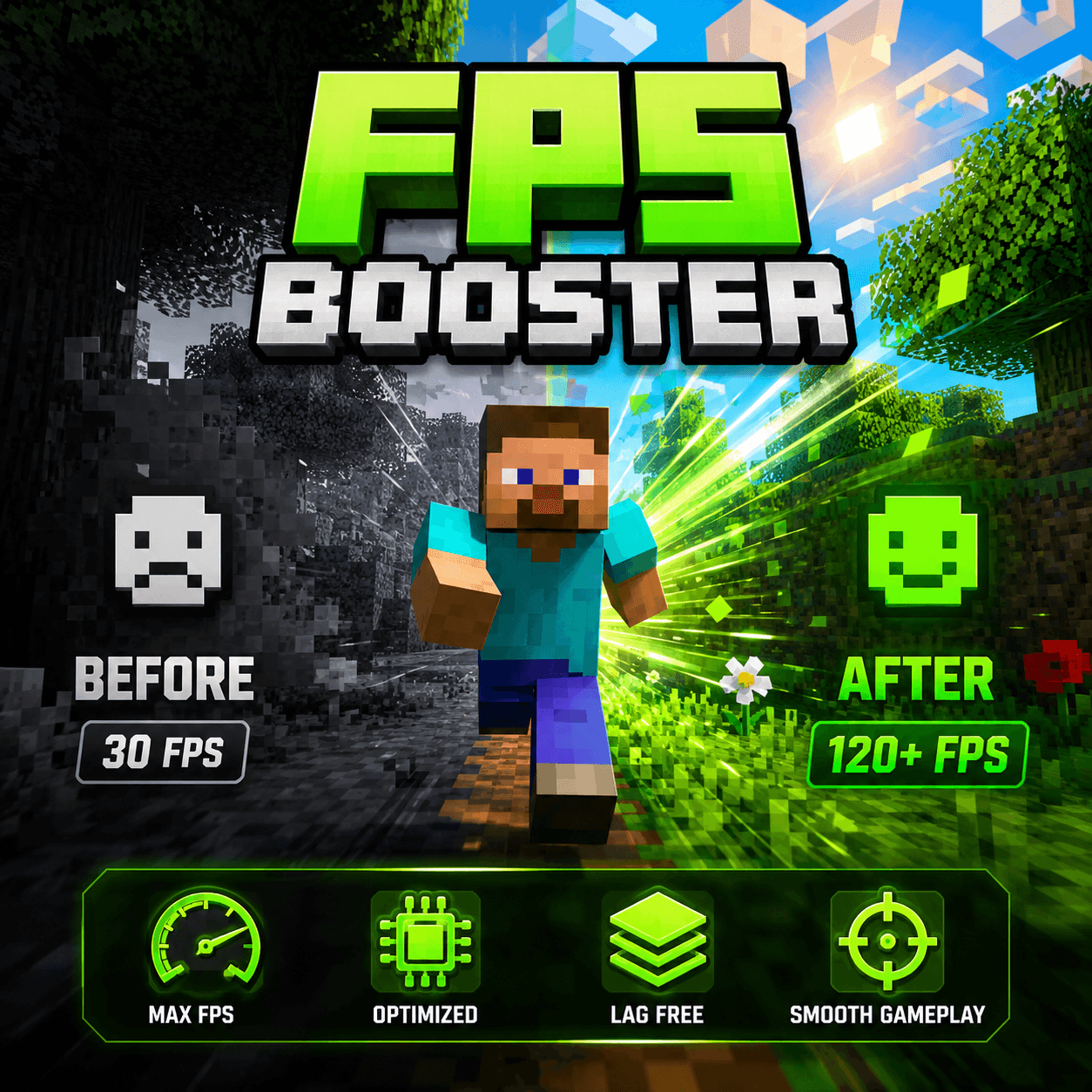

FPS Booster+Lag free
Boost your Minecraft Bedrock performance without changing the core gameplay. This resource pack removes unnecessary visual effects and improves visibility for smoother gameplay, making it perfect for survival, PvP, realms, and multiplayer servers.DownloadFAQ
Do I need Forge or Fabric for a resource pack?
No. A resource pack works on the regular game with no loaders or mods. Click “Install” and Millida Launcher will put the pack into the right modpack — then just enable it in the settings.
What do 16×, 32×, 64× mean?
The resolution of a single texture in pixels. 16× matches the original game, 32× and 64× are more detailed and heavier, and 128× and up put a noticeable load on your graphics card.
Will a pack made for another version work?
Most likely partly: older packs don't have textures for newer blocks, so those will stay default. The game won't break, though.
How is a texture pack different from a resource pack?
Only by name and age. Before version 1.6 the sets were called texture packs and changed only textures; in 1.6 resource packs replaced them and also change sounds, fonts and the interface. Old texture packs for 1.5 and below do not work on new versions without conversion.
Which texture packs are best for PvP?
PvP packs: 16× resolution or lower, shortened swords, low fire, a clear sky and bright particles. They barely load the computer and make the opponent easier to see. These packs are collected in the PvP theme.
How do I install a resource pack?
Press Install and Millida Launcher puts the pack into the resourcepacks folder of the right instance. Then enable it in the game: Options, then Resource Packs. Manually, the archive goes into resourcepacks inside the game folder, no need to unpack it.
Minecraft texture packs
A resource pack changes how the game looks and sounds: block and item textures, fonts, the interface, sounds. It doesn't touch the game's code, so it needs no mod loader and breaks nothing on a server — the pack only works on your screen. That's exactly why a resource pack is safer than any mod: the worst that happens on a version mismatch is that some textures stay default.
Textures, texture packs and resource packs are essentially the same thing: since version 1.6 Mojang calls these sets resource packs, but the old name is still searched more often. PvP packs are a big genre of their own: shortened swords, low fire, bright particles and 16× resolution or lower, so the opponent stands out and the frame rate does not drop. Such packs are most often made for 1.8.9 and 1.16.5, the versions many PvP servers run on.
The key thing about a pack is its resolution. The game's default textures are 16×16 pixels; 32× and 64× packs look more detailed, while 128× and up need a real graphics card and are usually paired with shaders. On a weak machine it makes sense to stay at 16× or go for packs that deliberately simplify graphics for more FPS. Every pack here lists its game version, author and license, and all released versions are gathered on one card. Put the downloaded archive in the resourcepacks folder and enable it in the game settings.