
Minecraft texture packs — page 253
Resource packs: list


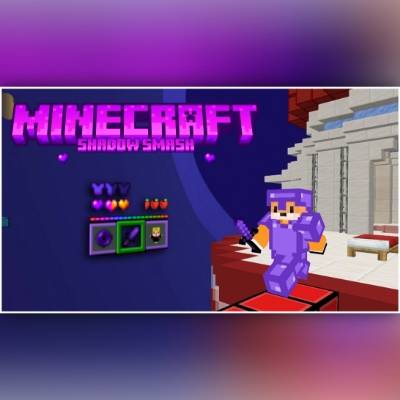
Shadow Smash
Welcome to Shadow Smash: An epic PvP texture pack! With its striking purple theme and sleek design, it enhances your gameplay and gives you the edge in battle. Perfect for PvP fans looking to dominate with style!Download

Phóng lợn - Pig slayer | knives
Texture pack that brings the urban legend of Vietnamese terrifying pig slayers to minecraftDownload

Mitsuri Kanroji UI Inventory
Adds a Mitsuri Kanroji UI InventoryDownload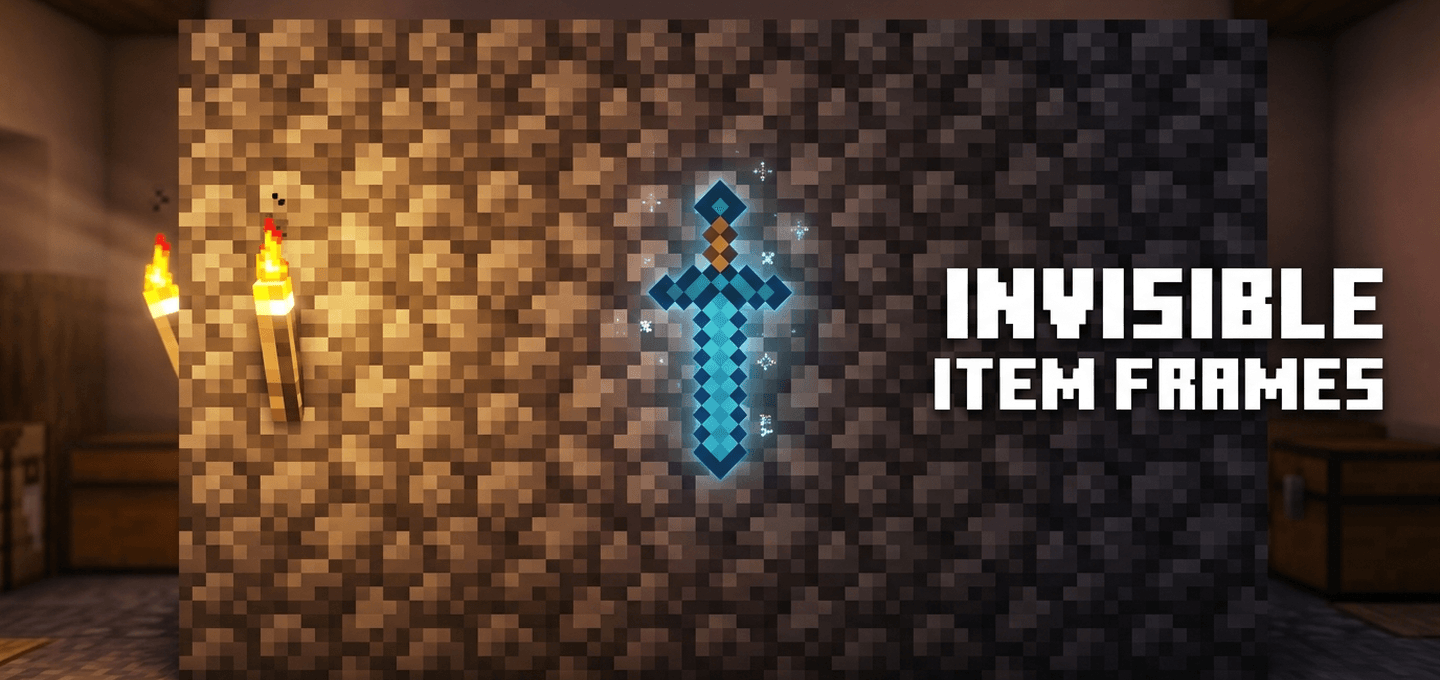
Invisible Item Frames
Invisible Item Frames is a clean, lightweight Minecraft Bedrock resource pack that makes standard and glow item frames completely invisible, letting items float seamlessly on walls.Download
Gemini Ultra Boost | Optimize Your Performance
Playing Minecraft PE with lag or low FPS? Gemini Ultra Boost improves speed, boosts performance, and makes gameplay smoother even on weak devices. Enjoy a better gaming experience with optimized performance and less lag.Download
qrafty's CAPITALIZED FONT - BEDROCK
This pack replaces lowercase letters with a smaller version of the capitalized letters, as seen on some servers. Now on BEDROCK!🫐Download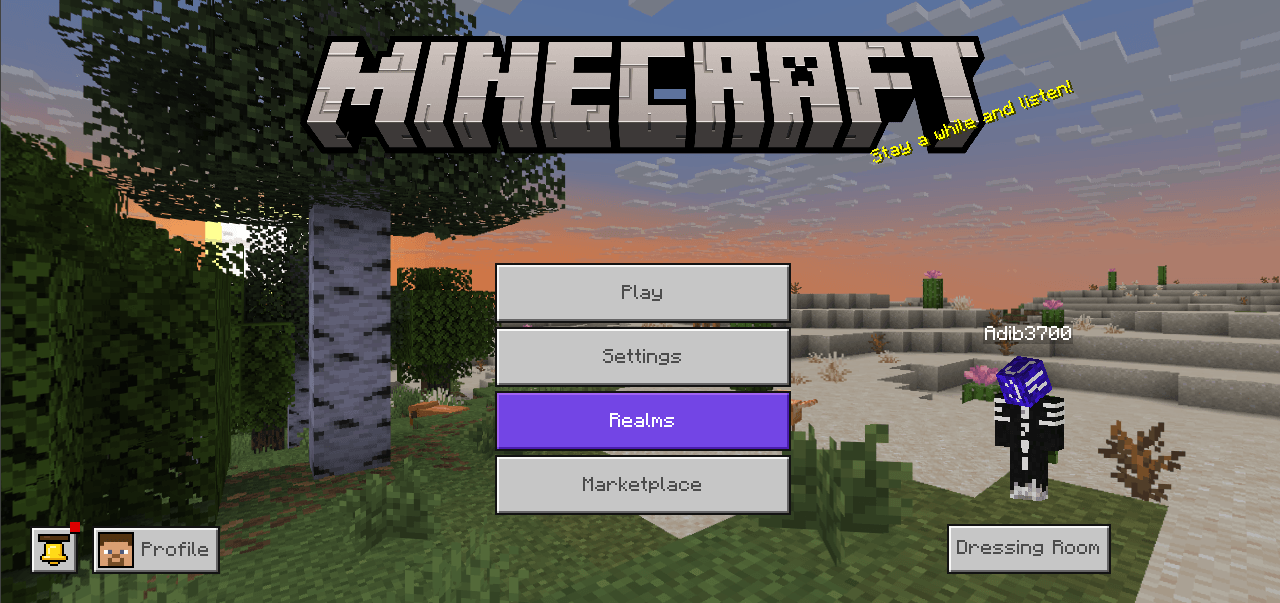

Spring to Life Panorama (Bedrock Edition)
Get the new Spring to Life panorama in any version of Minecraft!Download

Killua UI Inventory
Adds a Killua UI InventoryDownload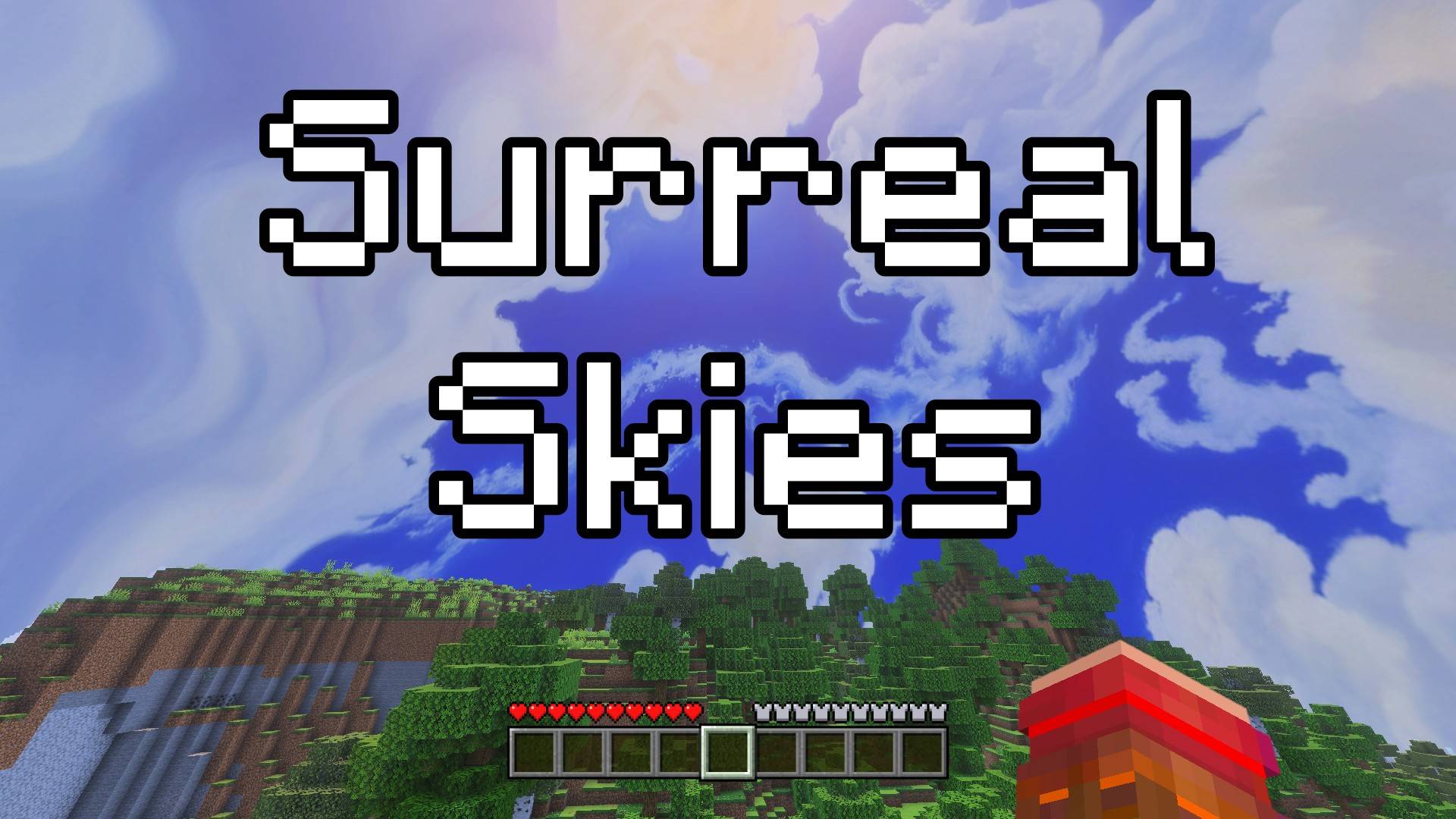

Surreal Skies - Custom Sky
This texture pack changes the normal sky into something completely magical. When you look up, you will see a surreal sky, full of floating shapes, and dream-like clouds. It’s not like the real world… it’s more like something from your imagination!Download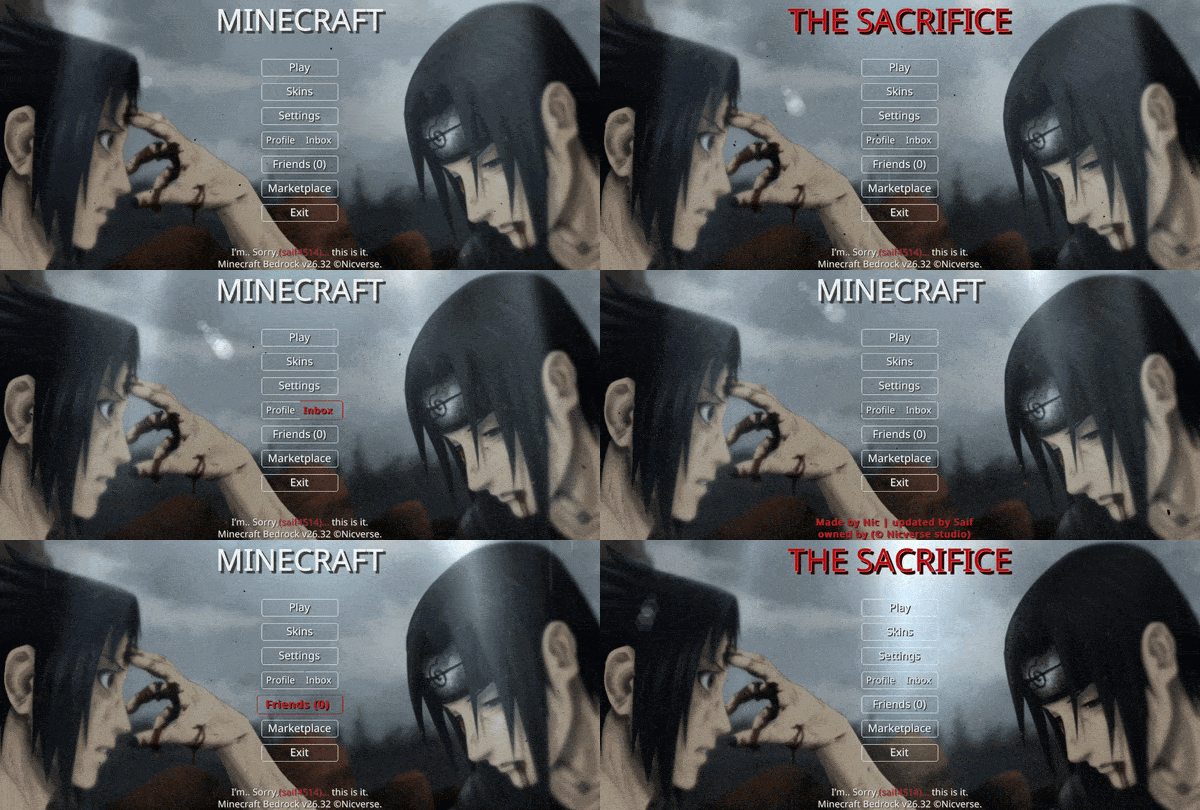

Animated Itachi Death UI
Animated Itachi Death — Relive the poignant final moments of a legendary shinobi with this somber, emotionally resonant interface. It captures a heart-wrenching goodbye, surrounding you in a heavy atmosphere of sacrifice and lasting peace.Download

Yuji Itadori Totem
Replaces the Totem of Undying with an Anime Yuji Itadori TotemDownload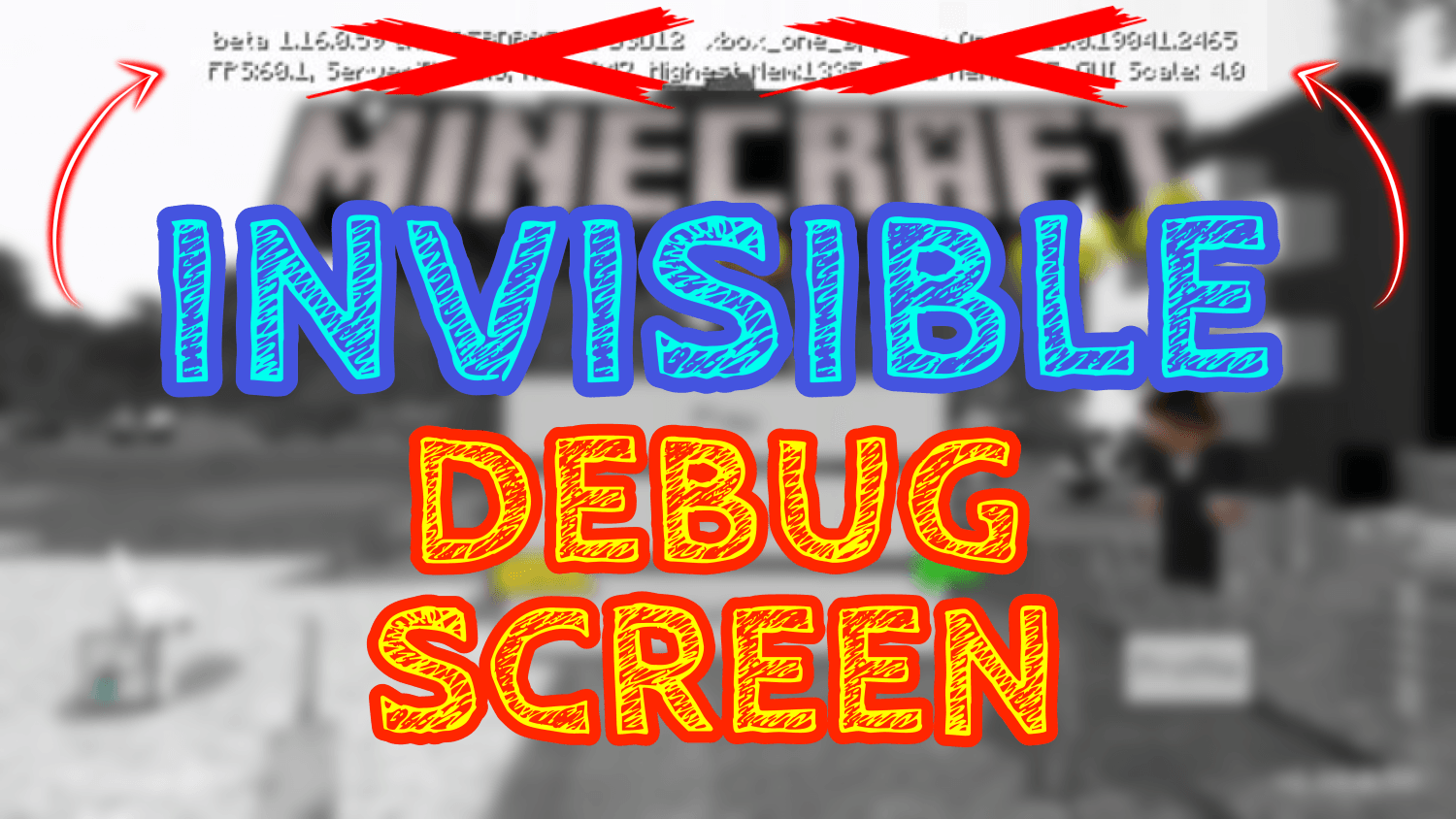

Invisible Debug Screen (for Minecraft Beta & Preview)
Do you want to have a better view while playing on your mobile? Perfect! This Texture Pack can make the Debug Screen Transparent! This way it will seem like you are playing on your PC and you can make your videos better.Download

PURE MAKER REALISM
Pure-maker-realismDownload
Render Distance [settings]
lag, low FPS, and overheating. To solve this, Render Distance Limiter allows users to cap render distance to 0.5 ,1, 2, 3, or 4 chunksDownload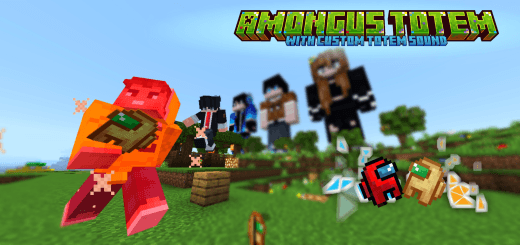

AmongUs Totem
This pack replaces default Minecraft totem textures with the AmongUs character texture along with different totem pop sound.Download

Cute Mob Models: Holiday Pack
Ever wanted to have a festive holiday feeling for CMMBE? You're in luck, as this resource pack can change the mob textures to look more festive.Download
Better exp bars
Better EXP Bars replaces the default Minecraft experience bar with smooth animated stylesDownload

Bouncer Golems - Stylish Iron Golems, Copper Golems and Snow Golems
Need more style in your world? Turn your Golems in to suited up security machines. To protect you and your stuff in style.Download

Newb x Brightforge
Special shader for low-resource devices, very high quality graphics, specialized for recreating Minecraft trailersDownload

Single Color Sky [ FPS Boost ]
This texture pack adds single-color skies. This makes Minecraft more comfortable to play because each sky is made up of a single pixel (resolution of 1x), and you will get more FPS on your screen.Download

Jax 4d Skin
4d Jax Skin Texturepack with Blinking Animation + VariantsDownload

Devoured Visuals
Devoured Visuals bring fantasy visuals for your worldDownload

Nlow's Glass Hotbar
a simple and transparent glass hotbar texture packDownloadFAQ
Do I need Forge or Fabric for a resource pack?
No. A resource pack works on the regular game with no loaders or mods. Click “Install” and Millida Launcher will put the pack into the right modpack — then just enable it in the settings.
What do 16×, 32×, 64× mean?
The resolution of a single texture in pixels. 16× matches the original game, 32× and 64× are more detailed and heavier, and 128× and up put a noticeable load on your graphics card.
Will a pack made for another version work?
Most likely partly: older packs don't have textures for newer blocks, so those will stay default. The game won't break, though.
How is a texture pack different from a resource pack?
Only by name and age. Before version 1.6 the sets were called texture packs and changed only textures; in 1.6 resource packs replaced them and also change sounds, fonts and the interface. Old texture packs for 1.5 and below do not work on new versions without conversion.
Which texture packs are best for PvP?
PvP packs: 16× resolution or lower, shortened swords, low fire, a clear sky and bright particles. They barely load the computer and make the opponent easier to see. These packs are collected in the PvP theme.
How do I install a resource pack?
Press Install and Millida Launcher puts the pack into the resourcepacks folder of the right instance. Then enable it in the game: Options, then Resource Packs. Manually, the archive goes into resourcepacks inside the game folder, no need to unpack it.
Minecraft texture packs
A resource pack changes how the game looks and sounds: block and item textures, fonts, the interface, sounds. It doesn't touch the game's code, so it needs no mod loader and breaks nothing on a server — the pack only works on your screen. That's exactly why a resource pack is safer than any mod: the worst that happens on a version mismatch is that some textures stay default.
Textures, texture packs and resource packs are essentially the same thing: since version 1.6 Mojang calls these sets resource packs, but the old name is still searched more often. PvP packs are a big genre of their own: shortened swords, low fire, bright particles and 16× resolution or lower, so the opponent stands out and the frame rate does not drop. Such packs are most often made for 1.8.9 and 1.16.5, the versions many PvP servers run on.
The key thing about a pack is its resolution. The game's default textures are 16×16 pixels; 32× and 64× packs look more detailed, while 128× and up need a real graphics card and are usually paired with shaders. On a weak machine it makes sense to stay at 16× or go for packs that deliberately simplify graphics for more FPS. Every pack here lists its game version, author and license, and all released versions are gathered on one card. Put the downloaded archive in the resourcepacks folder and enable it in the game settings.