
About the Better exp bars resource pack
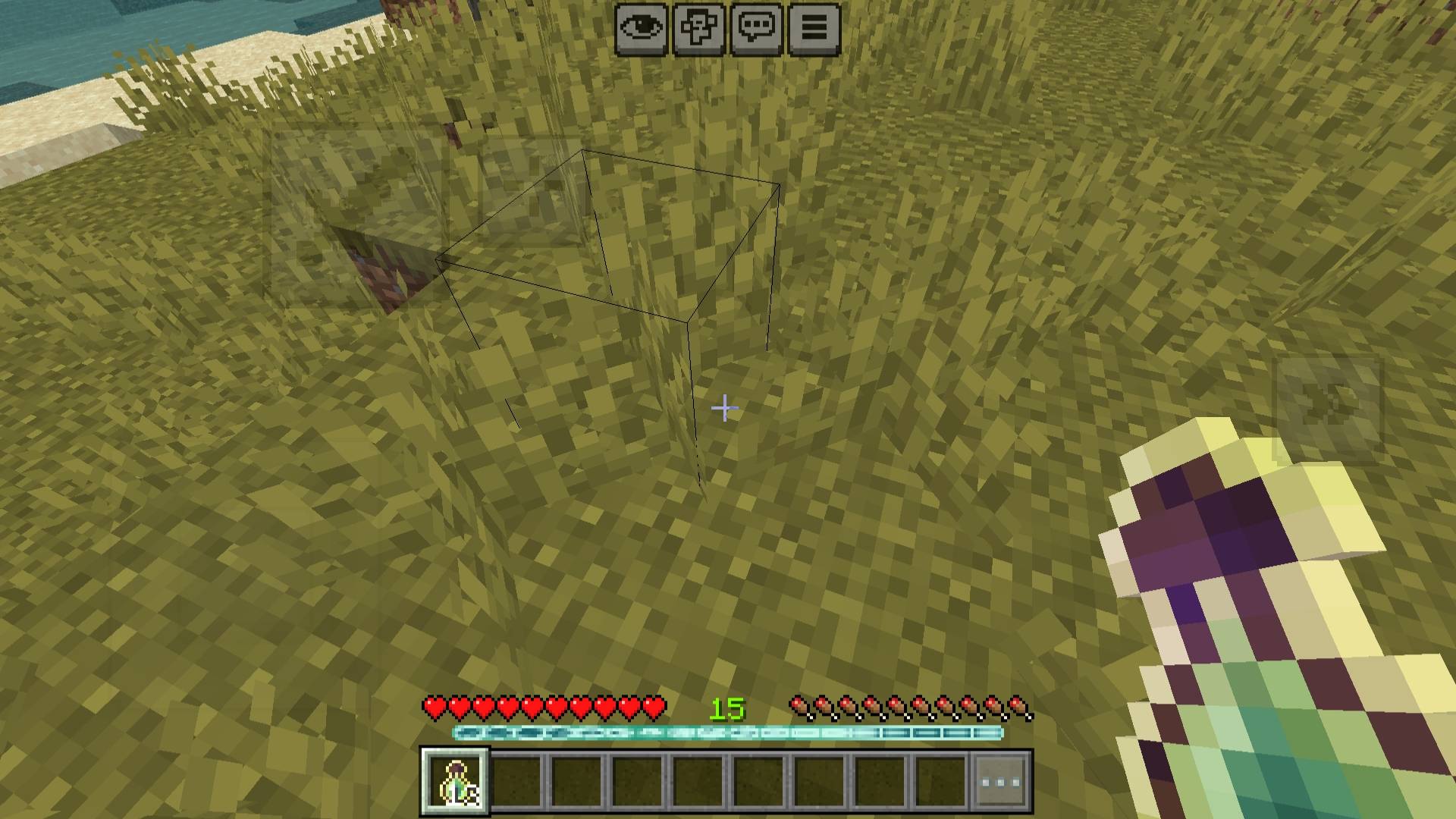
Better EXP Bars improves the default Minecraft experience bar with smooth animated designs.
The pack includes 6 different themes you can choose from using subpacks:
- RGB
- Dark
- Bloody
- Purple
- Sakura
- Anemo
This pack only changes the UI and does not affect gameplay, making it safe to use in survival and multiplayer.
How to install Better exp bars
With Millida Launcher
Install Millida Launcher
The launcher is free: download it at millida.net/launcher and sign in with any nickname.
Click “Install” on this page
The launcher opens and installs the resource pack for Minecraft 26.0–26.3 automatically.
Launch the game
A profile with it appears in the launcher: click “Play”.
Manually
Download the archive
Pick the file Better exp bars.mcpack (1.1 MB) for your game version. No need to unpack it.
Put it in the resourcepacks folder
The easiest way: “Options”, then “Resource Packs”, then “Open Pack Folder”, and drag the archive there.
Enable the pack
In the same window, move the pack to the right-hand “Selected” column and click “Done”.
Versions
With dependencies
| Minecraft | Loader | File | Date | Actions |
|---|---|---|---|---|
| 26.0.02 | — | Better exp bars1.1 MB |
FAQ
Which Minecraft versions does Better exp bars work on?
There are files for 26.3, 26.0.02, 26.0. The newest is 26.3.
Where can I download Better exp bars safely?
On this page: the file Better exp bars.mcpack (1.1 MB) is stored on Millida’s server, with no link shorteners. SHA-1 checksum: ea1bda0e0b3fb83b544f47bc742c22cb18e6b0b7.
Reviews
Be the first to rate Better exp bars


